Table of Contents
Large Language Models, from coding copilots to research agents, are now part of everyday life. Few users realize how much web data goes into them, and how much of that data has to be collected, filtered and refreshed continuously. In this guide we focus on the collection side: why AI teams need proxies, which proxy setup fits each data source, and which providers balance cost per page against reliability and IP quality.
For the provider comparison, we use our own numbers. In October 2026 we ran 302,400 requests through 12 residential proxy providers with the same scripts, servers and schedule, measuring success rate, latency, IP quality and cost per successful request. Eight of them are compared below.
Disclosure: this guide is published on Floppydata’s blog, and Floppydata is one of the providers compared. We tested it on the same terms as everyone else and show where it came out behind. Raw data and scripts are public on GitHub. Last updated: October 2026.
TL;DR
• Our #1 pick for LLM data collection: Floppydata. The only provider in the top two of our test for both cost per successful request ($0.019 per 1,000; only Geonode was cheaper, at $0.015) and fewest IPs flagged as proxies (60.7%, against 87–99% at the other budget networks). Residential, mobile and datacenter traffic share one $1/GB balance, so open sources and protected sites run on the same budget. Trade-off: a 98.0% success rate means a few more retries than at the most reliable providers.
• Most reliable: Decodo, Oxylabs and Evomi, each with a 99.9% success rate.
• Lowest cost per request: Geonode ($0.015 per 1,000), but with the lowest success rate (97.1%) and 99.3% of IPs flagged as proxies, so it suits tolerant targets best.
• Cheapest at very large volume: Rayobyte falls to $0.50/GB from 5 TB; DataImpulse to $0.80/GB at 1 TB.
• Start with official dumps. Wikipedia, Common Crawl, arXiv and GitHub offer bulk downloads or APIs. Use proxies for the sources that don’t.
• Proxies don’t make collection legal. What you collect and how (copyright, site terms, robots.txt, personal data) decides that. Choose a provider with documented, consent-based IP sourcing so your network layer isn’t an extra risk.
Why You Need a Proxy for LLM Training and AI Data Collection
LLM data collection is the highest-volume scraping workload there is: continuous, multilingual and often aimed at sites that don’t want to be crawled. Here are the problems AI teams hit, and where proxies help.
IP Bans and Rate-Limiting
Training a general LLM takes trillions of tokens of text, code and discussion. Crawling even one large site from a single cloud server can get that IP blocked within minutes.
Why proxies: Rotating proxies spread requests across a large pool of IPs, so no single address crosses a site’s ban threshold. Pair them with polite request rates: a crawler that hammers a site will be blocked from any IP.
Throttling
Even without a ban, many servers slow down repeated requests from the same source, which stalls your crawl and makes the data stale.
Why proxies: with a rotating pool, requests come from many different IPs, so per-IP throttling no longer caps your throughput.
Global Geo-Targeting
A multilingual model needs more than translated text: it needs local news, local forums, regional dialects and local search results. Much of that content changes by country, or is only visible from inside it.
Why proxies: proxies with granular geo-targeting route requests through IPs in specific countries, cities or ISPs, so you collect what local users actually see.
Anti-Bot Systems
Some of the most valuable data sits behind Cloudflare, Akamai or DataDome, which combine fingerprinting, behavioral analysis and CAPTCHAs to block automated traffic.
Why proxies: residential and mobile IPs remove the most obvious signal, a datacenter origin. Fingerprints and CAPTCHAs are handled by the layer on top: a real browser, a cloud browser or a web unblocker. Proxies alone don’t solve CAPTCHAs.
Real-Time Data for Web-Connected RAG and AI Agents
A trained model is frozen at its cutoff date. To answer questions about current events, products or prices, it needs fresh data through retrieval-augmented generation (RAG) or an agent that browses the web. RAG over your own documents or databases doesn’t need proxies; web-connected RAG pipelines that fetch live pages do.
Why proxies: a web-connected retrieval pipeline needs requests to keep going through even when individual IPs are blocked. Many teams expose proxy-backed browsing to their agents through a Model Context Protocol (MCP) server, so the agent can open a page, read it and move on without being blocked on the first request.
Stable Sessions for Deep Crawling
Dialogue data lives in nested forum threads, comment chains and Q&A pages that span many requests. If the IP changes halfway, the site may reset the session or challenge the crawler.
Why proxies: sticky sessions (10–60 minutes) on residential proxies, or static ISP IPs, keep one identity for the whole thread.
Responsible Collection and Compliance
How data was collected matters as much as what was collected. Copyright claims, site terms, robots.txt and personal-data laws such as GDPR all apply to training data, and the EU AI Act requires general-purpose model providers to publish a summary of the content used for training. More sites now block AI crawlers or charge them for access.
Where proxies fit: proxies don’t make a collection legal. They do matter for one part of your audit: the network you collect through. Choose a provider with documented, consent-based IP sourcing and customer KYC, so you can show your traffic didn’t run through hijacked devices. The rest is your pipeline’s job: respect robots.txt and opt-outs, keep request rates reasonable, avoid personal data you don’t need, and log what you collected and when.
Audit Trails and Cost Allocation
With several teams collecting data at once, it quickly becomes hard to see who used what and for which project, which complicates budgets and accountability.
Why proxies: providers with sub-users, usage dashboards and per-project credentials let you tag traffic by team or pipeline and allocate costs precisely.
Which Proxy Type to Choose?
Each proxy type fits a different part of an AI data pipeline. Here’s the quick version: detection risk drops as you move from datacenter to residential and mobile IPs, while cost rises.

Residential Proxies
Residential proxies route traffic through IP addresses that internet service providers assign to homes. Ethical providers source them from users who knowingly install an app or SDK that shares their bandwidth, usually in exchange for payment or a free service. Sourcing matters: in July 2026 the FBI seized domains tied to a large residential network linked to a botnet of hijacked TV boxes, so ask any provider how its IPs are enrolled.
Because they look like ordinary home connections, residential IPs trigger fewer blocks and CAPTCHAs and allow precise geo-targeting, which makes them the default for most scraping and AI data collection. The trade-off is variable speed: if a device goes offline, the connection drops.
Best for: protected or geo-restricted sources such as e-commerce, search results and social platforms; multilingual and localized data; web-connected RAG pipelines.
What to pay attention to: documented sourcing, geo-targeting depth, success rate, IP reputation, rotation and sticky-session options, and price per GB at your volume.
Datacenter Proxies
Datacenter proxies use IPs hosted in data centers. They are cheap, fast and stable, but protected sites recognize and block them easily.
For AI data collection, they fit lightly protected public sources: documentation sites, open repositories, academic and government portals, and other sites without strong bot protection. For the largest open sources, check for official dumps or APIs first; they are faster and cheaper than any proxy.
Best for: lightly protected public sites; high-throughput crawling where speed matters more than stealth.
What to pay attention to: subnet and ASN diversity, concurrency limits, location of the data centers, and dedicated versus shared IPs.
Mobile Proxies
Mobile proxies route traffic through 4G and 5G carrier networks. Carriers share each public IP among many subscribers through carrier-grade NAT, so sites are cautious about blocking mobile IPs, which gives them the highest trust of all proxy types. They are also the most expensive and their speed varies.
Best for: mobile-first platforms and apps, social media data, and mobile versions of search results.
What to pay attention to: sourcing, carrier and city targeting, rotation control and price per GB.
ISP Proxies
ISP (static residential) proxies are IPs registered to consumer internet providers but hosted on servers. Sites see a residential network, while you get datacenter speed and stability. Advanced anti-bot systems can still flag them, and they cost more per IP than datacenter proxies.
Best for: long sessions on protected sites, such as deep forum crawls and logged-in research accounts; stable, repeatable retrieval for web-connected RAG pipelines.
What to pay attention to: exclusivity (dedicated versus shared), country coverage, replacement policy and price per IP.
Proxy Setups for LLM Data Collection
Here is how the setup changes with the data source. Pool size matters less than you might think; concurrency, IP diversity and success rate on your targets decide throughput.
Open Datasets and Public Archives
Bulk text, code and papers for pretraining: Wikipedia, Common Crawl, arXiv, GitHub and similar sources.
Security level: Low
Data volume: Very high, tens of TB and more
Main challenge: throughput and reliability over long downloads
Recommended Setup| First choice | Official dumps, bulk downloads and APIs; no proxies needed |
| Proxy type (other public sites) | Datacenter |
| Rotation | Per request |
| Geo-targeting | Country-level, close to the target servers |
| What matters | Concurrency, subnet and ASN diversity, polite crawl rates |
Forums and Conversational Threads
Nested discussions, comment chains and Q&A pages for dialogue and reasoning data.
Security level: Medium to high, depending on the platform
Data volume: Medium, hundreds of GB to a few TB
Main challenge: keeping one session across many requests; bot detection
Recommended Setup| Proxy type | Residential with sticky sessions, or static ISP |
| Rotation | Sticky, 10–60 minutes per thread |
| Geo-targeting | Country-level, matching the community’s main audience |
| Protocol | HTTPS / SOCKS5 |
| What matters | Sticky-session stability; check the platform’s API and terms first |
Multilingual and Localized Data
Regional news, local forums and country-specific search results for culturally aware, multilingual models.
Security level: Medium to high
Data volume: High, tens of TB
Main challenge: reaching geo-restricted or geo-altered content without a local IP
Recommended Setup| Proxy type | Residential |
| Rotation | Per request |
| Geo-targeting | Country or city, for every target market |
| Protocol | HTTPS / SOCKS5 |
| What matters | Geo accuracy, country coverage and price per GB, because volumes are large |
Protected Sites Behind Anti-Bot Systems
E-commerce, travel and other sites behind Cloudflare, Akamai or DataDome.
Security level: High
Data volume: Medium
Main challenge: getting real pages instead of challenges and blocks
Recommended Setup| Proxy type | Residential, or mobile for mobile-first platforms |
| Browser layer | Real browser, cloud browser or web unblocker for fingerprints and CAPTCHAs |
| Rotation | Per request, or sticky when the site sets session cookies |
| Geo-targeting | City or ASN where the site localizes content |
| What matters | IP reputation and success rate on your own targets |
Real-Time Retrieval for Web-Connected RAG and AI Agents
Fresh news, prices, documentation and search results fetched from the web for a RAG index or live by an agent.
Security level: Medium to high
Data volume: Low to medium, but continuous
Main challenge: low latency and an uninterrupted request stream
Recommended Setup| Proxy type | Residential, or a cloud browser with built-in proxies for agents |
| Rotation | Per request |
| Geo-targeting | City-level for region-specific news and search results |
| Integration | SDK or MCP server so the agent can open pages itself |
| What matters | Latency, success rate and fast retries |
What LLM Data Collection Costs
At training-data volumes, price per GB decides the budget. The table shows the rate we paid in our benchmark, the published rate at about 1 TB, and the measured cost per 1,000 successful requests. As a rough guide, if an average page transfers about 100 KB, 1 GB is about 10,000 pages; JavaScript-heavy pages use far more.
| Provider | Price we paid | Rate at ~1 TB | 1 TB at that rate | Cost per 1,000 successful requests | Success rate |
| Geonode | $0.79/GB | $0.50/GB (1,000 GB monthly plan) | $500 | $0.015 | 97.1% |
| Floppydata | $1.00/GB | $1.00/GB (flat) | $1,000 | $0.019 | 98.0% |
| Evomi | $1.04/GB | Lower on volume plans | About $1,000 or less | $0.020 | 99.9% |
| DataImpulse | $1.00/GB | $0.80/GB | $800 | $0.020 | 99.7% |
| Webshare | $2.70/GB (3 GB package) | About $1.50/GB | About $1,500 | $0.052 | 99.6% |
| Rayobyte | $3.50/GB | Tiered; $0.50/GB from 5 TB | See tiers | $0.066 | 99.7% |
| Decodo | $3.75/GB | $2.00/GB | $2,000 | $0.077 | 99.9% |
| Oxylabs | $6.00/GB | $2.50/GB | $2,500 | $0.124 | 99.9% |
Benchmark figures from our residential proxy benchmark, 5–8 October 2026. Cost per request was measured on small requests and follows the price per GB; heavier pages cost more at every provider. Published rates checked in October 2026. Prices per GB differ between columns because most providers charge less per GB on larger packages: for example, Webshare lists $3.50/GB on its 1 GB plan, we paid $2.70/GB on a 3 GB package, and the rate falls to about $1.50/GB at 1 TB and $1.40/GB at 3 TB. The full ranking of all 12 providers is on our cheapest residential proxies page.
Two takeaways. First, the gap is large: a successful request cost up to eight times more at the premium providers than at Geonode, Floppydata, Evomi or DataImpulse. Second, cheap traffic only helps if it gets through: Geonode was the cheapest per request but also the least reliable, and almost all of its IPs were flagged as proxies, so count retries and blocks in your budget, especially on protected sites. That is why Floppydata, second-cheapest with far fewer flagged IPs, is our overall pick.
Top 9 Proxy Providers for LLM Training
The first eight providers below were tested in our October 2026 benchmark. Proxidize was not part of the benchmark but is included for its residential and mobile proxy offering with MCP support. Floppydata is our #1 pick; the others follow by measured success rate.
| Provider | Proxy types | Pool (vendor-stated) | Geo-targeting | Protocols | Starting price | Best for |
| Floppydata | Residential, mobile, datacenter, static ISP | 65M+ in 195+ countries | Country, state, city | HTTP, HTTPS, SOCKS5 | $1/GB rotating; static datacenter from $0.79/IP, static ISP from $1.79/IP (100-IP plans) | Lowest-cost data collection with clean IPs |
| Decodo | Residential, mobile, datacenter, ISP | 115M+ residential | Country, state, city, ZIP, ASN | HTTP, HTTPS, SOCKS5 | $3.75/GB → $2/GB at 1 TB | Reliable mid-scale pipelines |
| Oxylabs | Residential, mobile, datacenter, ISP | 175M+ | Country, state, city, ZIP, ASN | HTTP, HTTPS, SOCKS5 | $6/GB → $2.50/GB at 1 TB | Enterprise pipelines and datasets |
| Evomi | Residential, mobile, datacenter | 54M+ | Country, city | HTTP, HTTPS, SOCKS5 | €0.93/GB ex-VAT (Core) | Fast, reliable budget traffic |
| DataImpulse | Residential, mobile, datacenter | 90M+ | Country, state, city, ZIP, ASN | HTTP, HTTPS, SOCKS5 | $1/GB → $0.80/GB at 1 TB | Long sessions, non-expiring traffic |
| Rayobyte | Residential, datacenter, ISP, mobile | 40M+ residential | Country, state, city | HTTP(S) on residential | $3.50/GB → $0.50/GB from 5 TB | Very large volumes |
| Webshare | Residential, datacenter, static residential | 80M+ | Country, city | HTTP, SOCKS5 | $3.50/GB (1 GB) → $1.40/GB at 3 TB | Clean IPs and a free start |
| Proxidize | Residential, mobile (US) | Not stated | Country, city, ISP | HTTP, HTTPS, SOCKS5 | $1/GB residential; $2/GB mobile | Global residential + US mobile with MCP server |
| Geonode | Residential | Not stated here | Country, city | HTTP(S), SOCKS5 | $0.79/GB (10 GB monthly) → $0.50/GB at 1 TB | Lowest cost per request on tolerant targets |
1. Floppydata
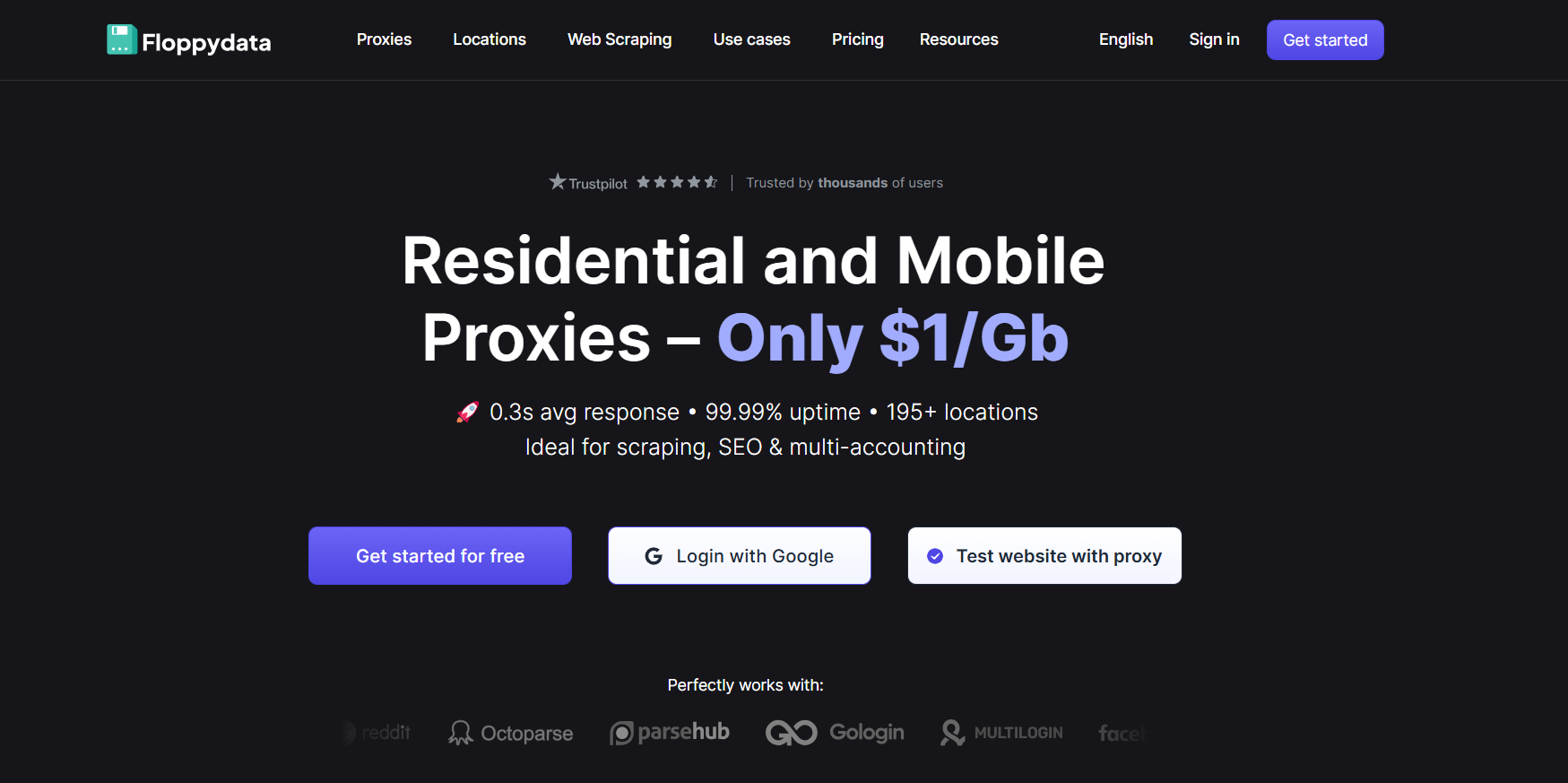
Our #1 pick. Best for: high-volume, multilingual data collection on a budget, especially when one pipeline mixes open sources and protected sites.
Our test results: $0.019 per 1,000 successful requests, the second-lowest of 12 providers; only 60.7% of IPs flagged as proxies, tied with Rayobyte for the lowest share of 12 and far below the 87–99% of the other budget networks (least-flagged ranking); 99.8% of exits in the requested country; and the fastest connections of all 12 from our Singapore server (0.73 s median latency). Overall success rate was 98.0% (about 98.7% without a one-off failure in India), with 47.3% sticky-session stability.
Why it stands out: residential, mobile and datacenter traffic share one balance at a flat $1/GB, so you can crawl open sources through datacenter IPs and protected sites through residential IPs without a second account or budget. For AI agents and JavaScript-heavy pages, the free Cloud Browser runs a real browser on Floppydata proxies, and you pay only for traffic. A Python SDK and an MCP server let agents open browser sessions themselves. Static ISP IPs start at $1.79/IP for long sessions, and Floppydata states that its network is consent-based.
Pricing: $1/GB for rotating residential, mobile and datacenter traffic (first purchase 19 GB, $19); non-expiring traffic costs $1.50/GB. Static datacenter IPs from $0.79/IP and static ISP IPs from $1.79/IP on 100-IP plans; a single ISP IP costs $19 for four months.
Key Features:
- One $1/GB balance for residential, mobile and datacenter traffic
- Second-lowest cost per successful request in our 12-provider test
- Shared first place for the fewest IPs flagged as proxies
- Free Cloud Browser, Python SDK and MCP server for AI agents
- Country, state and city targeting in 195+ countries
- Public benchmark data and scripts
Main limitation: a 98.0% success rate means a few more retries than at the most reliable providers, and rotating sticky sessions were the weakest in our test; for long forum crawls, use static ISP IPs. No free trial.
Best for: large multilingual corpora, web-connected RAG pipelines and AI agents where cost per page decides the budget.
2. Decodo

Best for: reliable mid-scale pipelines that need fine targeting.
Our test results: 99.9% success rate, 0.79 s median latency, 82.7% sticky-session stability and only 2.2% repeated IPs. $0.077 per 1,000 successful requests.
Why it stands out: top reliability with targeting down to ZIP code and ASN, plus a Web Scraping API and Site Unblocker for protected sources. A 3-day trial with 100 MB or a 14-day refund lets you test before scaling.
Pricing: $3.75/GB (3 GB), $4/GB pay-as-you-go, falling to $2/GB at 1 TB.
Main limitation: about four times Floppydata’s cost per successful request.
3. Oxylabs

Best for: enterprise data programs that want proxies, scraping APIs and ready-made datasets from one vendor.
Our test results: 99.9% success rate, the lowest P90 latency of 12 providers (1.32 s) and 2.2% repeated IPs. $0.124 per 1,000 successful requests.
Why it stands out: a 175M+ pool, targeting to ZIP code and ASN, Web Scraper API, managed datasets, and security certifications (ISO/IEC 27001, SOC 2) for procurement reviews.
Pricing: $6/GB (5 GB), falling to $2.50/GB at 1 TB.
Main limitation: the second-highest cost per successful request in our test.
4. Evomi
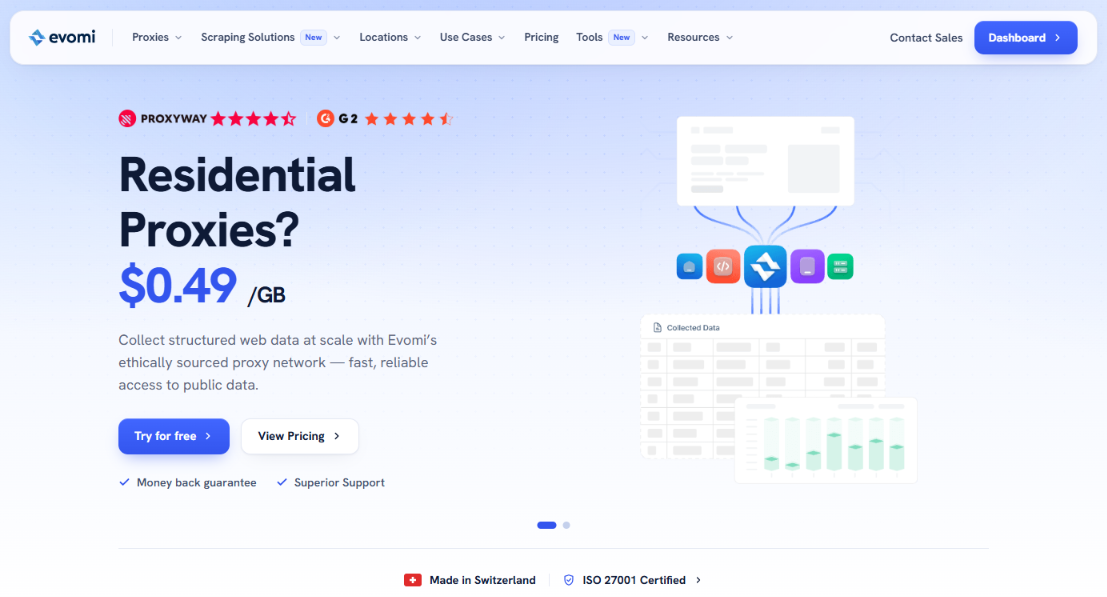
Best for: fast, reliable data collection on a small budget.
Our test results: 99.9% success rate, the fastest median latency of 12 providers (0.68 s) and $0.020 per 1,000 successful requests. Scamalytics flagged 96% of sampled IPs as proxies.
Why it stands out: premium-level reliability at a budget price; Swiss-based and EWDCI-certified.
Pricing: €0.93/GB ex-VAT on the Core plan; a 1-day trial.
Main limitation: a high share of IPs flagged by reputation databases, which can matter on strict sites.
5. DataImpulse
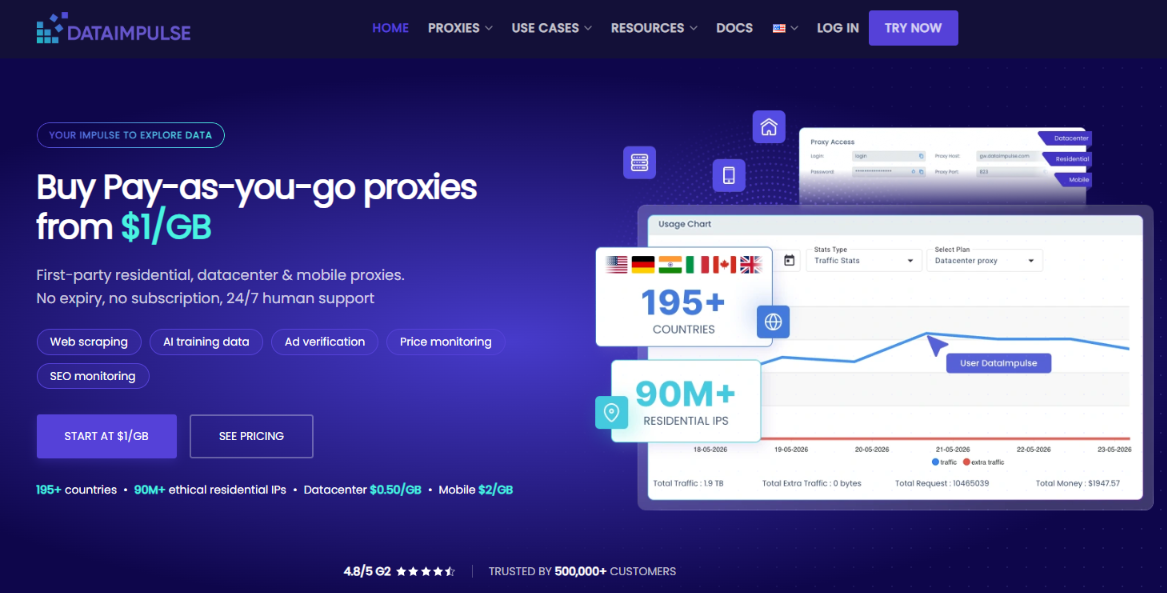
Best for: session-based crawling and spiky workloads with non-expiring traffic.
Our test results: the best sticky-session stability of 12 providers (87.2%), 99.7% success rate and $0.020 per 1,000 successful requests.
Why it stands out: pay-as-you-go traffic that never expires, which suits dataset refresh cycles, plus city, ZIP and ASN targeting.
Pricing: $1/GB, $0.80/GB at 1 TB; location targeting raises the rate.
Main limitation: targeting costs extra, and 87% of sampled IPs were flagged as proxies.
6. Rayobyte
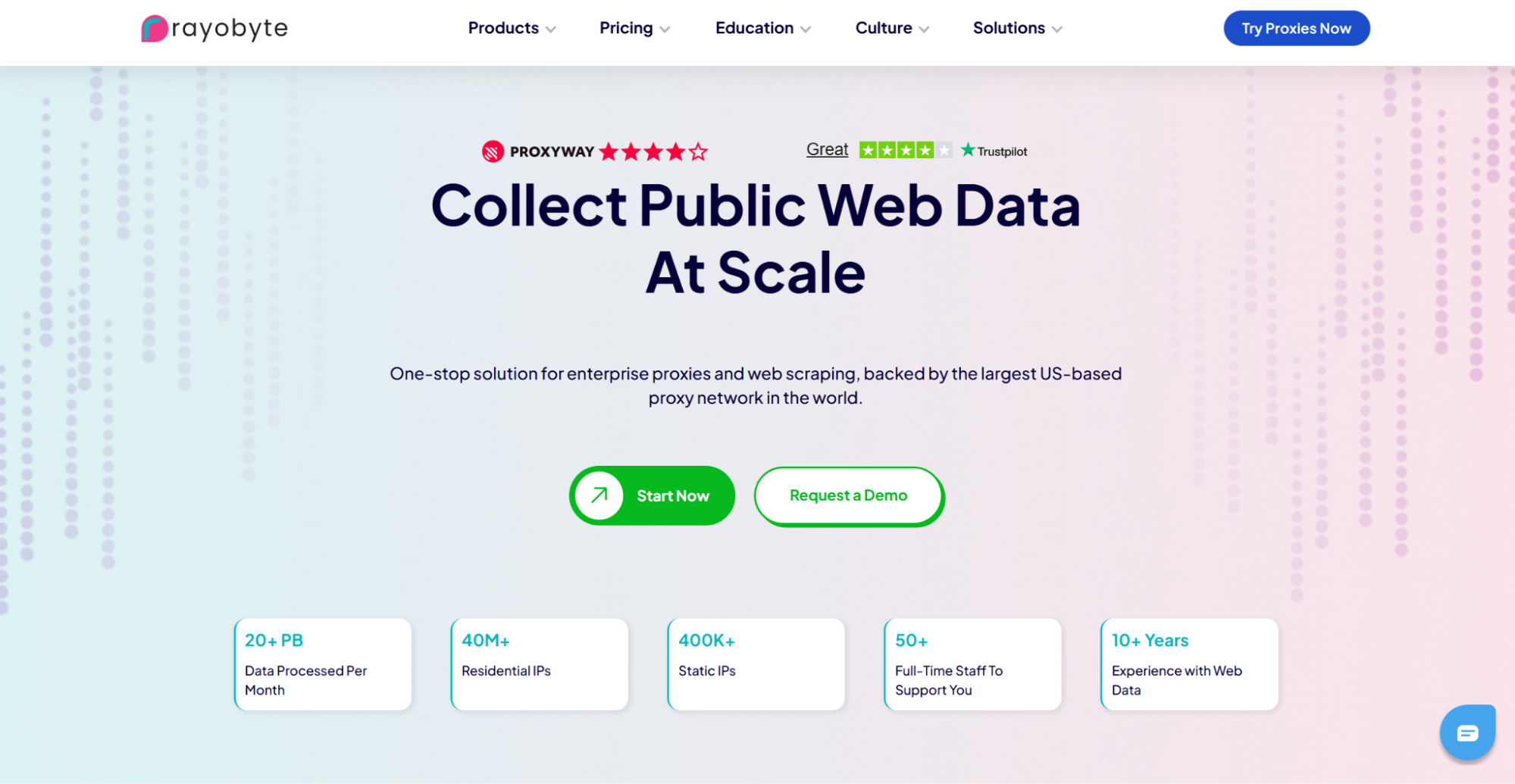
Best for: very large corpora where price at 5 TB and above decides.
Our test results: 99.7% success rate and the fewest IPs flagged as proxies (59.3%), but the slowest median latency (1.45 s) and the most repeated IPs (22.5%). $0.066 per 1,000 successful requests.
Why it stands out: transparent volume tiers down to $0.50/GB, a strong compliance focus with use-case reviews and KYC, and its own ASNs for datacenter proxies.
Pricing: $3.50/GB for the first 49 GB, falling in stages to $0.50/GB from 5 TB.
Main limitation: slower, with many repeated IPs, and residential works over HTTP(S) only.
7. Webshare
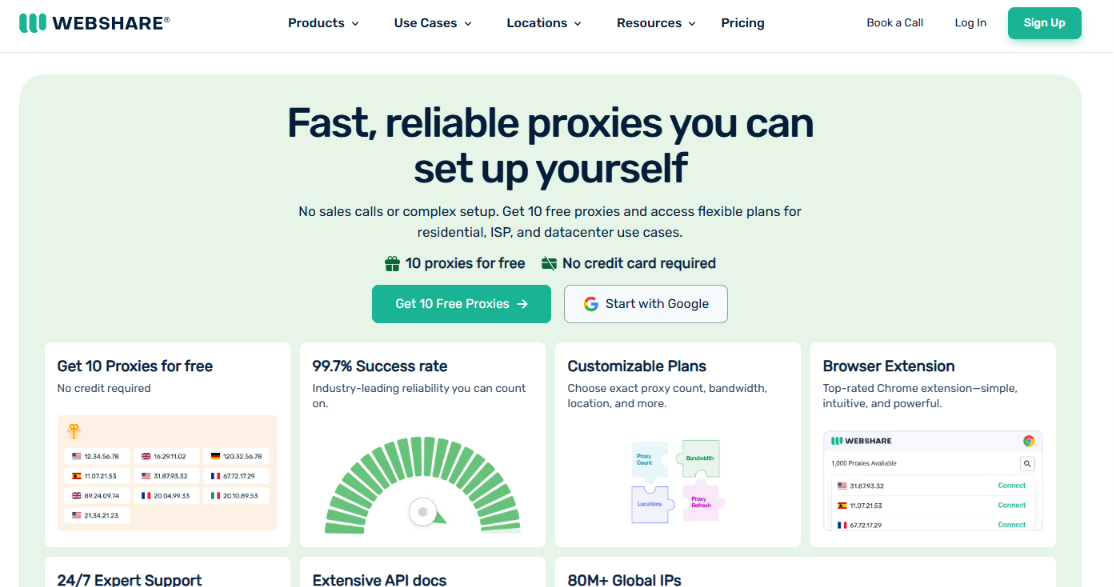
Best for: getting started cheaply and crawling with rarely repeated IPs.
Our test results: 99.6% success rate, 2.2% repeated IPs and no high-risk IPs in the sample. $0.052 per 1,000 successful requests.
Why it stands out: a free plan with 10 datacenter proxies to build and test your pipeline, then residential traffic that gets cheaper with volume.
Pricing: the price per GB depends on the package size: $3.50/GB on the 1 GB plan, $2.70/GB on the 3 GB package we bought, about $1.50/GB at 1 TB and $1.40/GB at 3 TB.
Main limitation: the best rates need terabyte-scale plans.
8. Geonode

Best for: the lowest cost per page on tolerant, lightly protected sources.
Our test results: the lowest cost per successful request of 12 providers ($0.015 per 1,000) and 80.4% sticky-session stability, but the lowest success rate (97.1%), the slowest worst-case latency (3.67 s at P90), and 99.3% of sampled IPs flagged as proxies by Scamalytics.
Why it stands out: monthly residential plans with a very low price per GB that keeps falling with volume, which matters when you collect terabytes.
Pricing: $7.92/month for 10 GB ($0.79/GB), $64.80 for 100 GB, $500 for 1,000 GB ($0.50/GB), down to $0.27/GB at very high volume. A $5 trial includes 10 GB for three days.
Main limitation: more failed requests and IPs that reputation databases flag almost every time, so expect more blocks on protected sites. See Geonode vs Floppydata for every metric side by side.
Proxidize
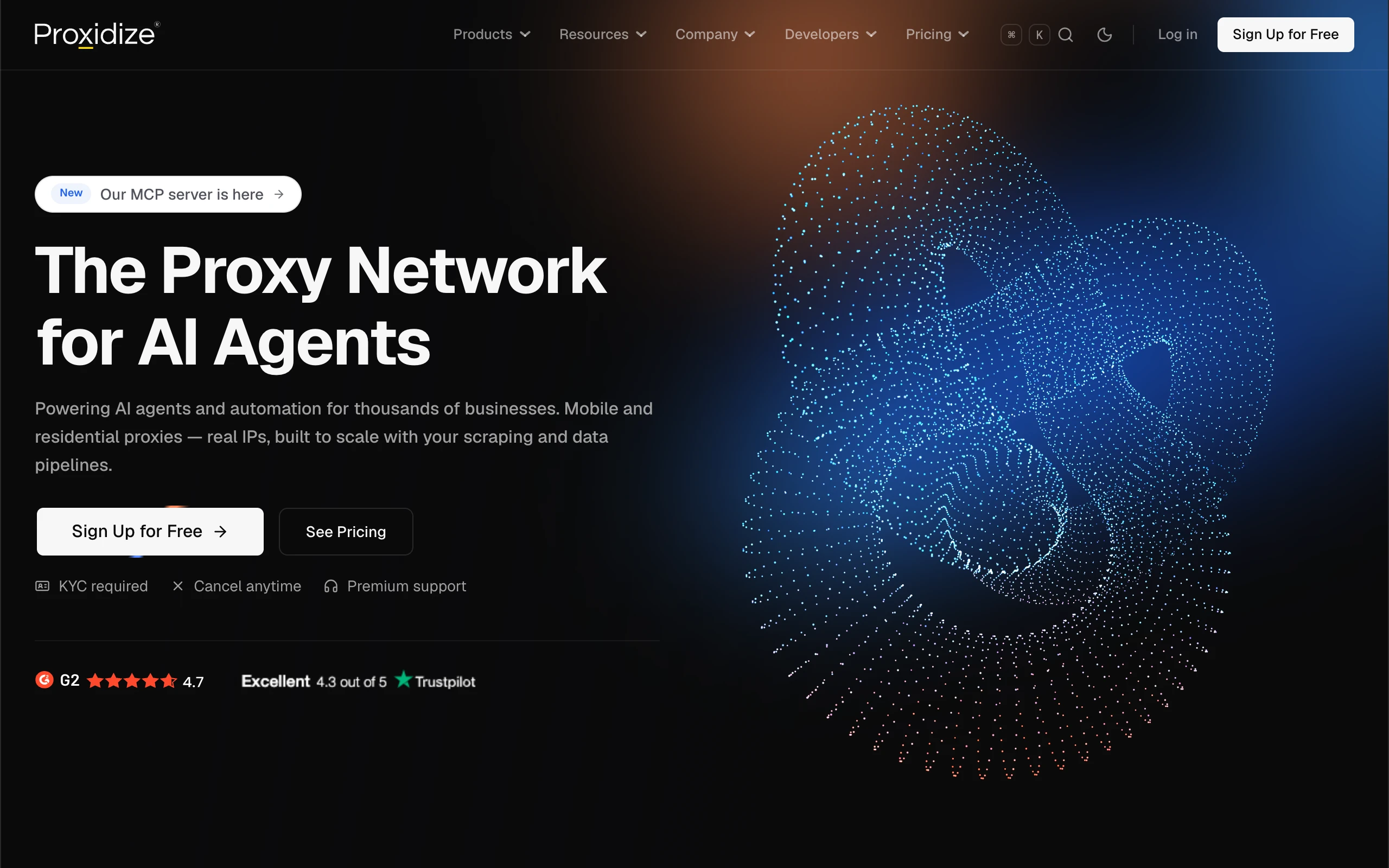
Best for: developers operating their own collection pipelines who want global residential access, US mobile access, and API or MCP controls.
Why it stands out: Proxidize offers residential proxies across 195+ countries for teams collecting localized web data for training datasets, retrieval systems, and AI agents. Country, city, and ISP targeting lets developers select the network context for each source. US 4G/5G mobile proxies provide an additional option for workflows requiring a mobile-network origin.
HTTP, HTTPS, and SOCKS5 support works with existing crawlers and browser-automation tools, with rotating and sticky sessions for different collection patterns. The API and official open-source Proxidize MCP server let compatible agents manage supported proxy settings, access points, and usage.
Pricing: residential plans start at $25/month for 25 GB ($1/GB), with unused bandwidth rolling over. Mobile Per GB plans start at $50/month for 25 GB ($2/GB), with bandwidth valid for one month.
Main limitation: KYC is required. Teams manage their own crawling, rendering, parsing, and dataset preparation. Mobile coverage is US-only. Proxidize was not included in our October 2026 benchmark.
Alternatives and Tools That Pair With Proxies
Ready-made datasets. For common sources, buying or downloading an existing dataset can be cheaper and cleaner than crawling it yourself. Several providers, including Oxylabs, sell managed datasets.
Scraping APIs and cloud browsers. For JavaScript-heavy or protected pages, a scraping API or a cloud browser handles rendering, retries and fingerprints, while you pay for proxy traffic or per request.
Antidetect browsers. For manual research with separate profiles, tools such as GoLogin and 1Browser give each profile its own fingerprint and proxy. They are not proxy networks, so pair them with a provider above.
FAQ
Is it legal to collect web data for LLM training?
It depends on what you collect and how. Copyright, site terms, robots.txt and personal-data laws all apply, and rules differ by country. Public, non-personal data collected at reasonable rates is the most defensible category. Proxies don’t change the legal picture, but a provider with consent-based sourcing keeps your network layer clean.
Do I need proxies to download Common Crawl or Wikipedia?
No. Both publish bulk downloads, and so do many other large sources such as arXiv and GitHub. Proxies are for sites without dumps or APIs.
Residential or datacenter proxies for LLM data?
Datacenter proxies for lightly protected public sites, residential proxies for protected, geo-restricted or localized content, and mobile proxies for mobile-first platforms. Floppydata puts all three on one $1/GB balance.
How much does LLM data collection cost?
At $1/GB, 1 TB of traffic costs $1,000; premium providers charge $2–2.50/GB at that volume. In our benchmark, a successful request cost from $0.015 per 1,000 at Geonode and $0.019 at Floppydata to $0.124 at Oxylabs, but heavy pages use more traffic, so estimate with your own targets. See the full cost-per-request ranking.
Which proxy is best for AI agents?
Agents need low latency, a high success rate and a real browser for JavaScript pages. A cloud browser with built-in residential proxies, such as Floppydata’s free Cloud Browser, covers all three, and an MCP server lets the agent start sessions itself.
Conclusion
LLM data collection is a cost game played at enormous volume, but cost per page only counts if the pages get through. In our 12-provider benchmark, Geonode had the lowest cost per successful request, with the lowest success rate and almost all of its IPs flagged as proxies. Floppydata gave the best balance: the second-lowest cost per successful request, far fewer flagged IPs than any other budget network, and residential, mobile and datacenter traffic on one $1/GB balance, which makes it our #1 pick. If maximum reliability matters more than price, Decodo and Oxylabs led on success rate; DataImpulse is the pick for long sessions, Rayobyte for corpora of 5 TB and more, and Geonode for the cheapest traffic on lightly protected sources.
Whichever you choose, start with official dumps, collect responsibly, and test on your own targets before you scale. You can start with Floppydata from $19 on the pricing page.