I compared eight Turkish proxy providers using their published pool sizes, targeting options, pricing and trial terms. This guide is published on Floppydata’s blog, so Floppydata is one of the providers listed. All figures are vendor-stated and were checked in October 2026.
The bottom line: Floppydata is my pick for price and flexibility. It offers one flat $1/GB balance for residential, mobile and datacenter traffic, with city-level targeting (minimum purchase 19 GB).
For the deepest Turkish coverage, look at Proxynet (6.2M+ Turkish IPs across all 81 provinces) and Oxylabs (6.8M+ IPs). Oxylabs is far more expensive, and Proxynet’s lowest rate needs a $3,000 balance. Webshare and IPRoyal publish smaller Turkish pools (300,000+ and 430,000+ IPs).
Floppydata proxies suit geo-restricted access and web scraping. This guide also shows how to get Floppydata proxies and credentials for scraping and other tasks.
Last updated: October 2026. Prices, pool sizes and trial terms are vendor-stated and can change, so check each provider before you buy.
Why You Need a Turkish IP Proxy
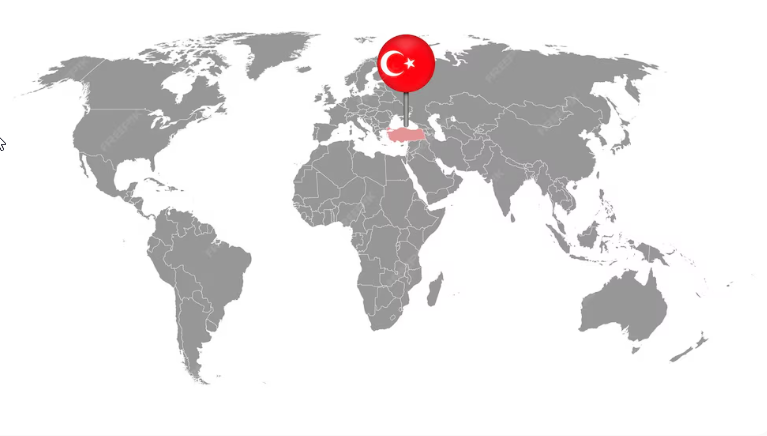
Turkey (Türkiye) regulates its internet closely, and access to some websites and platforms can be restricted or change over time. Law No. 7545 on Cybersecurity, in force since March 19, 2025, gives the authorities broad powers over cyberspace and sets prison terms of one to fifteen years for offences such as withholding data the authority requests, data leaks and cyberattacks (see this summary of Law No. 7545). This guide is not legal advice, so check local rules and the terms of the sites you use.
For businesses and researchers working in or around Turkey, understanding how to get a Turkish IP address is a practical need: a local IP is the only way to see what a Turkish visitor sees, from prices and ads to search results.
A proxy Turkey solution acts as an intermediary that routes your traffic through a server located in the country. This is useful for accessing websites and platforms restricted to those outside the country.
When choosing proxies Turkey, it is important to know how many IPs the provider has within the country. Some may have a large IP pool with only a small percentage of those being Turkish proxies.
Quick Comparison
Turkish pool sizes are vendor-stated. Some providers count all their proxy types together (Proxynet’s 6.2M includes residential, mobile, ISP and datacenter IPs), so the numbers are not strictly comparable.
| Provider | City Targeting in Turkey | Turkish IP Pool Size | Pricing (For Residential IPs) | Free Trial |
| Floppydata | Yes | Not published (1M+ residential IPs worldwide) | From $1/GB (min. purchase 19 GB) | No |
| Webshare | No | 300,000+ IPs | From $3.50/GB ($1.40/GB at 3TB) | 10 free datacenter proxies |
| IPRoyal | Yes | 430,000+ IPs | $5.25/GB (10 GB plan) | None standard |
| SOAX | Yes | 880,000+ IPs | From about $3.60/GB | Paid, $1.99 for 3 days |
| Bright Data | Yes | 1,100,000+ IPs | From $4/GB (promo, pay-as-you-go) | Free credit (business verification needed) |
| Decodo (formerly Smartproxy) | Yes | Not published | From $3.75/GB | 3-day trial or 14-day money-back |
| Proxynet | Yes (all 81 provinces) | 6,200,000+ IPs (all proxy types) | From $3.30/GB | Not on every product |
| Oxylabs | Yes | 6,800,000+ IPs | From $6/GB | Via sales |
Significance of a Large Turkish Proxy Pool
One of the factors to consider for the best Turkish proxy provider is the size of the IP pool. A large IP pool makes it easier to always have access to clean proxies. Say a provider has a small IP pool and you pick it for web scraping.
There is a higher chance that the IP might have been misused by another person. Consequently, an unclean IP address makes your task difficult to complete. Bear in mind that a good proxy service routinely checks and removes any unclean IP from its pool.
How I Chose the Best Turkish Proxy Providers in 2026
Selecting the best Turkish proxy providers matters, especially with the restricted digital space within the country. The factors behind this list:
- The size of the Turkish IP pool, where the provider publishes it
- City-level targeting
- Pricing and trial terms
- Customer reviews and reputation in the market
- A commitment to keeping the IPs in the pool clean
Floppydata is listed first because this is its blog. The other providers are in no particular order.
Let us dive in!
Floppydata
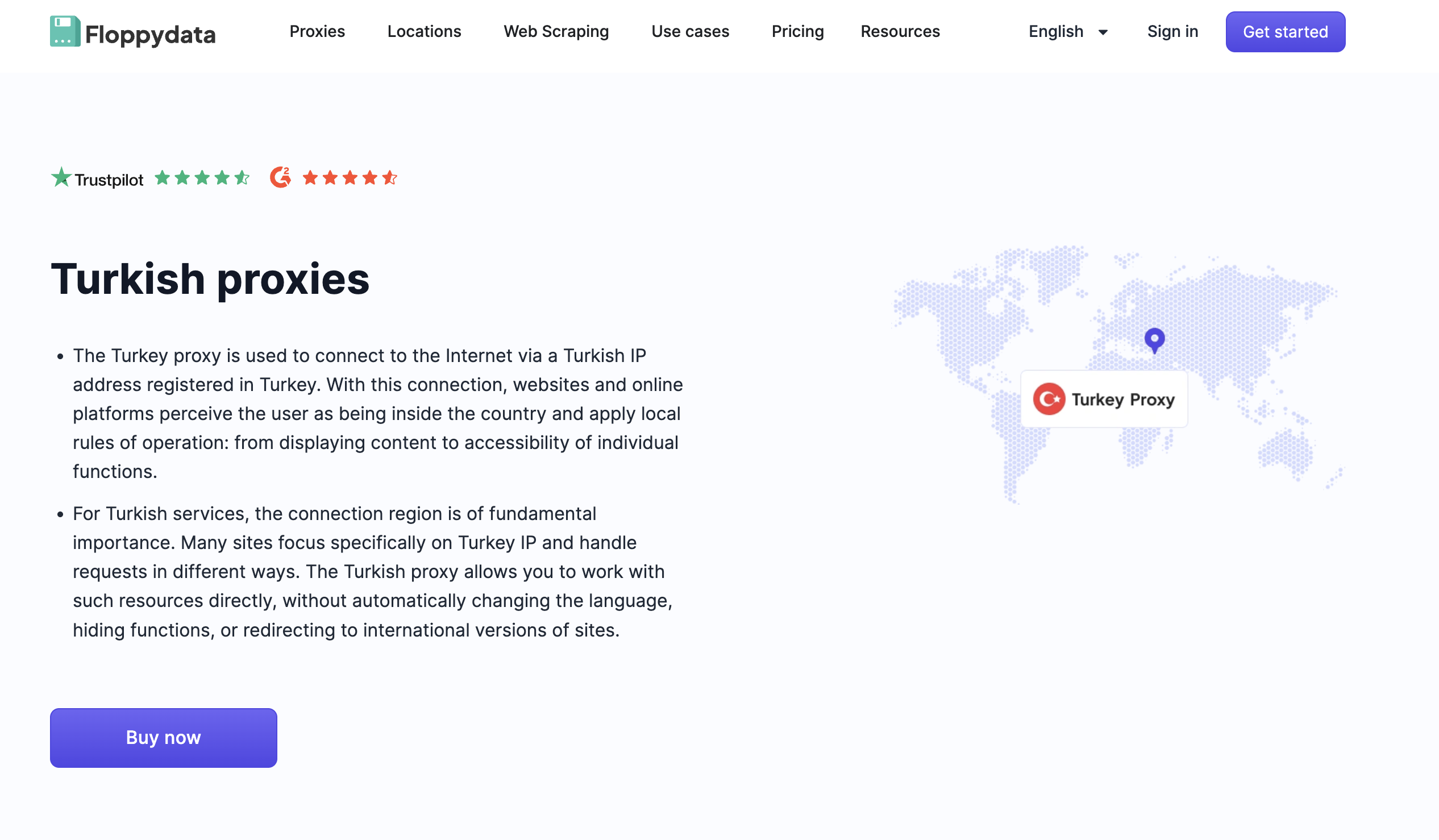
Pricing: $1/GB for Residential, Mobile and Datacenter (one shared balance); minimum purchase 19 GB ($19)
Free Trial: No
Proxy Pool: Turkish share not published (1M+ residential IPs worldwide)
City-level Targeting: Yes
Floppydata sells residential, mobile and datacenter traffic from one GB balance, so you can switch proxy type without opening a second plan. You choose the country and city when you generate your credentials, which lets you browse Turkish content from a local IP.
Automation tasks like web scraping need clean and reliable IPs. Floppydata also has a Web Scraper that returns page HTML with unblocking and retries handled for you.
| Pros | Cons |
| City-level targeting in Turkey | No free trial, minimum purchase is 19 GB ($19) |
| One balance for residential, mobile and datacenter traffic | Turkish IP pool size is not published |
| Easy to set up, credentials can be built from a single username string | Caters mostly to individuals and small teams |
Webshare
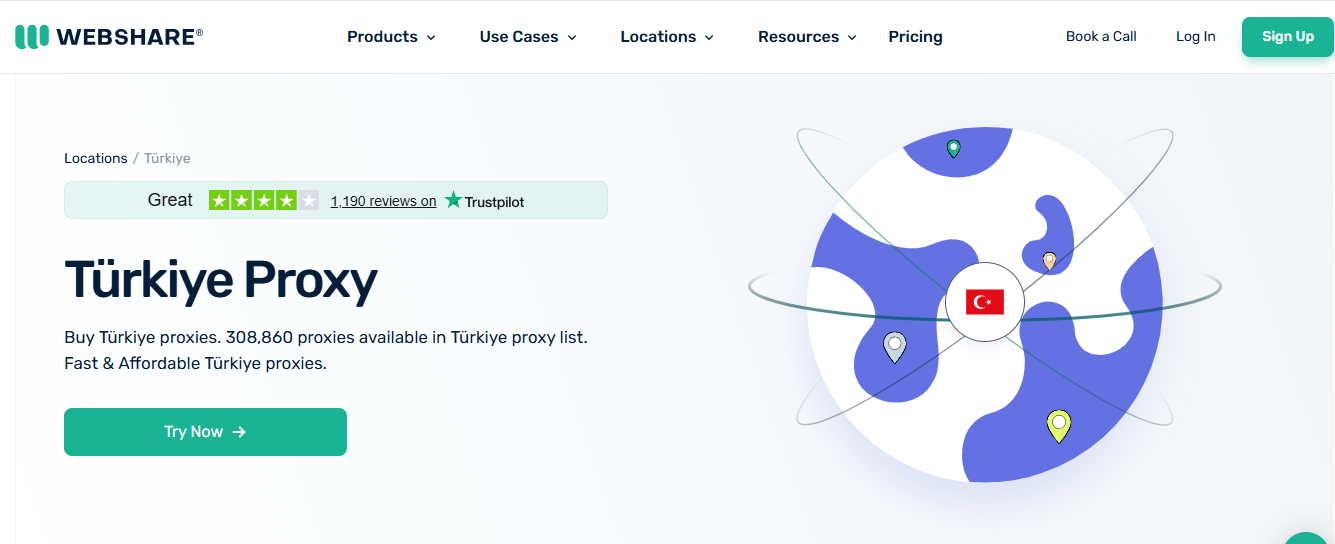
Pricing: From $3.50/GB for rotating residential proxies ($1.40/GB at 3TB)
Free Trial: 10 free datacenter proxies (no residential trial)
Proxy Pool: 300,000+ IPs
City-level Targeting: No
Webshare makes this list due to its moderately large IP pool size. It is affordable at high volume and great for basic tasks.
However, it lacks city-level targeting, which can make it inappropriate for local SEO or ad verification. Regardless, the dashboard is user-friendly and the IPs offer good anonymity.
| Pros | Cons |
| Affordable at high volume | The lowest residential rate needs 3TB |
| Browser Extension feature is convenient | Limited to country-level targeting |
| Good anonymity | The free proxies are datacenter, not residential |
IPRoyal
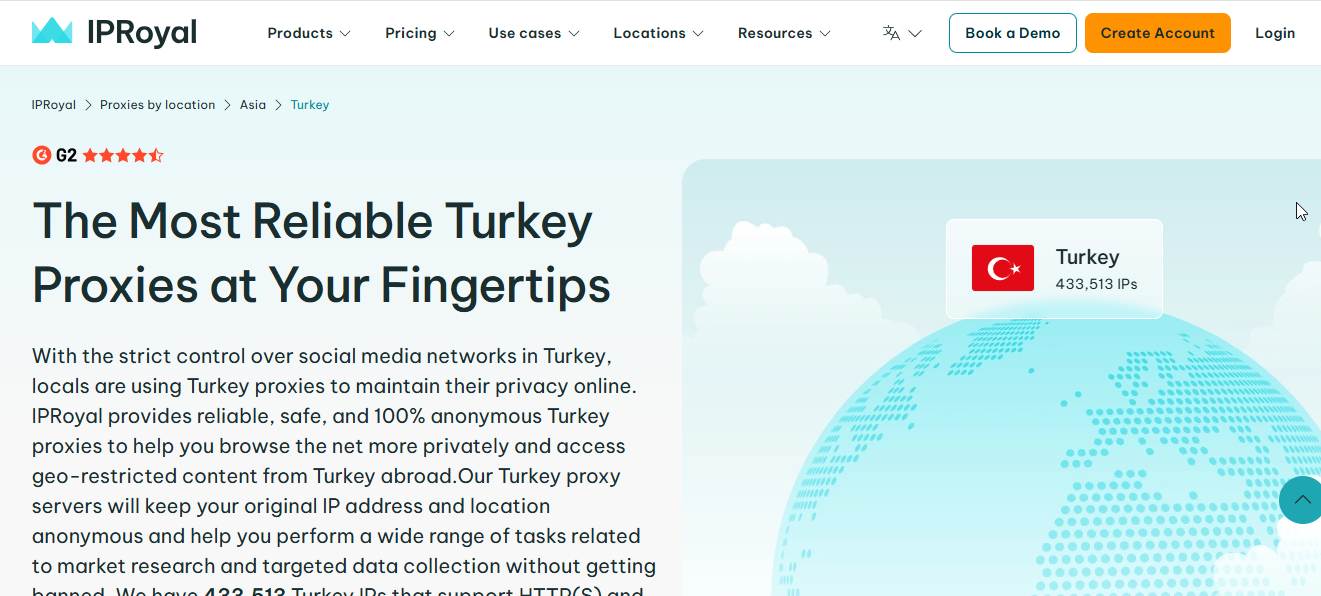
Pricing: $5.25/GB for residential (10 GB plan); from $2.40/proxy for ISP; $1.39/proxy for datacenter; $10.11/day for mobile
Free Trial: None standard
Proxy Pool: 430,000+ IPs
City-level Targeting: Yes
IPRoyal focuses on flexible proxy plans and prioritizes clean IPs, as seen with its strict KYC process.
If you are an individual or small agency that needs Turkish proxies for anonymity, ad verification, or web scraping with flexible pricing, IPRoyal is worth a look.
| Pros | Cons |
| Flexible pricing | Varying speed |
| Supports both HTTPS and SOCKS protocols | Strict KYC process |
| Clean and reliable IPs | Entry price is higher than budget rivals |
SOAX
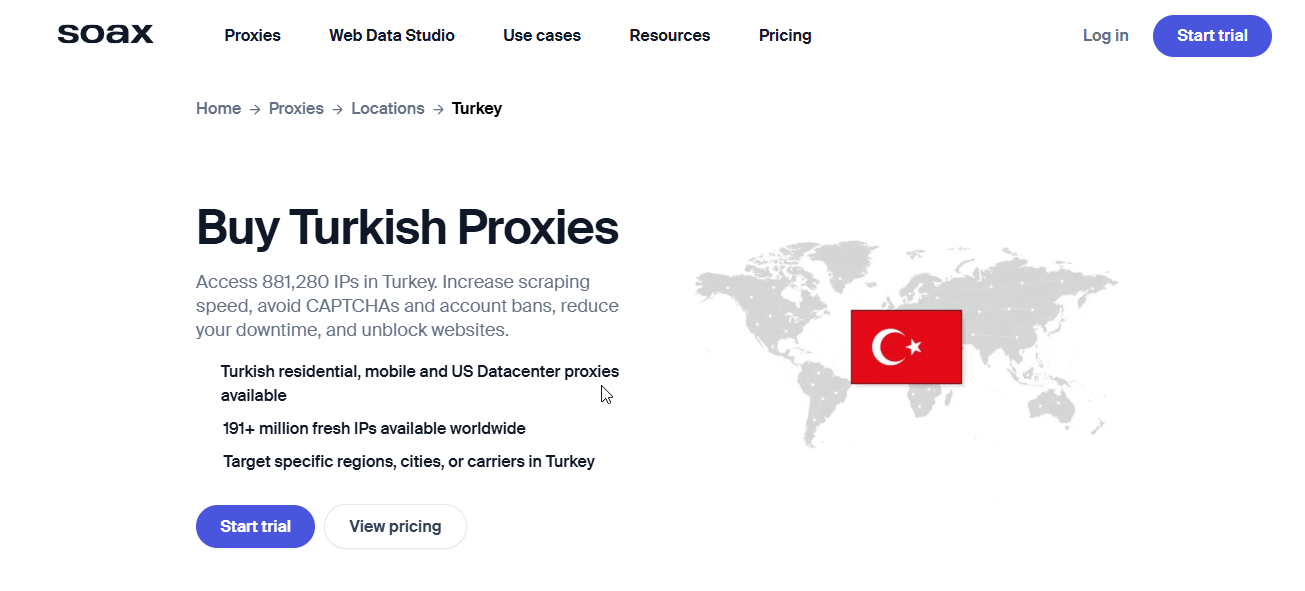
Pricing: From $3.6/GB for residential and mobile proxies (starter plans)
Free Trial: Paid, $1.99 for 3 days
Proxy Pool: 880,000+ IPs
City-level Targeting: Yes
SOAX Turkish IPs are great for unblocking websites, bypassing CAPTCHA, and improving scraping speed. They offer excellent anonymity for surfing through the highly restricted Turkish digital landscape.
Aside from the regular plans, enterprise agencies can request a customized plan that resonates with their needs.
| Pros | Cons |
| Same cost for residential and mobile IPs | Higher cost |
| 24/7 customer support | Not ideal for individual users |
| High-quality performance IPs | The trial is paid ($1.99 for 3 days) |
Bright Data
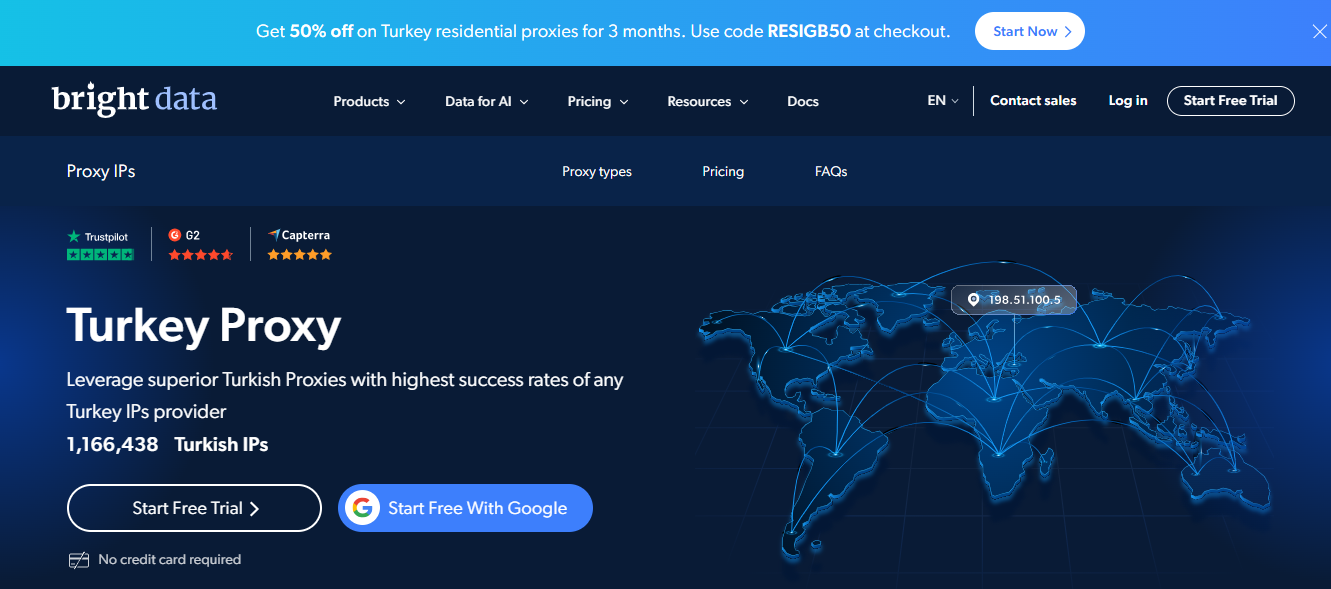
Pricing: Pay-as-you-go from $4/GB for residential (promo); $1.40/IP for datacenter
Free Trial: Free sign-up credit (business verification needed)
Proxy Pool: 1,100,000+ IPs
City-level Targeting: Yes
Bright Data offers clean and high-performance Turkish proxies aimed at exceptional data collection. The dashboard has several features that make it stand out.
However, access to these advanced features may come at an additional cost. If your goal is either city or zip-code targeting, Bright Data is a good option.
| Pros | Cons |
| Powerful proxy features | Steep learning curve |
| High geo-targeting precision | Expensive |
| Excellent success rates | Strict KYC requirements |
Decodo (formerly Smartproxy)
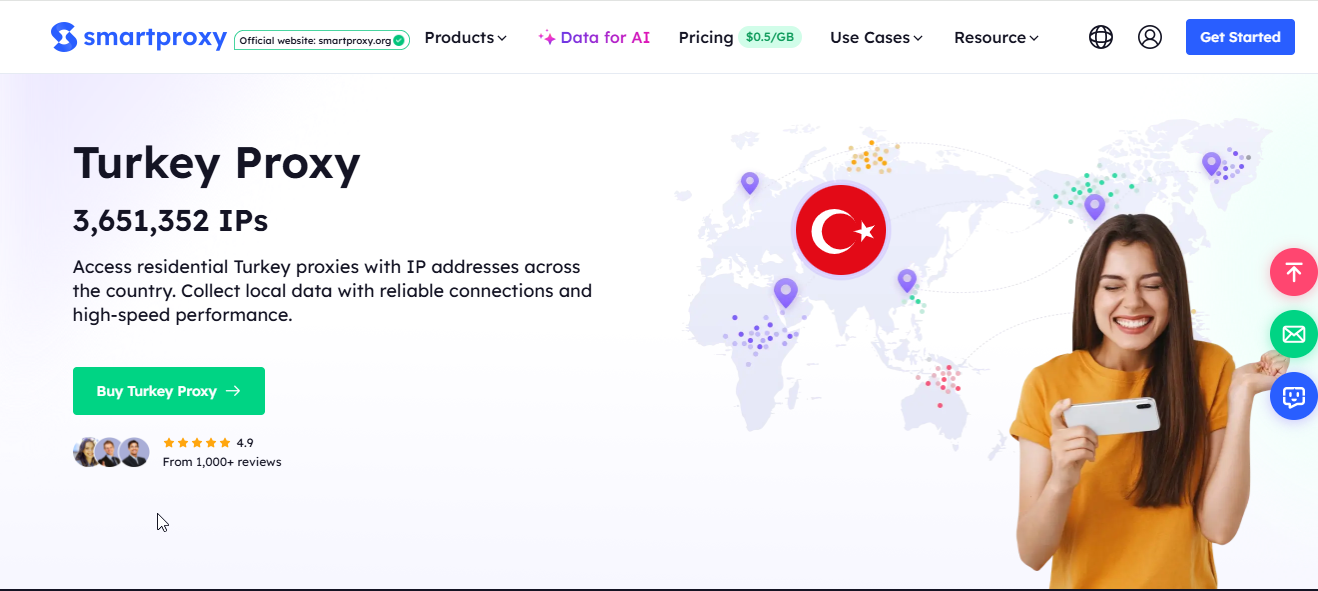
Pricing: From $3.75/GB for residential ($4/GB pay-as-you-go)
Free Trial: 3-day trial or 14-day money-back (not both)
Proxy Pool: Not published
City-level Targeting: Yes
Decodo (formerly Smartproxy) offers high-quality residential proxies for reliable connections. The smart auto-rotate feature makes a significant difference in the success of scraping activities.
They also offer simple scraping solutions. The technical team is always available to guide you through any difficulties.
| Pros | Cons |
| Mid-range pricing | Pricing can get expensive quickly as it is based on bandwidth |
| Offers flexible sessions | Subscription auto-renews if you fail to cancel |
| High-quality IPs | The 3-day trial and the 14-day money-back can’t be combined |
Proxynet
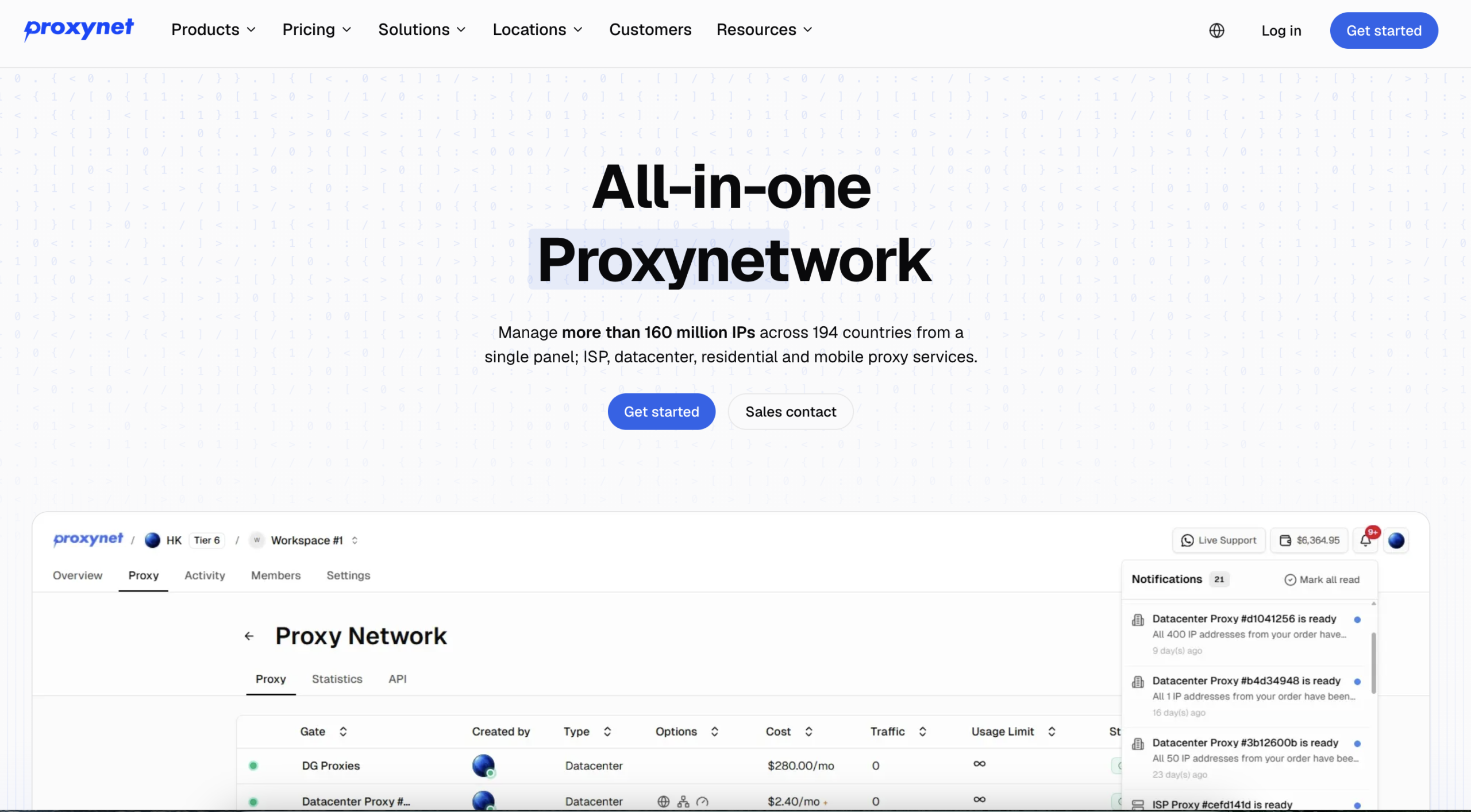
Pricing: $3.30/GB → $1.50/GB (Residential)
Free Trial: Not on every product
Proxy Pool: 6,200,000+ IPs (all proxy types)
City-level Targeting: Yes (all 81 provinces)
Proxynet has focused on Türkiye since 2016 and is headquartered in Konya, with a second office in London. Its Turkish pool covers all 81 provinces with residential, mobile, ISP and datacenter IPs. Mobile IPs run on Turkcell, Vodafone and Türk Telekom networks, and residential traffic can be targeted by province or ASN at no extra cost.
There is no subscription. You top up a prepaid wallet, the per-GB rate drops as the balance grows, and the balance never expires. The dashboard is in Turkish, support answers 24/7 in Turkish, and you can pay by card or bank transfer.
| Pros | Cons |
| 6.2M+ Turkish IPs across all 81 provinces | The lowest rate ($1.50/GB) needs a top-up of $3,000 or more |
| Free province and ASN targeting | |
| Turkish dashboard and 24/7 Turkish support |
Oxylabs
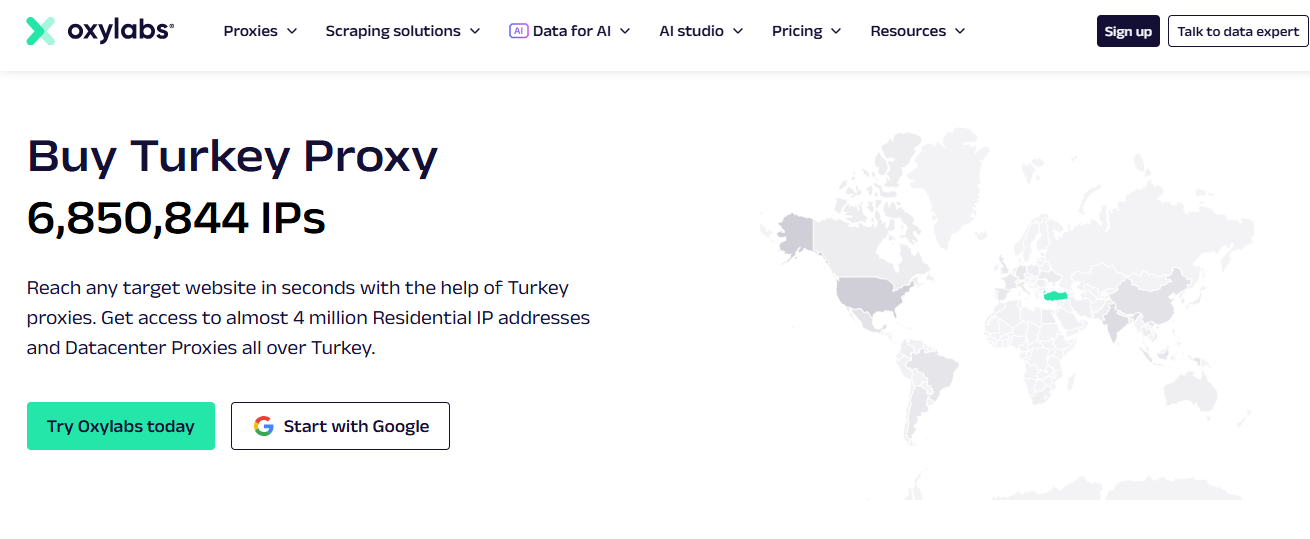
Pricing: From $6/GB for Residential; from $7.50/GB for Mobile
Free Trial: Via sales (not self-serve)
Proxy Pool: 6,800,000+ IPs
City-level Targeting: Yes
Oxylabs is a reputable provider known for its diverse proxy types. They offer premium IPs which are great for sensitive and large-scale tasks.
They are an industry-leading provider with several advanced features and tools developed to optimize customer experience. However, this reflects in the cost, which can be very expensive unless you are an enterprise agency with a large budget.
| Pros | Cons |
| Clean and fast IPs | Cost is quite high |
| Performance is enterprise-grade | Unsuitable for small tasks |
| Excellent customer support |
How to Use Rotating Turkish Proxy in Your Automations
You can buy rotating Turkish proxies by bandwidth. For example, if I have 10GB bandwidth for rotating residential proxies, I can use this bandwidth for any country. With Floppydata’s proxy generator, you can select a number of proxies, choose a specific country and city. Your proxy credentials appear in the tab below.
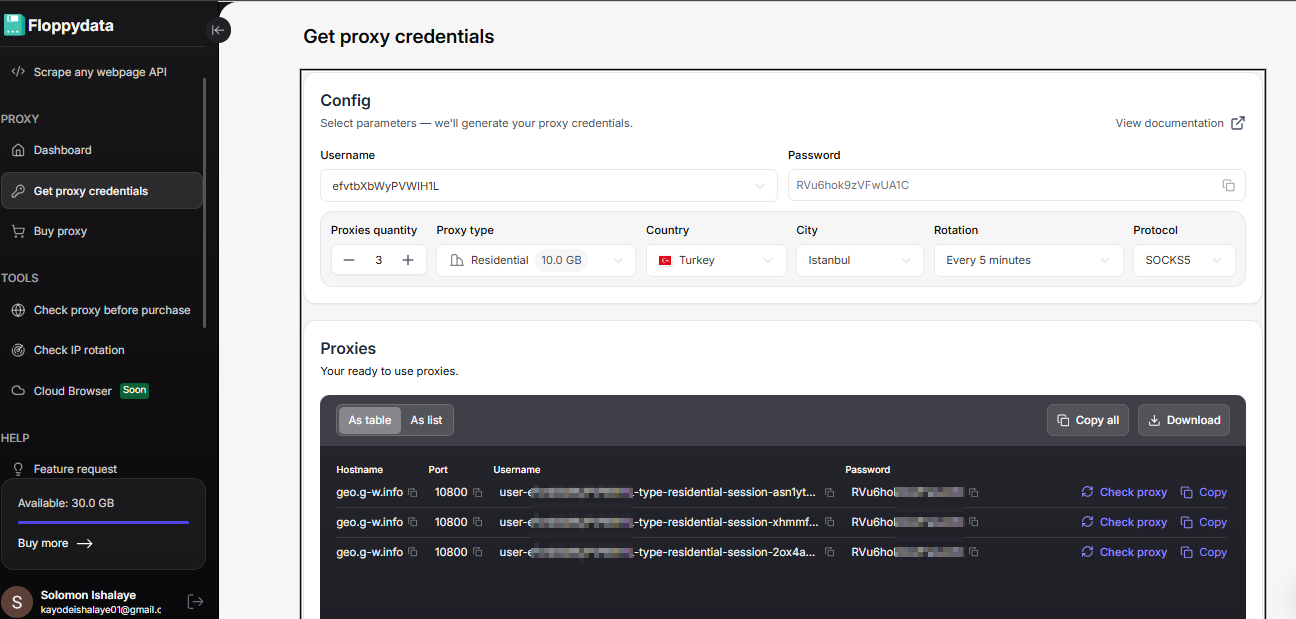
Breakdown of proxy credentials:
Hostname: The proxy server address your tool connects to.
Port: The network port used to connect to that proxy server.
Username: The login field that also controls proxy behavior like country, type, session, and rotation.
Password: The credential used to authenticate access to the proxy.
You can import this proxy into any browser by copying this information and pasting it in the proxy settings of the browser. Floppydata gives you the option to download all proxies in bulk and import them in your browser at once.
The username is the key. With Floppydata, you can even skip generating a list of proxies and use your username to create proxies in batches. If you look closely, the username is the only thing that differs in terms of country, city, rotation time, etc. In other words, the rest of the proxy credentials stay the same.
When using Floppydata via API inside your automation code, you can directly modify the username, swap your desired location and rotation time, and it will work. You don’t need to create proxies via the proxy generator.
Scrapers, automation experts, and developers don’t like to live in SaaS dashboards. Their scripts live inside coding IDEs. This is why Floppydata offers a way to create your own proxy credentials with just a single string.
How Floppydata Proxy Username String Format Works
Here is the example format of the username:
user-XXXX-type-residential-session-1nvajv5x-country-TR-rotation-0This is Floppydata’s smart parameters string. You can add your username, session, country, rotation times, proxy type, and all other details directly inside the string.
Instead of manually generating proxy credentials from the web dashboard, you let your code handle the rotation times, locations, and proxy type. If your scraping operation gets blocked, your code re-adjusts with a different proxy type or a quicker rotation time. Everything is controlled through this string.
Here is an example of how I would use a proxy string in my Python code (replace the username and password with your own credentials from the dashboard):
import requests

proxy = 'http://user-XXXX-type-residential-session-ih76jvbd-country-TR-city-Istanbul-rotation-15:[email protected]:10080'
proxies = {'http': proxy, 'https': proxy}

response = requests.get('http://ip-api.com/json', proxies=proxies)
print(response.text)
Now let’s break down each part properly.
- user-XXXX: This is an account identifier used to verify your access, proxy usage, and remaining limits. When you create your string for the first time, Floppydata generates it for you.
- type-residential: Defines the proxy type (residential, mobile or datacenter). This directly affects behavior: residential is reliable, datacenter is faster but easier to detect, and so on. The example uses type-residential; change this value to switch type.
- session-1nvajv5x: If your automation includes a logged-in session where rotating IP can cause problems, this part of the string is important. The session ID helps you keep the IP and other browser behavior consistent. This determines whether your proxy behaves like a stable identity or not.
- country-TR: Forces the proxy to use a Turkish IP.
- city-Istanbul: Optional. Narrows the exit IP to a city.
- rotation-0: Controls IP rotation behavior. 0 = sticky session and -1 means IP rotates on every request. You can enter the number of minutes for the proxy to rotate.
Step-by-Step Guide: How to Generate Proxy Credentials for Turkey
In this section, we will cover the process of how to get a Turkish IP address, create a proxy pool, and generate Floppydata credentials.
Step #1: Get Proxies
Go to Floppydata dashboard and buy a desired bandwidth for the proxy of your choice (minimum purchase 19 GB). For most scraping automations, we recommend using residential proxies.
Step #2: Create Proxy Credentials
Once you have the proxy bandwidth, you can create as many proxies as you want. You can select the rotation type, country, city (state and ASN are also available in the dashboard), and password. Username is auto-generated, but you can also create more if you need.
Step #3: Use proxy credentials
You can now use the auto-generated proxy credentials in your web browser or scraping tool. You can download all the proxies in bulk and import them in your desired browser at once.
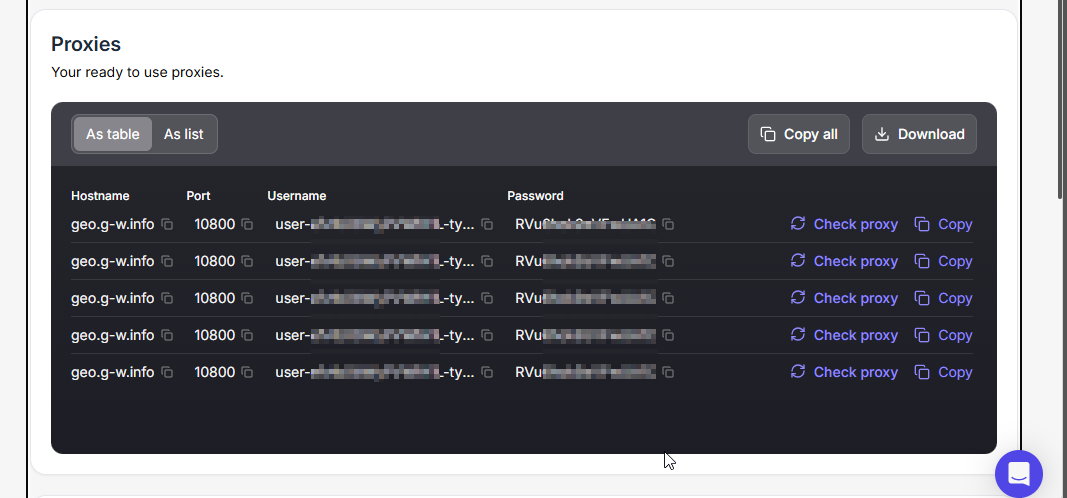
As explained in the previous section, you can use Floppydata’s smart parameter string instead of creating and configuring proxy pools. All you need is a username that Floppydata generates for you in step #2. You can select location, rotating time, and proxy type as per your choice in the parameter string.
Check Your IP Rotation
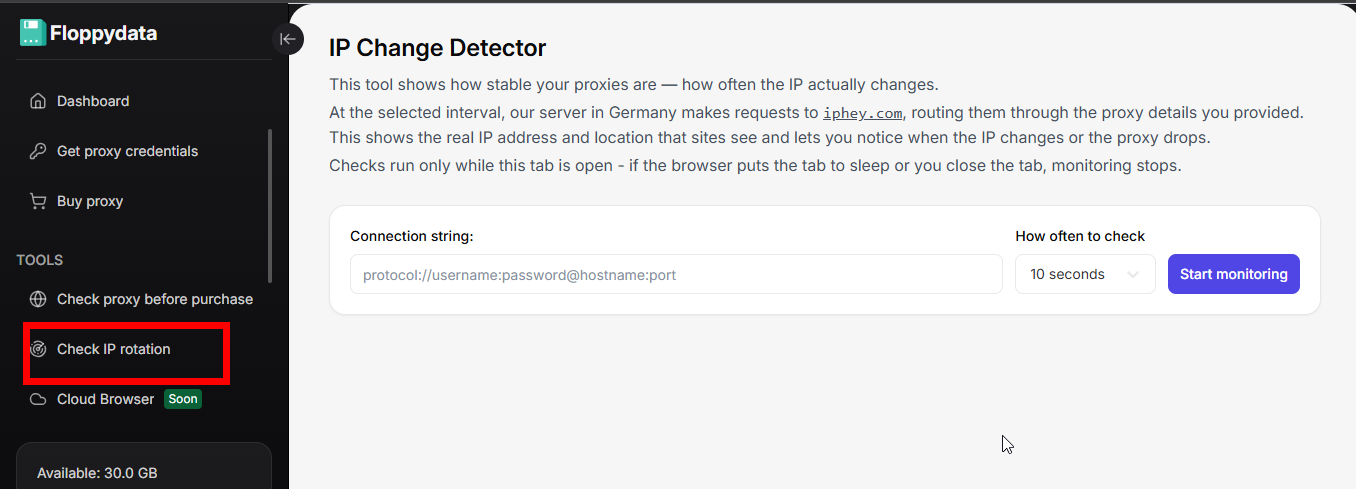
You can verify if your connection string is rotating IP correctly by pasting it in Floppydata’s IP change detector. This will help you verify whether your settings are correct.
Check If Your Proxy Location is Correct
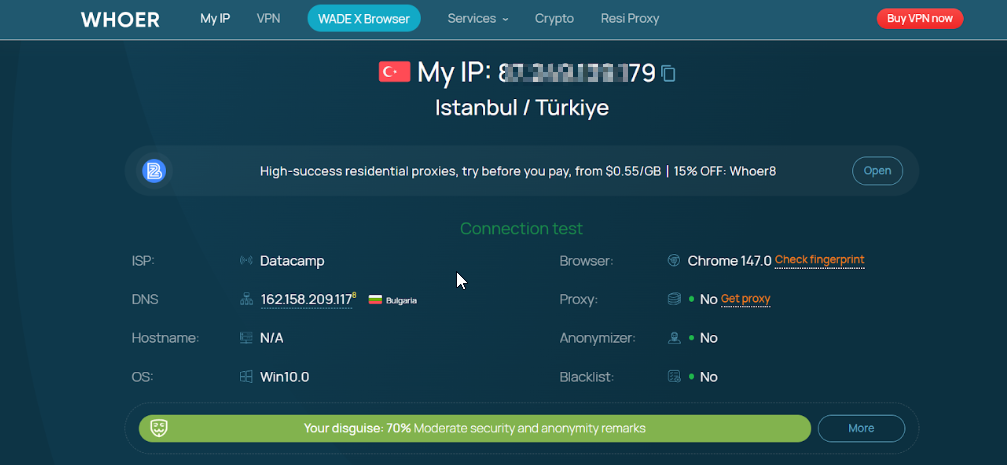
When you connect to the Floppydata proxy, visit a website like whoer.net or whatismyipaddress.com to see if your country and city are correct. This is a quick way to check if your configured IP country and city are correct.
Frequently Asked Questions
What is the best Turkish proxy provider in 2026?
It depends on the job. Floppydata is the pick for price and flexibility (a flat $1/GB on one balance for residential, mobile and datacenter traffic, with city-level targeting). Proxynet has the deepest Turkish coverage (6.2M+ IPs across all 81 provinces, with Turkish carriers and Turkish-language support). Oxylabs publishes the largest pool (6.8M+ IPs) at a higher price, and Bright Data suits precise city and zip-code targeting. This guide is published on Floppydata’s blog, so weigh that when reading the ranking.
How do I get a Turkish IP address?
Use a proxy that lets you choose Turkey as the exit country. With Floppydata, you buy bandwidth, generate credentials in the dashboard, choose Turkey (and a city if you need one), and use the proxy in your browser or scraper. You can then check the result on whoer.net.
How much does a Turkish proxy cost?
Residential pricing starts at $1/GB at Floppydata (minimum purchase 19 GB), $3.30/GB at Proxynet (falling to $1.50/GB with a $3,000 balance), about $3.60/GB at SOAX, $3.75/GB at Decodo, $4/GB at Bright Data on its promo rate, $5.25/GB at IPRoyal on the 10 GB plan and $6/GB at Oxylabs. Webshare starts at $3.50/GB and drops to $1.40/GB at 3TB. Prices were checked in October 2026 and change with volume.
Do all providers count Turkish IPs the same way?
No. Some providers publish a Turkish figure for all their proxy types combined (Proxynet’s 6.2M includes residential, mobile, ISP and datacenter IPs), others publish residential only, and some don’t publish a Turkish number at all. Ask the provider what the number counts before you compare.
Is it legal to use a proxy for Turkish websites?
This guide is not legal advice. Proxies are widely used for price monitoring, ad verification and web scraping, but what you do through one must follow local law and the target site’s terms. Turkey’s Cybersecurity Law No. 7545 has been in force since March 2025 and carries prison terms for offences such as data leaks and cyberattacks, so take local legal advice if you operate there.
Conclusion
Businesses that work with Turkish websites need the right mix of local coverage, targeting and price, and the best provider depends on the job. Floppydata is the pick for price and flexibility on one balance, Proxynet for the deepest Turkish coverage (all 81 provinces, local carriers and Turkish-language support), Oxylabs for the largest pool, and Bright Data for precise city and zip-code targeting.
Because this guide is published on Floppydata’s blog, Floppydata comes first, so check each provider’s current terms before you buy. To try Floppydata, open the dashboard, buy bandwidth (minimum purchase 19 GB) and generate Turkish credentials in a few clicks.