The first instance in which a datacenter IP actually saved me some money was when I was looking at a scraping job that kept dying overnight.
I changed the run over to a cheap datacenter pool and the entire process was completed in a much smaller amount of time at only a small fraction of the cost.
That’s the situation with datacenter proxies: they’re fast, they’re cheap, and when the website being accessed isn’t very defensive, they’re unbeatable in terms of price.
Not all providers are worth the money you pay. A few of them sell you reused IP addresses, and others conceal the actual price by using a “from” rate which only applies when you reach 1TB.
Therefore I placed 12 of them next to each other. In this guide I’ll explain which is the best datacenter proxy for the job, what these proxies are really used for, and how I ranked each one.
Let’s get into it.
If you’re short on time, here’s a summary:
• Datacenter proxies are the quickest and cheapest kind of proxy; they are most suitable when speed is more important than appearing to be a normal home user.
• The one that I have chosen is Floppydata; the datacenter is included in the $1 per GB rotating plan and static datacenter IPs start at $0.79 per IP.
• Number two is 1Browser, since it offers proxies and an anti-detect browser all in one place.
• The complete table featuring the 12 providers is given below, together with the exact criteria on the basis of which I assessed them.
• For places such as Amazon or Instagram you should use residential addresses instead; I will explain where that line lies towards the end.
What are datacenter proxies and what are they used for?
A datacenter proxy is an IP address which is located in a server rack, not in someone’s house.
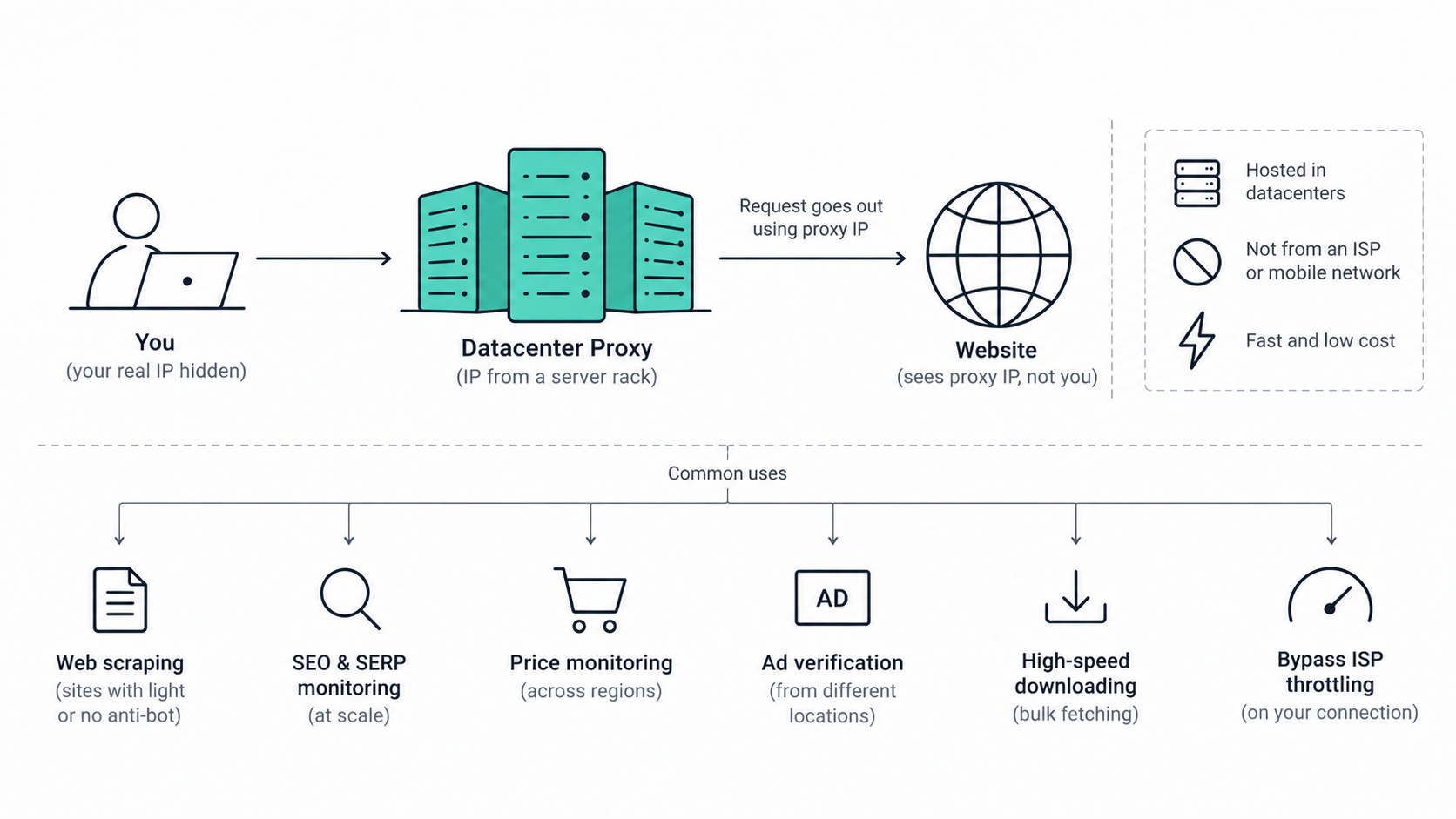
It isn’t associated with an ISP or a mobile network provider. It’s designed with a single aim: to enable the rapid routing of a large amount of traffic without revealing your actual IP address.
The entire compromise is summed up in that one sentence: while a datacenter proxy provider gives you speed and low prices, the IPs it provides share subnets which strict websites can detect and block masse.
So what jobs do they cover? The ones I get datacenter IPs for are:
- Web scraping on sites with light or no anti-bot
- SEO and SERP monitoring at scale
- Price monitoring across regions
- Ad verification from different locations
- High-speed downloading and bulk fetching
- Beating ISP throttling on your own connection
If the website doesn’t place any importance on IP reputation, then datacenter wins. That’s that.
How I ranked these (my methodology)
I didn’t simply count the IPs and that was the end of it; here is what I took into account for each provider:
- Datacenter pool size and how many locations it covers
- Price model, per-GB or per-IP, and where the real price lands
- Protocol support (HTTP, HTTPS, SOCKS5)
- Rotation and sticky-session control
- Unlimited bandwidth or capped
- Free trial or money-back option
- How painful the setup is
Let me start by making a note regarding the table. A number of the entries in question are actually datacenter networks. One of them (1Browser) is in fact an anti-detect browser that has proxies incorporated into it.
As well: prices in this market are very volatile. Before you make a purchase, treat each figure below as only an initial estimate and check with the provider.
The comparison table
The best datacenter proxies that I examined are listed according to the factors that are important.
| Provider | Datacenter pool | Price (from) | Protocols | Locations | Free trial | Best for |
|---|---|---|---|---|---|---|
| Floppydata | 1M+ | $1/GB rotating; static $0.79/IP | HTTP, SOCKS5 | All countries | No, but low cost entry | All-in-one on a budget |
| 1Browser | Built-in | $7/mo; free tier | HTTP, HTTPS, SOCKS5 | 100+ | Yes (10 profiles) | Proxies + browser in one |
| Oxylabs | 2M+ | ~$1.20/IP shared | HTTP, HTTPS, SOCKS5 | 188+ | On request | Enterprise scale |
| Bright Data | Large | ~$0.90/GB | HTTP, HTTPS, SOCKS5 | 195 | Trial credits | Hardest targets |
| Decodo | 100K+ | From $0.02/IP or $0.60/GB | HTTP, HTTPS, SOCKS5 | 195+ | 3-day (card) | Price/features balance |
| IPRoyal | Dedicated | ~$1.39/IP | HTTP(S), SOCKS5 | Global | On request | Non-expiring dedicated IPs |
| Rayobyte | Rotating + dedicated | ~$0.30/GB rotating | HTTP(S), SOCKS5 | US-focused | 2-day money-back | Ethical, low commitment |
| Webshare | Shared/dedicated | $2.99/mo per 100 IPs | HTTP, SOCKS5 | 195 | Free 10 proxies | Cheapest entry |
| DataImpulse | Rotating pool | ~$0.5/GB | HTTP(S), SOCKS5 | 194+ | $5 / 10GB | Budget pay-as-you-go |
| MarsProxies | Dedicated | $0.99/proxy | HTTP, HTTPS, SOCKS5 | 60+ | No | Short-term tasks |
| Infatica | Dedicated | $1/IP/mo | HTTP(S), SOCKS5 | Global | Paid trial | Multi-type + scraper API |
| Proxy-Seller | Dedicated IPv4/IPv6 | ~$1.80/IP | HTTP(S), SOCKS5 | ~50 | No | Dedicated IPv4/IPv6 |
Let me examine each of them in turn.
1. Floppydata
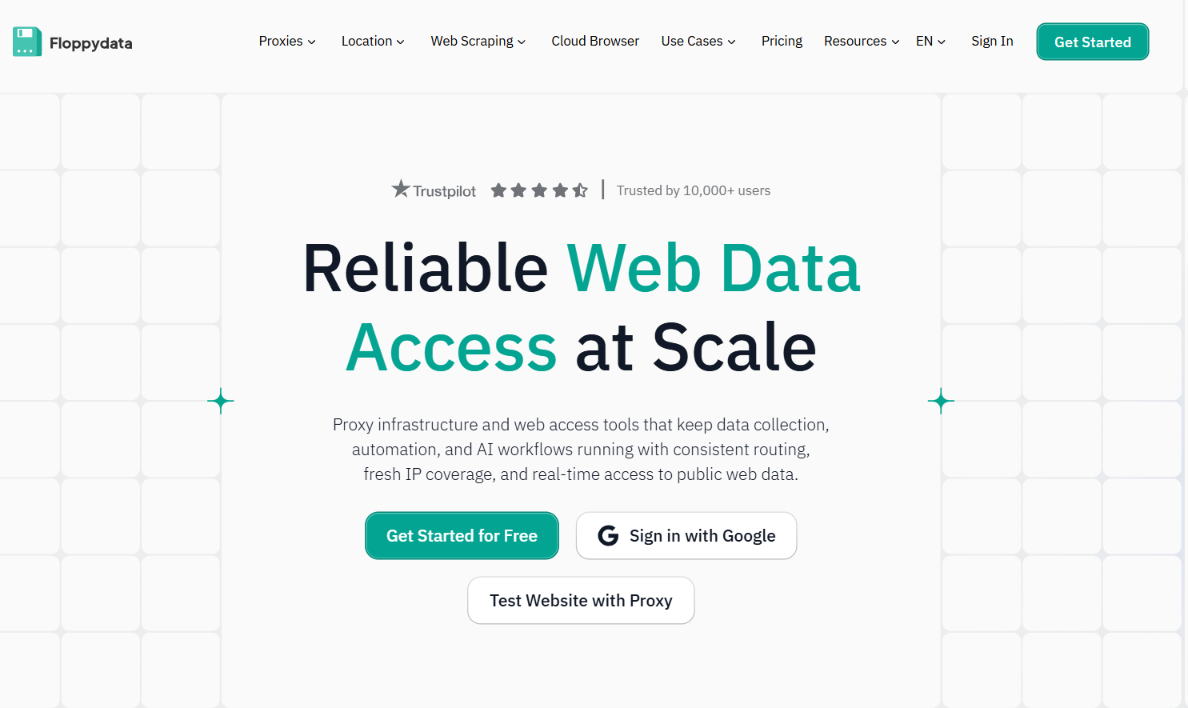
Floppydata has long been my preferred choice, and it comes out on top in this case.
What I prefer most is the rotating plan – you pay once for the GBs at a rate of $1 per GB and can use them as residential, mobile, or datacenter resources, switching between them whenever you desire. There’s a single balance and three types of proxy, with no additional charge.
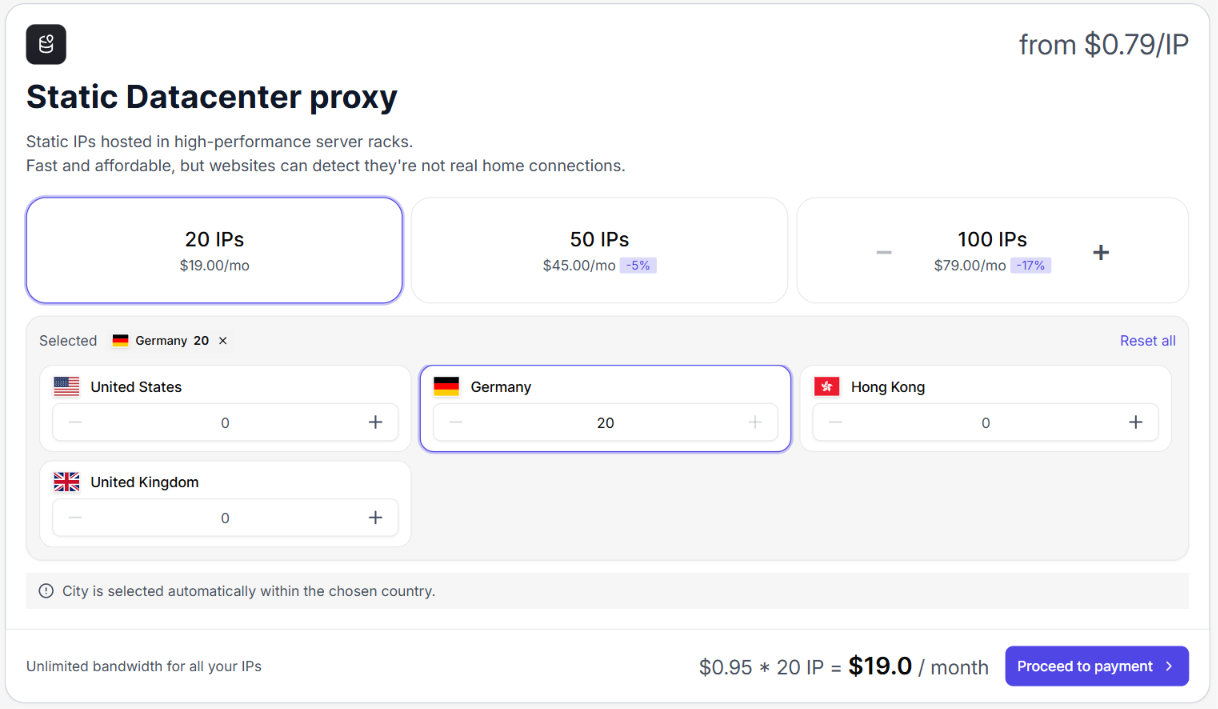
If you’d like fixed IP addresses instead, the static datacenter option begins at $0.79 per IP with unlimited bandwidth, available in bundles of 20, 50, or 100.
When I carried out the scraping job using the datacenter IPs, the response time remained below 0.3 seconds, which is ideal for large-scale operations. The uptime is 99.99% and the pool consists of over 1 million datacenter IPs covering all countries.
It’s easy to set up – you select your settings from a series of drop-down menus, the proxy string is then automatically generated and you just copy it. The service accepts payments by card, PayPal, and 70+ cryptocurrencies, and you can try it out with a 100MB free trial before spending a single cent.
Pros
- Datacenter, residential, and mobile on one balance
- Static datacenter from $0.79 per IP with unlimited bandwidth
- More than 1 million IPs, all countries, 99.99% uptime
- 100MB free trial
- Simple dashboard, no setup fees
Con
- Datacenter pool is smaller than the giant enterprise networks
Ideal for: people who want a single, complete setup without having to pay enterprise prices.
2. 1Browser
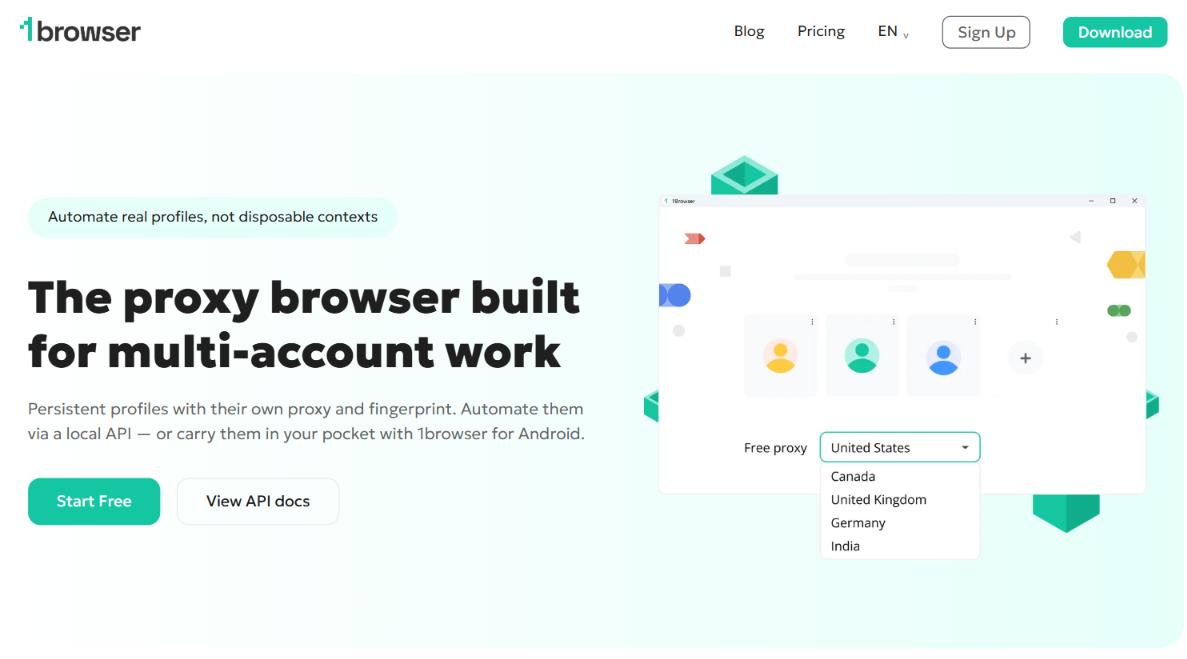
1Browser is my second choice and is a different kind of thing; it’s an anti-detect browser with the proxies built in.
When I tested it, I found that the free plan allowed me to have up to 10 profiles, each with its own fingerprint and IP address. In my situation, however, I only needed a few.
You can simply copy and paste your existing Floppydata proxies into a 1Browser profile.
Pros
- Free plan with 10 isolated profiles
- Proxies and fingerprint protection in one tool
- Works with your own custom IPs
Cons
- Not a dedicated datacenter network
- Pool size is not clearly published
Ideal for: individuals who want to use both proxies and an anti-detect browser, without having to combine the two tools.
3. Oxylabs
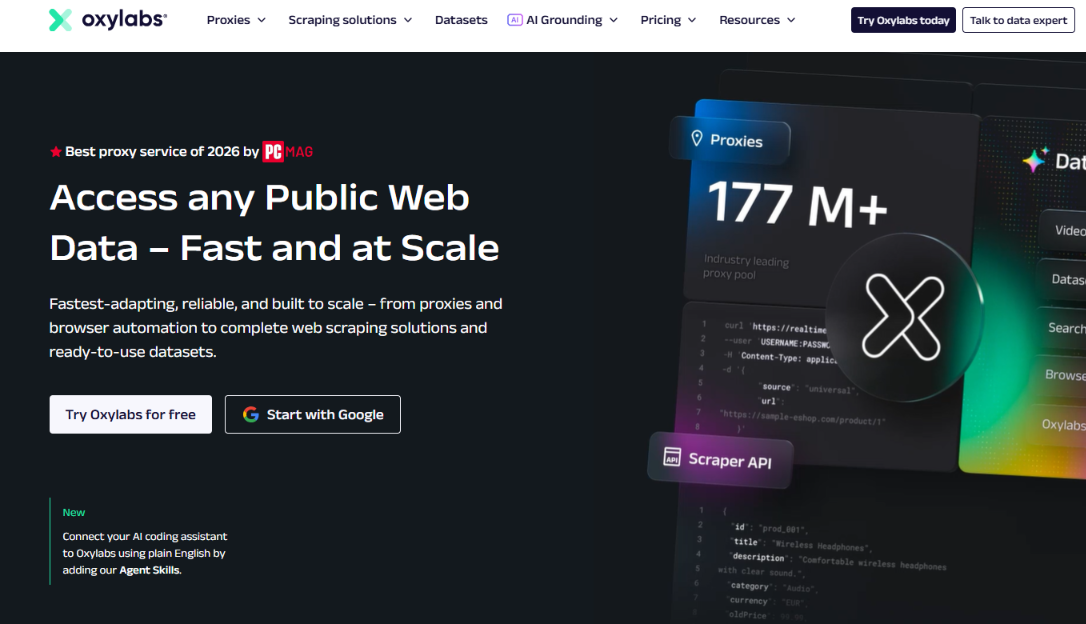
Oxylabs is the top provider in the enterprise sector; its datacenter pool is one of the largest on this list, comprising more than 2 million IPs spread over 188 countries.
You receive city and state-level targeting, an IP rotator, and response times of about a quarter of a second; shared datacenter IPs start at $1.20 per IP and dedicated plans are priced from that point onward.
The problem is the cost and the commitment levels; it was designed for teams handling a large amount of volume.
Pros
- Huge, high-quality datacenter pool
- City and state targeting
- Strong uptime and low latency
Cons
- Pricey for small users
- Trial only on request
Ideal for: large teams that require scale and are able to bear the cost.
4. Bright Data
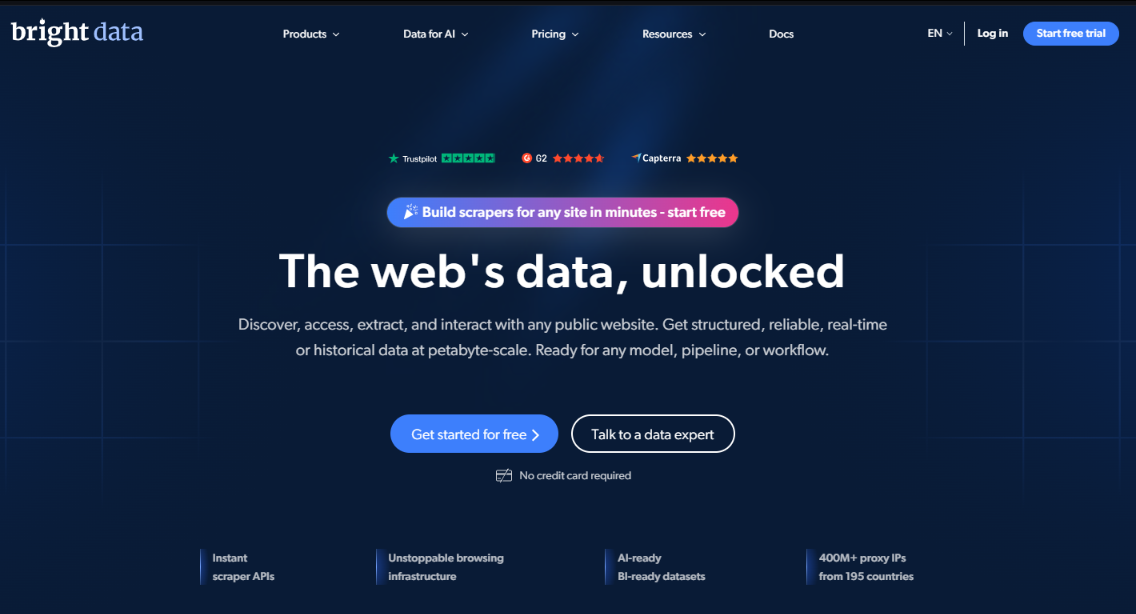
Bright Data is the other enterprise-level product that is well known. Prices in datacenters begin at about $0.9 per gigabyte on a pay-as-you-go basis and then offer volume discounts.
In independent tests of latency, its datacenter IP addresses turned out to be some of the fastest, meaning that if your main concern is speed and you are not particular about your budget, it will meet your needs.
The drawback is the onboarding process, since business verification delays you, which is frustrating when you’re working on a small project.
Pros
- Very low latency in benchmarks
- Pay-as-you-go available
- Deep tooling and targeting
Cons
- Highest cost once promos expire
- Verification needed to start
Most suitable for: companies going after the hardest targets.
5. Decodo (formerly Smartproxy)
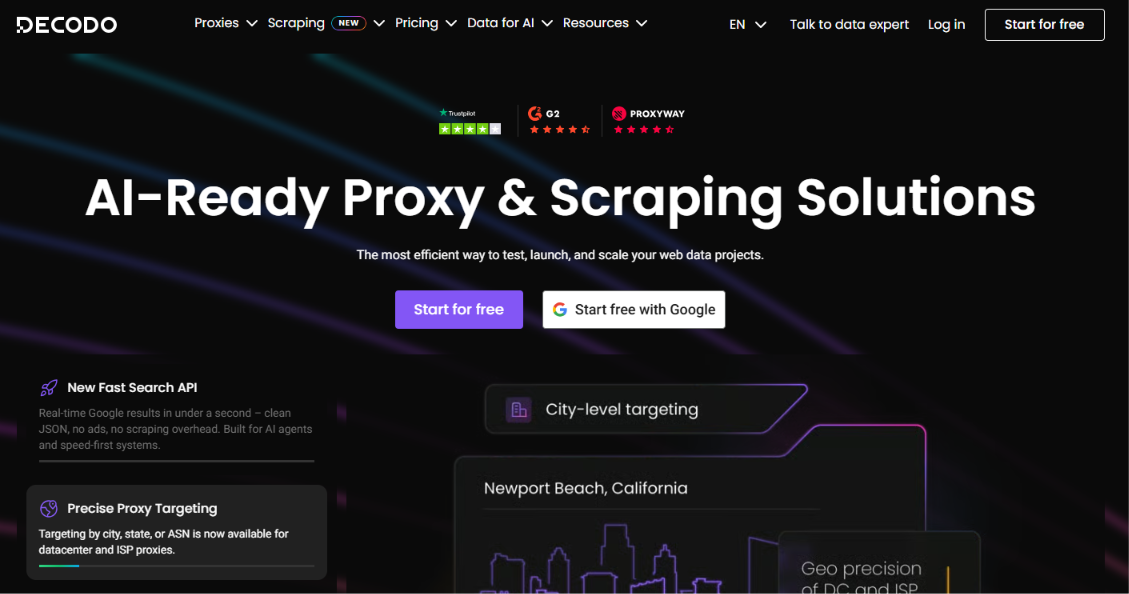
Decodo, the company that was previously known as Smartproxy, is in an ideal position with regard to both price and features.
The dashboard is clean, the setup is quick and it includes 195 or more locations. The datacenter costs about $0.02 per IP or $0.6 per GB according to the plan, and offers a 3-day trial (a card is required).
I continue to suggest it to those who find Oxylabs rather cumbersome but who still want a higher level of refinement than what the cheap providers offer.
Pros
- Clean dashboard, easy start
- Good price-to-features ratio
- Wide location coverage
Cons
- Trial needs a card
- Not the absolute cheapest
Ideal for: developers and small and medium-sized businesses who want a combination of low cost and good quality.
6. IPRoyal
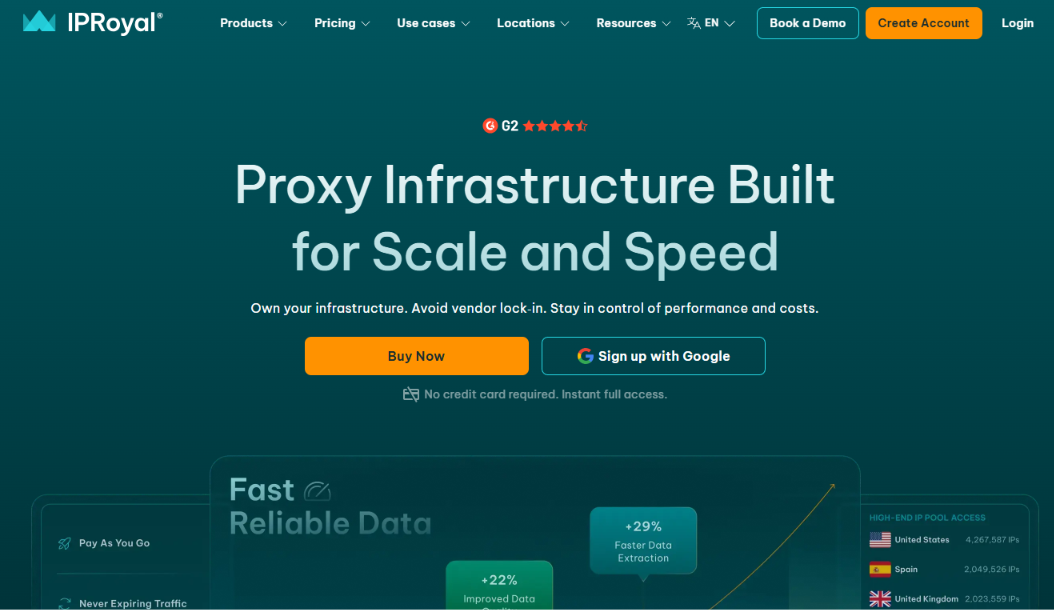
IPRoyal specializes in dedicated datacenter IP addresses, with prices starting at $1.39 per IP.
What is clear is the model; rather than a data cap, you are given unlimited traffic for a specified number of days, and the IPs are obtained ethically.
On the other hand, it is dedicated-only, which means that if you need a large shared pool that rotates, you should consider looking elsewhere.
Pros
- Cheap dedicated IPs
- Unlimited traffic, non-expiring model
- Ethically sourced
Cons
- No large shared pool
- No free trial (money-back only)
Ideal for individuals who want to use dedicated IP addresses without being subject to a data limit.
7. Rayobyte
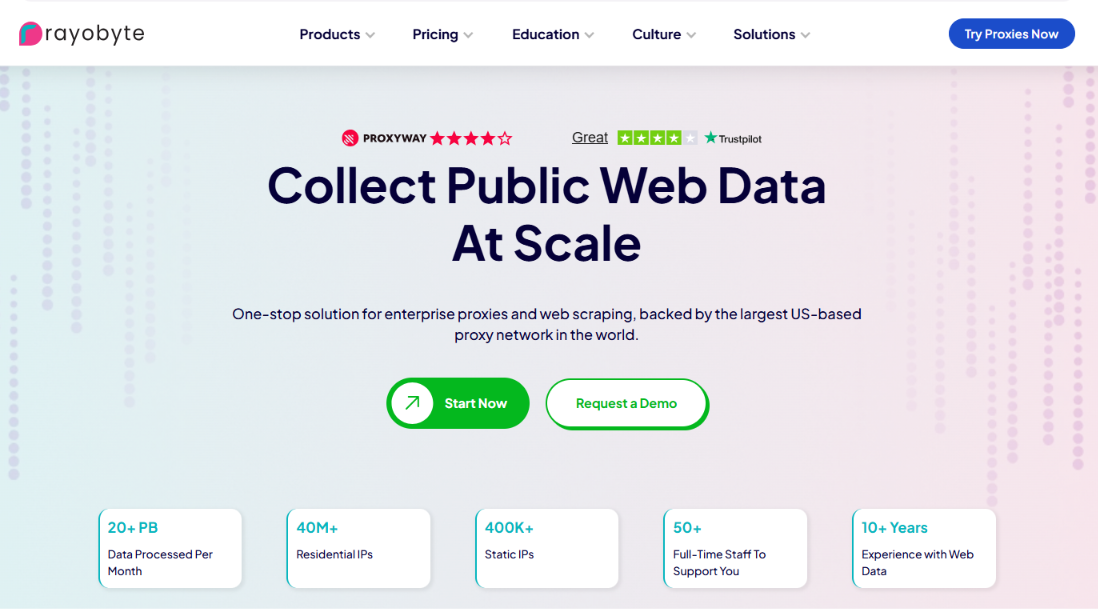
You can access rotating, shared, and dedicated proxies from Rayobyte, and its rotating proxy pool begins at $0.30 per GB.
The IPs that rotate are based in the United States and change every 10 to 120 minutes; the company places a strong emphasis on ethical sourcing and has provided me with some of the best support that I have ever received.
There’s a two-day money-back window on a small package if you’d like to test it.
Pros
- Flexible rotating and dedicated options
- Ethically sourced with strong support
- Low entry price
Cons
- Rotating geo is US-heavy
- Short money-back window
Most suitable for: use that is ethical and flexible with a low level of commitment.
8. Webshare
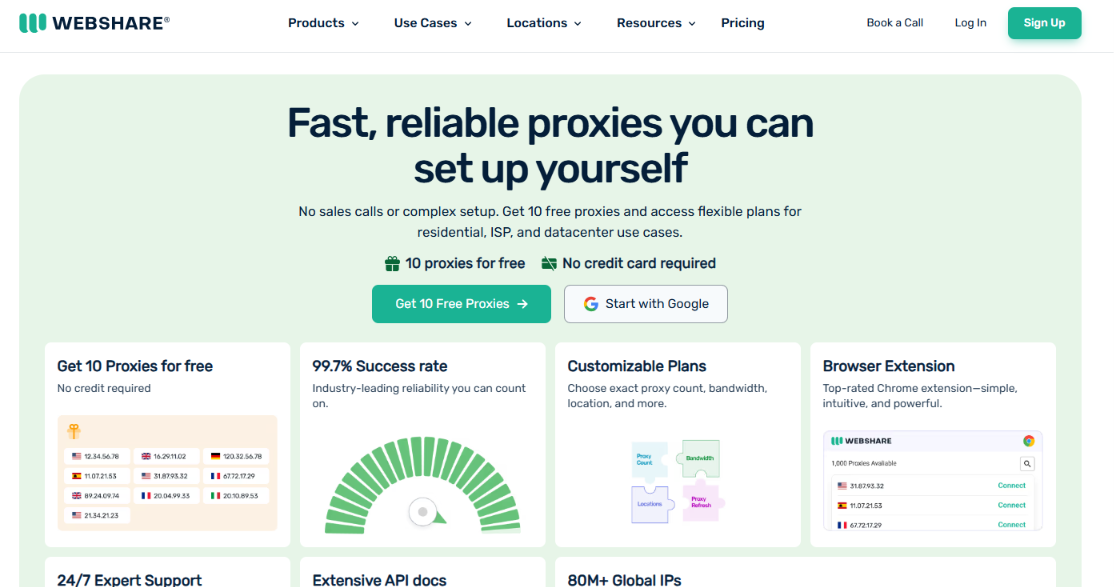
There is no cheaper way to get started than Webshare.
You receive 10 datacenter proxies free without having to provide a credit card, and the paid datacenter plans start at $2.99 per month for 100 proxies, which amounts to around 3 cents each.
It offers support for HTTP and SOCKS5 in 195 countries and, although its pool and toolset are smaller than those of the enterprise versions, it is difficult to beat in price for a small-scale project.
Pros
- Permanent free tier, no card
- Very cheap paid plans
- Simple to set up
Cons
- Smaller pool and fewer features
- Less suited to heavy targets
Ideal for: people who are just starting out and for small volumes of work on a limited budget.
9. DataImpulse
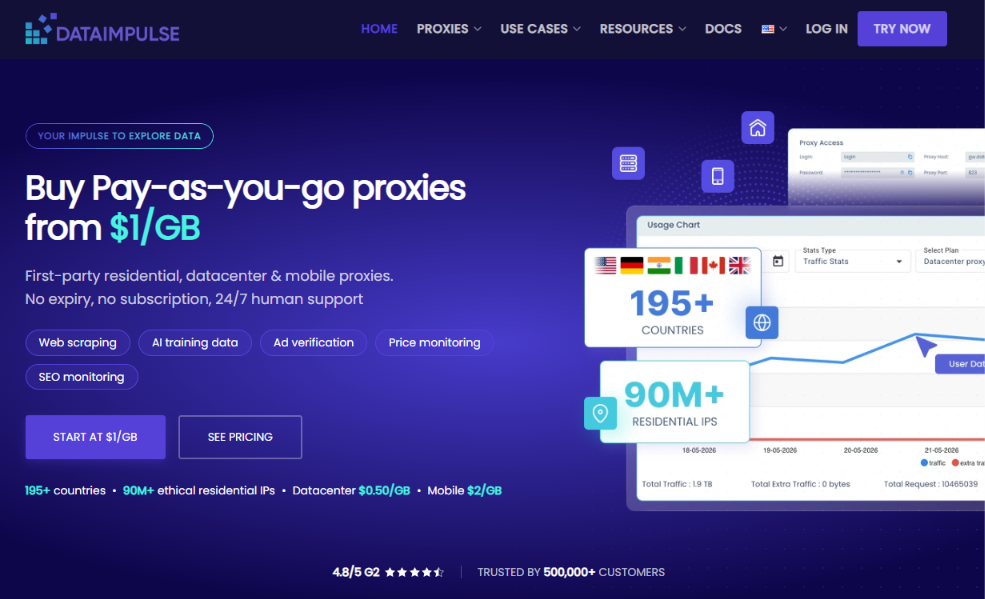
DataImpulse is a low-cost pay-as-you-go option which makes use of a series of different datacenter pools.
You can target a country, a state, a city, an ASN, and even a ZIP code across 194 or more locations, and the service supports both HTTP(S) and SOCKS5. A trial costing $5 gives you 10GB to use.
What attracts people is the price and the fact that traffic doesn’t expire.
Pros
- Cheap pay-as-you-go
- Deep geo-targeting
- Traffic never expires
Cons
- Smaller brand
- Lower success rate on the hardest sites
Most suitable for: people who are concerned about costs and want precise targeting.
10. MarsProxies
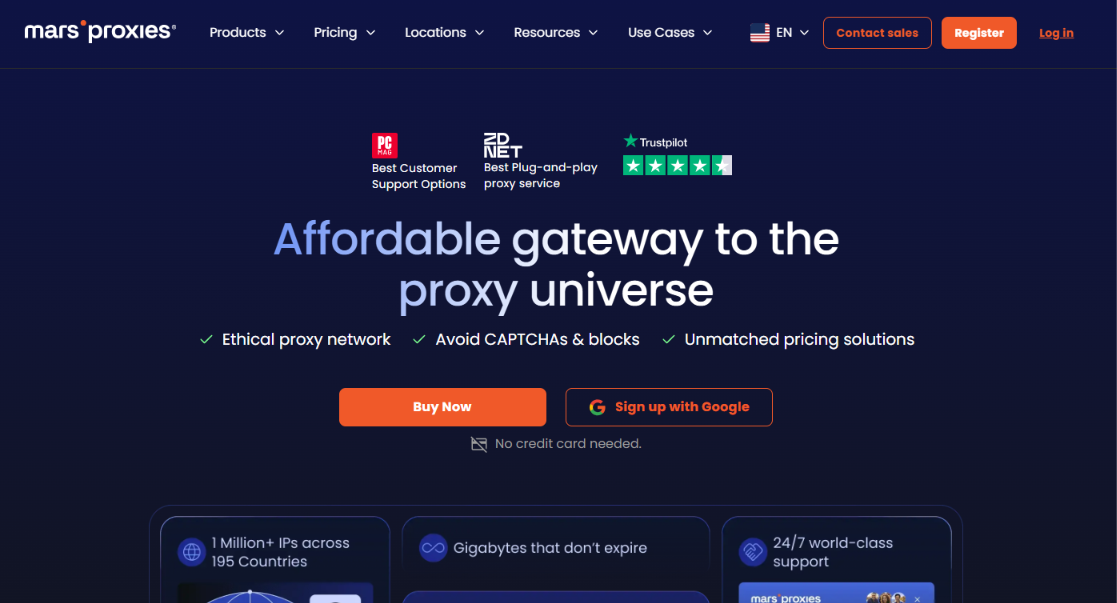
MarsProxies is a simple and low-cost option, with dedicated datacenter IPs beginning at $0.99 each.
The IP addresses are reserved for you rather than being shared, offering unlimited bandwidth across more than 60 locations with an uptime of 99.99%. It provides support for HTTP, HTTPS, and SOCKS5, as well as TCP and UDP.
This is ideal for freelancers and independent operators who want reliable proxies without having to bear the costs associated with an enterprise solution.
Pros
- Cheap dedicated IPs
- Unlimited bandwidth
- Daily plans for short tasks
Cons
- Fewer locations
- Smaller brand and pool
Most suitable for: short-term and limited-run tasks.
11. Infatica
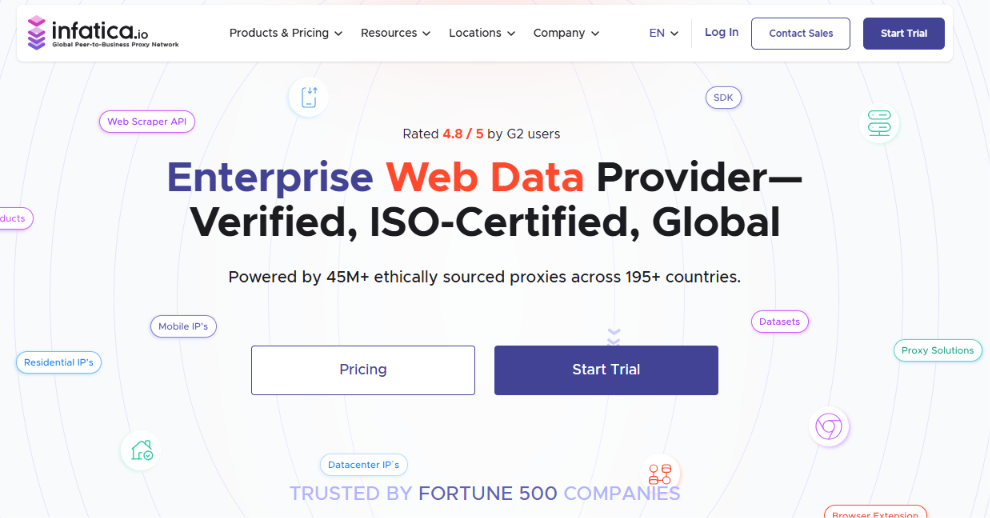
You can handle residential, mobile, ISP, and datacenter services through a single account, getting dedicated datacenter IPs at a rate of $1 per IP per month.
It includes a web scraper API and good geo-targeting, which is an advantage when you want proxies and scraping tools all in one place.
There isn’t a free trial, though you can begin with a low-cost paid trial for other types.
Pros
- Multiple proxy types in one place
- Scraper API included
- Cheap dedicated datacenter IPs
Cons
- No free trial
- Smaller pools than the top names
Ideal for: teams that would like to have proxies along with scraping tools.
12. Proxy-Seller
Proxy-Seller completes the list by offering dedicated datacenter IPs for IPv4 and IPv6, at a price of about $1.8 per IP/M.
It includes about 50 locations, offering targeting by country and city, just like Infatica, and sells all the main types of proxy from a single dashboard. However, city-level targeting is not available everywhere yet.
Pros
- Both IPv4 and IPv6 dedicated IPs
- All proxy types in one account
- Country and city targeting
Cons
- Fewer locations
- City targeting is patchy
Ideal for: those buyers who specifically want dedicated IPv4 or IPv6 addresses from a datacenter.
Which type do you really need: a datacenter, an ISP, or a residential connection?
The part that people get wrong is this: the datacenter is the appropriate tool only if the target is not opposing you.
As soon as you come up against a block on Amazon, Instagram, or Cloudflare, the rates for datacenter blocks rise quickly; that’s when you increase your effort.
The middle choice is ISP data center proxies, since they offer the speed of a datacenter along with the appearance of being registered with an ISP. If you want that level of stability without carrying out a full rotation, then static residential IPs are the way to go.
If you need to appear as a real home or mobile user, then use residential or mobile proxies since although they are more expensive they are the only ones that work on secured sites.
The Next Step
If you’re after great speed and a low cost, then datacenter proxies are the solution, provided that the site you’re accessing isn’t too strict.
Of the 12 that I tested, Floppydata is the one I end up returning to. The datacenter option is included in the $1/GB rotating plan, static IPs begin at $0.79, and you can switch between residential, mobile, and datacenter using a single balance.
You can try it out with 100MB free before you make a commitment. Get a plan from the pricing page and then run your own job using it.
Thanks for having read all the way to the end!