
I started looking for the best cloud browser for web automation when one day, I had three crashes in one hour. Turns out, the browser was eating up all my RAM, or at least more than my small server could handle.
That’s when I realized: it’s time to move my browser automation to the cloud.
All I had to do was find the best cloud browser. After some digging around, I found some great options I’m excited to share with you. Whether you do web scraping automation or any sort of automation, you’ll find your best fit in this guide.
TL;DR: Which Cloud Browser Should You Choose?
| Platform | API | WebSocket | CAPTCHA solving | Geo-Proxy Support | Playwright | Selenium | UI Mode |
|---|---|---|---|---|---|---|---|
| GoLogin | ✓ | ✓ | ✗ | ✓ | ✓ | ✓ | ✓ |
| Floppydata | ✓ | ✓ | ✓ | ✓ | ✓ | ✓ | ✓ |
| Browserless | ✓ | ✓ | ✗ | ✗ | ✓ | ✓ | ✓ |
| Browserbase | ✓ | ✓ | ✓ | ✓ | ✓ | ✓ | ✓ |
| Cloudflare Browser Rendering | ✓ | ✓ | ✗ | ✗ | ✓ | ✗ | ✗ |
What Makes a Great Cloud Browser for Automation?
In general these 5 things are what makes the perfect cloud browser for web automation:
- Availability of Playwright and Selenium support
- Easy integration and clear API/SDK examples you can follow
- Very fast session creation
- Visual browser/UI mode availability so you can watch what the automated browser is doing live
- Uptime and stability, of course
- And anti-bot and fingerprinting capabilities to make automated browsers look like normal users.
Listed: Top 5 Cloud Browsers for Web Automation
Before ranking the best cloud browser for web automation, let me briefly explain the methodology I used to pick them:
How I Selected These Platforms
I honestly didn’t care about what companies claim on their website. I was instead interested in how each platform actually works in real-world automation, especially in these key areas:
- Is this cloud browser’s infrastructure available?
- Does it support Playwright and Selenium?
- Is there an API available?
- Does it support WebSocket connections?
- Does it allow me to see my browser (UI mode)?
- Is the session startup fast enough?
- Does it offer CAPTCHA and anti-bot capabilities?
- Does it have proxies integrated?
- How reliable is it?
- How easy is it to set up?
- How suitable is it for automation and web scraping?
1. Gologin: Best Overall Cloud Browser
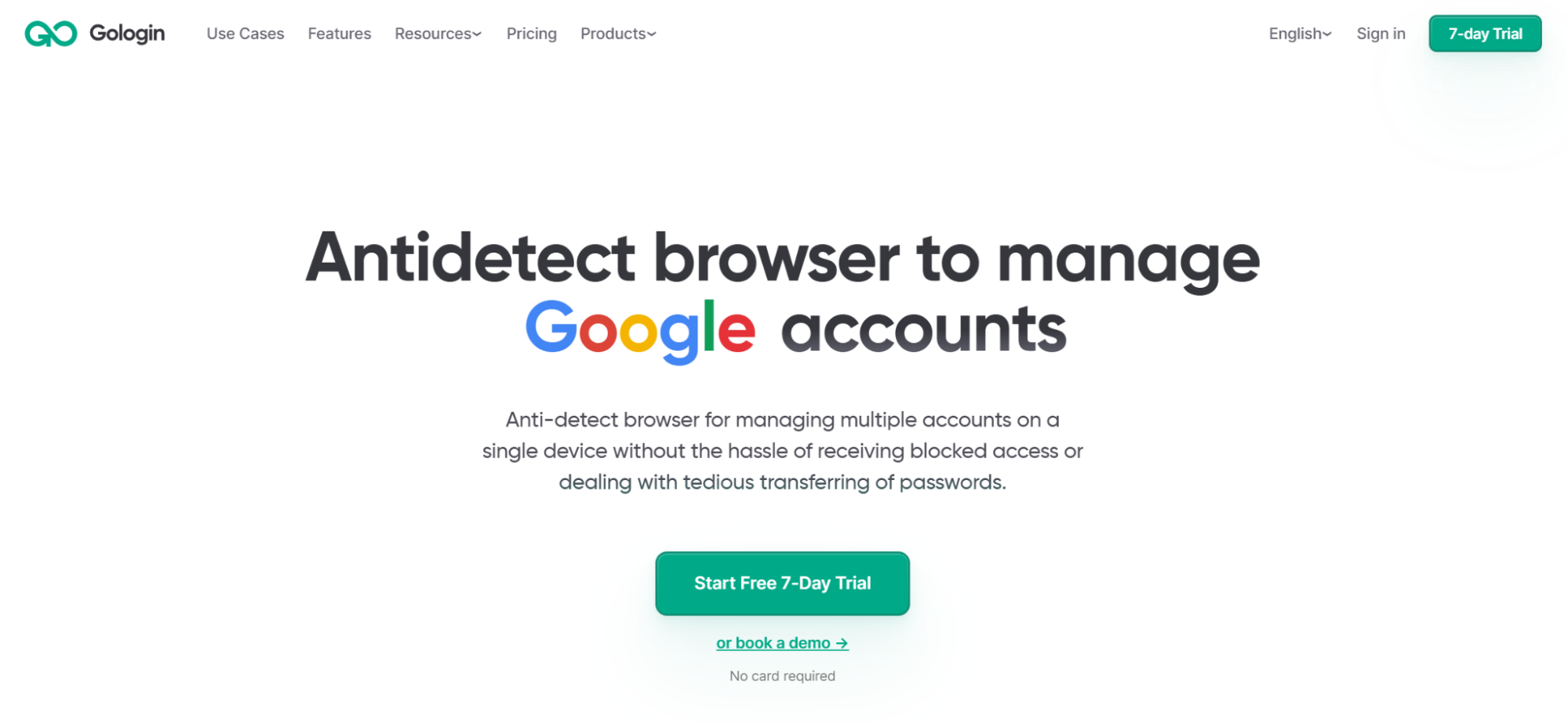
GoLogin is an anti-detect browser and cloud browser platform. It’s built for managing multiple accounts, web scraping, browser automation, and AI agents.
On Gologin, I can run multiple isolated sessions on remote cloud infrastructure that I can access from any device. And any member on my team can access it as well!
Gologin lets me give each profile I create a unique fingerprint, so websites see every profile as a different user.
All I have to do is connect the automation scripts that I built with Playwright, Puppeteer, or Selenium to GoLogin’s remote browsers through a WebSocket connection using an API token.
Once connected, my script can control the remote browser just like a local browser, while the actual browser session runs in the cloud.
In my opinion, Gologin offers one of the best browser automation solutions in the cloud. Here’s why.
Why I Ranked It #1
Gologin earns this spot because:
- It offers strong anti-bot capabilities. It automatically spoofs deep hardware and browser parameters so that your automations look like a real human is doing them.
- It comes with built-in proxies. Including residential and mobile proxies targeting over 150 countries with automatic geo-targeting and rotation.
- It offers seamless automation compatibility. With an easy Playwright or Puppeteer integration.
- It runs cloud-based sessions. So no need to have a lot of memory or powerful hardware.
- It offers a UI Mode and browser visibility. You can see the browser while it is running.
- Its setup is dead easy. So it’s great for developers who don’t want too much headaches.
Pros & Cons
| Pros | Cons |
|---|---|
| Strong fingerprint/anti-detection capabilities | May be more than needed for simple browser automation. |
| Easy setup | Pricing/feature availability may vary by use case. |
| Cloud browser infrastructure | |
| Proxy support | |
| Automation support |
Verdict
GoLogin takes #1 place because it combines stealth, ease of use, and reliability. It’s best use case is web scraping and managing multiple accounts on websites with strong anti-bot protection, where regular automated browsers are more likely to get detected or blocked.
2. Floppydata: Best Gologin Alternative
Floppydata is a bit unique and different from the rest of the cloud browsers on this list. This difference is what actually makes it a favorite of mine.
Its main focus is proxy network. Here’s how it works:
First, I send a request with details such as:
- the location I want the browser to appear from
- the type of device or OS
- and the type of proxy I want to use (residential, mobile, and data center IPs)
Then, Floppydata creates a remote Chrome session and gives me a connection I can use to control it.
So with Floppydata, instead of using a separate proxy service, you get a managed Cloud Browser API to run remote Chrome browsers directly through Floppydata’s own proxy network.
If you already use Playwright, Puppeteer, or Selenium, you can connect your existing automation scripts to the remote browser without having to rebuild everything from scratch, only a small code change is required.
The best part is that the cloud browser infrastructure is free to run. The only thing you pay for is the underlying proxy bandwidth your automation consumes.
Why does it stand out?
- It offers built-in anti-bot protection and proxies.
- Free cloud browning infrastructure, you only pay for the proxies
- It allows you to watch your browser while it runs.
- Easy and very simple to setup
Who is it Best For?
- Web scraping automation
- Automation requiring geo-targeting
- Anti-bot-sensitive workflows
- Teams already using proxies
- Developers who want a simpler setup
Pros & Cons
| Pros | Cons |
|---|---|
| Anti-bot focus | Cloud Browser offering may be less mature than some dedicated browser infrastructure platforms. |
| Proxy integration | Users looking for highly specialized testing infrastructure may prefer another option. |
| Hybrid UI Mode | |
| Easy setup | |
| Automation-oriented infrastructure |
Verdict
I’d look first at Floppydata if proxy infrastructure and anti-bot performance are my main priorities. It’s easily the best Gologin alternative, and it’s an even more cost-effective solution as it does not charge separate fees for browser compute but only for the proxies.
3. Browserless: Best for Developer-First Automation

Browserless is a cloud-hosted browser built for developers who want to run headless Chrome without managing the servers and infrastructure themselves.
Browserless is as a powerful infrastructure layer that turns headless Chrome into a scalable web service without having to manually manage anti-detect profiles.
It also offers APIs and MCP support for tasks such as generating PDFs, taking screenshots, extracting HTML, and giving AI agents access to websites.
Key Features
- Easy framework integration
- Flexible connectivity
- Persistent profiles
- Infrastructure flexibility
- Built-in monitoring
Pros & Cons
| Pros | Cons |
|---|---|
| Developer-friendly | Less focused on fingerprinting and anti-bot features than specialized platforms. |
| Strong automation integrations | May require more technical setup. |
| Good for teams already using browser automation frameworks |
Verdict
I would choose Browserless if all I need it for is building automation systems, internal tools, or AI agents that don’t need to bypass strong anti-bot protection. For advanced browser fingerprinting, and not dealing with local servers and memory issues, I’d pick one of the first two options on the list.
4. Browserbase: Best for Browser Infrastructure

If you need to run AI agents, web scrapers, and automated workflows at scale, you might like this one.
With this cloud browser infrastructure, you can just connect your existing automation scripts or AI frameworks to its remote Chrome browsers to interact with dynamic websites, handle logins, and run multi-step tasks without managing or scaling Chrome instances on your own servers.
Key Features
- Browser automation & SDKs
- Session management
- Debugging & monitoring
- Anti-bot features
- API & AI integration
Pros & Cons
| Pros | Cons |
|---|---|
| Strong developer experience | More focused on developers and infrastructure. |
| Good infrastructure layer | Another platform may be better for advanced anti-bot and proxy needs. |
| Useful debugging tools | |
| Good fit for AI and browser agents |
Verdict
Consider Browserbase if you are an engineer or product team building AI-driven web agents, LLM tool-use applications, or cloud-native Playwright workflows.
5. Cloudflare Browser Rendering: Best for Cloudflare Users

Cloudflare Browser Rendering is a cloud-based browser platform built into Cloudflare’s global network.
It gives developers access to headless Chromium browsers that can be controlled through Cloudflare Workers, APIs, or standard CDP connections.
With this cloud browser, you don’t need to manage or scale your own browser servers or containers because it is already part of the Cloudflare Workers ecosystem.
Key Features
- Native edge integration
- Playwright & Puppeteer support
- Built-in rendering APIs
- Well-behaved Bot Mode
- AI agent support
- Cloudflare ecosystem
- Scalable browser workloads
Pros & Cons
| Pros | Cons |
|---|---|
| Cloudflare ecosystem | Less focused on anti-bot browser profiles. |
| Scalable infrastructure | May not be ideal for proxy-heavy scraping. |
| Useful for existing Cloudflare customers | Best suited to users already using Cloudflare. |
| Developer-oriented |
Verdict
I would choose this one if I already use Cloudflare and need simple, scalable browser tasks.
How to Choose the Right Cloud Browser for Web Automation
Ask yourself these questions:
- What is my automation workload?
- What is my programming language?
- Do I need anti-bot capabilities?
Once these are answered, use this decision tree diagram:
Final Verdict
The answer to what is the best cloud browser for web automation depends on your programming needs, proxy requirements, budget, and anti-bot needs. Gologin is great for multi-account management and anti-detection.
Floppydata is best web scraping with built-in proxy infrastructure.
As for Browserless, Browserbase, and Cloudflare Browser Rendering, they are better suited for developers, AI agents, and scalable cloud-based automation.