Table of Contents
For your paid ad to work, you have to confirm it reaches the people you want it to, and that it renders in a way that converts.
Imagine running a PPC campaign where the CTA link leads to a 404 page, but only in the main location you’re targeting. From your own desk everything looks fine, so you keep paying for clicks that never convert.
This is where ad verification with proxies saves your budget: you see your ads and landing pages the way a real user in each market sees them, and fix problems before they cost you.
In this guide I compare 8 proxy providers for ad verification. For four of them I use measured data from our residential proxy benchmark on the two things that matter most here: whether the IP is really in the country you asked for, and whether ad networks are likely to recognize it as a proxy.
Disclosure: this guide is published on Floppydata’s blog, and Floppydata is one of the providers compared. Benchmark figures come from our October 2026 test of 12 residential proxy providers, run with the same scripts for everyone; raw data and scripts are public on GitHub. Other details come from provider pages and my own hands-on checks. Last updated: October 2026.
TL;DR
• Our #1 pick: Floppydata. In our benchmark 99.8% of its exit IPs landed in the requested country, and only 60.7% were flagged as proxies by Scamalytics, the second-lowest share of 12 providers. Residential, mobile and datacenter traffic share one $1/GB balance, and the free Cloud Browser gives each check an isolated session.
• Cleanest IPs: NodeMaven had the lowest average fraud score in our test (2.3) and no high-risk IPs, with residential and mobile on one plan.
• Most reliable connections: Decodo, with a 99.9% success rate and targeting down to ZIP code and ASN.
• Precise geo targeting: SOAX, with country, region, city and ISP filters.
• Use residential or mobile IPs, not datacenter: ad networks often treat datacenter traffic differently, so you may not see what real users see.
| Provider | Proxy types | Countries | Geo accuracy* | IPs flagged as proxy* | Mobile IPs | API | Free trial |
| Floppydata | Residential, mobile, datacenter, static ISP | 195+ | 99.8% | 60.7% | ✅ | ✅ | ❌ |
| NodeMaven | Residential, mobile, static ISP | 190+ | 99.8% | 77.7% | ✅ | ✅ | Paid ($3.50) |
| Decodo | Residential, mobile, ISP, datacenter | 195+ | 99.8% | 85.0% | ✅ | ✅ | ✅ (3 days) |
| SOAX | Residential, mobile, datacenter (US) | 195+ | 99.3% | 85.3% | ✅ | ✅ | Paid ($1.99) |
| VoidMob | Mobile (4G/5G) | Global | Not in benchmark | Not in benchmark | ✅ | ✅ | ❌ |
| FlashProxy | Residential, mobile, ISP, datacenter | 201+ | Not in benchmark | Not in benchmark | ✅ | ✅ | ✅ |
| Proxifly | Not clearly labeled | 10–100+, by plan | Not in benchmark | Not in benchmark | Unclear | Max plan only | Free plan |
| ProxyCompass | Static datacenter, static ISP, rotating | 20 | Not in benchmark | Not in benchmark | ❌ | ❌ | On request |
*From our residential proxy benchmark, 5–8 October 2026. Geo accuracy is the share of exit IPs located in the requested country. “IPs flagged as proxy” is the share of 300 sampled IPs that Scamalytics flagged; lower is better. Country counts are vendor-stated.
Why do you need proxies for ad verification?
After launching a PPC campaign, it’s tempting to watch the dashboard and landing page analytics and leave it there. But the dashboard only tells you what the ad network reports, not what users actually see. Proxies let you check for yourself, from inside each market.
Geo-targeting review
Performance marketing only works when the copy fits the audience’s context. Your price in Houston should be in dollars and your price in Paris in euros; the language, the offer and even the landing page may differ by region.
Then you need to be sure people in the target location see your ad at all. The most direct way to check is to open the ad from an IP in that location and look for yourself, then fix the campaign if something is off.
Competitor research
Proxies also let you see how competitors position their campaigns in each market. You can learn which regions, placements and messages they use, borrow what works, and avoid what doesn’t.
Catching fraud and broken delivery
When you check your ad from your own device, it usually shows the banner and copy you expect. Real users in the target region can see something else. Proxies help you catch:
- Cloaking: a publisher or affiliate shows one page to reviewers and another to real users
- Unexpected redirects: your tracking link sends users through extra hops or to the wrong landing page
- Domain spoofing and misplaced ads: your ad appears on sites or placements you didn’t pay for
- Broken localization: wrong currency, language or a 404 page in one market only
Residential, mobile or datacenter proxies for ad verification?
| Type | What ad networks see | Best for |
| Residential | A home internet connection in the chosen country or city | Most web and search ad checks |
| Mobile | A phone on a 4G/5G carrier network | Mobile placements, in-app ads, carrier-specific campaigns |
| Datacenter | A server; often filtered or treated as non-human traffic | Not recommended for ad verification |
For most campaigns, start with residential proxies and add mobile proxies for checks where phone traffic matters. A provider that offers both on one balance saves you a second account.
How I chose these providers
I looked at what matters for ad verification specifically:
- Geo accuracy: is the IP really in the country you asked for?
- IP reputation: how often do IP-reputation databases flag the IPs as proxies? Flagged IPs are more likely to be served different ads or none.
- Targeting depth: country, city, ZIP code, carrier or ASN
- Mobile coverage: can you check as a phone user?
- Automation: API access for scheduled checks
- Price and trial: what a first test costs
For Floppydata, NodeMaven, Decodo and SOAX, geo accuracy and IP reputation come from our benchmark. For the other providers I used their published specifications and, where I could, my own hands-on checks with FoxyProxy.
Top 8 Proxy Providers for Ad Verification
1. Floppydata
Best for: checking web and mobile ads in many countries on one budget, with clean IPs.
Floppydata is our #1 pick for ad verification because it does well on the two measures that decide whether you see what real users see. In our October 2026 benchmark, 99.8% of its exit IPs were in the requested country, and Scamalytics flagged only 60.7% of its IPs as proxies, the second-lowest share of 12 providers. For comparison, Decodo and SOAX were at about 85%, and some budget networks at 96–99%. Its average fraud score was a low 3.0, and 99% of sampled IPs were classified as residential or ISP addresses.
Residential, mobile and datacenter traffic share one balance at a flat $1/GB, so you can check a search ad through a residential IP and the same campaign on mobile without a second account. The free Cloud Browser runs each check in an isolated session with its own fingerprint, cookies and proxy, so results from one market don’t leak into another. You also get API keys for scheduled checks.
When I loaded a Floppydata proxy on my machine for a verification run, the location was exact, and I could see the location-specific version of my landing page straight away.
Pricing: $1/GB for residential, mobile and datacenter traffic (first purchase 19 GB, $19); non-expiring traffic costs $1.50/GB. Static ISP IPs from $1.79/IP.
Pros
- 99.8% geo accuracy in our benchmark
- Second-lowest share of IPs flagged as proxies (60.7%)
- Residential, mobile and datacenter on one $1/GB balance
- Free Cloud Browser with isolated sessions
- API keys for automated checks; 195+ countries
Cons
- No free trial; first purchase is 19 GB
2. NodeMaven
Best for: verification where IP reputation matters most.
NodeMaven had the exact proxy types I needed for ad verification, residential and mobile, with city-level targeting. That matters when you want to know what an audience in one city sees rather than a country-wide average.
In our benchmark it had the lowest average fraud score of 12 providers (2.3), no high-risk IPs in the sample, and 99.8% geo accuracy; 77.7% of its IPs were flagged as proxies. NodeMaven checks its IPs before assigning them and also offers static ISP proxies from $2.99/IP.
Pricing: residential and mobile on one plan, from $8.50 for 2 GB down to $2.20/GB at volume; a paid trial costs $3.50 for 750 MB.
Pros
- Lowest fraud score in our benchmark
- Residential and mobile on one plan, city-level targeting
- Static ISP proxies available
Cons
- Higher entry price per GB than Floppydata
- No free trial, only a paid one
3. Decodo
Best for: teams that want the most reliable connections and fine targeting.
Decodo had the highest success rate in our benchmark (99.9%) and 99.8% geo accuracy, with targeting by continent, country, state, city, ZIP code and ASN. Its IPs were flagged as proxies more often than Floppydata’s (85.0%), so test your own ad networks before scaling.
Pricing: residential from $3.75/GB (3 GB), $4/GB pay-as-you-go; mobile from $2.25/GB on larger plans. A 3-day trial with 100 MB or a 14-day refund.
Pros
- 99.9% success rate in our benchmark
- ZIP code and ASN targeting
- Trial or refund option
Cons
- Higher price per GB
- More IPs flagged as proxies than Floppydata or NodeMaven
4. SOAX
Best for: location-sensitive campaigns that need region, city and ISP filters.
SOAX is built around targeting: country, region, city and ISP filters on a pool of 155M+ residential and 33M+ mobile IPs (vendor-stated). In our benchmark it had 99.3% geo accuracy and one of the fastest median latencies (0.72 s); 85.3% of its IPs were flagged as proxies.
Pricing: Builder plan $200/month at $3/GB; the free Sandbox plan bills $2–5/GB by location; a 3-day trial costs $1.99 for 400 MB.
Pros
- Region, city and ISP targeting
- Fast connections in our benchmark
Cons
- $200/month entry plan; ASN and ZIP targeting only on top plans
5. VoidMob
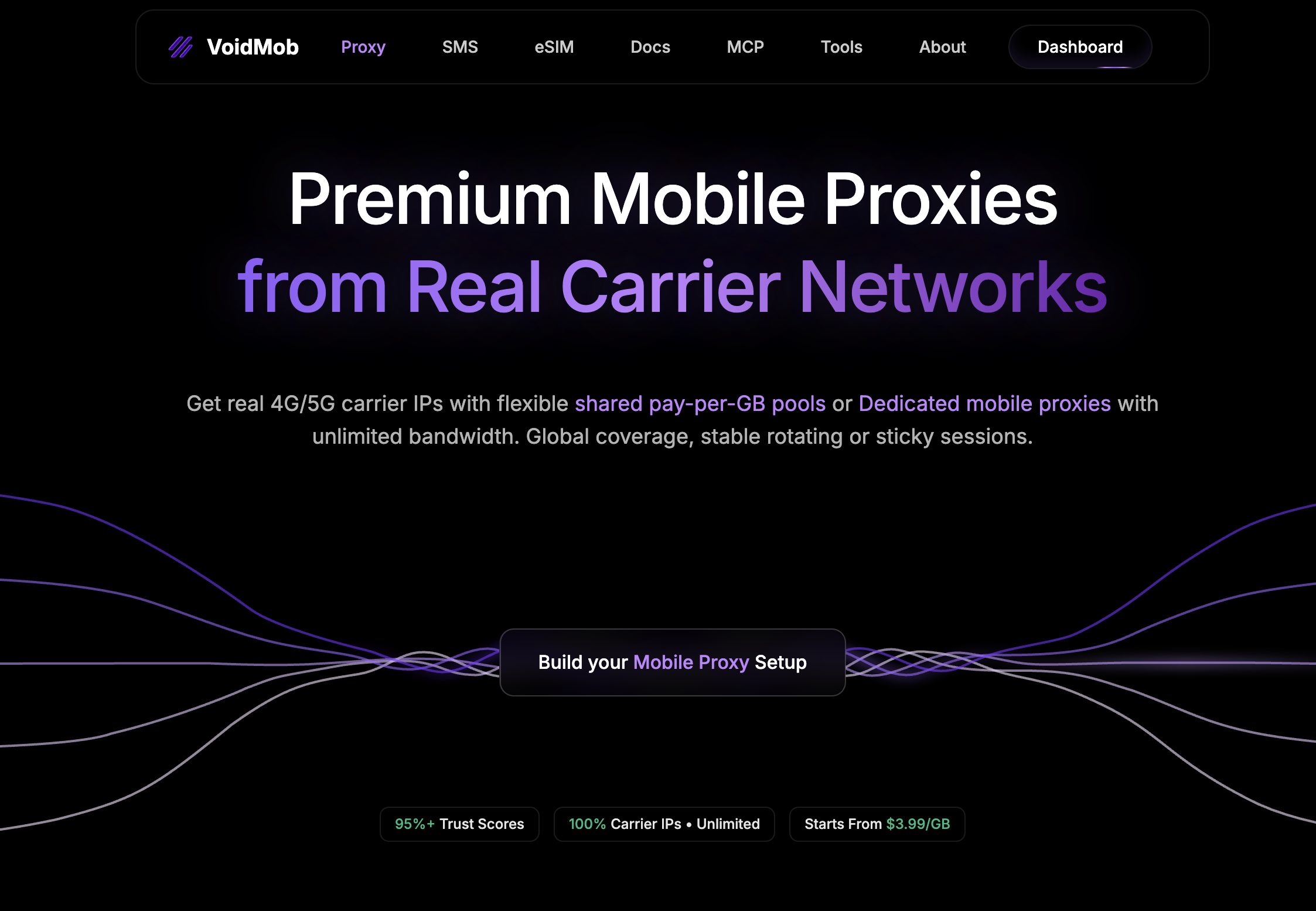
Best for: carrier-specific mobile ad checks.
VoidMob is a mobile-first provider that routes traffic through 4G and 5G devices on carrier networks. For ad verification this matters because a large share of paid traffic comes from phones, so checking through a mobile IP shows what a mobile user on a given network actually sees.
According to VoidMob, you can pin a proxy to a specific country, state, city and even carrier (T-Mobile, Verizon, AT&T and others). It also lists a full API and MCP server for automating checks across geos and carriers. Shared mobile proxies start at $3.99 per GB with flexible rotation, while dedicated proxies come with an exclusive 5G modem and support for SOCKS5, HTTP, OpenVPN and VLESS/Xray, plus configurable p0f TCP/IP fingerprinting. VoidMob was not part of our benchmark, so these details come from its published specifications.
Pricing: shared mobile proxies from $3.99/GB; dedicated 5G modem proxies are priced separately.
Pros
- Real 4G/5G carrier IPs
- Targeting down to city, ZIP code and carrier
- API and MCP server for automated checks
Cons
- Mobile only, no residential option
- No free trial
6. FlashProxy
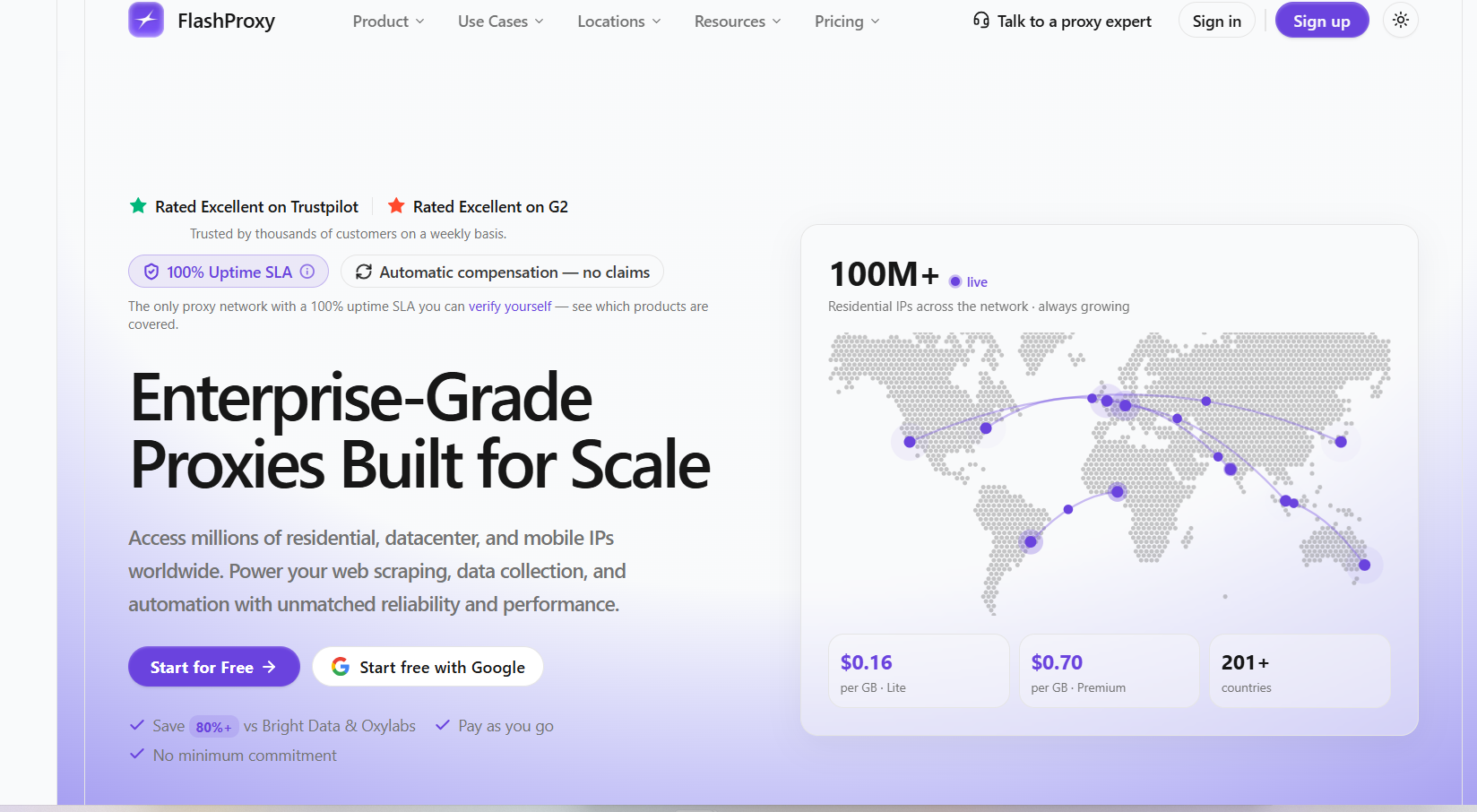
Best for: budget city-level web checks.
FlashProxy offers residential, mobile, ISP and datacenter proxies, with a residential pool it puts at 100M+ IPs in 201+ countries. Its Premium Residential plan adds city, ISP and ASN targeting, which helps for geo-specific checks, while the cheaper Residential Lite plan targets countries only. Review platforms consistently praise its customer support. It offers a free trial and an API, but requires identity verification (KYC) before you start.
Pricing: Premium Residential from about $2.98/GB, falling to $1.99/GB at 100 GB; Residential Lite from $0.30/GB (country-level targeting only, down to $0.16/GB at high volume); mobile from $2.99/GB.
Pros
- City, ISP and ASN targeting on Premium; very low Lite prices
- API access
- Free trial
Cons
- KYC required
- City targeting only on the pricier Premium plan
7. Proxifly
Best for: teams that already know which few countries they need.
Proxifly sells four plans, from Basic to Max, and measures usage in credits rather than gigabytes. When I tried it, two things gave me pause. First, country availability depends on the plan: Basic covers only 10 countries, which only helps if your target market is among them. Second, the site doesn’t say clearly which type of proxy you’re using, residential, mobile or static, which matters a lot for ad verification. On the plus side, the top plan includes full API access.
Pricing: Basic is free with 100 credits and 10 countries; Plus costs $7/month billed annually (3,000 credits, 50 countries), Pro $15/month (5,000 credits, 100+ countries) and Max $24/month (10,000 credits, dedicated proxies and full API access).
Pros
- Free plan to start
- Low monthly prices
Cons
- Proxy type not clearly labeled
- Countries, API access and dedicated proxies depend on the plan
8. ProxyCompass
Best for: small static setups in a handful of countries.
This was my first time using ProxyCompass. To get a test proxy, you have to contact the team, which is understandable as spam protection but slows down a first check. It labels proxies only as static or rotating, without saying whether they are residential or mobile, so I couldn’t be sure what kind of IP my ad network saw. It supports a good range of connection protocols but covers only about 20 countries for datacenter IPs and fewer for ISP IPs.
Pricing: static datacenter IPs from $0.18/IP per month on the 100-IP minimum order, falling to $0.067/IP at large volume; static ISP IPs from $0.45/IP per month; rotating proxies from $30.
Pros
- Several connection protocols
Cons
- No mobile proxies
- Proxy category not specified
- About 20 countries
Browsers that pair with these proxies
If your team checks ads by hand, an antidetect browser keeps every market in its own profile, with its own fingerprint, cookies and proxy. Both tools below work with any provider above.
Gologin
Gologin is an antidetect browser with built-in proxies and support for your own. It suits agencies where several team members need access to the same ad accounts and verification profiles. In Gologin’s October 2026 test of 12 antidetect browsers, its profile running on a Floppydata residential proxy was rated consistent with no proxy detected by Pixelscan. A free plan includes three profiles, and multi-account work is its core use case.
1Browser
1Browser has a free plan with up to 10 profiles and built-in proxy setup, which makes it easy to start. For ad verification, attach a proxy from a provider above rather than relying on the built-in pool: in GoLogin’s October 2026 test, Pixelscan flagged 1Browser’s built-in proxy, and a flagged IP may not see the same ads as a real user.
How to verify an ad with a proxy
One rule first: don’t click paid ads to check them, neither yours nor competitors’. Every click costs the advertiser money and can be counted as invalid traffic. Check the ad, the landing page and the redirects separately instead:
- Check search ads in the platform’s preview tool. Google Ads’ Ad Preview and Diagnosis tool shows whether your search ad is eligible to appear for a keyword and location, without an impression or a click.
- Set up a clean session in the target location. Choose a residential or mobile proxy in the exact country or city, open a fresh browser profile or a Cloud Browser session, and confirm on an IP-check page that the IP, country and timezone match.
- Open the landing page directly. Visit the ad’s final URL through that proxy, without clicking the ad, and check currency, language, offer, page speed and that the page loads at all. Take dated screenshots.
- Check redirects with test links. Run your tracking template or a test link through a redirect checker or your tracking tool’s test mode to confirm every hop ends on the right page in each market.
- For display and programmatic campaigns, use the platform’s own preview tools and a dedicated ad verification service for placement, brand safety and fraud monitoring; use proxies to spot-check how creatives and landing pages appear from specific locations.
Ad delivery is probabilistic: one check without your ad doesn’t prove it isn’t running. Repeat important checks several times and from more than one IP.
FAQ
Is using proxies for ad verification legal?
Yes. Checking how your own ads and publicly visible ads appear in different markets is a standard practice. Follow the terms of the ad platforms and sites you access.
Should I use residential or mobile proxies for ad verification?
Residential proxies cover most web and search ads. Use mobile proxies when you need to see what phone users see, for mobile placements, in-app ads or carrier-specific campaigns. Floppydata offers both on one balance.
Can I use datacenter or free proxies?
Not reliably. Ad networks often filter datacenter traffic, and free proxy lists are public and frequently flagged, so you may not see what real users see.
How much do ad verification proxies cost?
In our residential proxy benchmark, the 12 tested providers charged between $0.79 and $8.47 per GB for residential traffic at the package sizes we bought. Floppydata charges $1/GB for residential, mobile and datacenter traffic. A typical page check uses only a few megabytes, so a few gigabytes cover many checks.
Concluding thoughts
I run ads for my YouTube channel, and these days I check carefully how they deliver in the countries and audiences I target.
For most ad verification work, Floppydata is my #1 pick: in our benchmark its IPs were in the right country 99.8% of the time and were among the least likely to be flagged as proxies, and you get residential and mobile traffic on one $1/GB balance plus a free Cloud Browser for isolated checks. NodeMaven is a strong choice when IP reputation is critical, and Decodo when you need ZIP-level targeting and maximum reliability. For carrier-specific mobile checks, VoidMob is worth a look, although it wasn’t part of our benchmark. If your team works by hand, pair your proxies with an antidetect browser such as GoLogin.
Start your own checks with Floppydata from $19 on the pricing page.