We all know PayPal; we all have accounts on this platform and use them on a daily basis, whether you’re an individual or a business; I’m sure you do.
This platform has existed since 1998, and today, it handles trillions of dollars yearly with 439 million active user accounts.
This popularity pushes PayPal to work hard to maintain their reputation clean and keep clients’ trust.
The last thing they want is for people to misuse their platform for money laundering and fraud. That’s why they’ve made their policies a bit rigid and strict. One of the policies that they’re most serious about is multiple account ownership.
This policy says that you must create exactly one personal account and one business account only. No more than that.
If you absolutely need to create multiple PayPal accounts, especially if you have multiple businesses and want a separate account for each one of them, there might be a chance for you to do that legally and safely.
In this guide, I’ll explain more about the PayPal user agreement, why can’t you have more than one PayPal account on one device, and how can you open a second PayPal account legally.
Let’s get into it.
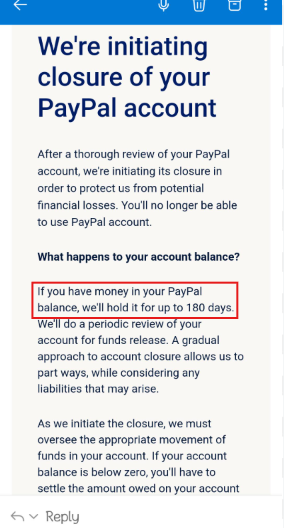
It’s officially stated that PayPal only allows you to have one personal account and/or one business account. If you create another account of the same type, you’ll probably get banned, and your funds will get held for 180 days.
If you operate multiple legitimate businesses, however, you may need separate Business accounts for each business. The important thing is that each business is genuine and uses its own accurate legal/business information, financial details, and required documentation. Having multiple businesses doesn’t automatically guarantee that PayPal will approve multiple accounts, so if you need more than the standard account allowance, it’s best to confirm with PayPal and follow their requirements rather than creating extra accounts to bypass restrictions.
The Official Rules: How many PayPal accounts can I have?
If you’re an individual, PayPal will allow you to create two types of accounts: personal and business.
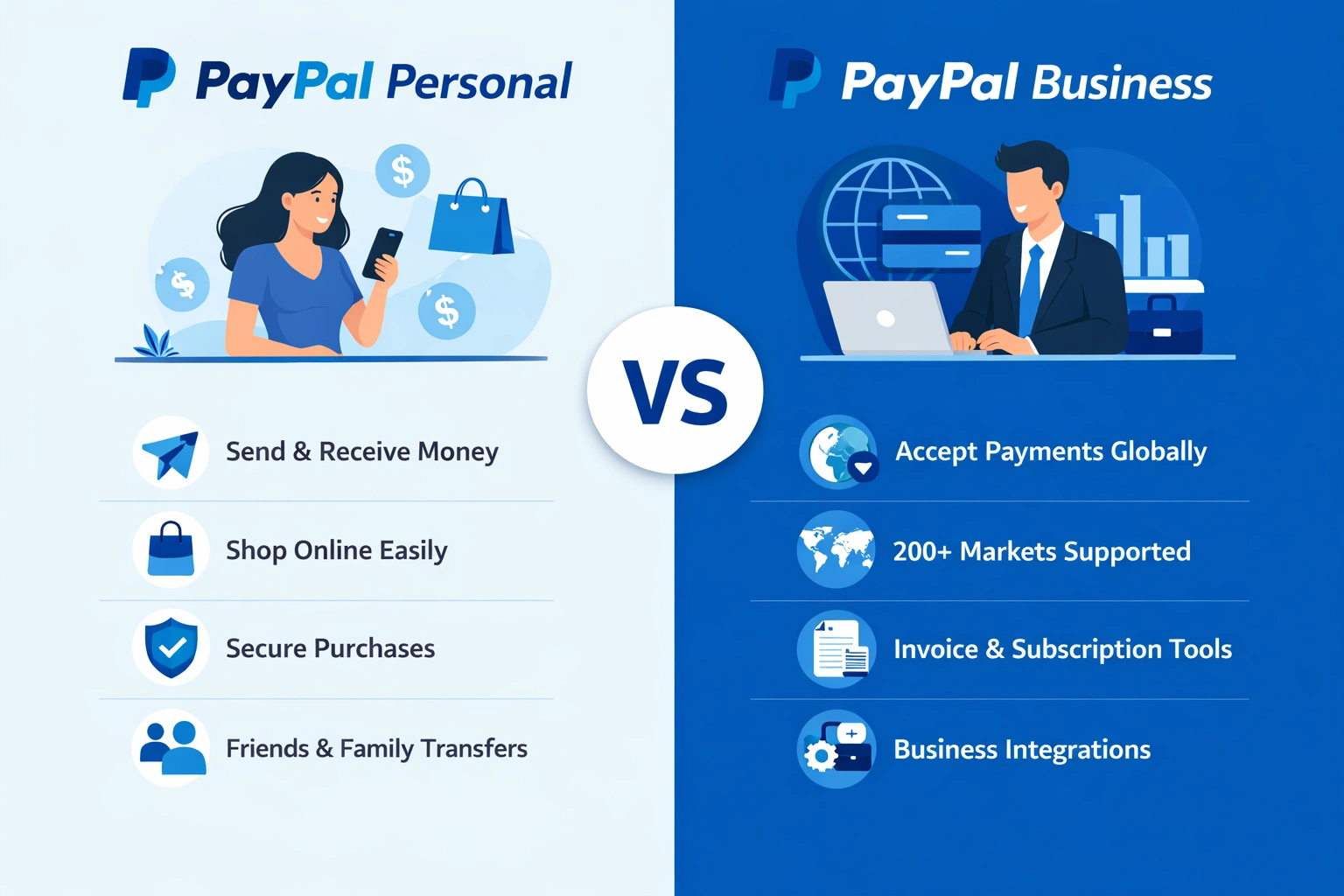
For each type, you can create only one account. You cannot have two of the same type, at least not under the same identity.
If you create a second account of the same type and PayPal detects it, they will probably start investigating you, and you can lose your funds for 180 days.
This is an official rule that is OK for the average person, but if you are a serious business owner running three different stores or businesses, you might need multiple accounts, especially a business account. That’s why you need to get smart about how you create them.
The IP Problem: Can I Have Multiple PayPal Accounts on One Device?
Here comes the big question, and the answer is mostly yes.
In theory, if you spoof your digital footprint completely to the point where you will look like a whole different user to PayPal, there’s a chance you can succeed.
By fingerprint, I mean your IP address, your screen resolution, your graphics card, and even the fonts installed on your PC.
That’s why a VPN alone won’t do much for you. Not only a VPN won’t hide your fingerprint, but it will also use datacenter IPs that PayPal’s AI will immediately recognize, and it will see you as a bot or a fraudster hiding your location.
You should give each of your PayPal accounts their own dedicated clean IP address that looks like a normal human’s home Wi-Fi.
That’s where proxies come in. More specifically, Floppydata proxies.
Why I Rely on Floppydata Proxies (Over VPNs)
Remember the data entry IPs I told you about? That’s definitely not what you need. They’re mostly blacklisted, and PayPal’s AI knows them, so it will ban you the moment it detects that you’re connecting using one of them.
Instead, you should use residential proxies or mobile proxies. I mostly use those of Floppydata, specifically ones that last as long as possible.
Here’s a table comparing a standard VPN vs Floppydata proxies; it will help you understand why I made this choice.
| Feature | Standard VPN | Floppydata Residential Proxies |
|---|---|---|
| IP Quality | Shared and/or blacklisted | Authentic from real households |
| PayPal Trust Score | Very low with high ban risk | Very high because it looks like a real user |
| Session Control | Frequently shifting | Sticky sessions for stable accounts |
| Best Use Case | Streaming, basic privacy | E-commerce, multi-account management |
Important disclaimer: Keep in mind that PayPal is a highly regulated payment platform. It has developed security checks that are far stricter than those of standard websites. Many proxy providers (including Floppydata) do not reliably pass these advanced filters. While this method might theoretically work with certain specialized third-party proxy providers, there is no guarantee of success, and you assume all risks associated with account limitations.
How PayPal actually detects linked accounts
Let’s say you have account A and you create account B. If PayPal sees that account B has a different email than account A, but it has the same:
- Bank details
- Phone number
- Device/browser
- IP/Network information
- Home address
- Etc.
PayPal’s AI will assume that these accounts are of the same person.
The important part is that one shared signal doesn’t necessarily mean PayPal will immediately link the accounts. It’s more about the combination of signals.
And all this is automated through machine-learning and graph-based approaches.
So changing just your email address, for example, doesn’t necessarily make an account “separate” from another one.
But no one knows the exact “formula” — PayPal doesn’t really disclose the exact signals they check to see if two accounts are linked.
What’s the compliant way to have separate PayPal accounts?
If you genuinely own two businesses or more, it would be smarter to use different Business PayPal accounts for them. And since each business has its own:
- Legal entity/business registration
- Business name and information
- Business bank account
- Accounting and financial records
- PayPal Business account
- Relevant tax/business documentation
You can easily create a second PayPal account for your other business. The important point is substance, not just separation on paper. Creating multiple accounts under different names while they are actually being used for the same business, or doing it specifically to get around PayPal’s restrictions, isn’t the same thing as legitimately operating separate businesses.
And don’t think that PayPal won’t know that it’s you behind those two businesses. In the business verification process, they will check who’s behind the legal entity.
So, don’t try to get around PayPal’s rules out of fear of getting restricted when creating different accounts. Just be genuine, add your real business information correctly, and PayPal will trust your good intentions.
And if you’re unsure whether your particular structure qualifies, check PayPal’s current terms or contact PayPal directly before opening additional accounts, because account rules can vary by country.
Conclusion
If you want to run multiple PayPal accounts in 2026, you must understand that “tricking” the system is very hard and you will most likely get caught. So I advise you to follow the platform’s rules and avoid anything that might get you banned and your funds suspended.
However, if you have a legitimate second business, that’s another story.
By entering your real business information and details while creating a second account, you have a very high chance of getting accepted without any issues. PayPal knows that having multiple businesses might require opening multiple business accounts, so just be genuine with them and there will be no problems.
At the end of the day, you should assume all risks associated with PayPal’s account limitations.
Thanks for reading all the way here!