In today’s day and age online privacy and anonymity has become a rising concern – users want to protect themselves against malicious cyberattacks and privacy-infringing trackers gathering personal information from the shadows, indifferent to your consent. Simultaneously, netizens strive to save their right to online freedom and access geographically or politically restricted content. This is where circumvention tools such as VPNs and proxies come into play.
Instead of littering your device with numerous separate applications, modern browsers provide an all-in-one solution – one web application with ad and tracker blockers, anti-fingerprinting technology, and IP masking pre-installed into your browser. Some of those features run by default with no manual configuration needed, some are activated with a simple push of a button. And what makes it even better, a lot of those tools are completely free.
In this article we’ll go over which circumvention tactics are commonly used in private browsers; figure out which browser has inbuilt vpn and which rely on proxies, ultimately determining which one is better or, perhaps, which one you need. Additionally, I’ll let you in on the methodology of choosing the best private browser, share my favorite alternative, and top 15 unblocked browsers I personally use the most.
Circumvention Tools: Browser With Built-in VPN for PC vs. Browser With Proxy Support
Not all browsers are created equal. The market offers a plethora of privacy-focused browsers, each with its own protection and circumvention methods. In this case, no solution is particularly better or worse, rather each has its own best practice and can yield amazing results if used correctly. On top of common ad, tracker, and cookie blocking, as well as fingerprint protection, most private browsers offer one of two main bypass techniques: VPN or proxy. Let’s find out exactly how they differ and which option would fit your needs best.
VPN Encryption
A browser with built-in VPN routes all your browser’s traffic through an encrypted tunnel before navigating you to the destination website. In turn, it masks your real IP with the provider’s one, which helps to protect your online activity on public networks and makes it harder to monitor for ISPs or network administrators.
However, browser VPNs are usually not the same as full-device VPN apps. Many only protect traffic inside the browser, while other apps on your device are still using your regular connection. More commonly, free browser VPNs also come with limited server locations, slower speeds, data caps, or fewer privacy controls. Still, for users who want convenient IP masking and encrypted browser traffic without installing extra software, a browser with a built-in VPN is one of the easiest options.
Proxy Circumvention
In terms of IP masking, proxies work similarly to VPNs. A proxy also routes your browser traffic through the provider’s intermediary service, making websites see the proxy’s IP address instead of your real one, but lacks the encrypted tunnel provided by VPNs. This lack of encryption makes proxies a more lightweight, adaptable, and fast option, which is especially useful for users who need flexible location switching, account management, web scraping, or ad verification.
The biggest advantage of proxy-based browsers is control. Many antidetect and privacy browsers allow users to assign different proxies to different browser profiles, which reduces cross-account tracking. However, proxies vary heavily in quality: free or public proxies can be slow, unstable, or unsafe, while premium residential, mobile, or datacenter proxies usually provide better performance and reliability. For advanced use cases, proxy-enabled browsers often offer more flexibility than basic VPN browsers.
How we Rate Web Browsers with Built in VPN
To establish the best private browsers, we need to look at a couple of crucial parameters. Here’s the methodology used to create our rating and, ultimately, the criteria you need to take into consideration first and foremost when looking for the best solution for your own personal needs.
- Bypass effectiveness: Ability to bypass firewalls, DNS filters, IP blocks, and geo-restrictions.
- Proxy and/or VPN integration: Built-in proxy or VPN support, encryption standard, server coverage, how much control you have over circumvention in free vs. paid tiers.
- Privacy and fingerprint protection: Ability to fully hide your online identity – IP and browser fingerprint, tracker and ad blocking, leak protection.
- Speed loss: Page load time, download speed, speed loss due to rerouting or encryption overhead.
- Platform coverage: Operation system and device support.
- Pricing: Free, freemium, or paid, cost-efficiency.
- Complementary features: Multi-accounting support, team tools, AI features, built-in ad blockers, etc.
Floppydata: Best Alternative to a Browser with Built in VPN
In case you’ve already found your favorite browser and the only thing it lacks to become truly perfect is good circumvention – I have a solution for you.
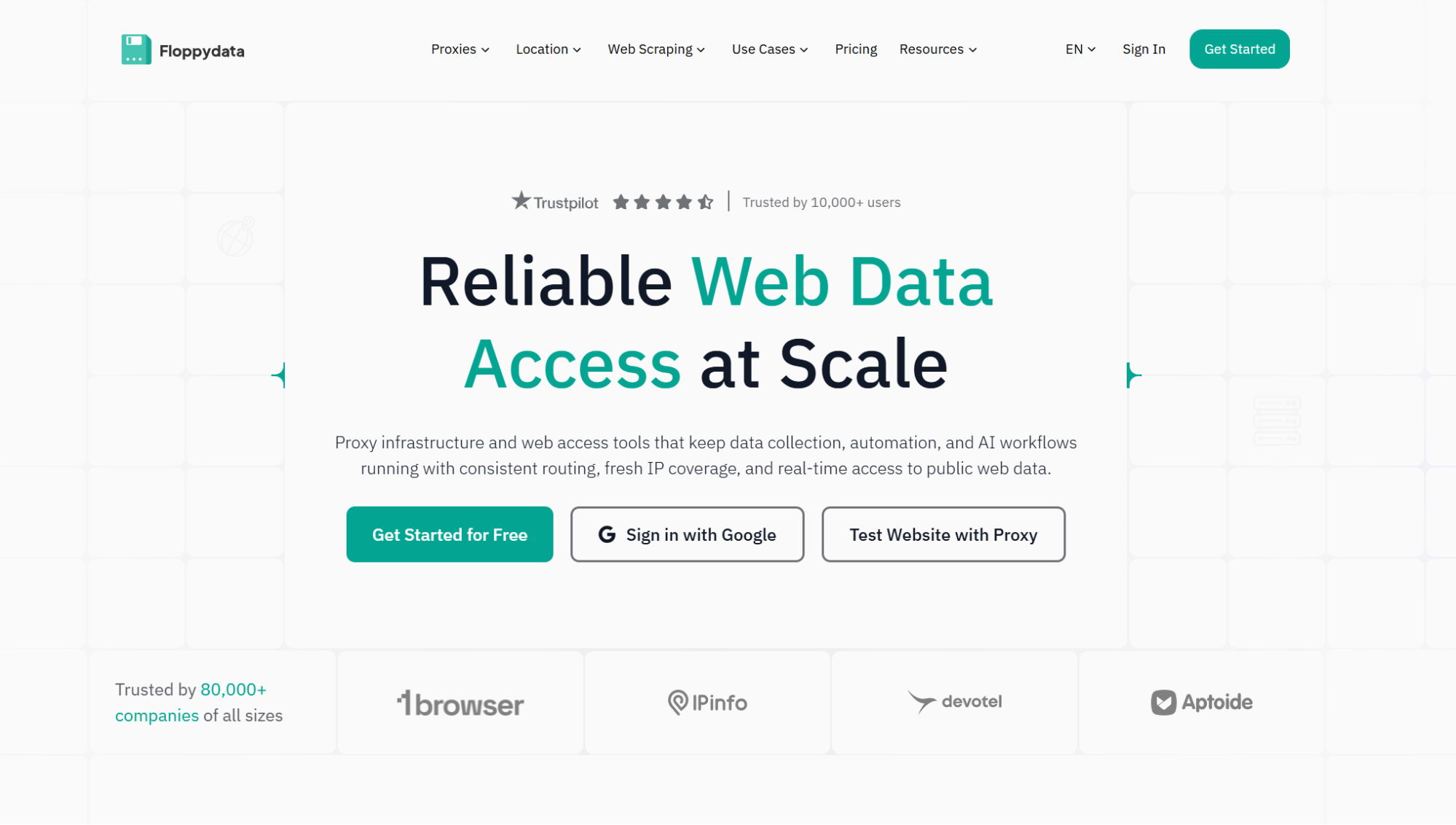
Floppydata is a reliable proxy provider that will help you turn any browser into a private one. Personally, I also often use Floppydata’s proxies with anti-detect browsers that offer proxy support for utmost control over my connection and workflows.
The service provides amazing performance, clean IP pool with high trust scores, and consistent 99.99% uptime. What makes Floppydata truly stand out is its competitive market pricing – $1/GB for rotating IPs and $5/IP for ISP proxies. Its unique selling point is the “Rotating proxy” plan, which includes three types of IPs (residential, mobile, and datacenter) you can switch between at your own discretion, paying only for used bandwidth.
Additionally, Floppydata is very user-friendly. After configuring your proxy by choosing the necessary parameters from convenient drop-down lists on the dashboard, you can simply copy the proxy string and input it into a proxy managing extension or right into your browser’s settings to connect to the chosen IP.
Best VPN Browsers
Now, as we’ve laid down all the basics of choosing the best private browser for your needs, let’s look at the available options. In this article I’ve gathered top 15 privacy solutions, both with VPN encryption and strong proxy circumvention, all tested and true through hands-on experience and thorough research.
TL;DR
| Browser | Key Features | Platform Support | Pricing |
| 1browser | Multi-accounting, proxy support, fingerprint protection and control | Windows, macOS, Linux, iOS, Android | Free or freemium from $7/month |
| Gologin | Multi-accounting/multi-profile browsing, fingerprint protection with full control, proxy support, team workflows, 7-day free trial | Windows, macOS, Linux, Android | From $4.50/month |
| Opera | Built-in VPN, ad blocker, AI features | Windows, macOS, Linux, iOS, Android | Free |
| Brave | Fingerprint and tracking protection, ad blocker, rewards system | Windows, macOS, Linux, iOS, Android | Free or freemium from $9.99 |
| Tor Browser | Onion routing, strong anonymity, privacy-first browsing | Windows, macOS, Linux, Android | Free |
| Epic Privacy Browser | Ad and cookie blocker, tracking and fingerprint protection | Windows, macOS, Android, iOS | Free |
| UR Browser | Built-in virus scanner, VPN, ad and cookie blocker, tracking and fingerprint protection | Windows, macOS | Free |
| Aloha Browser | Mobile privacy browser, built-in VPN, ad blocker, tracking protection, 7-day free trial for premium | iOS, Android, desktop availability may vary | Free or freemium from $7.99/month |
| Microsoft Edge | Configurable tracking prevention, built-in VPN (5GB/month free), password monitor, InPrivate mode, AI tools (Copilot) | Windows, macOS, Linux, Android, iOS | Free |
| Puffin | Cloud-based rendering, IP masking, data compression, ad blocker | Windows, macOS, Android, Android TV | Free or freemium from $2/month |
| Vivaldi | Built-in ad and tracker blocker, highly customizable UI, tab management, Proton VPN integration | Windows, macOS, Linux, Android, iOS | Free |
| Avast Secure Browser | Anti-phishing, built-in ad blocker, tracking and fingerprint protection | Windows, macOS, Android, iOS | Free or freemium from $5.99 |
| Mullvad Browser | Anti-fingerprinting, no telemetry, tracker blocking, no account required | Windows, Linux, macOS | Free, best used with Mullvad VPN (€5/month) |
| Mozilla Firefox | Enhanced Tracking Protection, open-source, extensive privacy extensions support, multi-account containers | Windows, macOS, Linux, iOS, Android | Free |
| DuckDuckGo Browser | Search and web browsers available, tracking protection, ad and cookie blocker, private AI feature | Windows, macOS, iOS, Android | Free or freemium from $9.99/month |
1. 1browser – Best VPN Browser for PC
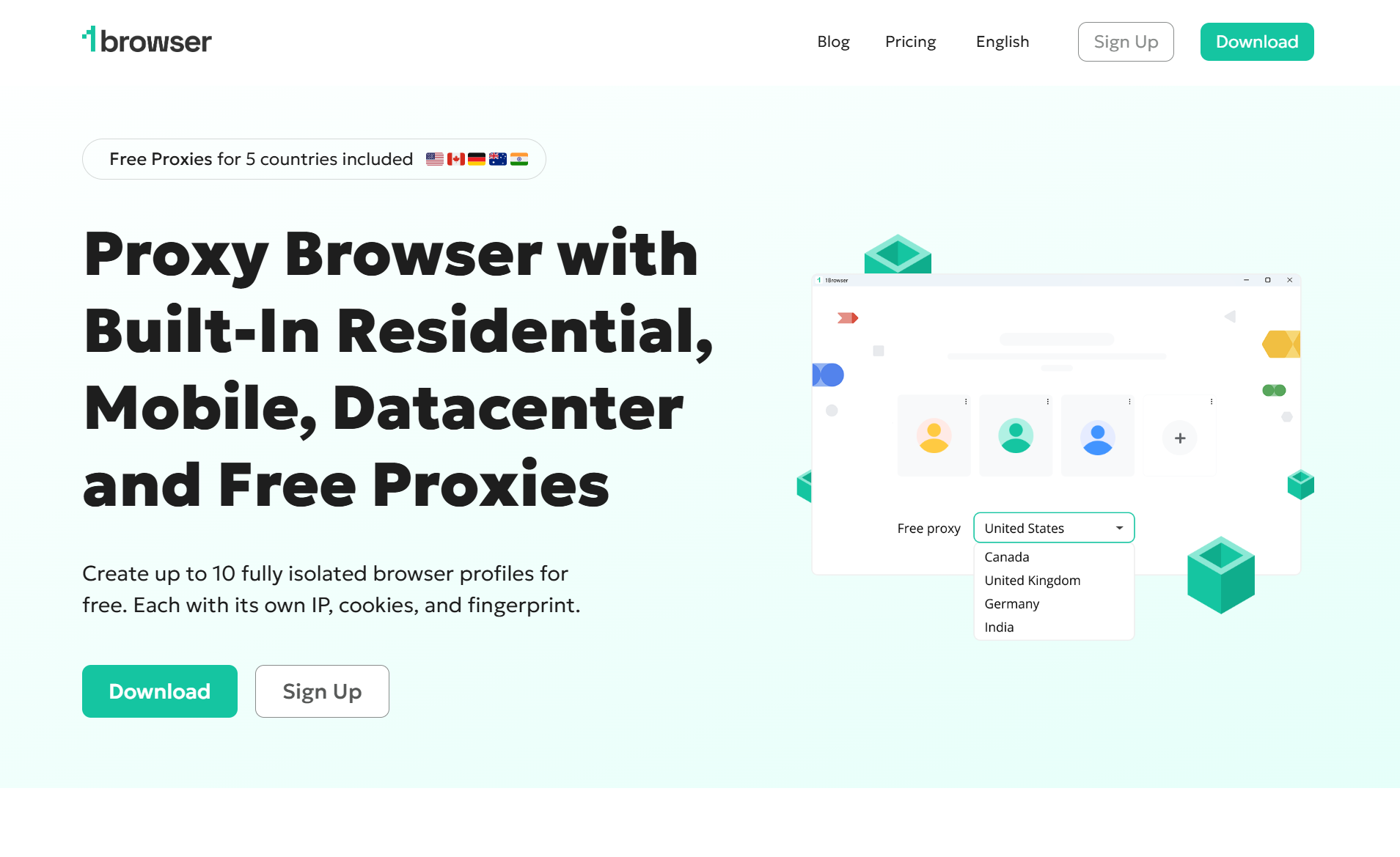
1browser is a reliable anti-detect browser that offers anonymous browsing and fingerprint masking for both desktop and mobile devices. The service offers a wide list of user protection features including strict no-logs policy, WebRTC IP Leak Prevention, and full encryption.
1browser’s unique selling feature is multiaccounting, which allows you to create 10 unique and fully customizable profiles on the free plan. While the service provides extensive modification ability for each separate account, 1browser keeps its UI easy to navigate, which will be perfect for both beginners and professionals.
As its primary circumvention mechanic 1browser employs fast and clean proxies. The service provides a total of 10 free proxies (5 regular and 5 Tor IPs) from popular countries such as the USA, Canada, or Germany. If you’re already using Floppydata, a custom proxy connection is also available.
Best for: Users looking for deep-level anonymity; multi-account management; users who want a simple, fast, and accessible free browser unblocked solution.
2. Gologin
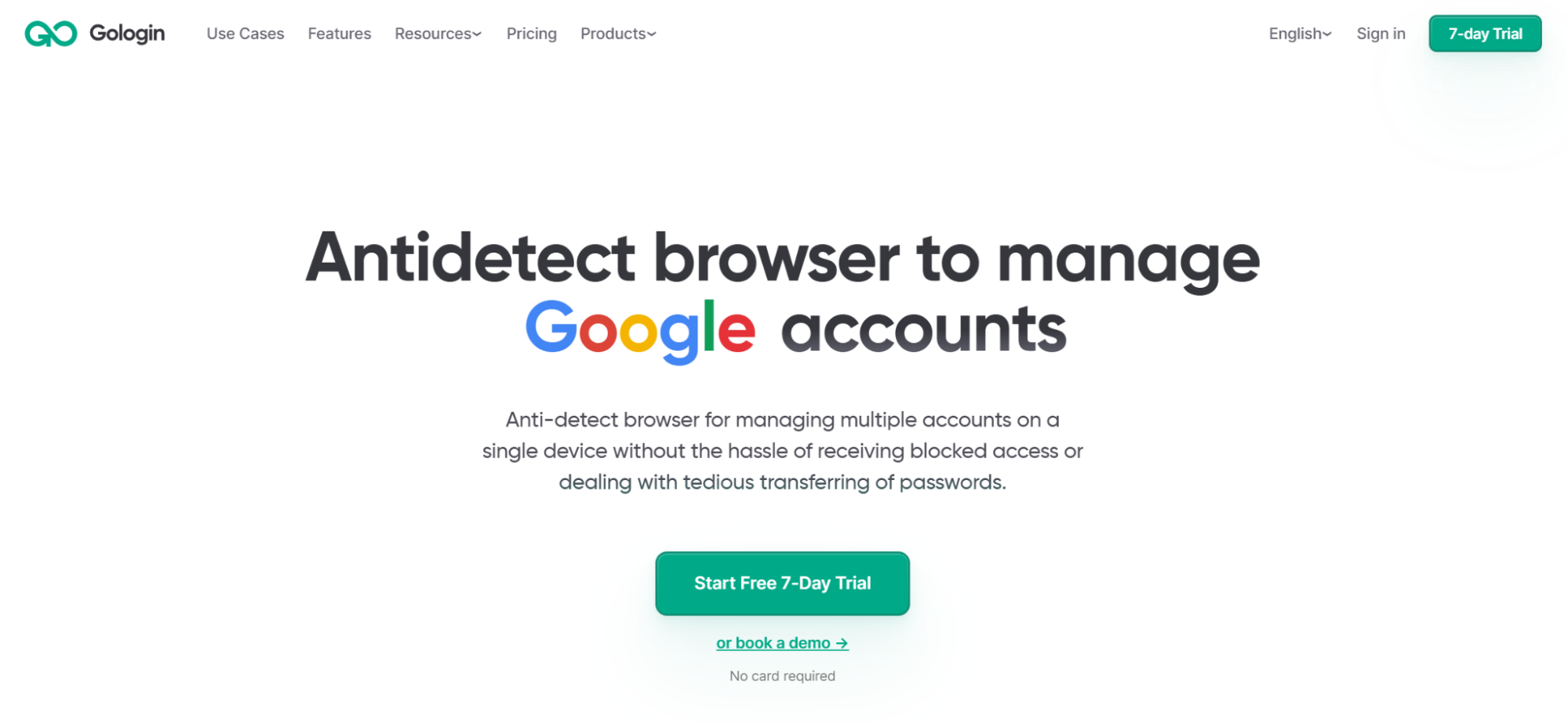
Gologin is a full-featured professional anti-detect browser that offers a full suite of privacy-focused features, such as fingerprint customization, AES-256 encryption, and native proxies. Similar to 1browser, Gologin shines in its multiaccounting capabilities – each browser profile gets its own isolated and fully customizable fingerprint, IP, and session, making every account look like a completely separate device.
Gologin runs on built-in proxies (residential, mobile, and datacenter) with 195 countries to choose from, but custom proxies are also available. The service is built around scalability and teamwork – team collaboration tools, automation via API, action synchronizer, cloud profiles, and AI agent support are just the top of the iceberg of Gologin’s pro features.
Best for: Marketers, affiliate managers, e-commerce professionals, and developers managing multiple accounts.
3. Opera
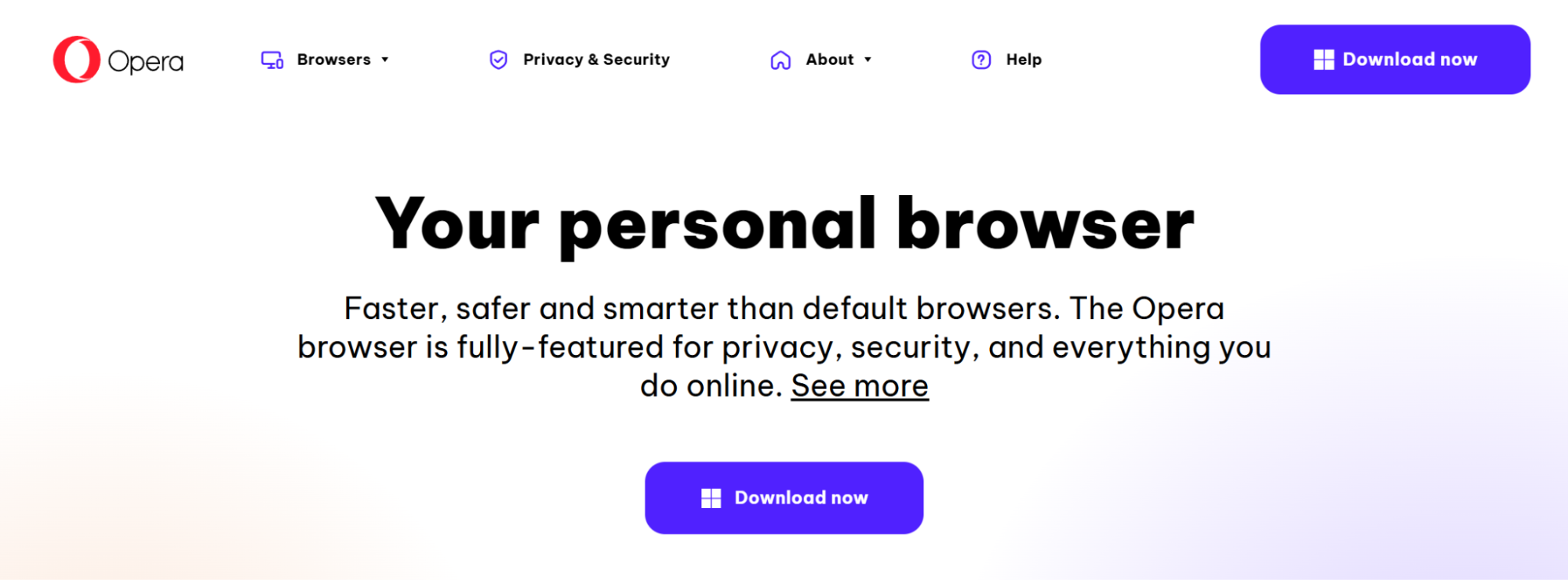
Opera is a reputable mainstream solution for casual online privacy. Its built-in VPN with a no-log policy encrypts your browser traffic and masks your location with 3 servers available at no cost. It won’t bypass deep network-level firewalls, but it’s more than enough for geo-restricted content.
Additionally, Opera provides secure DNS-over-HTTPS (DoH) protocol, built-in ad blocker and AI tools, which make the browser a great all-in-one tool for private, unrestricted browsing.
Best for: Everyday users who want basic IP masking with built-in VPN-style features.
4. Brave
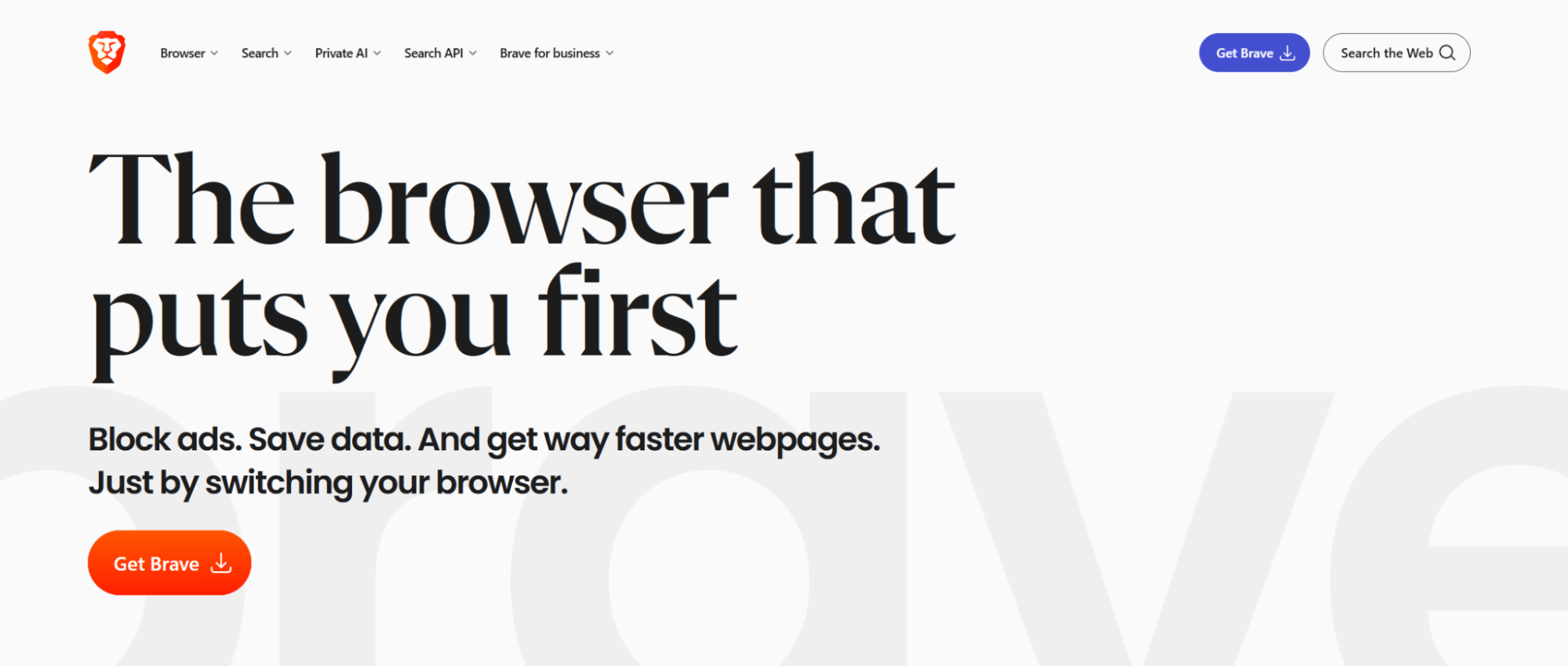
Brave is a privacy-first browser that aggressively blocks trackers, ads, and fingerprinting by default through its automatic Shields feature. Brave does provide a built-in VPN with 300+ servers across 40+ regions and no-logs policy, however it is only available (same as the browser’s native AI, search API, and several other features) to paying customers for the price of $9.99/month. For more anonymity at no cost Brave offers a Tor-powered private window.
Best for: Privacy-conscious everyday users looking for speed, tracker blocking, and a clean browsing experience.
5. Tor Browser
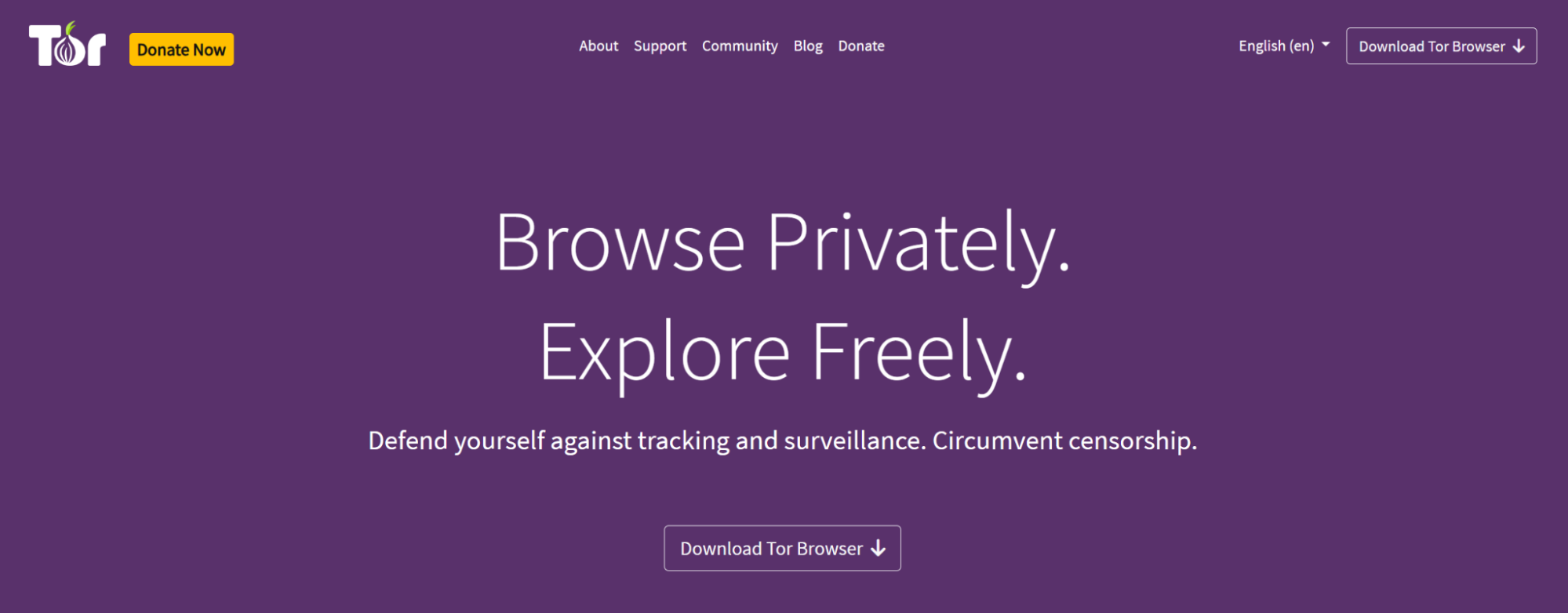
Tor is a well-known and respected private browser that provides utmost anonymity and bypass effectiveness. Its main circumvention technology is the unique onion routing model, which routes your traffic through three layers of encrypted volunteer-operated points, making it extremely difficult to trace your identity or location.
However, this heavy, convoluted processing chain is also Tor’s biggest disadvantage. The browser is notoriously slow, restricted on many sites, and requires careful usage to maintain anonymity, making it impractical for daily browsing.
Best for: Journalists, activists, or anyone needing maximum anonymity in high-risk environments; users willing to compromise browsing speed.
6. Epic Privacy Browser
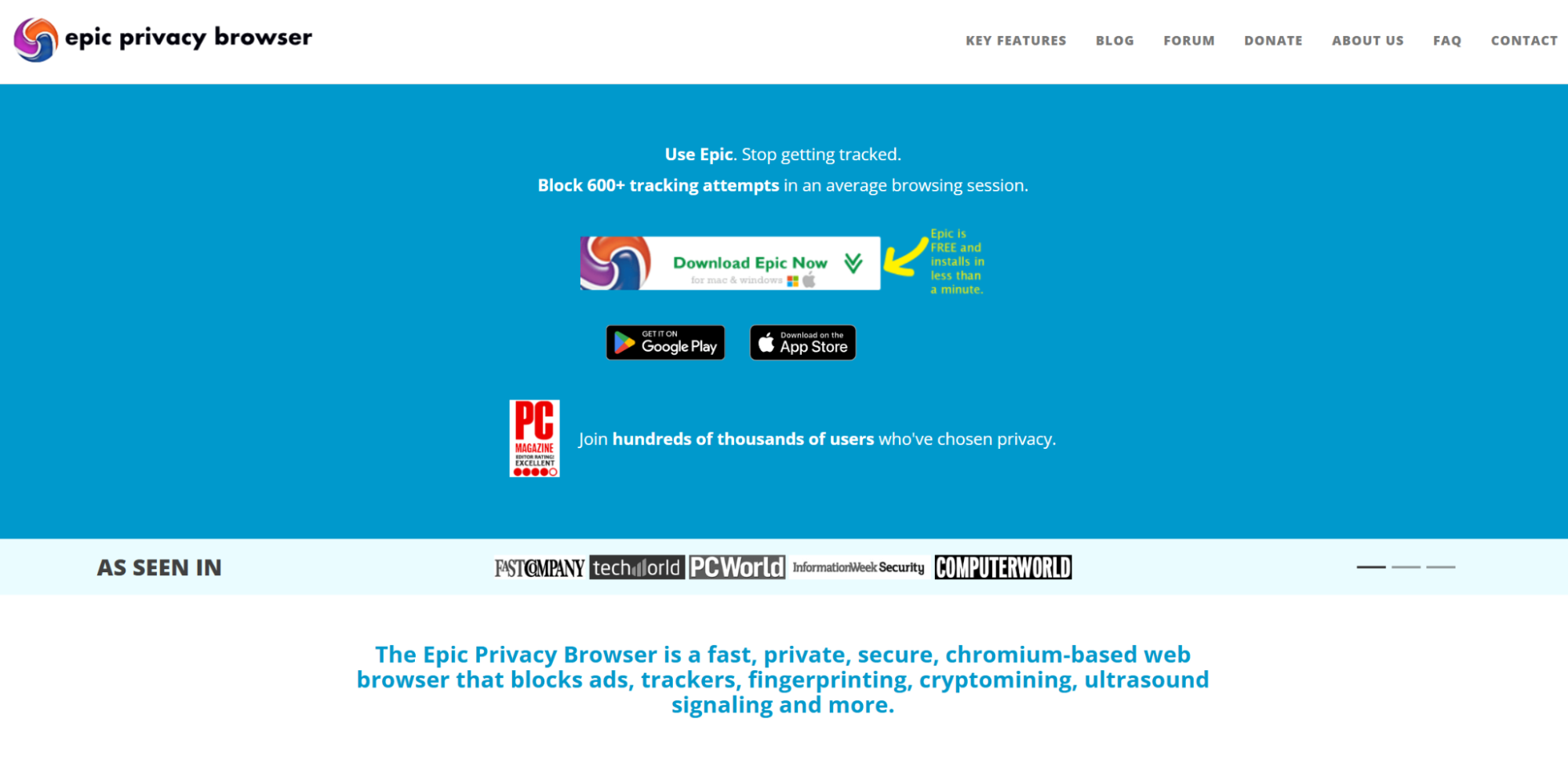
Epic is a Chromium-based browser with a stern focus on privacy. The browser runs in always-on private mode, wiping history, cookies, and cached data the moment you close the app. Its standout feature is a one-click encrypted proxy that masks your IP and routes traffic through servers across multiple countries, however it is only useful for basic online hygiene, falling short of a true VPN or antidetect solution.
Best for: Users who want a privacy-focused browser with built-in encrypted proxy features.
7. UR Browser
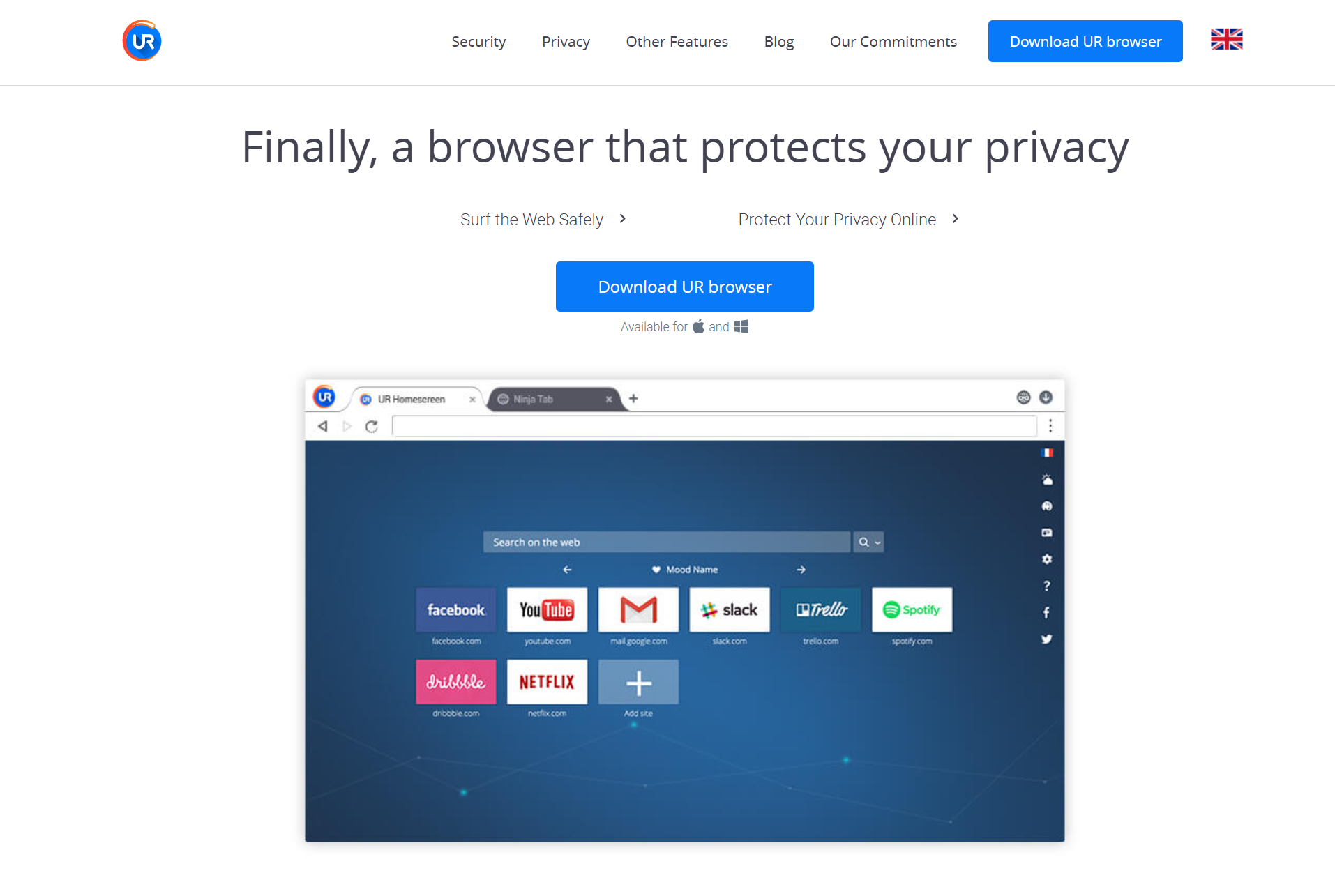
UR Browser is a niche privacy browser with tiered privacy modes, ranging from basic anti-fingerprinting up to Ninja Mode, which wipes your session clean upon closing the tab. The browser includes a built-in VPN that handles the basics – IP masking and tracker blocking. On top of that, UR Browser offers ad and cookie blocking, as well as anti-tracking technology.
Best for: Users who want a privacy-oriented browser with customizable security levels.
8. Aloha Browser
Aloha is a mobile-first privacy browser designed for users seeking easy, yet solid, protection on the go. For user-protection Aloha utilizes HTTPS enforcement and features a built-in VPN with AES-256 encryption, which provides one server in free tier and more than 80 in premium plan.
Additional features such as biometric app locking, file manager for downloads and sharing, mobile-optimized media player, kill switch, DNS leak protection, and live privacy reports make Aloha one of the more polished mobile options on this list.
Best for: Mobile users wanting a free, privacy-focused browser with VPN features, and media-friendly tools.
9. Microsoft Edge
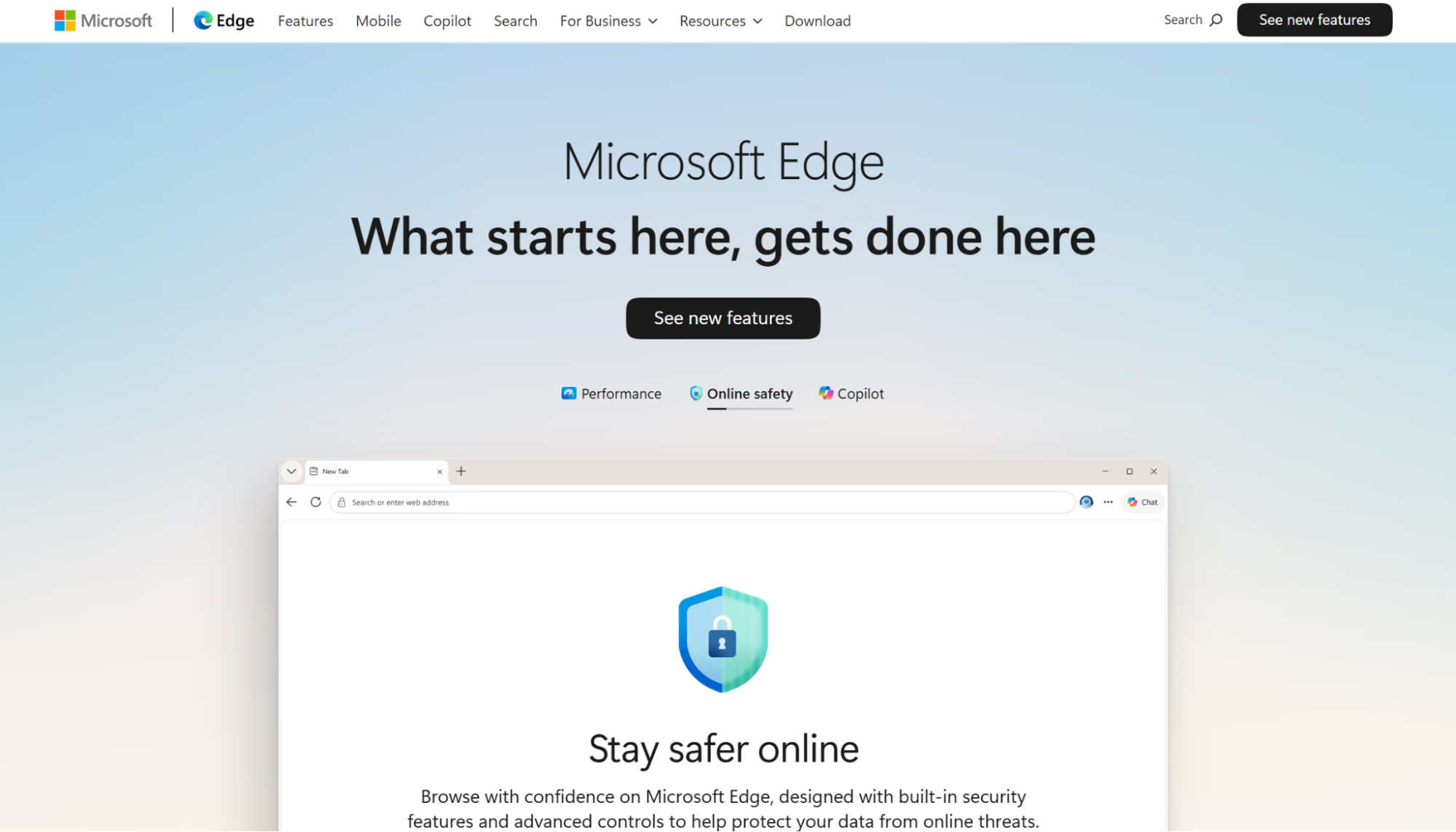
Microsoft Edge is Microsoft’s mainstream Chromium-based browser with a growing set of privacy and security features built in. It offers three configurable tracking prevention levels (Basic, Balanced, and Strict) giving users straightforward control over how aggressively the browser blocks trackers.
Edge also includes a Password Monitor that alerts you to compromised credentials, and an InPrivate mode that wipes session data upon closing the tab. Its built-in VPN, Microsoft Edge Secure Network, is powered by Cloudflare and offers up to 5GB of free data per month, making it a convenient option for casual privacy needs without installing additional tools.
Best for: Windows users who want a familiar, fully-featured browser with basic built-in VPN and privacy controls.
10. Puffin
Puffin is a cloud-based browser that takes a fundamentally different approach to privacy and performance – rather than running web content locally on your device, Puffin processes and renders pages on remote cloud servers, then streams the output to you, compressing data by up to 80% in the process.
This architecture naturally masks your real IP address and encrypts traffic between the cloud and your device, making it particularly useful on unsecured public networks. While it is not a true VPN service, this cloud-proxy model offers a meaningful layer of protection with a notable speed advantage in low-bandwidth environments.
Best for: Users in low-bandwidth regions who prioritize speed and need basic privacy protection.
11. Vivaldi
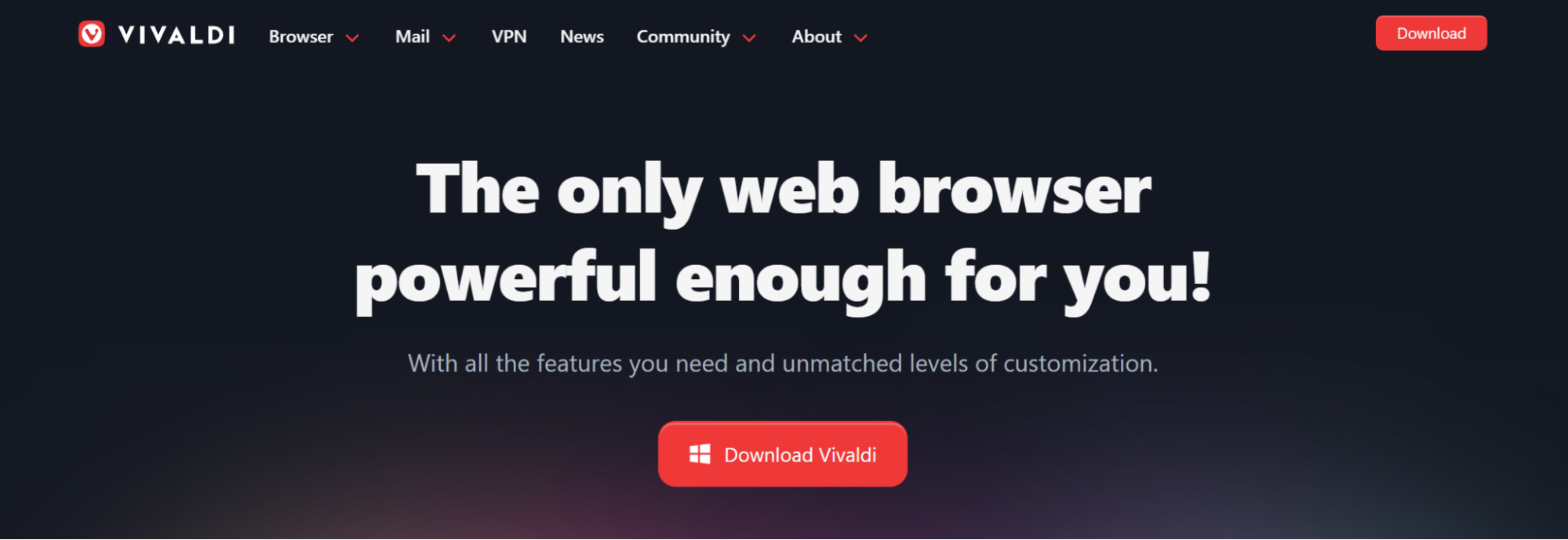
Vivaldi is a highly customizable Chromium-based browser built for users who want granular control over their browsing experience. It includes built-in ad and tracker blockers, tab management tools, and end-to-end encryption.
For circumvention, Vivaldi offers a VPN add-on powered by Proton VPN, built directly into the browser from the get-go. The browser’s VPN is free with no ads, no data limits, and a strict no-logs policy, while some premium features are only available on the paid Proton VPN Plus subscription.
Best for: Power users who want a feature-rich browser with optional VPN support.
12. Avast Secure Browser
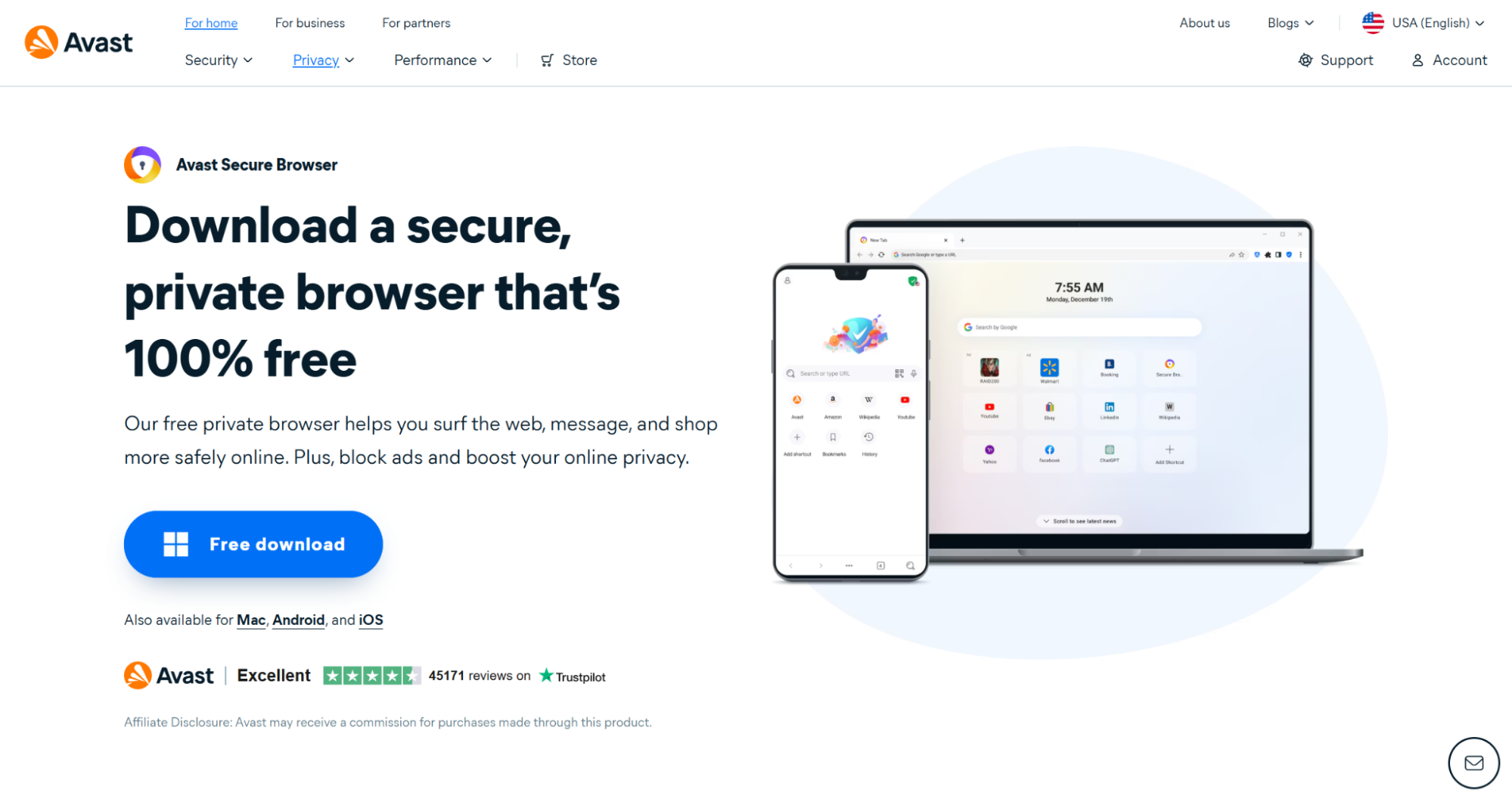
Avast is a reputable private browser best known for its antivirus feature. In its Chromium-based web browser, Avast includes strong security features such as Privacy Guard that blocks ads, trackers, and social media surveillance and a Hack Check tool, which alerts you if connected accounts have been breached.
The Pro version adds a built-in VPN with unlimited bandwidth and more advanced ad blocking, making it a strong option for users who want everyday security protections without juggling separate tools.
Best for: Users looking for everyday privacy protections combined with antivirus-grade security features in a browser environment.
13. Mullvad Browser
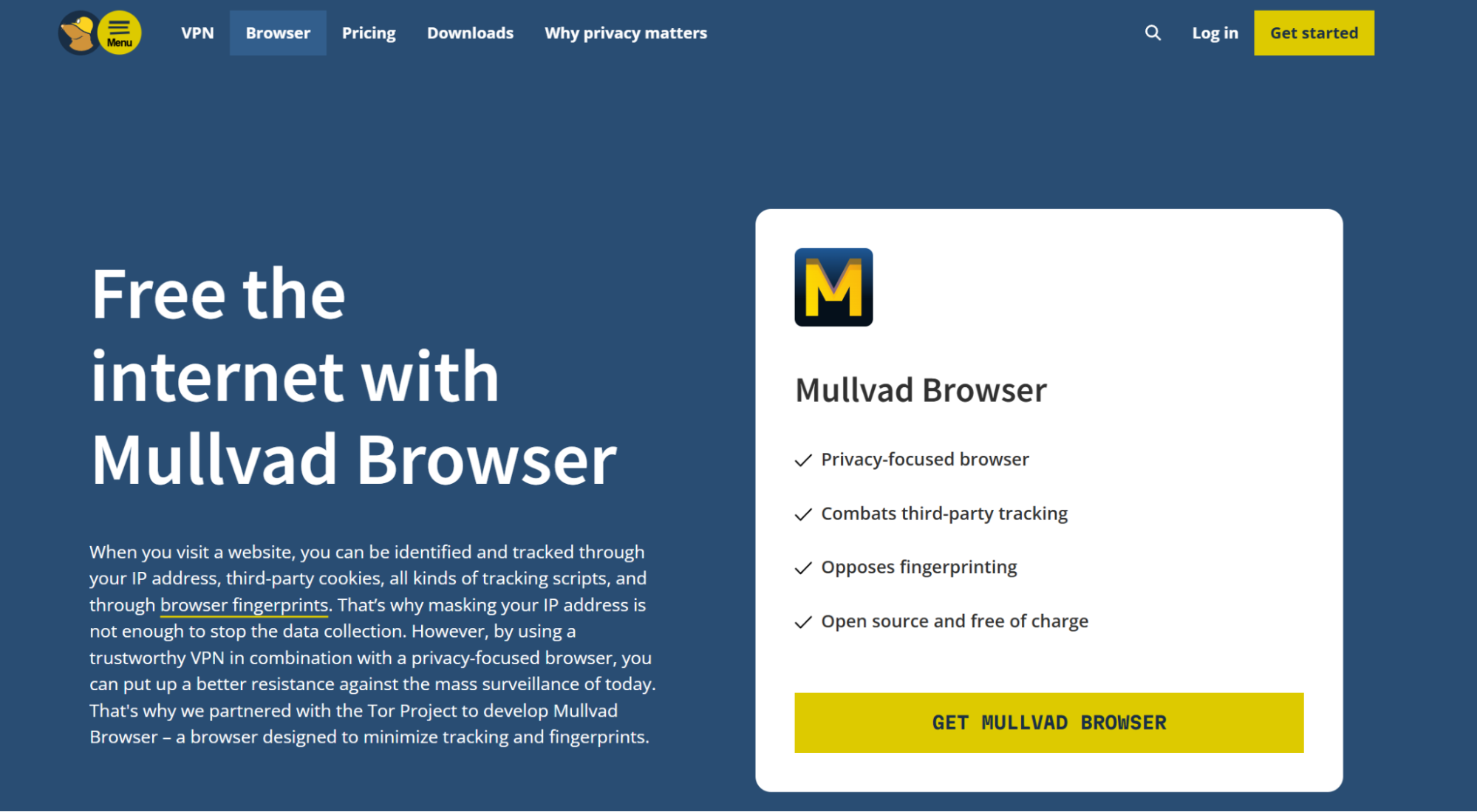
Mullvad is a well-known VPN provider, which has extended its toolkit with a complementary privacy-focused browser developed in partnership with the Tor Project. Mullvad browser is built specifically for reducing tracking and fingerprinting without having to route traffic through Tor’s convoluted network, which makes Mullvad significantly faster in comparison.
The browser ships with aggressive privacy defaults – it doesn’t collect telemetry, blocks third-party cookies and trackers, employs DNS Over HTTPS (DoH), and private browsing mode. Although Mullvad browser is a worthy standalone option for online privacy, its VPN is a separate service priced at €5/month, not a built-in feature.
Best for: Existing Mullvad VPN subscribers who want a browser optimized to work alongside it.
14. Mozilla Firefox
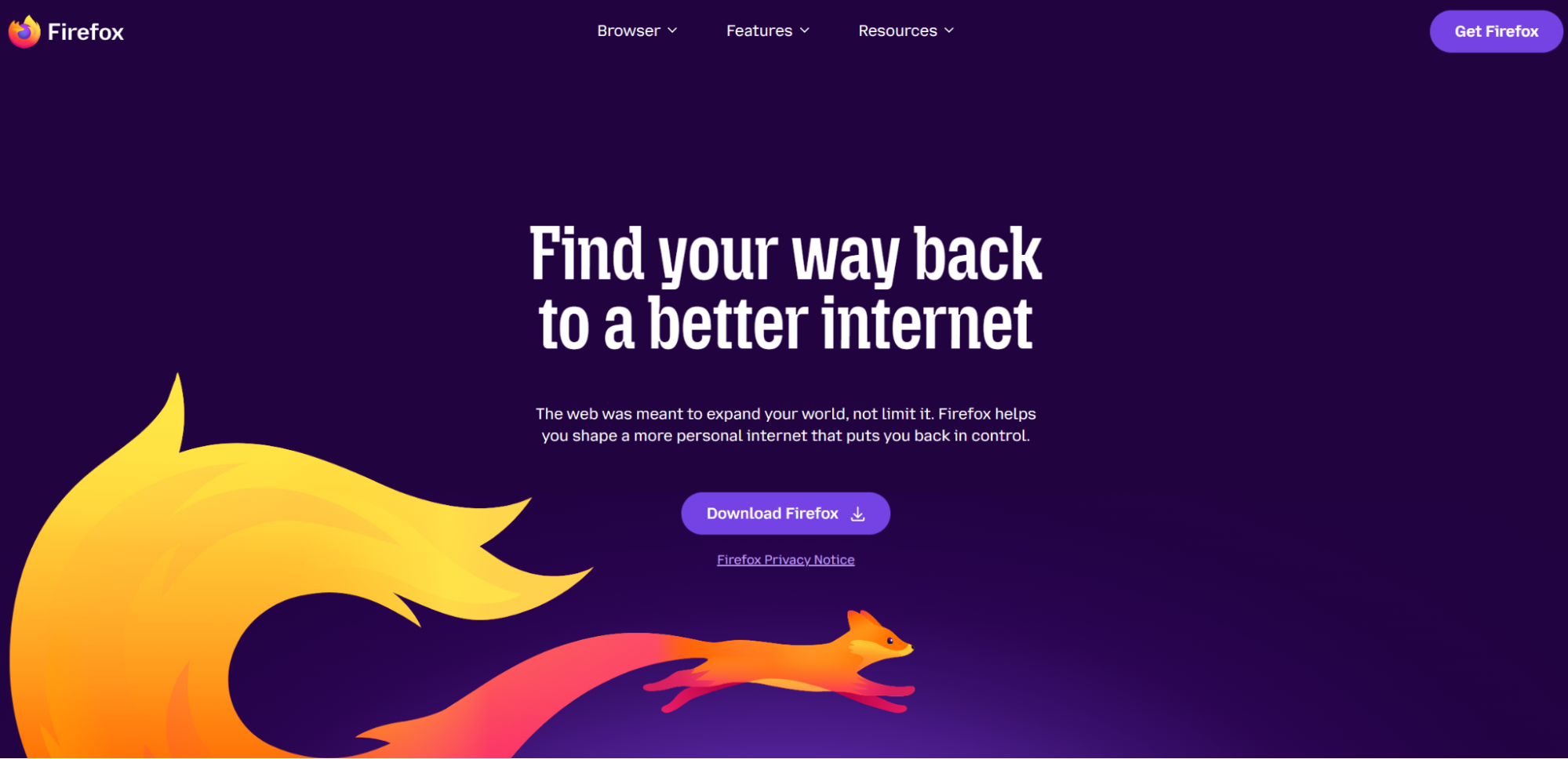
Firefox is a trusted open-source browser backed by the non-profit Mozilla Foundation. For user protection, the browser includes Enhanced Tracking Protection, which blocks third-party tracking, cryptominers, and fingerprinting by default.
While Firefox doesn’t offer a native built-in VPN, it is a good privacy option, widely popular among digital-savvy users for its highly customizable extension ecosystem and the ability to configure protection features manually. This makes Mozilla Firefox a great tool for users who want to have utmost control over their online privacy, but will provide a steeper learning curve for beginners.
Best for: Tech-savvy users willing to configure their own privacy setup.
15. DuckDuckGo Browser
DuckDuckGo is best known as a private search engine, but it also offers browser products and privacy tools. The web browser is built around DuckDuckGo’s privacy-first brand identity, offering tracker blocking and a clean interface. However, it’s worth noting that its VPN is an add-on service (Privacy Pro), not a native browser feature.
It is a good choice for users who want to search the web without being followed by excessive trackers or personalized search profiling, especially useful for people looking for a cleaner alternative to mainstream search engines.
Best for: Users looking for a consistent privacy-first experience across search and browsing.
Conclusion
The best private browsing setup depends on your personal needs – necessary speed and performance, level of privacy and control. Built-in VPN tools are ideal for simple IP masking and encrypted browser traffic, while proxy-based setups offer greater flexibility for users who need advanced location switching, profile management, or professional workflows.
Before choosing a solution, consider bypass effectiveness, fingerprint protection, platform support, pricing, and how much manual configuration you’re comfortable with. With the right combination of privacy features and circumvention tools, you can browse more securely, access restricted content more reliably, and build a setup that fits your everyday or advanced online needs.