Table of Contents
If OnlyFans won’t open for you because your internet provider or your country blocks it, you’ve probably run into the same issues I did: nothing is reliable. VPNs slow things down, drop the connection or are a security risk in terms of data breach. That’s when I tried using proxies and this method actually worked way better that I expected. It gave me fast, reliable and consistent internet experience.
This guide is for how you can use proxies to access OnlyFans. Unlike other websites, OnlyFans requires high network speed to load videos faster and keep your live streams smooth. I’ll show you how to use a proxy for OnlyFans instead of a VPN, what type of proxies work best, and why this method is safer, faster, and more reliable.
Why OnlyFans May Be Unavailable Where You Are
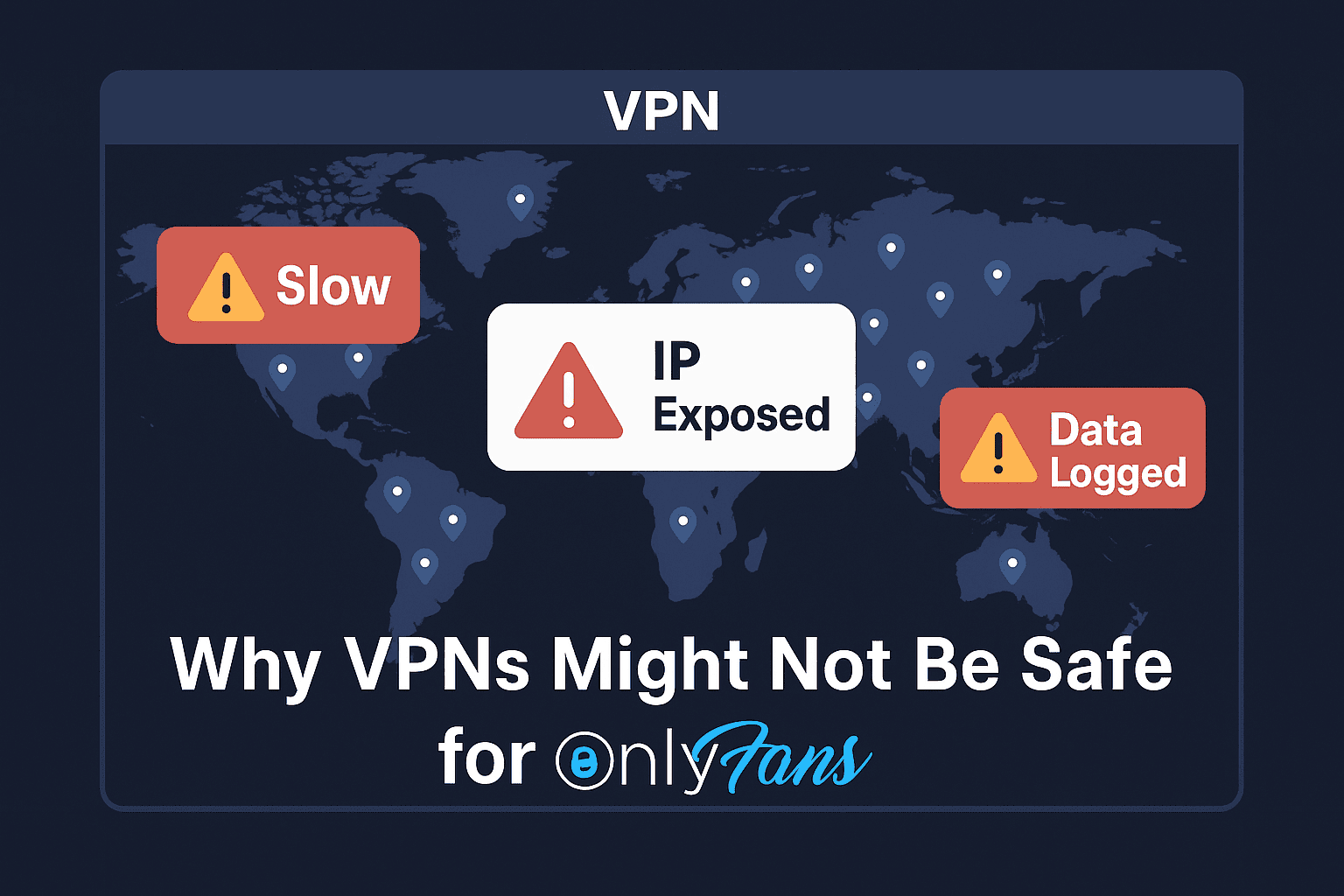
OnlyFans is geo-restricted in some countries due to censorship laws, payment regulations, or cultural norms. These blocks work by tracking your IP address which is your digital location marker. Some limits come from OnlyFans itself, for example where the law requires age checks; a proxy does not change those rules, and you should follow them.
So if your provider blocks OnlyFans, you need a private connection without compromising speed and security.
Problems With Traditional VPNs
I used to rely on VPNs too, but they come with risks that most people don’t consider. Here’s what I experienced:
- Untrusted servers: Many VPNs rent third-party servers, and you never truly know who controls them (some VPNs even used to have hidden code who would take your permission to access your phone’s data). That puts your browsing activity and your phone’s data in unknown hands.
- Data logging: Some free or shady VPN providers log your activity and might sell it.
- Shared IPs: Most VPNs assign the same IP to dozens of users to bring down costs. That reduces your connection speed or results in frequent disconnections.
- Connection drops: If the VPN fails even for a second, your real IP is exposed to your organization or government.
- Poor speed: VPN encryption slows things down since it wraps your data in its own data layer. I struggled with lagging streams and images.
If you’re serious about privacy and performance, VPNs aren’t just a good option anymore, especially when you can use private proxies instead.
Why Proxies Work Better for OnlyFans
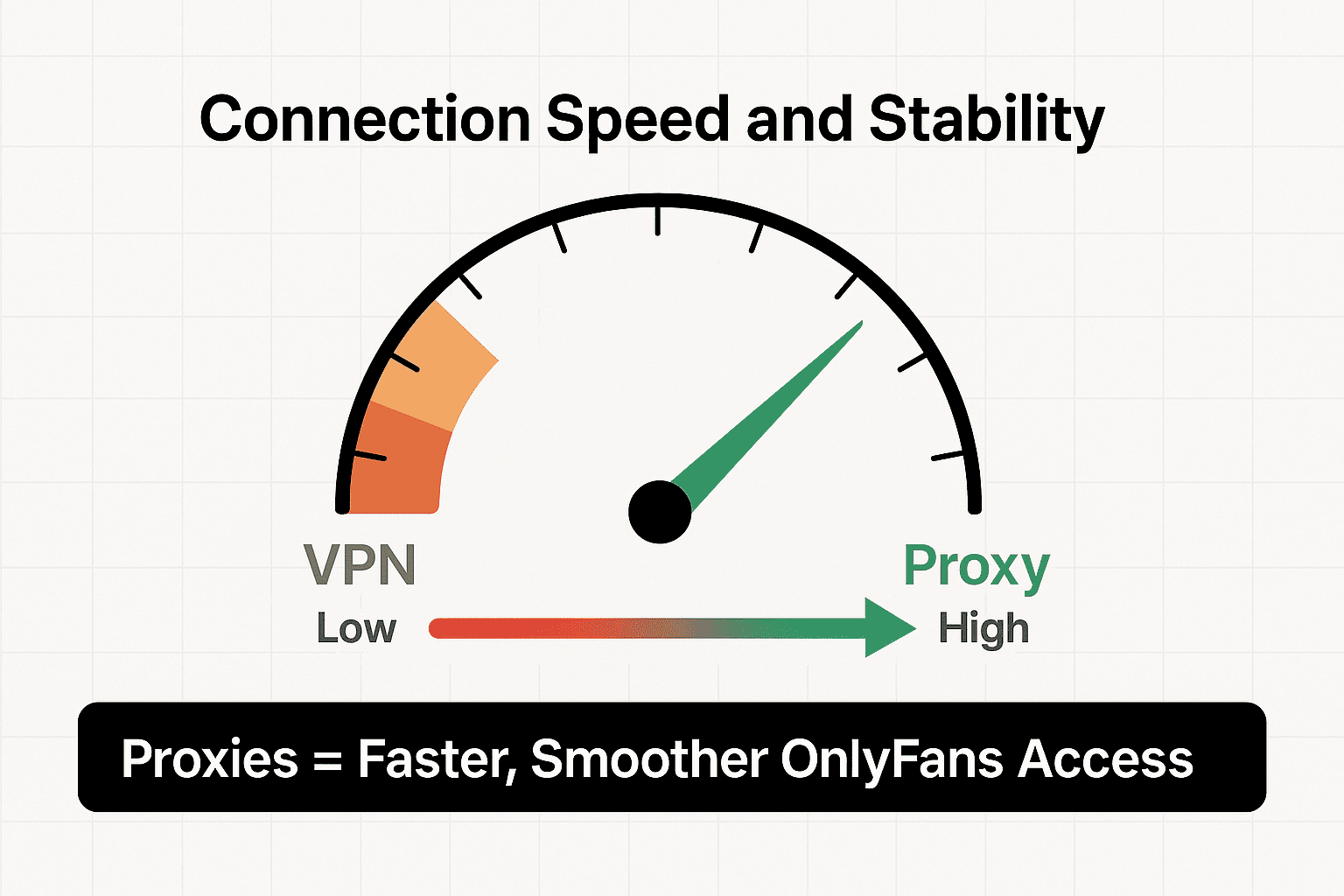
After trying different VPNs, I gave FloppyData proxies a shot and honestly, the difference was night and day. Proxies work better for OnlyFans, and here’s why:
- Private IPs: FloppyData gives you clean, dedicated IPs or rotates them smartly. Unlike VPNs, your IP isn’t shared with dozens of users.
- Speed you can feel: Especially with their datacenter proxies, pages loaded faster and videos streamed smoothly. No buffering, no lag.
- Real connections: Residential and mobile proxies use real home and mobile connections, so they work like ordinary internet at home or on your phone.
- Works everywhere: I used the same proxy setup (ID, password etc) across my phone and laptop. I had no problems in switching devices or locations. Everything worked smoothly and fast.
- More control: With proxies, you can choose exactly where your traffic appears to come from by country, city, or even mobile carrier (mobile proxies).
Overall, proxies gave me a stable, private, and much more reliable way to access OnlyFans without dealing with slowdowns.
Understanding Proxy Types: Which One Should You Use?
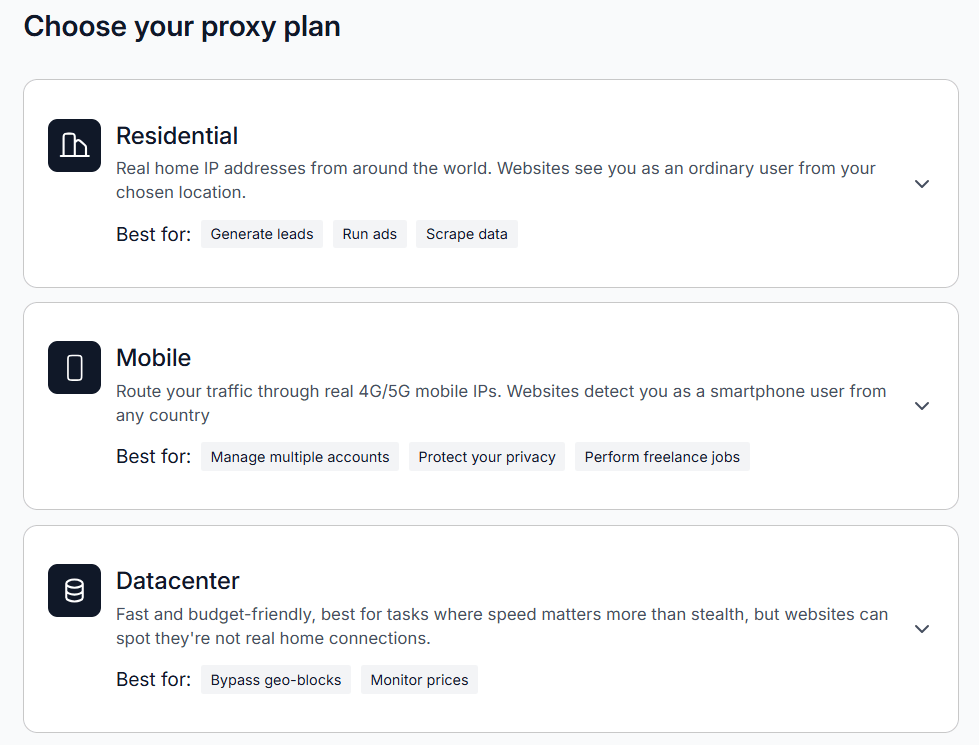
FloppyData offers three types of proxies. I tested all of them. Here’s what I found:
1. Residential Proxies
- What they are: IPs from real home devices.
- Use case: Perfect for private everyday browsing.
- My experience: Worked consistently. OnlyFans loaded like normal.
2. Mobile Proxies
- What they are: IPs from 4G/5G-connected smartphones.
- Use case: Great for mobile browsing.
- My experience: Excellent for streaming and app use.
3. Datacenter Proxies
- What they are: High-speed IPs from data centers.
- Use case: Cost-effective for fast browsing.
- My experience: Super fast, but some sites load less reliably on datacenter IPs.
Why Data Privacy Matters on Sites Like OnlyFans
OnlyFans is personal. Whether you’re a creator or a fan, you want anonymity and secure access. Proxies from FloppyData ensure:
- Your IP isn’t leaked.
- Your sessions aren’t logged.
- You’re not at the mercy of VPN servers or censorship filters.
One of the best things I noticed? Speed. VPNs slowed everything down. With FloppyData proxies:
- Datacenter proxies were ultra-fast.
- Mobile proxies gave me stable, streaming-level performance.
- Residential proxies had the best privacy without compromising too much on speed.
No more loading lags or broken media. The connection held strong, even for long sessions.
Step-by-Step: How I Set Up a Proxy for OnlyFans
Here’s exactly what I did:
1: Sign Up at FloppyData
Go to FloppyData.com and choose a plan. For OnlyFans, I recommend Residential or Mobile proxies.
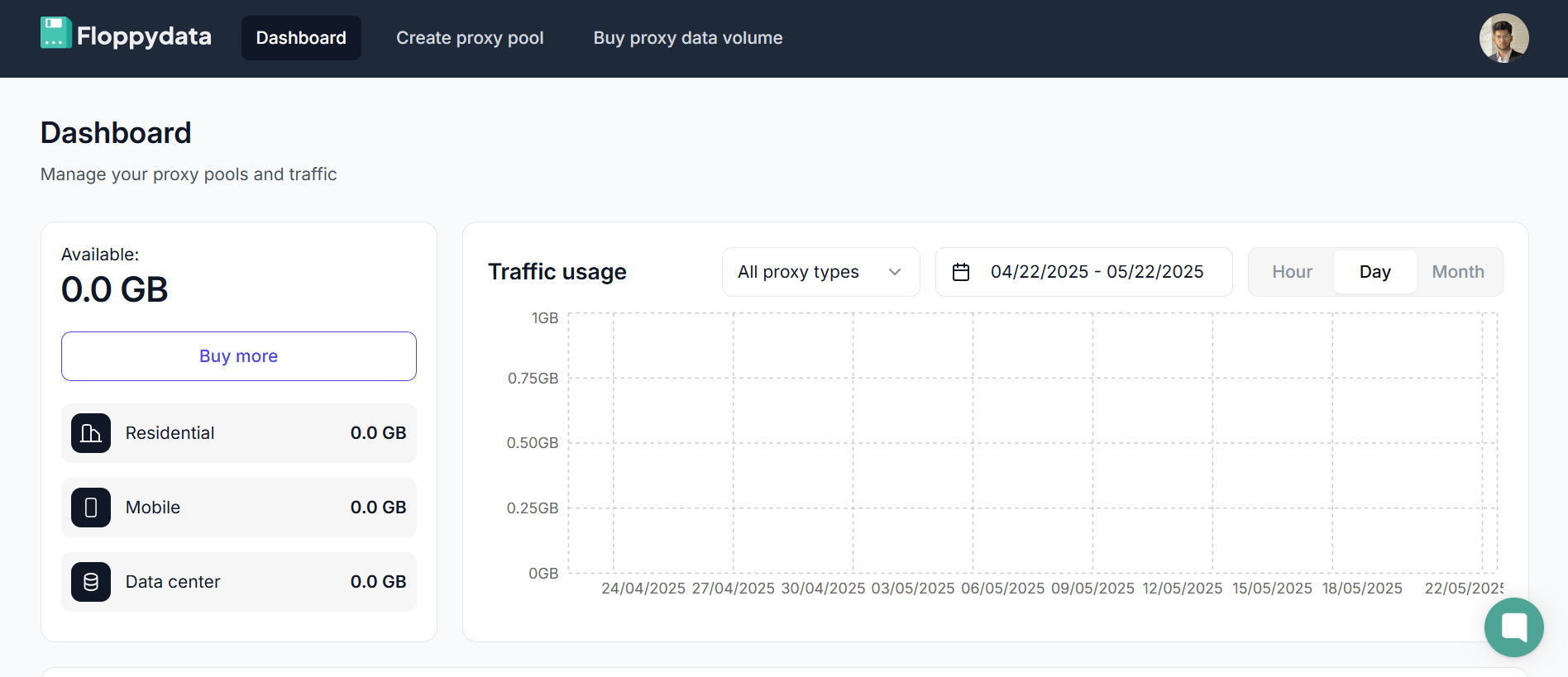
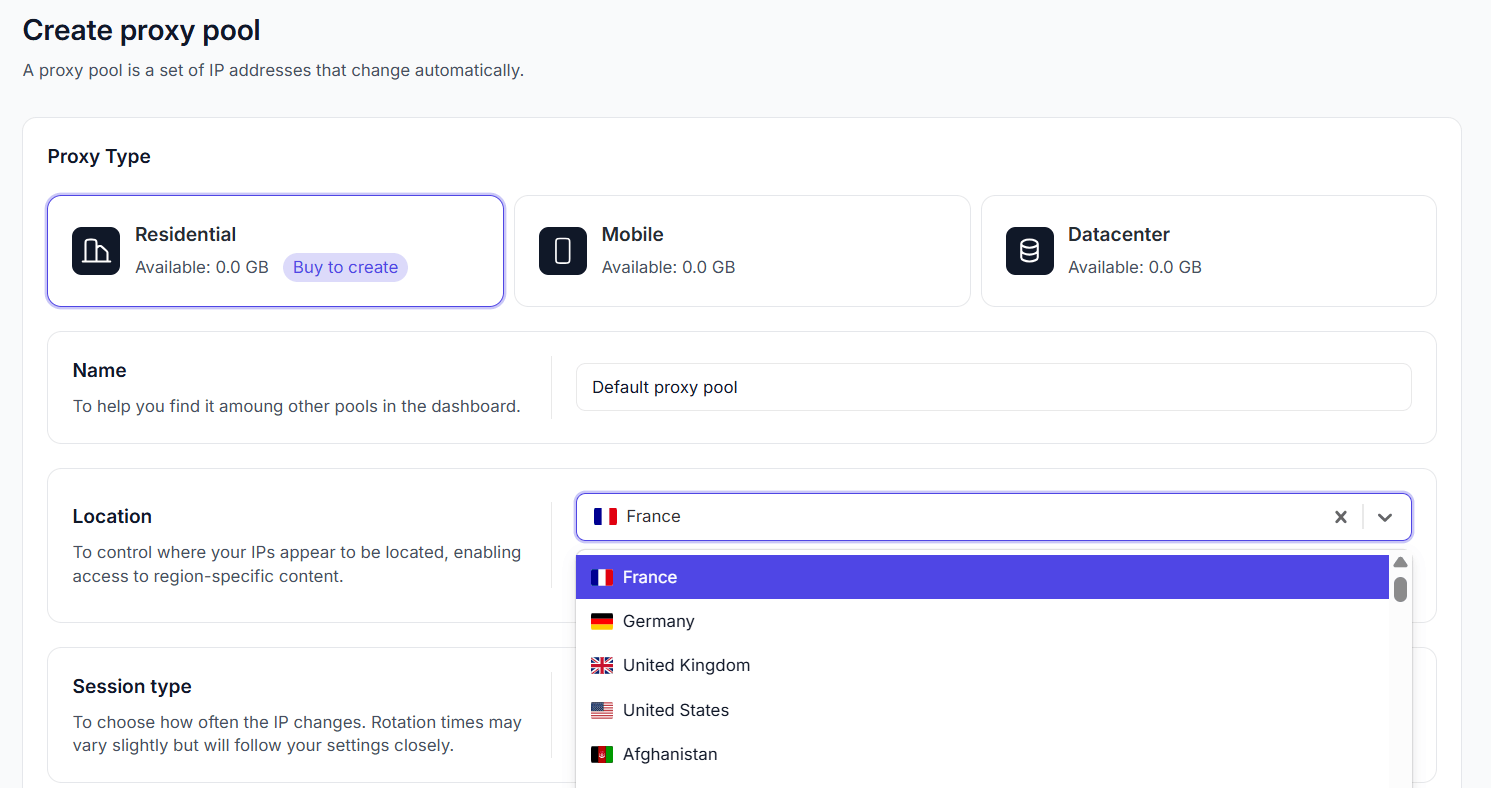
2: Choose Your Location & Proxy Type
Pick a location (like US, UK, Germany, etc.); one close to you gives the fastest streams. Choose your proxy type, give it a name and select other basic settings as well.
3: Copy Your Proxy Credentials
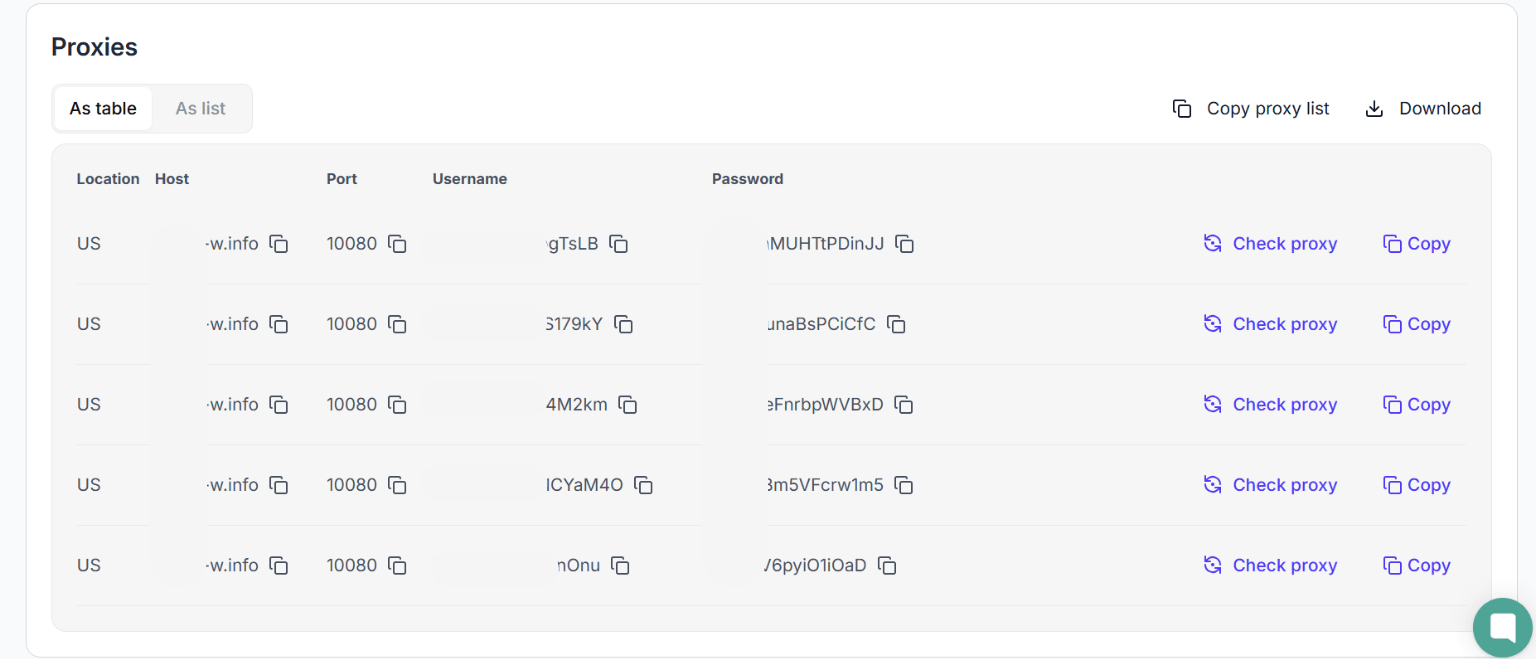
You’ll get a list with IP, port, username, and password. Now you have to copy these credentials and quickly set up your proxy.
4: Configure Your Proxy
Use your browser or Windows/Android/IOS network settings to enter the proxy info you just got from FloppyData. Read the following blog on how to set up the proxy in Windows PC or MacOS.

5: Open OnlyFans
With the proxy active, go to OnlyFans.com. It should open without any issues, disconnections or lags.
Other Uses of Proxies
FloppyData proxies aren’t just for OnlyFans. Here’s how others use them too:
- Content creators (OnlyFans & other) can keep a stable, private connection while they post and stream.
- Fans who want a private connection.
- Privacy-conscious users who don’t trust VPN logs.
Final Thoughts
If your provider blocks OnlyFans or you want more privacy, proxies are a good answer. I tried the commonly accessible methods but nothing worked as reliably or quickly as FloppyData. It’s not just about access. It’s about privacy, speed, and control, and for that, proxies beat VPNs any day.
Read More:
FAQ
How do I use a proxy for OnlyFans instead of a VPN?
Sign up with FloppyData, choose a proxy (Residential or Mobile) and copy your proxy credentials. Configure your browser or device using those details. OnlyFans’s own rules, including age checks, still apply.
Who benefits most from using a proxy with OnlyFans?
Proxies help content creators keep a stable, private connection, and privacy-conscious users avoid relying on VPNs for anonymous access.