An anti-detect browser is a special type of browser that allows users to control or modify their digital fingerprint. Several tasks central to the smooth operation of a business can trigger an IP ban or account suspension. Therefore, anti-detect browsers provide a reliable solution for managing multiple social media accounts, e-commerce accounts, testing ads across different locations, and more.
One of the parameters that websites can use to track you is your IP address. This is why using a proxy for anti-detect browsers is non-negotiable. Using proxies alone is not enough for sensitive tasks as the platform can still track you.
Combining a high-quality proxy with the features of anti-fingerprint browsers allows you to better stay under the radar. You can rotate the IP address as well as modify hardware and software components of the browser to remain anonymous on the web.
How to Choose A Proxy for Antidetect Browser
The proxy market is ever expanding so it is necessary to understand the factors to consider when choosing a proxy for anti-detect browsers. Some of these factors include:
Size of IP Pool
Different providers have different IP pools based on the number of servers they offer. Choosing a provider with a large IP pool reduces the risk of blocks and CAPTCHA verification. Tasks that require consistent proxy rotation like web scraping and market research rely on a large IP pool for smooth operations.
Proxy Types
Consider a provider that offers a variety of products including residential, mobile, data center, and ISP proxies. This way, you can have something to work with regardless of the nature of the task. In addition, consider available tools (like APIs, scrapers, unblockers etc.) and how they can optimize your workflow.
Session Control
Modern providers offer rotating and sticky proxies to adapt to your session control needs. Long sticky sessions are a priority for bank account management and social media management, where it is necessary to use an IP address for a long time.
On the other hand, activities like gaming or streaming can benefit from rotating proxies to bypass restrictions and maintain connection.
Geo-targeting
Geo-targeting is a feature that allows you to choose a specific country, city, or ISP for the proxy IP address. For example, you can choose a proxy server in Canada, narrow it down to Montreal, and even take it a notch further by indicating your preferred zip code. This feature is crucial in market research, keyword analysis, and trend search.
Clean Rates
Clean IPs can be translated as those with high success rates and trust scores. This factor is crucial for bypassing anti-bot systems often employed by social media platforms, e-commerce websites, and streaming services.
Customer Support
A provider’s dashboard may be easy to navigate for many, but a few users might experience some difficulties. What sets aside a provider is the way they handle the issue; this can either earn them a returning customer and recommendation or the other case. Fast and professional customer support is the standard of any customer-centric provider.
TL: DR
Comparison Table
| Provider | Proxy Types | Pricing | Key Features | Best For |
| Floppydata | Residential, ISP, Mobile, Datacenter | Datacenter from $0.60/GB; Residential from $1/GB; ISP from $5/month; Mobile Proxies from $1/GB | Clean, fast, and affordable IPs | All-rounder automation, web scraping, etc |
| NodeMaven | Residential, ISP, Mobile | Residential from $2.20/GB; ISP from $2.99/IP; Mobile from $2.20/GB | Pay-as-you-go plan, bandwidth rollover | Managing multiple social media and e-commerce accounts |
| Froxy | Residential, ISP, Mobile, Datacenter | Datacenter from $0.60/GB; Residential from $2.69/GB; Mobile from $3.90/GB | Traffic rollover, precise geo-targeting | Web data extraction, bypassing geo-restrictions |
| Proxy-Cheap | Residential, Mobile, Datacenter | Datacenter from $1.49/mo; Residential from $4.99/mo; Mobile from $5.99 monthly | Flexible, non-expiring traffic | Data scraping, SEO monitoring, market research |
| ProxyEmpire | Residential, Mobile, Datacenter | Datacenter from $0.625/GB; Residential from $0.35/IP; Mobile from $1.25/GB | Affordable pricing plan, beginner-friendly interface | Security and anonymity; unblocking websites |
| Proxy-Seller | Residential, Mobile, ISP, Proxy IPv4, Proxy IPv6 | Residential from $1.99/GB;
Mobile from $25; ISP from $1.15 |
Diverse proxy types | Web scraping, managing multiple Twitter accounts. |
| IPRoyal | Residential, ISP, Mobile, Datacenter | Datacenter from $1.39/IP; Residential from $1.75/GB; ISP from $2/Proxy; Mobile Proxies: $10.11/day | Traffic roll-over, affordable | Anonymity, low-volume web scraping |
| SOAX | Residential, Mobile, Datacenter | Datacenter from $0.62/GB; Residential from $3.60/GB; Mobile from $3.60/GB | High-quality IPs, good performance | Market research, price monitoring |
| Bright Data | Residential, ISP, Datacenter | Datacenter from $0.9/IP; Residential from $2.5/GB; ISP from $1.3/IP | Extensive tools, extensive IP coverage, excellent speed | Large volume data extraction, automation |
| Oxylabs | Residential, ISP, Mobile, Datacenter | Datacenter from $0.7/IP; Residential from $2.5/GB; ISP from $1.2/IP; Mobile from $3.50/GB | Large IP pool, large suite of advanced tools | Enterprise-level web data extraction, unblocking websites |
| NetNut | Residential, ISP, Mobile, Datacenter | Datacenter from $0.45/GB; Residential from $3.82/GB; Mobile from $3.82/GB | High performance, exceptional speed | Bypassing geo-restrictions, AI training data collection |
Best Proxies For Anti-fingerprint Browsers
Choosing the best proxies for anti-fingerprint browsers might feel overwhelming with all the many options in the market. While there are several free options, they are not the way to go as they are often associated with high latency and security risks.
Here are my top picks for the best proxy providers for anti-detect browsers, their main features, pros, and cons:
Floppydata
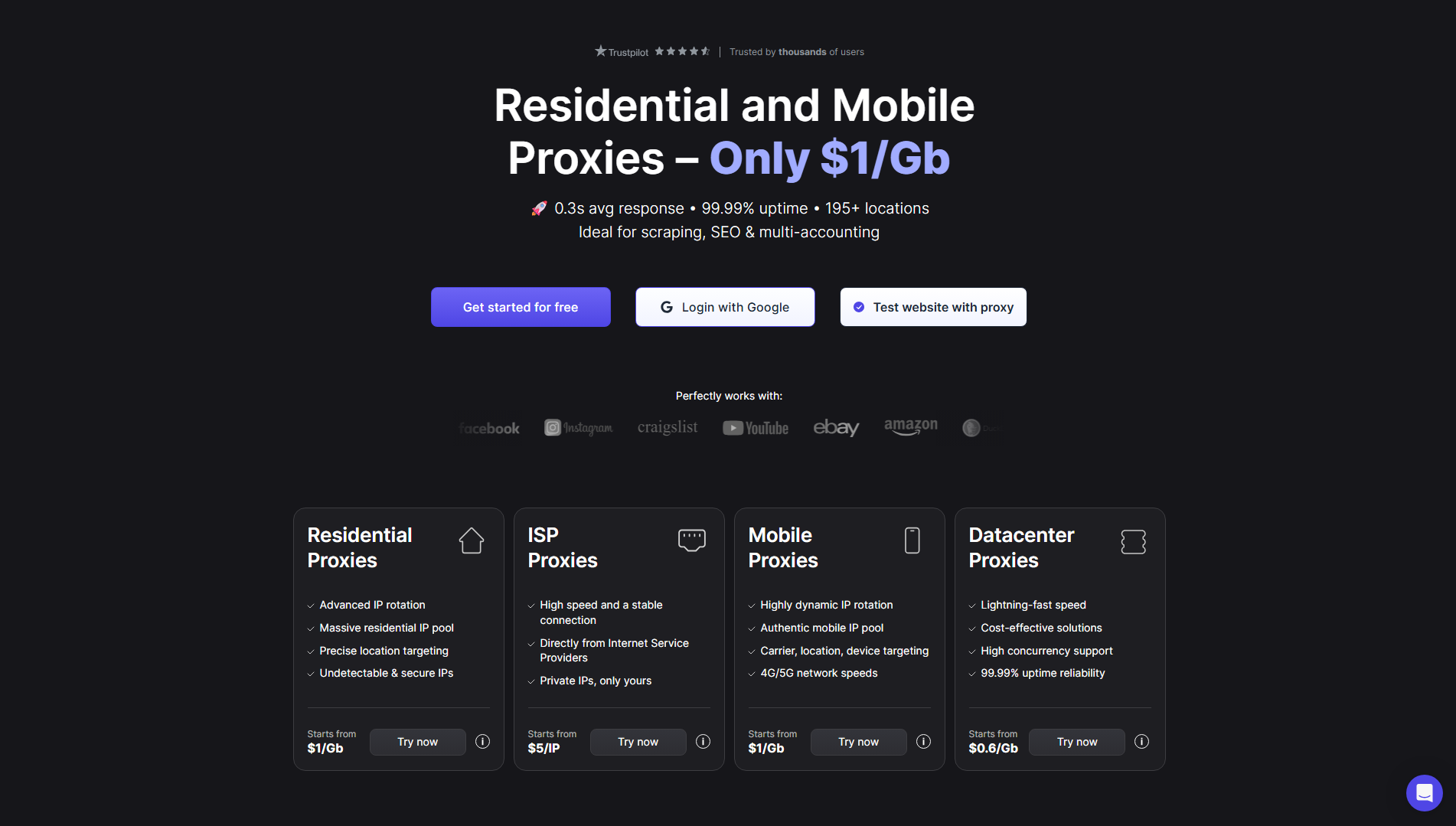
Floppydata is one of my top choices for getting a proxy for anti-detect browsers. They offer one of the most affordable pricings on the market without compromising on IP quality and cleanliness. Floppydata has been consistently providing stable connection, great trust scores, and high speed.
Key Features:
- IP pool: 65M+ IP pool across 195+ countries
- Avg. Speed: <0.3 seconds, 99.99% uptime
- Clean Rate: 95%
- Geo-targeting: Country, city, and ASN
- Session Control: Rotating and sticky sessions ranging from 1 to 60 minutes; Static nodes available
- Free Trial: No
Pricing:
- Datacenter Proxies: $0.60/GB
- Residential Proxies: $1/GB
- ISP Proxies: $5/month
- Mobile Proxies: $1/GB
| Pros | Cons |
| Excellent compatibility with anti-detect browsers | No free plan |
| Country, city, and ASN targeting | |
| 24/7 excellent customer support | |
| Unlimited concurrent requests | |
| Fast, clean, and trustworthy IPs |
NodeMaven
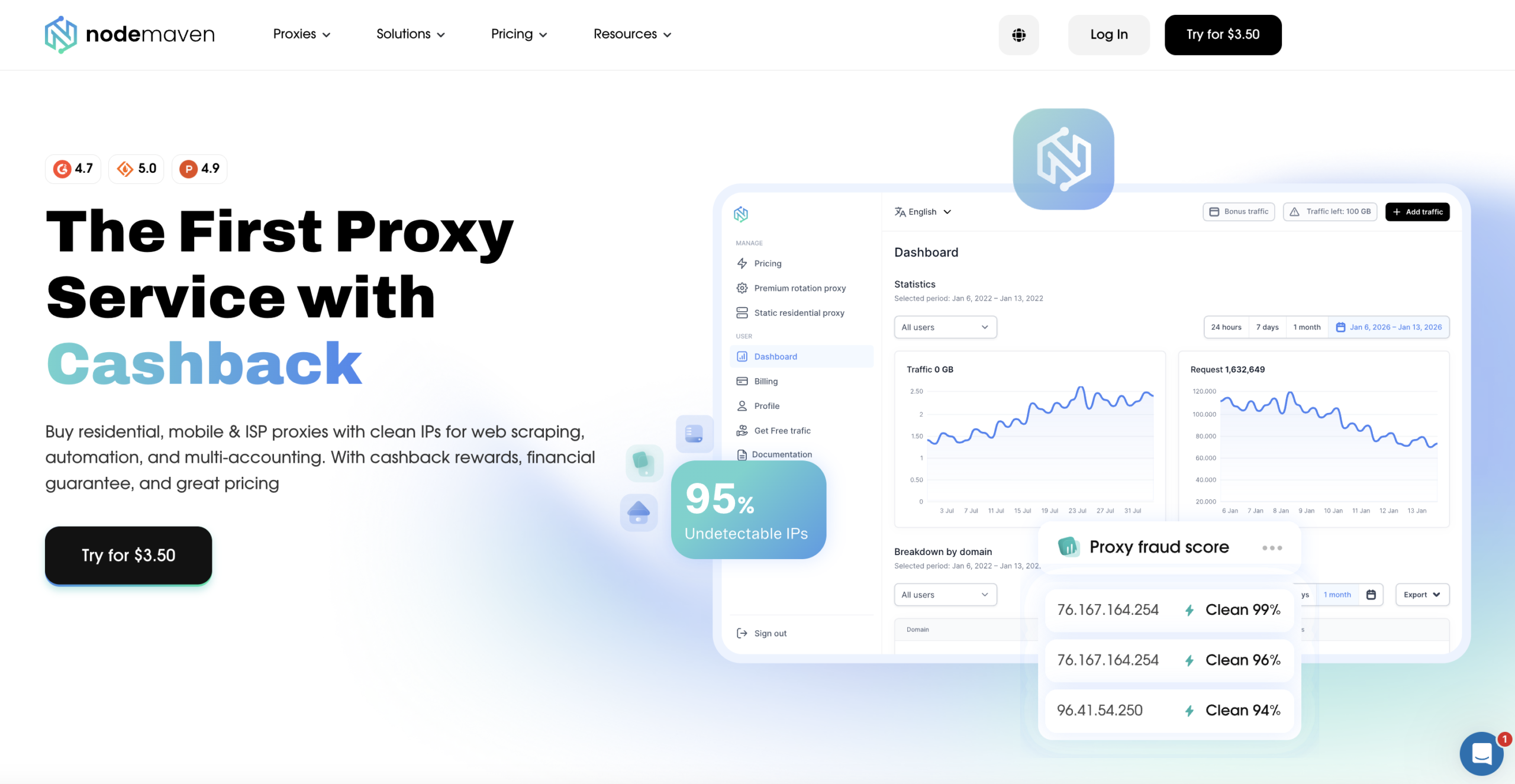
NodeMaven is a newcomer that is quickly gaining popularity among small-to-mid size businesses. They offer high-quality, stable, and budget-friendly proxies for anti-detect browsers. In addition, NodeMaven supports extended sticky sessions, which is crucial for social media and account management. However, the service does not offer datacenter proxies at the moment.
Key Features:
- IP pool: 30M+ IP pool across 190+ countries
- Avg. Speed: <0.6 seconds, 99.9% uptime
- Clean Rate: 99.6%
- Geo-targeting: Country, state, and city
- Session Control: Rotating and sticky sessions up to 7 days
- Free Trial: No. Trial plan is available for $3.50
Pricing:
- Residential Proxies: From $2.20/GB
- ISP Proxies: From $2.99/IP
- Mobile Proxies: From $2.20/GB
| Pros | Cons |
| Unlimited concurrent sessions | Lacks datacenter proxies |
| Uses advanced IP filtering technology | |
| Data rollover |
Froxy
Froxy is another new player on the market that offers great proxies for anti-detect browsers. They leverage cutting-edge technology to deliver clean, fast, and high-quality IPs. However, I noticed they do not offer ISP proxies.
Froxy focuses on web scraping and automation. Therefore, you can find additional tools for SERP and e-commerce data collection on their website.
Key Features:
- IP pool: 10M+ across 200+ countries
- Avg. Speed: <0.7 seconds, 99.9% uptime
- Clean Rate: 99.1%
- Geo-targeting: Country, state, city, and ASN
- Session Control: Rotating and sticky sessions ranging from 1 to 60 minutes
- Free Trial: No. Trial plan is available for $1.99
Pricing:
- Datacenter Proxies: $0.60/GB
- Residential Proxies: $2.69/GB
- Mobile Proxies: $3.90/GB
| Pros | Cons |
| Excellent performance | Small IP pool |
| User-friendly dashboard | Strict KYC |
| Great geo-targeting features |
Proxy-Cheap
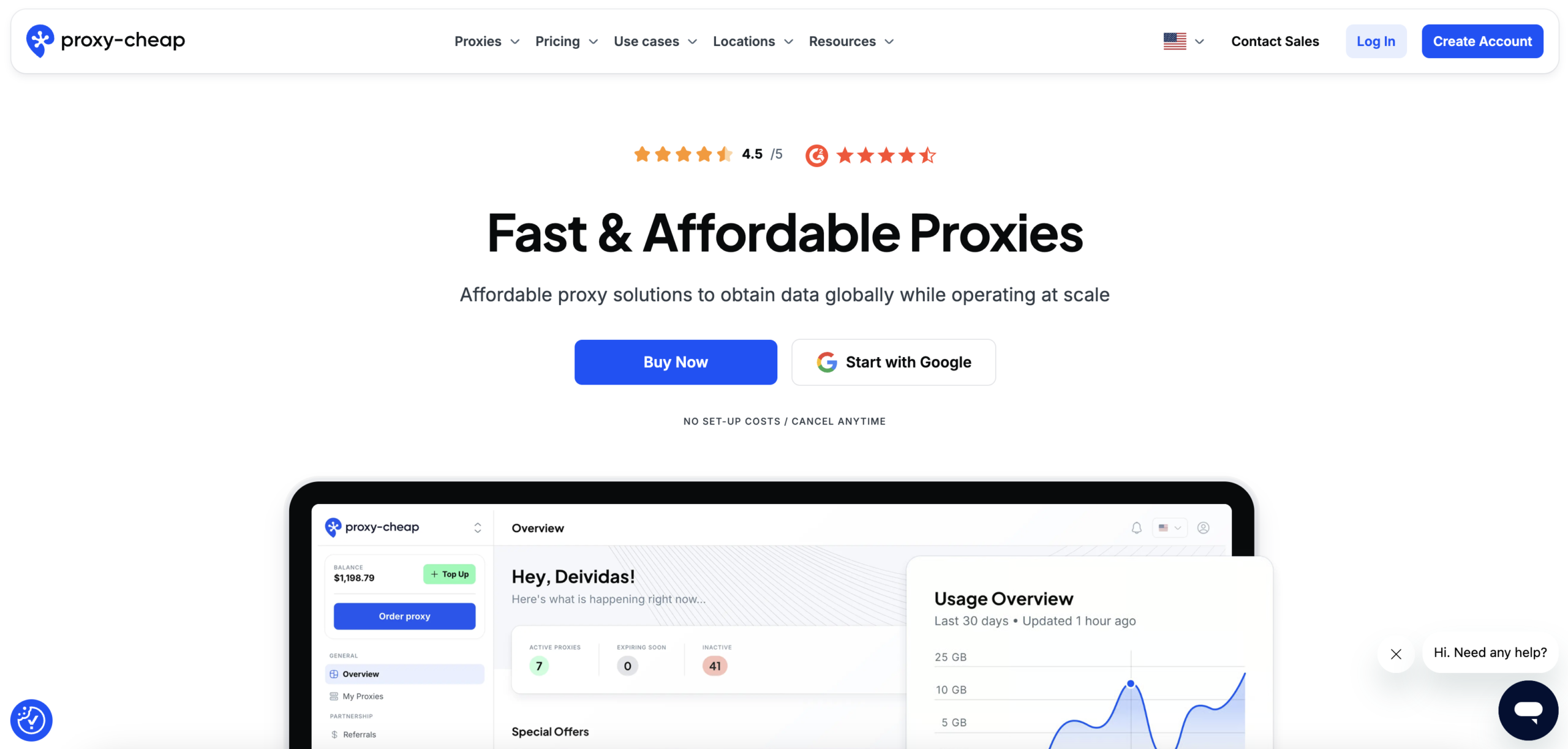
Proxy-Cheap, like the name suggests, provides affordable proxies without sacrificing quality. Therefore, it is a great choice for individuals or small agencies who need reliable and fast IPs on a budget.
Key Features:
- IP pool: 7M+ across 180+ countries
- Avg. Speed: <0.7 seconds, 99.9% uptime
- Clean Rate: 97.0%
- Geo-targeting: Country, state, and city
- Session Control: Rotating and sticky sessions
- Free Trial: No. Trial plan is available for $1.99
Pricing:
- Datacenter Proxies: $1.49 monthly
- Residential Proxies: $4.99 monthly
- Mobile Proxies: $5.99 monthly
| Pros | Cons |
| Very affordable | Small IP pool size |
| Unlimited bandwidth | Less precise geo-targeting |
| Non-expiring traffic | |
| Good performance |
ProxyEmpire

ProxyEmpire is a popular provider among small-to-mid sized teams. The service offers budget-friendly pricing plans, pay-as-you-go options, and a simple interface that makes it beginner-friendly.
One feature that makes ProxyEmpire stand out is the unlimited data rollover. In other words, you will not lose unused traffic provided your subscription is active.
Key Features:
- IP pool: 30M+ across 195+ countries
- Avg. Speed: <0.8 seconds, 99.8% uptime
- Clean Rate: 99.2%
- Geo-targeting: Country, major cities, and ASN
- Session Control: Rotating and sticky sessions ranging from 1 to 60 minutes
- Free Trial: No. Trial plan is available for $1.97
Pricing:
- Datacenter Proxies: $0.625/GB
- Residential Proxies: $0.35/IP
- Mobile Proxies: $1.25/GB
| Pros | Cons |
| They offer Chrome extensions | No free trial |
| Unlimited data rollover | Limited support for SOCKS5 protocol |
| Excellent performance | |
| Unlimited concurrent threads |
Proxy-Seller
With over 10 years of experience in providing ethical, clean, and high-quality IPs, Proxy Seller has placed itself as a reputable brand. If you want variety, in terms of plans and pricing, they are a great place to start.
Key Features:
- IP Pool: 40M+ IP pool across 220+ countries
- Avg. Speed: <0.6 seconds, 99.9+ uptime
- Clean Rate: 96%
- Geo-targeting: Country, state, and city
- Session Control: Rotating and sticky sessions
- Free Trial: 7-day free trial
Pricing:
- Residential Proxies: From $1.99/GB
- Mobile Proxies: From $25 to $55/IP based on location
- ISP Proxies: From $1.15 depending on location
| Pros | Cons |
| High quality proxies | Dashboard can be overwhelming |
| Competitive prices | Pricing model is confusing |
| Wide variation of proxies | |
| Good speed |
IPRoyal
IPRoyal offers proxies for anti-fingerprint browsers that are ethically sourced yet affordable. They are great for individuals as well as teams with a limited budget.
This service offers high-speed proxies, precision geo-targeting abilities, and smart rotation options for automation tasks. With a focus on security architecture, they deliver clean IPs suitable for different use cases.
Key Features:
- IP pool: 35M+ IP pool across 195+ countries
- Avg. Speed: <0.6 seconds, 99.9% uptime
- Clean Rate: 99.7%
- Geo-targeting: Country and major cities
- Session Control: Rotating and sticky sessions up to 24 hours for some proxy types
- Free Trial: No
Pricing:
- Datacenter Proxies: $1.39/IP
- Residential Proxies: $1.75/GB
- ISP Proxies: $2/Proxy
- Mobile Proxies: $10.11/day
| Pros | Cons |
| Non-expiring traffic | Strict KYC |
| Flexible and transparent pricing | Limited geo-targeting abilities |
| Chrome proxy extension | |
| Workspace control features |
SOAX
Soax is one of the highly reputable providers in the industry. The service is renowned for its impeccable performance, large IP pool, and precise geo-targeting.
Soax is a premium proxy provider, which is reflected in the pricing plans. However, with the 99.96% success rates and other premium tools, you would get your money’s worth.
Key Features:
- IP pool: 155M+ IP pool across 195+ countries
- Avg. Speed: <0.6 seconds, 99.9% uptime
- Clean Rate: 99.5%
- Geo-targeting: Country, city, and ASN
- Session Control: Rotating and sticky sessions ranging from 1 to 60 minutes
- Free Trial: No. Trial plan is available for $1.99
Pricing:
- Datacenter Proxies: $0.62/GB
- Residential Proxies: $3.60/GB
- Mobile Proxies: $3.60/GB
| Pros | Cons |
| Excellent performance | Strict KYC |
| Unlimited concurrent sessions | Expensive |
| Advanced geo-targeting | Steep learning curve |
| Customizable IP refresh rate |
Bright Data
Bright Data is a powerhouse for web data extraction. This service offers access to real-time or historical data in a structured format.
Bright data has the world’s largest proxy network with IPs that are 100% ethically sourced and compliant. Additionally, the provider offers one of the deepest geo-targeting filters and many complementary tools and APIs
However, it is quite expensive, which makes it an unsuitable choice for individuals or small teams.
Key Features:
- IP pool: 400M+ IP pool across 195 countries
- Avg. Speed: <0.5 seconds, 99.99% uptime
- Clean Rate: 99.9%
- Geo-targeting: Country, state, city, ZIP-code, and ASN (with simultaneous filter application available)
- Session Control: Rotating and sticky sessions up to 30 minutes; Unlimited session duration available for ISPs
- Free Trial: 7-day free trial for businesses
Pricing:
- Datacenter Proxies: $0.9/IP
- Residential Proxies: $2.5/GB
- ISP Proxies: $1.3/IP
| Pros | Cons |
| High performance | Strict KYC |
| Precise geo-targeting | Very Expensive |
| Large global IP pool | Steep learning curve |
| Top-tier choice for data extraction |
Oxylabs
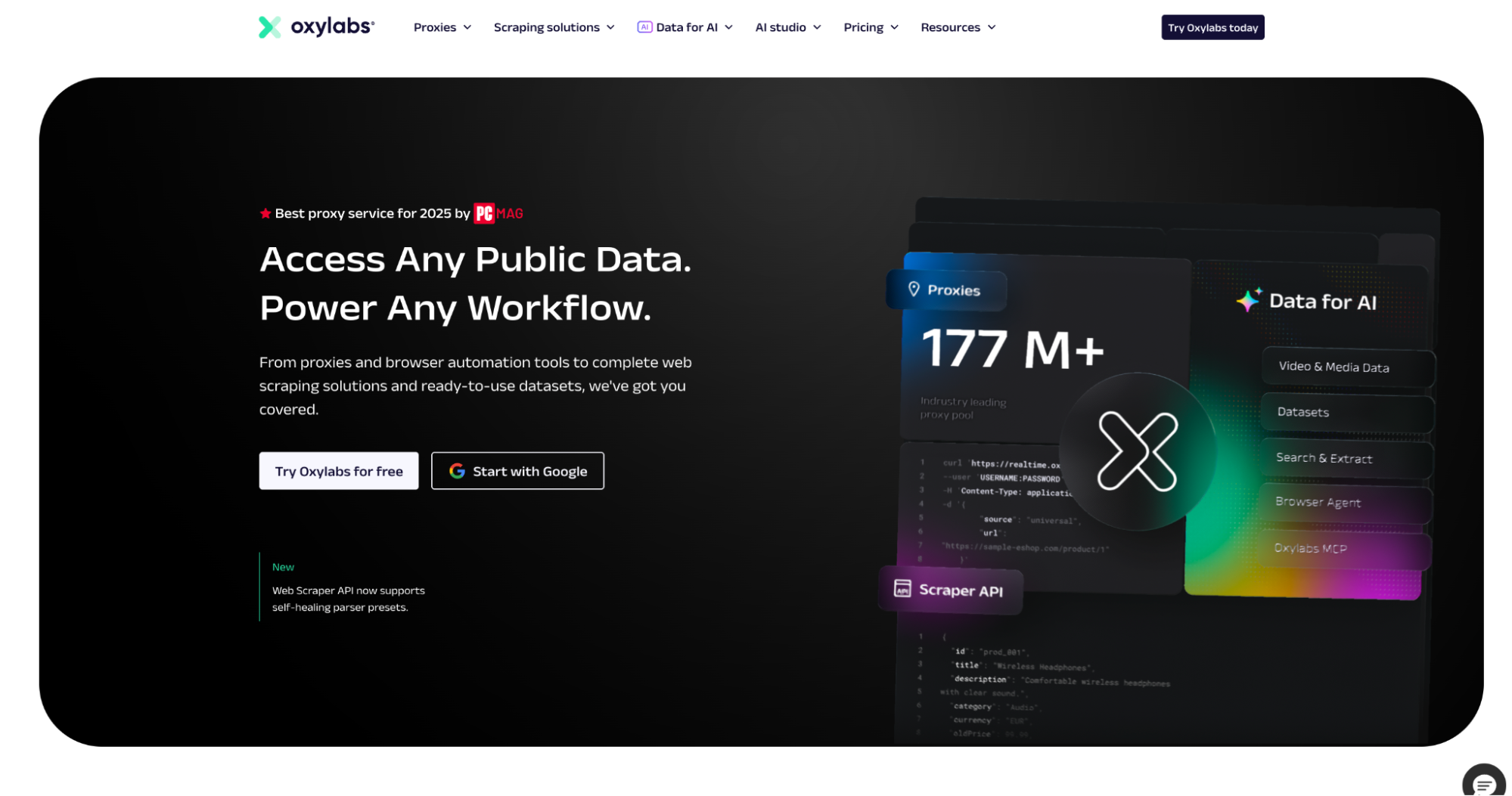
Oxylabs is a premium proxy provider with a focus on big businesses. If you want to scale your enterprise operations with no worries about budget, then Oxylabs is your go-to provider.
This service delivers exceptional performance regardless of the use case. They also provide advanced tools for web data extraction.
Key Features:
- IP pool: 175M+ IP pool across 195+ countries
- Avg. Speed: <0.5 seconds, 99.95% uptime
- Clean Rate: 99.9%
- Geo-targeting: Country, state, city, ZIP-code, and ASN
- Session Control: Rotating and sticky sessions up to 30 minutes; Unlimited session duration available for ISPs
- Free Trial: 7-day free trial for businesses, 3-day money-back guarantee for individuals
Pricing:
- Datacenter Proxies: From $0.7/IP
- Residential Proxies: From $2.5/GB
- ISP Proxies: From $1.2/IP
- Mobile Proxies: From $3.50/GB
| Pros | Cons |
| Exceptional speed | Very expensive |
| Clean and high-quality IPs | Steep learning curve |
| Large IP pool for guaranteed geo-targeting | Strict KYC |
| Advanced tools, datasets, and AI solutions |
NetNut
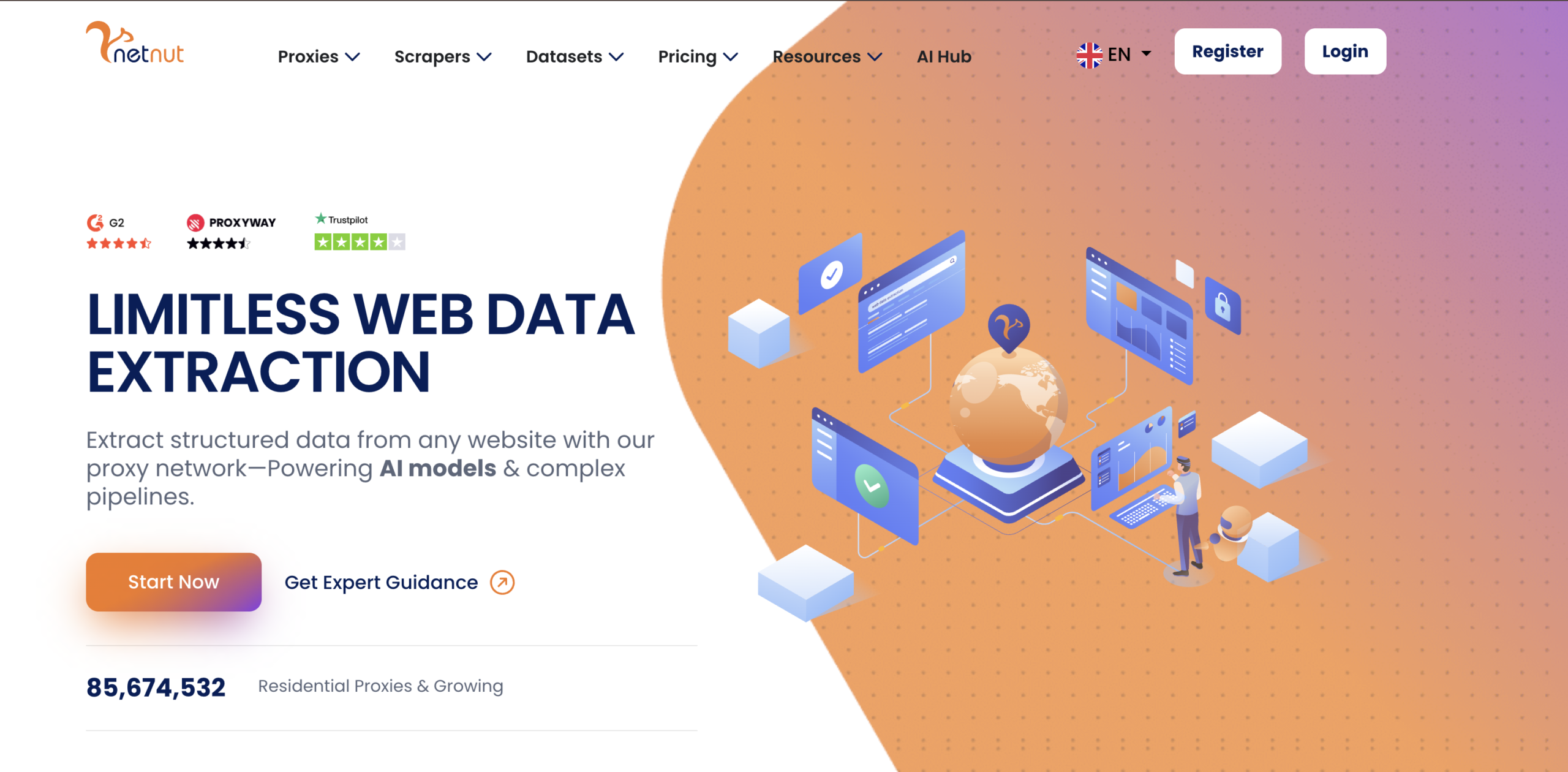
NetNut is another premium provider that caters to big businesses and large enterprises. This service uses a unique one-hop technology to provide higher speed and success rates.
NetNut has a high-quality proxy server network for optimal performance and uninterrupted data collection. However, all these advanced features come at a high price
Key Features:
- IP pool: 87M+ IP pool across 195+ countries
- Avg. Speed: <0.3 seconds, 99.9% uptime
- Clean Rate: 99.6%
- Geo-targeting: Country, city, and state
- Session Control: Rotating and sticky sessions; Unlimited session duration available for ISPs
- Free Trial: 7-day free trial for businesses
Pricing:
- Datacenter Proxies: $0.45/GB
- Residential Proxies: $3.82/GB
- Mobile Proxies: From $3.82/GB
| Pros | Cons |
| Exceptional speed | Very expensive |
| User-friendly dashboard | Strict KYC |
| Offers comprehensive analytics | |
| Highly customizable |
How to Use Rotating Proxy in Your Anti-detect Browsers
You can buy rotating proxies by bandwidth. For example, if I have 10GB bandwidth for rotating residential proxies, I can use this bandwidth for any country. With Floppydata’s proxy generator, you can select a number of proxies, choose a specific country, and city. Your proxy credentials appear in the tab below.
Breakdown of proxy credentials:
- Hostname: The proxy server addresses your tool connects to.
- Port: The network port used to connect to that proxy server.
- Username: The login field that also controls proxy behavior like country, type, session, and rotation.
- Password: The credential used to authenticate access to the proxy.
You can import this proxy into any browser by copying this information and pasting it in the proxy settings of the browser. Floppydata gives you the option to download all proxies in bulk and import them in your browser at once.
The username is the key. With Floppydata, you can even skip generating a list of proxies and use your username to create proxies in batches. If you look closely, the username is the only thing that differs in terms of country, city, rotation time, etc. In other words, the rest of the proxy credentials stay the same.
When using Floppydata via API inside your automation code, you can directly modify the username, swap your desired location and rotation time, and it will work. You don’t need to create proxies via the proxy generator.
Scrapers, automation experts, and developers don’t like to live in SaaS dashboards. Their scripts live inside coding IDEs. This is why Floppydata offers a way to create your own proxy credentials with just a single string.
How Floppydata Proxy Username String Format Works
Here is the example format of the username:
user-XXXX-type-residential-session-1nvajv5x-country-US-rotation-0This is Floppydata’s smart parameters string. You can add your username, session, country, rotation times, proxy type, and all other details directly inside the string.
Instead of manually generating proxy credentials from the web dashboard, you let your code handle the rotation times, locations, and proxy type. If your scraping operation gets blocked, your code re-adjusts with a different proxy type or a quicker rotation time. Everything is controlled through this string.
Here is an example of how to use a proxy string in Python code:
import requests

proxies = {
    'http': 'http://user-mMXXXXXXj8c2ad-type-residential-session-ih76jvbd-country-US-city-New york-rotation-15:[email protected]:10080',
    'https': 'http://user-mMXXXXXXj8c2ad-type-residential-session-ih79jvbd-country-US-city-New york-rotation-15:[email protected]:10080'
}

response = requests.get('http://ip-api.com/json', proxies=proxies)
print(response.text)
Parameter Breakdown:
Account link identifier used to verify your access, proxy usage, and remaining limits. When you create your string for the first time, Floppydata generates it for you automatically.
Defines the proxy type (residential, mobile, datacenter). This directly affects behavior: residential is reliable, datacenter is faster but easier to detect. Choose type-residential or type-datacenter accordingly.
Session ID helps you keep IP and browser behavior consistent. Important for logged-in sessions where rotating IP can cause problems. Determines whether your proxy behaves like a stable identity.
Forces the proxy to use an IP from a specific country. Replace US with your desired country code.
Controls IP rotation behavior. 0 = sticky session, -1 = rotate on every request. Enter the number of minutes for custom rotation timing.
Step-by-Step Guide: How to Generate Proxy Credentials
In this section, we will cover the process of how to create a proxy pool and generate Floppydata credentials.
Step 1 – Get Proxies
Go to Floppydata dashboard and buy a desired bandwidth for the proxy of your choice. For most scraping automations, we recommend using residential proxies.
Step 2 – Create Proxy Credentials
Once you have the proxy bandwidth, you can create as many proxies as you want. You can select the rotation type, country, city, and password. Username is auto-generated, but you can also create more if you need.
Step 3 – Use proxy credentials:
You can now use the auto-generated proxy credentials in your web browser or scraping tool. You can download all the proxies in bulk and import them in your desired browser at once.
As explained in the previous section, you can use Floppydata’s smart parameter string instead of creating and configuring proxy pools. All you need is a username that Floppydata generates for you in step 2. You can select location, rotating time, and proxy type as per your choice in the parameter string.
Step 4 – Check Your IP Rotation
You can verify if your connection string is rotating IP correctly by pasting it in Floppydata’s IP change detector. This will help you verify whether your settings are correct.
Step 5 – Check If Your Proxy Location is Correct
When you connect to the Floppydata proxy, visit a website like whoer, IPhey or whatismyipaddress.com to see if your country and city are correct. This is a quick way to check if your configured IP country and city are correct.
Congratulations! Your proxies are ready to be used with any anti-detect browser of your choice.
Conclusion
Choosing the right proxy for an anti-detect browser can make all the difference in your activities. Therefore, you need to carefully consider the size of the IP pool, global coverage, performance, and pricing.
Enterprise users can leverage Oxylabs, NetNut, and Bright data to scale their activities. On the other hand, we have mid-tier options like ProxyEmpire, SOAX, NodeMaven, and ProxySeller. For those on a tight budget, IPRoyal, Proxy-Cheap, and Froxy offer reliable IPs at very affordable rates.
However, if you want a balance of IP quality, pricing, and compatibility, Floppydata easily is a top pick. With some of the most competitive pricing on the market, this provider is great for beginners and experts.