Data is the new gold. Every modern day business thrives on it. Whether its insights about their customers, target markets and competitors or huge datasets for AI model training, data is the fuel driving the digital economy. There are primarily two ways to collect a huge amount of relevant data: You either collect it from your users, or you scrape it from the internet.
Data scraping means collecting publicly available data on websites, and refining it to find useful information. This information can then be used to train AI models, research consumer behavior, market trends and more. This blog explores the best web services for web scraping in 2026 that give you a safe, and easy data scraping experience. Each service review includes my personal experience, customer reviews from trusted platforms and a summary list of pros, cons and pricing.
Why Are Automated Web Scraping Services Needed?
Imagine you want to check how much your competitors are selling a product for. You want to search Ebay and Amazon for product prices, titles and descriptions etc. and analyze how you will position your product. A web scraping service helps you automate this by searching your target domain automatically, and collecting data in your preferred format.
Web scraping isn’t as simple as the example above. Platforms like Amazon, Ebay, and Meta deploy strong anti-scraping systems to block web scrapers. The reason is simple: They don’t want automated bots to extract customer data and put unnecessary load on their servers. This is where web scraping services come in. They help you scrape data faster without worrying about managing proxies, and bans.
Web scraping services bypass website’s detection systems to scrape webpages in bulk. Websites detect bots through several signals like browsing behavior, mouse movements, scroll patterns, CAPTCHA triggers, and request frequency. If the detection system detects any of these, you can get banned. Web scraping services are designed to sneak past the detection systems by mimicking real human behavior.
How to Evaluate Which Web Scraping Service to Use?
Speaking from personal experience, never go with a scraping service that offers more features on paper. Always read the customer reviews first and try it out if they have a free plan to see if it will work in the long run. If your business thrives on data scraping, you need a service that:
- Should not break in production
- Won’t put your accounts at risk of getting banned
- Has a customer experience
- Focuses on data privacy
- Regularly updates its tools to meet the evolving demands of the internet
Ideally, you want a tool that can scrape data without you babysitting it. So, here is a basic criteria that we have evaluated the top scraping companies on:
- Unblocker Tools: How it handles CAPTCHAs, WAFs, 403/409 and JS Heavy pages
- Automation: Level of automation it provides like batching, retries, rendering and API support
- Pricing Clarity: Pricing should be clear enough to set long-term budget and outcome goals
- Beginner Friendly: How good their docs are, and how easy their UI feels to get started quickly.
- Market Reviews: What customers on TrustPilot, G2 and Capterra think of the service.
Top 11 Web Scraping Companies for Data Scraping Automations
1. Floppydata: Best API-Based Web Scraping Service
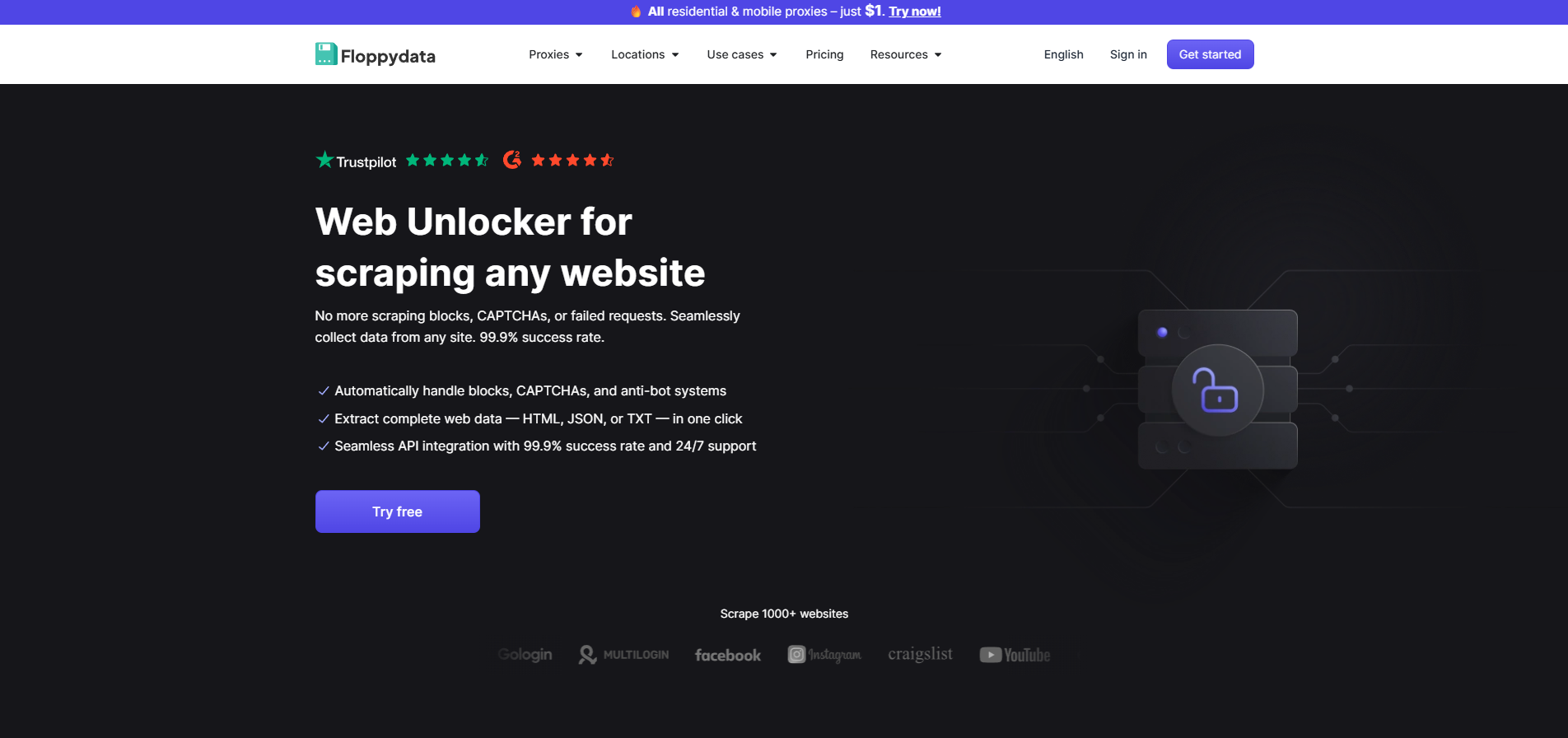
If you want to pick a no-brainer option, go with Floppydata. It gives you two things: A huge pool of clean IPs with city-level targeting in 195 countries, and an excellent scraping API that solves CAPTCHAs, scrapes JS-heavy pages, and has a very minimal cost.
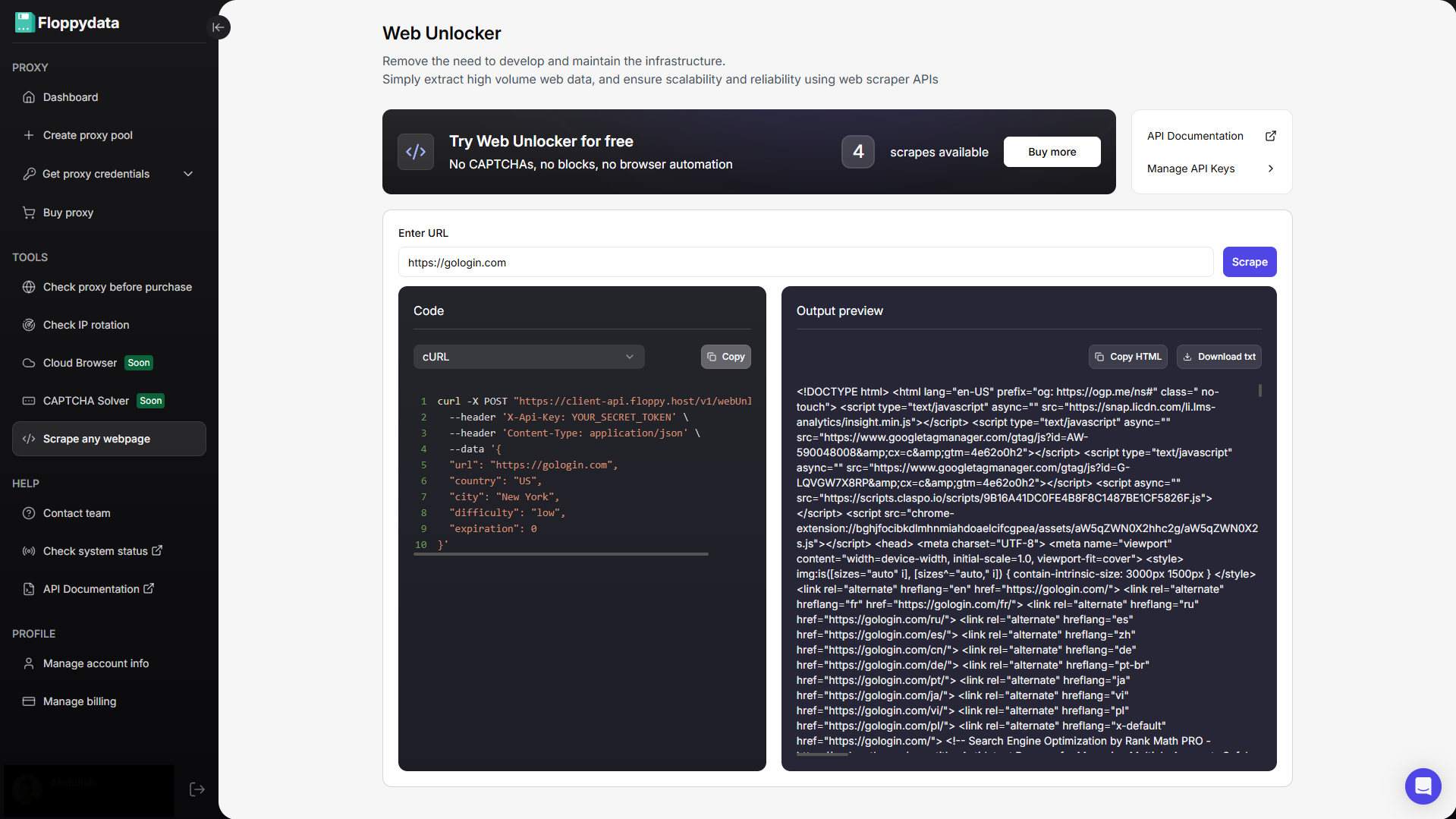
I liked Floppydata for its simplicity. You can test any website URL by pasting it in their test field and they instantly return a scraped data. This extracted content helps you analyze what you want to extract from this raw HTML. Floppydata also generates sample code in cURL, Python, JavaScript and R that you can use in your scraping automation workflow.
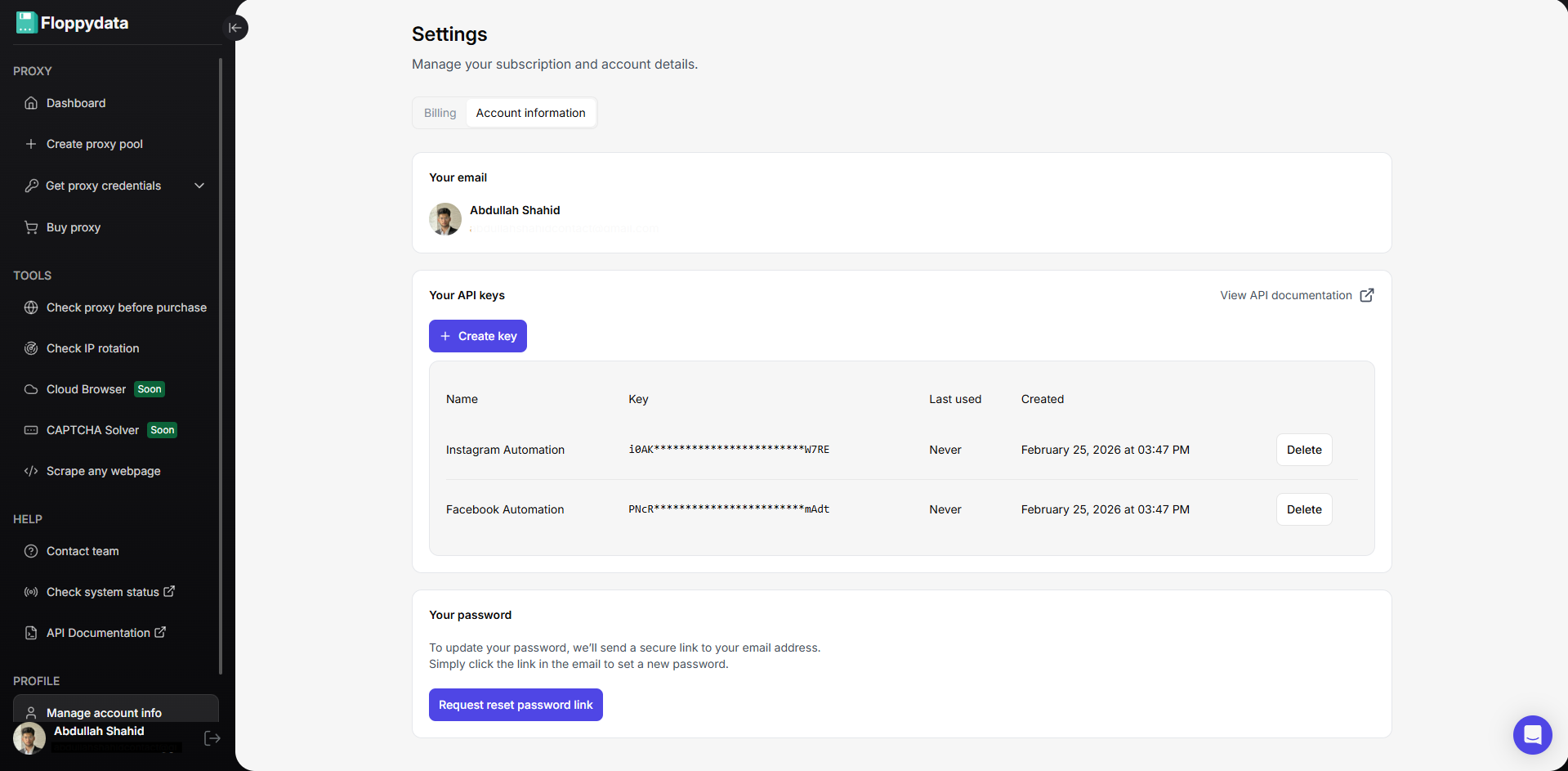
When you’ve tested that the domain works, you can now set up an API key and get started. You can add it to your scraping workflow however you want. That’s it!
Pricing:
Floppydata is a great value for money because I don’t need to buy and set-up proxies separately. They automatically choose proxies from their own pool for my web automation tasks. I only pay for successful extractions (not for failed ones or if a webpage was retried from 10 different proxies).
- Trial: 5 requests for free
- Basic Package: $9 / 10K successful scrapes
- Advanced Package: $89 / 100K successful scrapes
- Custom Plan: tailored solution based on client needs
| Pros | Cons |
| Strong entry pricing, UI friendly | Does not provide a web interface for setting up or running automation like some other competitors |
| Web Unblocker built for handling 403/429 blocks, CAPTCHAs, etc. | |
| Scraping works in cloud, not on your device | You need to have coding knowledge to use API |
2. Gologin: Best Antidetect Browser for Web Scraping Automation
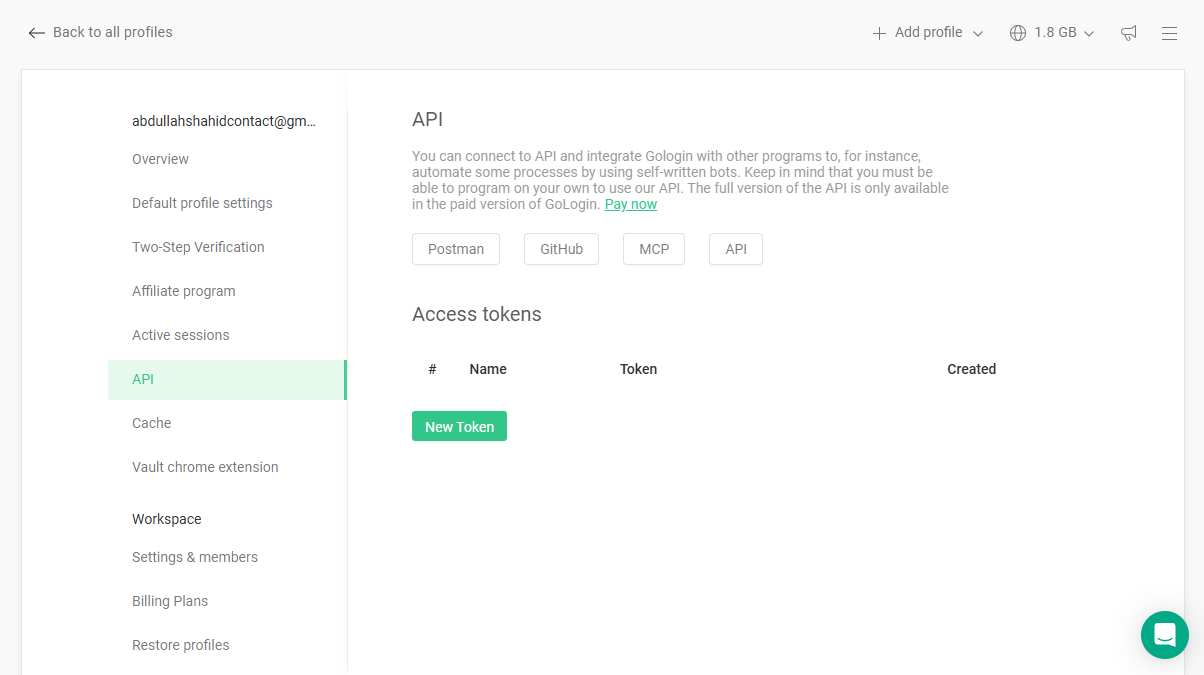
Although Gologin isn’t a dedicated proxy provider, I’ve put Gologin as a second best choice because of its antidetect capabilities that help run secure web automations.
You can run automations using Gologin’s cloud browsing API. Gologin helps you add a layer of security on top of our automation through its antidetect functionality. Instead of risking your network IP and device fingerprint, Gologin provides you with a unique device fingerprint and IP address for each browser profile. As a result, each Gologin browser profile looks like a unique device. This helps protect your device and network address against bans while you run parallel automations in thousands of Gologin profiles at once, through automation.
Why I Loved Gologin:
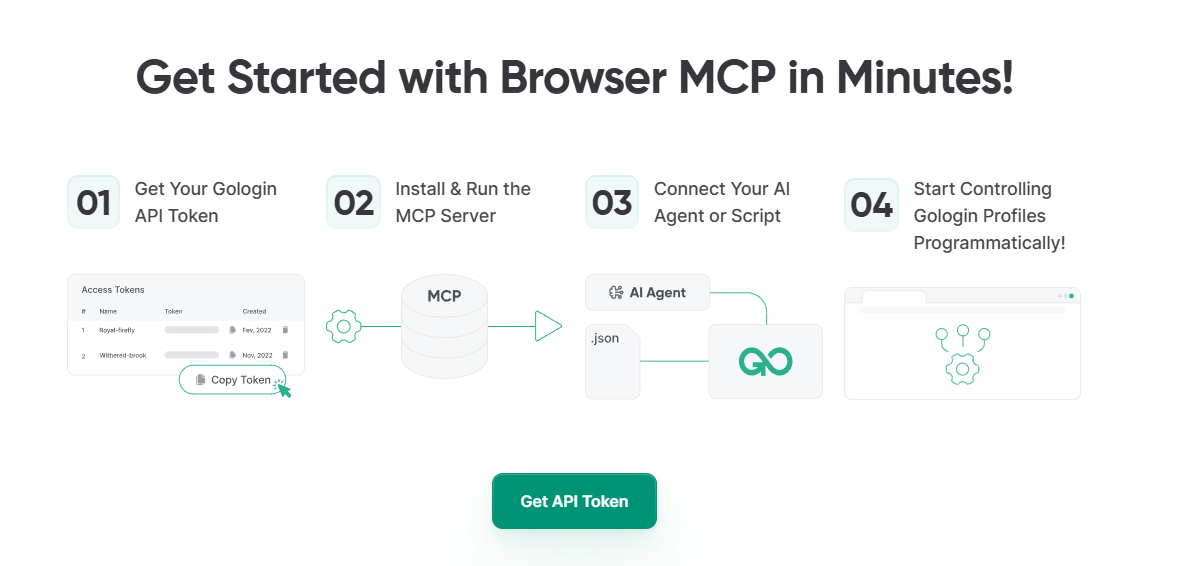
Gologin does not just offer API support to automate scraping across hundreds of concurrent browser profiles, it also has an MCP server. If you don’t know what an MCP is, remember it this way: You take the MCP key of your Gologin, and connect it with AI tools like Claude and now that AI tool can directly access Gologin. You can now ask Claude to run some tasks in Gologin. This has been a great feature for me to perform basic web functions like browsing some websites to check prices, and letting Claude write me a product description from the analyzed webpages.
Pricing:
- Professional: $4/mo, 100 profiles, 10 profile shares, 1 cloud launch, REST API (300 RPM)
- location data, 2GB resident proxy
- Business: $59/mo, 300 profiles, 100 profile shares, 2 cloud launches, REST API (500 RPM)
- Enterprise: $149/mo, 1000 profiles, 1000 profile shares, 3 cloud launches, REST API (800 RPM)
Custom plans are available. The prices mentioned are annual.
| Pros | Cons |
| Excellent anti-detect browser for scraping workflows | Requires pairing with built-in proxies |
| Strong fingerprint isolation per profile | Coding experience required to use API |
| Affordable compared to enterprise anti-detect tools |
3. LinkFinder AI: Best for Automated B2B Data Enrichment
LinkFinder AI takes a different angle than most tools on this list. It is not built for scraping web pages manually or extracting raw HTML from arbitrary websites. Instead, it focuses on automated B2B data enrichment for sales, marketing, and CRM workflows.
With LinkFinder AI, you can provide a company domain, a contact record, or a public professional profile URL, and the platform returns verified business attributes such as email, role, seniority, company size, and firmographic context. If your main goal is to keep CRM records fresh instead of building and maintaining scraping scripts, LinkFinder AI is a more direct option.
What I liked about LinkFinder AI is how little setup it requires. The platform connects natively with n8n, Make, Zapier, and Google Sheets, which makes it easy to add enrichment into an existing workflow. You can import a template, add your API key, and run scheduled enrichment without writing scraping logic, configuring proxies, or maintaining parsers.
Another useful feature is scheduled enrichment. Instead of manually exporting incomplete CRM records and enriching them later, LinkFinder AI can automatically process new records as they enter your workflow. This is especially useful for sales teams that want to keep lead and account data updated without extra manual work.
LinkFinder AI also goes beyond basic contact lookup. It can surface intent signals from public professional posts and combine them with verified contact data. This helps sales teams prioritize outreach based not only on firmographic fit, but also on recent public engagement and buying intent.
However, LinkFinder AI is not a general-purpose web scraper. It will not replace tools like Floppydata, Zyte, or Apify if you need to collect structured data from many different websites. It is purpose-built for B2B contact enrichment, company enrichment, and sales workflow automation.
Pricing:
LinkFinder AI offers a free trial with free credits and no credit card required. Paid usage is credit-based and scales with enrichment volume. Exact paid tier pricing is not published on the marketing pages, so you should check the pricing page directly for the most current rates.
- Free Trial: Free credits to start, no credit card required, setup in under 5 minutes
- Paid Plans: Credit-based pricing that scales with enrichment volume. Check the LinkFinder AI pricing page for current rates
| Pros | Cons |
| Native integrations with n8n, Make, Zapier, and Google Sheets | Not a general-purpose web scraper |
| Scheduled enrichment keeps CRM data updated automatically | Tier pricing is not publicly listed on the marketing pages |
| Useful for B2B contact and company enrichment | Best suited for sales and CRM workflows, not broad web data extraction |
| Can surface intent signals from public professional engagement | May not be the right fit for teams that need raw HTML or custom website scraping |
| Free trial with no credit card required | Credit-based pricing can vary depending on enrichment volume |
4. ScrapeGraphAI: AI-Powered Semantic Extraction
ScrapeGraphAI takes a different angle from most services on this list. Instead of giving you a fetcher and asking you to write parsers, it lets you describe the data you want in plain English and returns it as clean structured JSON. I tested it on a handful of sites I knew were painful — heavy JavaScript SPAs, e-commerce pages with shifting layouts, news sites with paywalls in the way — and the extraction held up across all of them without me touching a single selector.
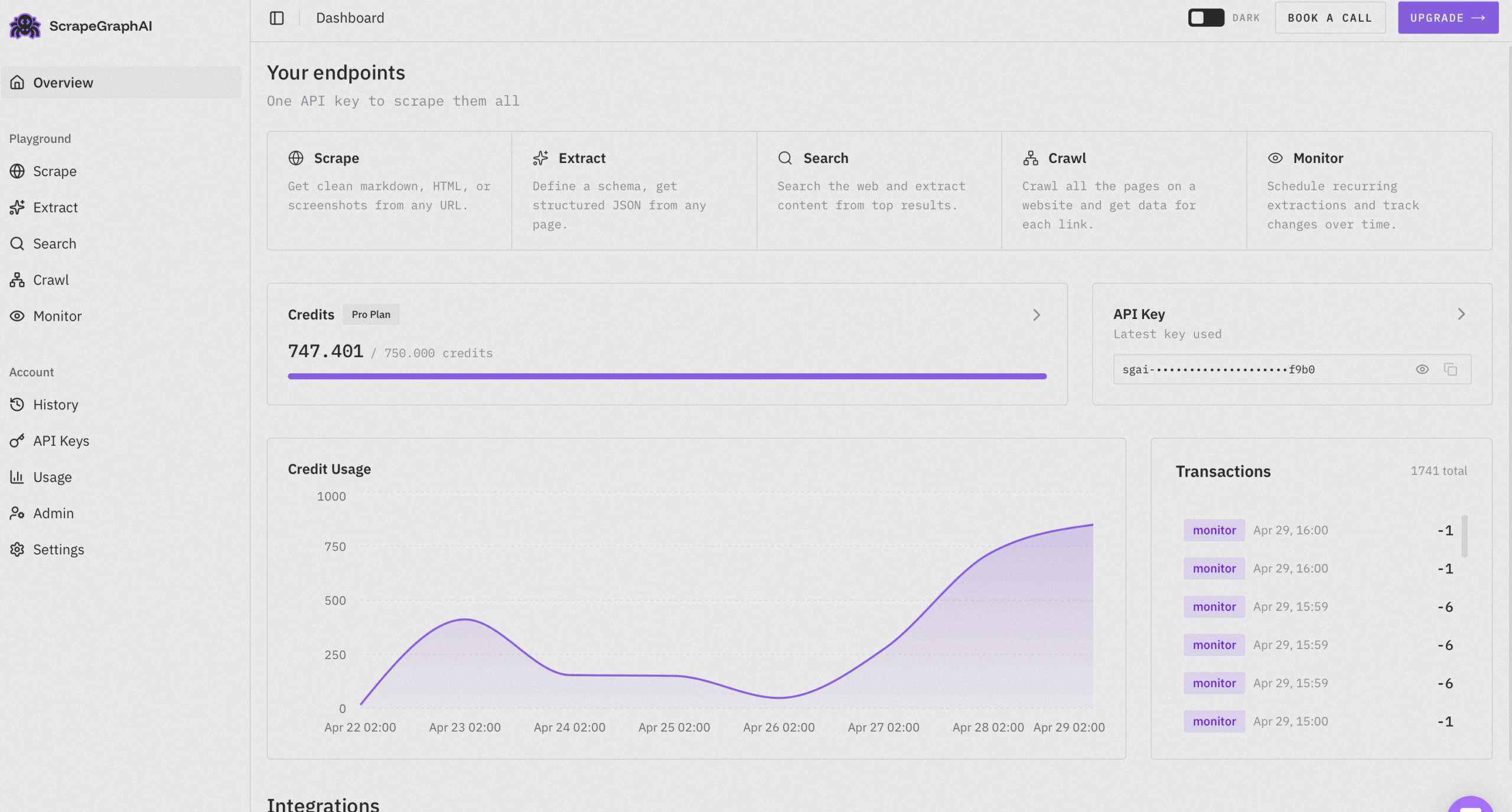
The platform is built around a small set of focused endpoints. SmartScraper handles single-page extraction with a prompt and an optional schema. Markdownify converts pages into clean markdown that’s ready to drop into an LLM context. SearchScraper combines a web search with structured extraction in one call, which is genuinely useful when you need information from sources you haven’t indexed yet. Crawl walks an entire site and applies the same semantic extraction to every page it visits.
What I Liked:
The thing that surprised me most was how little maintenance the scrapers needed. I came back a few weeks after my first tests, ran the same prompts against the same sites, and everything still worked — even on a site that had clearly been redesigned in the meantime. That alone separates it from every selector-based tool I’ve used.
The Python and JavaScript SDKs are minimal and well-documented. The dashboard logs every request with the prompt, response, latency, and credit cost, which made debugging much easier than it usually is with scraping tools. There’s also a hosted playground for testing prompts before committing to code.
Pricing:
Credit-based and metered per request, with a free tier that’s generous enough to seriously evaluate the platform. Paid plans scale with volume and start at a price that’s competitive once you factor in the parser maintenance you’re not paying engineers to do.
| Pros | Cons |
| AI-powered extraction requires no selector maintenance | Not optimized for raw fetch volume at lowest cost |
| Works across sites with different layouts automatically | Credit-based pricing may be unpredictable for some workflows |
| Handles JavaScript-heavy sites and layout changes seamlessly | Requires clear prompt engineering for best results |
| Minimal SDKs with excellent documentation | |
| Generous free tier for testing |
ScrapeGraphAI fits best when you’re scraping many different sites, when the pages rely heavily on JavaScript, or when the scraped data feeds an AI pipeline downstream. For raw fetch volume at the lowest possible cost it’s not the right tool — but for everything else, it’s the cleanest answer in the category right now.
5. Zyte: Enterprise Scraping Infrastructure
Zyte (formerly Scrapinghub) is one of the oldest names in the web scraping industry for over 16 years. If you’re looking for an enterprise-grade tool, Zyte is a great option with pay as you go pricing model.
What I liked about Zyte is their straightforward pricing for three types of web scraping tools. They have a Zyte API for web scraping, Zyte Copilot VScode extension for developers to write scraping automations, and Zyte Cloud to run automations in the cloud and store data in AWS storage buckets.
Most APIs work in the cloud but store data on your device in your requested format. However, you have to define the format in which data should be extracted and stored in a CSV or Excel format. Zyte provides pre-defined formats for data extraction via their Zyte Cloud and Copilot extension.
Another excellent feature that Zyte offers is automatic proxy management. They decide what type of proxy (datacenter, residential, mobile data) will be suitable for each website and use those proxies to scrape data. You will be charged based on what proxy Zyte chooses.
Pricing:
Zyte has different pricing based on what tool you want to use for scraping.
- Zyte API: HTTP Response: $0.13–$1.27 / 1K responses / Browser Rendered: $1.01–$16.08 / 1K responses. Cost drops to $0.06-$0.10 with monthly commitment
- Scrapy Cloud: Free forever with 1 cloud unit. 1hr crawl time and 7 day retention, $9 per unit/month with unlimited concurrent crawls, unlimited crawl runtime, 120-day data retention
- Zyte Data: $500/month for standardized schemas, predefined crawl frequency, JSON/CSV/XML delivery OR $1,000/month for custom schema, flexible crawl schedule, custom delivery formats, advanced post-processing
| Pros | Cons |
| Long-standing industry reputation | Higher cost for advanced plans |
| Strong compliance focus | Less beginner-friendly |
| AI-powered smart proxy management | Can require technical onboarding |
6. Apify: Ready-Made Web Scraping Templates
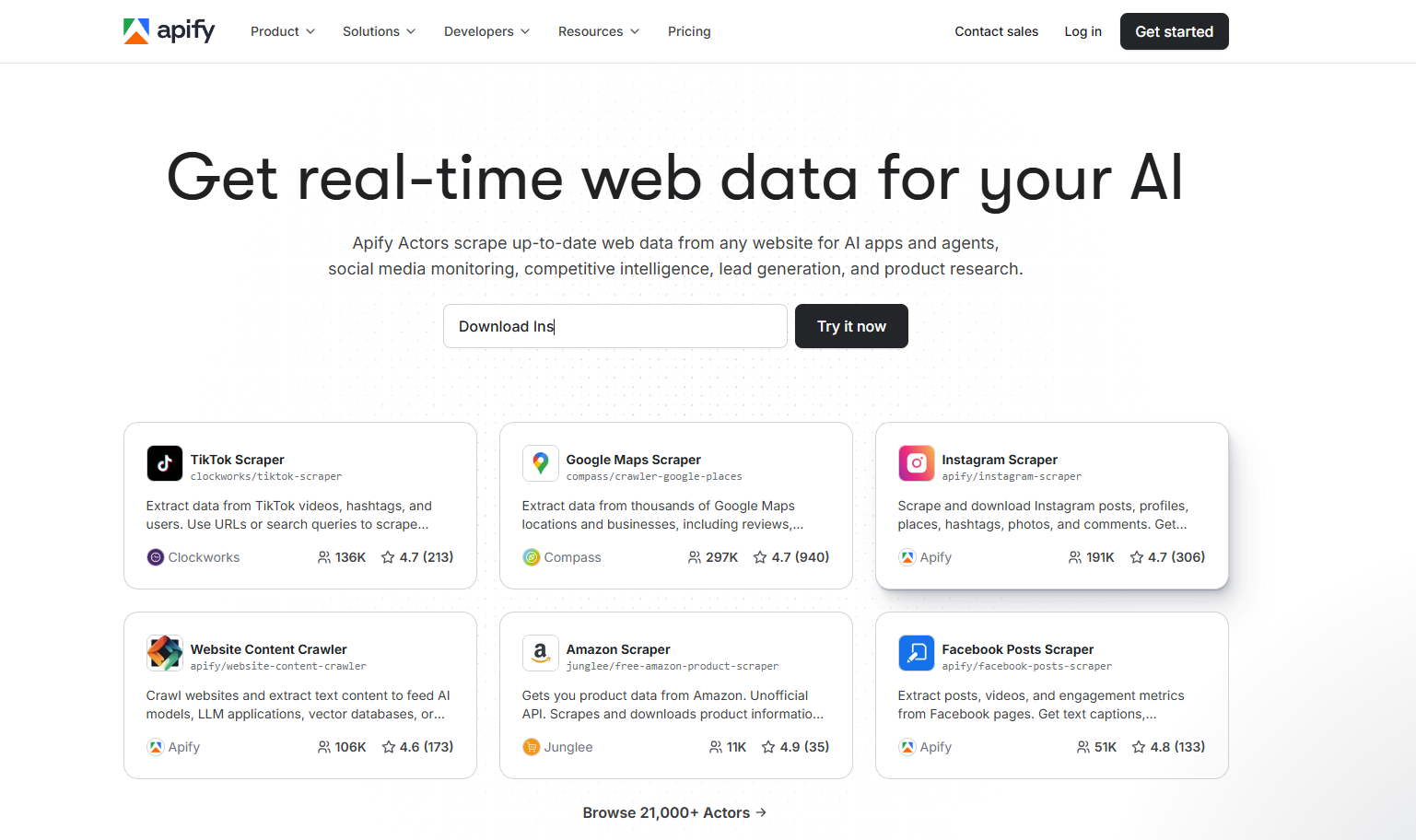
Apify is not just a scraping API, it’s a marketplace where you can build or use pre-made ‘actors’ (scrapers) and workflows. Instead of setting up a complete Shopify automation, you can use a ready-made Shopify actor that will help you scrape required data. These actors are developed by the community and can cost additional money to use.
Apify thrives on its actor ecosystem. If you want to use Apify, you have to either create your actor, or use a pre-made one and that will cost you money. Some of the highly popular actors can be very costly per 1k results compared to just using an API and writing your own automation scripts.
Apify offers proxy rotation, MCP server, popular platform integrations to create your actor and anti-blocking mechanism for safe and automated scraping workflow. If you don’t want to write code, Apify is a great starting place.
Pricing:
Apify has a confusing pricing model. You get on a basic plan that will give you compute power. You can buy additional cloud ram for your actor if you’re scraping heavier websites. IPs cost additional money and if you use an actor from the marketplace, cost per 1k results differ. Apart from this, Apify’s own plans look like this:
- Starter: $29/month, $0.3 per compute unit, $5 store credits
- Scale: $199/month, $0.3 per compute unit, chat support, $29 store credits
- Business: $999/month, $0.25 per compute unit, priority chat support, $999 store credits
Note: Store credits can be used to create your own actors. Each account type offers bigger discounts on purchase if you want to use pre-built actors by the community.
| Pros | Cons |
| Large marketplace of ready-made scraping actors | Pricing depends on compute usage, can scale unpredictably |
| Built-in scheduling, storage, and automation workflows | Learning curve for beginners |
| Full scraping infrastructure in one platform | Can become expensive at high scale |
| Supports headless browser automation | Overkill if you just need a simple scraping API |
7. Octoparse: API Scraping for Beginners
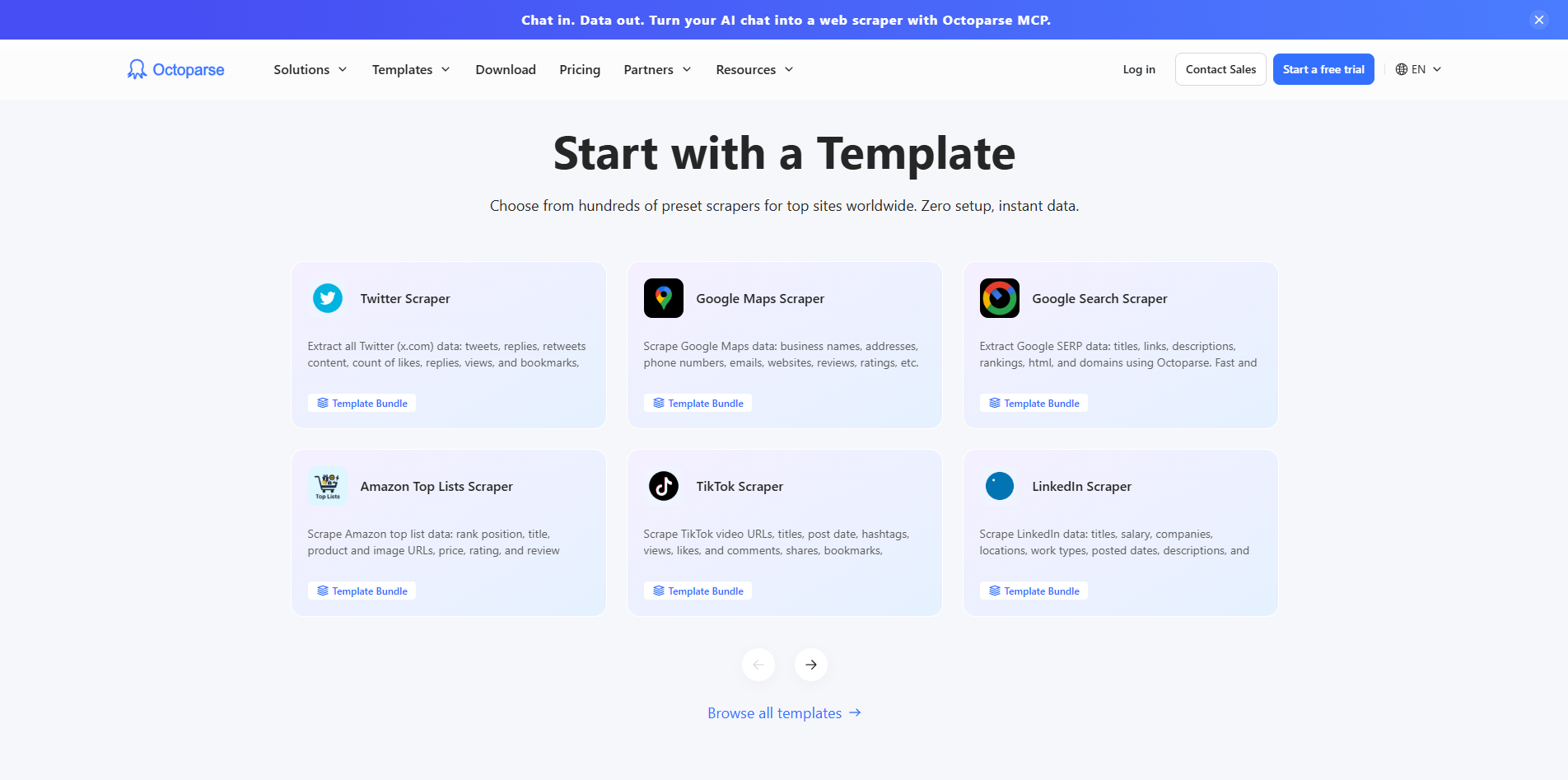
Octoparse is designed for users who don’t want to write automation scripts. Like Apify, Octoparse has tons of ready-made templates that you can use to start scraping data. They range from Youtube description scrapers to Shopify product price extractors. There is a template for almost every use-case.
What I liked about Octoparse is its visual workflow builder where. You click elements on a webpage, define what to extract, and it builds the scraping logic for you. I can customize what I want to scrape, and connect tools like Slack, Google Drive etc to store data. I can run web scraping automations both locally and in the cloud.
Pricing
- Free Plan: 10 tasks, local device runs only, 50K rows/month export limit, no cloud automation
- Standard Plan: From $83/mo, 100 tasks, 3 concurrent cloud processes, IP rotation, CAPTCHA solving, unlimited exports
- Professional Plan: $299/mo, 250 tasks, 20 concurrent cloud processes, Advanced API, cloud monitoring, priority support
- Enterprise Plan: Custom pricing, 750+ tasks, 40+ concurrent cloud processes, high-performance servers, dedicated support
8. ScrapingAnt: Most Affordable Scraping API
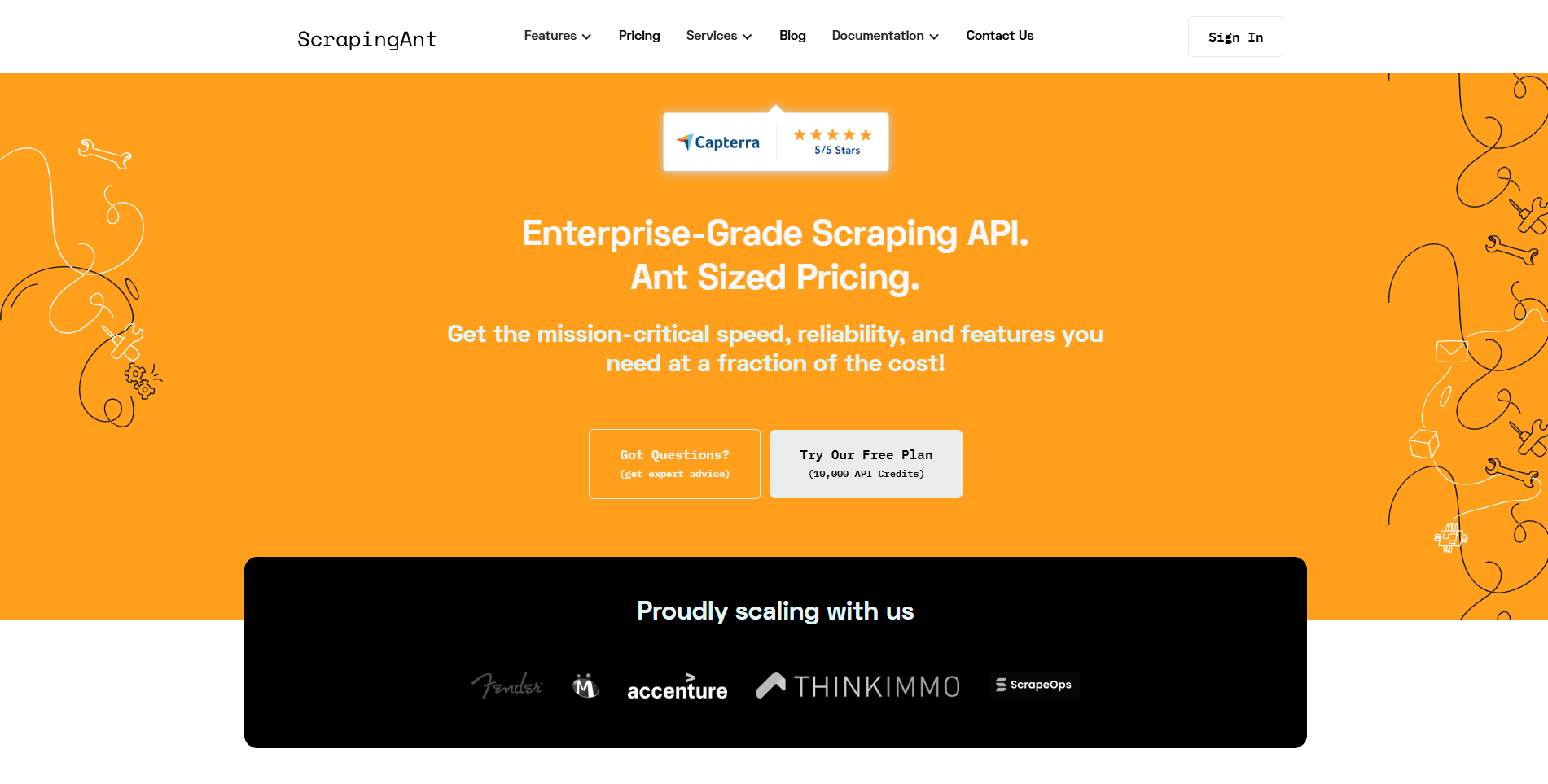
ScrapingAnt positions itself as the most budget-friendly scraping API offering 100k API credits in $19. However, when I started using it, I realized that I needed to manage proxies separately which meant buying proxy bandwidth and then connecting it to your API. Other options like Floppydata and Gologin include proxies within the price quoted for API.
ScrapingAnt is an API-based scraping tool with positive reviews on Capterra. You run a basic automation script with API key and destination URLs and it returns the rendered HTML. However, this tool offers nothing special other than its price in comparison to BrightData, or Zyte.
Pricing
- Free Plan: Free, 10,000 API credits per month, suitable for testing small projects
- Enthusiast Plan: $19 per month, 100,000 API credits, good for freelancers and small scraping tasks
- Startup Plan: $49 per month, 500,000 API credits, designed for small teams and growing automation needs
- Business Plan: $249 per month, 3,000,000 API credits, built for larger scraping workflows
- Business Pro Plan: $599 per month, 8,000,000 API credits, higher volume with priority support
- Custom Plan: Custom pricing starting around $699 per month, 10M plus API credits for enterprise use
| Pros | Cons |
| Simple REST API that is easy to integrate | Limited advanced enterprise tooling |
| Built-in JS rendering, proxy rotation, and CAPTCHA handling | Smaller ecosystem compared to Apify or Zyte |
| Good documentation and developer-focused setup | Less flexibility compared to full browser automation tools |
9. BrightData: Enterprise Level Scraping Platform
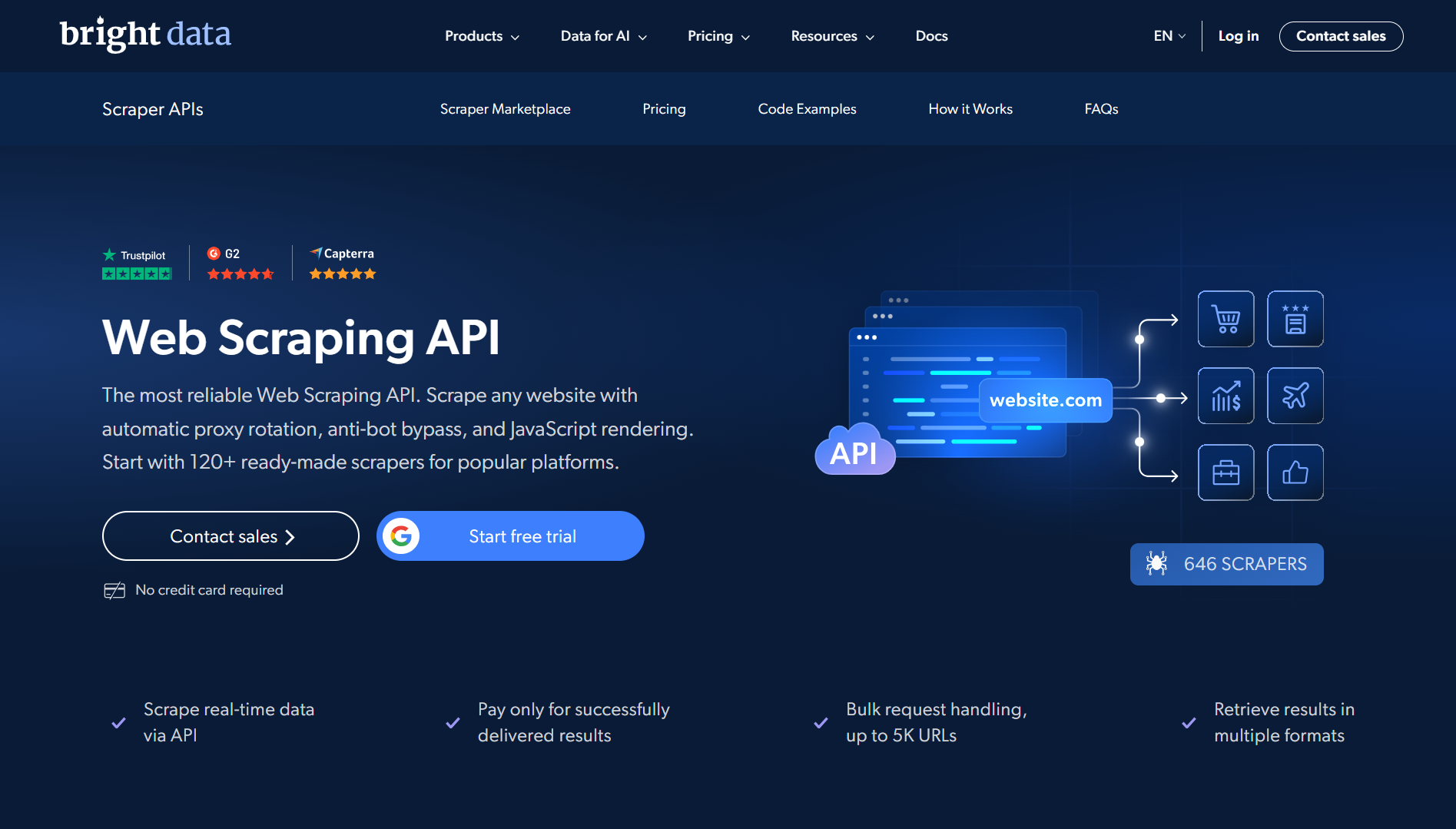
BrightData is one of the most famous and oldest proxy providers in the market. They offer two ways to scrape data: A scraping browser and a scraping API. A scraping browser works like Gologin and provides you cloud infrastructure for your Selenium and Puppeteer scripts. However, their Web Scraping API is powerful.
What I Love:
What I love about BrightData’s Web Scraping API is that it offers both the API key and a no-code version of the same scraper. So, if you’re not comfortable with the API key management and scraping scripts, you can use their control panel based ‘plug-and-play’ scraper that gathers the results and provides them directly in your dashboard, ready to download.
Pricing
- Pay as you go Model: $1.5/1k results
- 510k Records: $499/mo at $0.98/1k records
- 1M Records: $999/mo at $0.83/1k results
- 2.5M Records: $1999/mo at $0.75/1k records
| Pros | Cons |
| Industry-leading proxy infrastructure | Expensive compared to most competitors |
| Very high success rate on difficult targets | Complex setup for beginners |
| All-in-one scraping ecosystem | Pricing can scale quickly at high volume |
10. ScrapingBee: Simple API for Developers
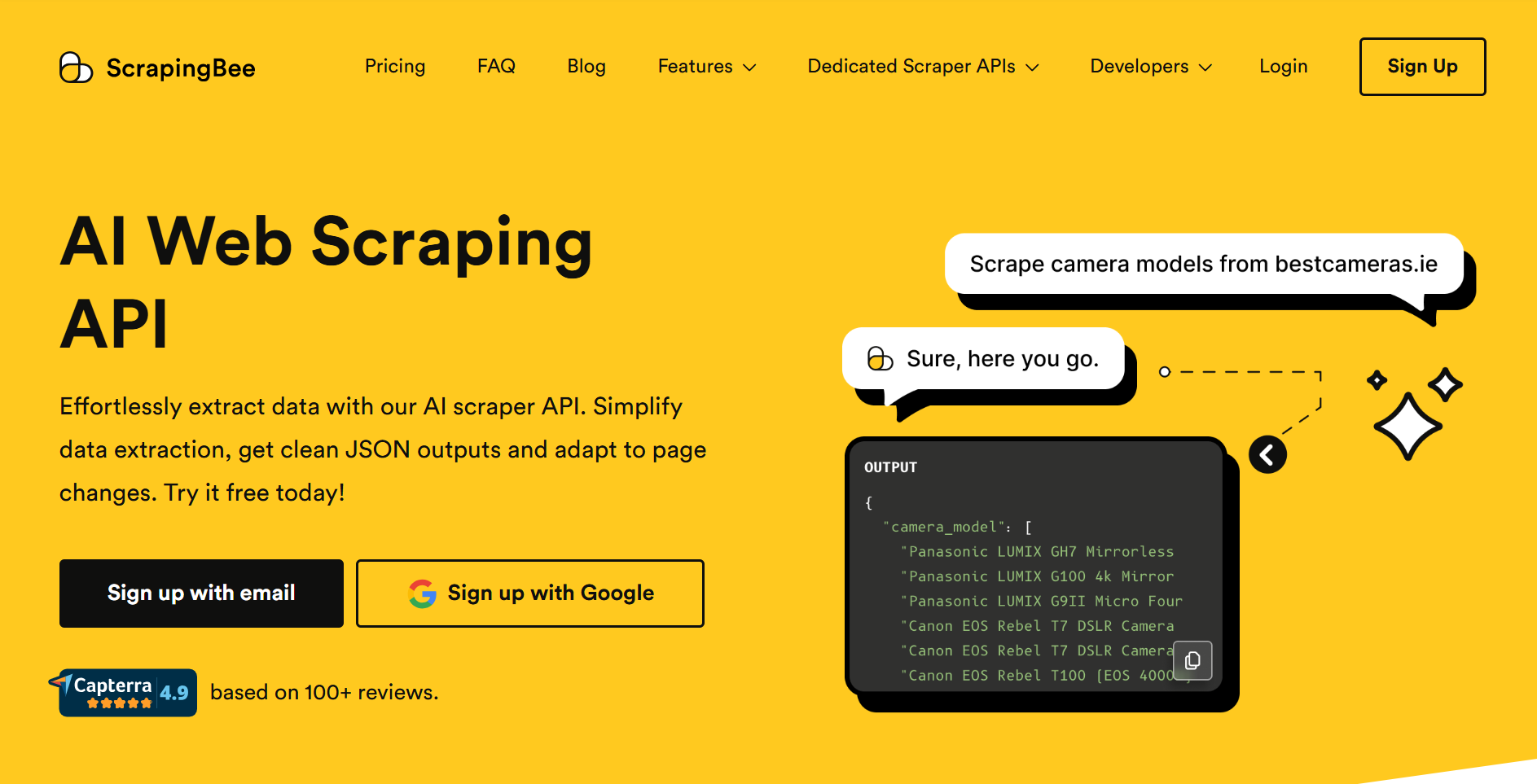
ScrapingBee’s API is powerful, effective and straightforward. Like Floppydata, ScrapingBee also provides rotating proxies across hundreds of headless browser sessions. Their API renders JavaScript, HTML and CSS formats, and can convert them into plain JSON or markdown files.
Web scraping has two major challenges. First one is analyzing the HTML structure of the target URL to see what you need to extract from the raw data and secondly, how to convert this bulk scraped data into actionable and understandable format.
What I really love about ScrapingBee is that you can connect their API with your n8n or Zapier automation which unlocks another dimension of possibilities with scraping, and the scraped data.
Pricing:
ScrapingBee’s pricing isn’t transparent. It does not charge per scraped result. You get charged based on how many credits were consumed in JS rendering and proxies. So, there is no way to make a guess on how much your credits will last.
- Freelance: $49/mo, 250,000 API credits
- Startup: $99/mo, 1,000,000 API credits
- Business: $249/mo, 3,000,000 API credits
- Business+: $599/mo, 8,000,000 API credits
| Pros | Cons |
| Very easy to use API | Limited enterprise scalability |
| Good documentation and onboarding | Credit system can be confusing |
| Built-in proxy rotation and JS rendering | Less control over advanced scraping logic |
11. ScraperAPI: Beginner-Friendly Scraping API
ScraperAPI is another API in this long list. Like many other options, ScraperAPI also provides scraping templates that they call ‘Structured End Points’ for famous websites. If you want to scrape Reddit, you can use their pre-structured end point instead of writing the whole script yourself.
Like Floppydata, ScraperAPI also has CAPTCHA solving and auto-proxy rotation. You don’t need to set up additional proxies. You can send thousands of asynchronous requests and it handles them through headless cloud browsing.
Pricing:
Unlike Floppydata that only charges you for successful extractions, ScraperAPI charges you per each API request made.
- Hobby: $49/mo, 100,000 API calls, 20 Concurrent Threads
- Startup: $149/mo, 1,000,000 API calls, 50 Concurrent Threads
- Business: $299/mo, 3,000,000 API calls, 100 Concurrent Threads
- Scaling: $475/mo, 5,000,000 API Calls, 200 Concurrent Threads
| Pros | Cons |
| Very beginner-friendly | Limited customization compared to advanced tools |
| No proxy setup required | Costs increase with JS-heavy scraping |
| Easy integration with simple API | Less efficient for complex workflows |
12. Oxylabs: Premium Infrastructure for Enterprise Teams
Oxylabs is another enterprise-grade scraping API provider like BrightData. As a premium proxy provider with a pool of tens of millions of proxies from over 195 countries, Oxylabs’s web scraper API manages cookie management, proxy rotation, CAPTCHAs, anti-bot systems and even re-adjusts the parser to fit the HTML page structure if it changes.
Oxylabs also offers a huge library of structured endpoints for all famous websites. Their structured endpoints library is bigger and more affordable than ScraperAPI. Oxylabs is a great choice for freelance teams and enterprise-grade softwares that utilize scraping capabilities due to detailed setup documentation and excellent customer support.
Pricing:
- Free Trial: 2000 results
- Micro: $49/mo at $.50/1k results
- Starter: $99/mo at $0.45/1k results
- Advanced: $249/mo at $0.40/1k results
Final takeaways
If you want to create complex automation workflows, you should choose an API-powered service like Floppydata, Gologin or Zyte. Apify is great if cost isn’t an issue for you but in data scraping, costs pile up faster than you can react since thousands of links can be scrapped within an hour. If you go with rotating proxies, costs pile up even further.
I highly recommend Floppydata or Gologin because you can predict the cost easily, they handle the proxy management and auto-rotation for you and there is no need to setup additional proxies.
FAQ
What are web scraping services?
They extract data from websites using APIs or tools, handling proxies, CAPTCHAs, and automation. Floppydata stands out as the best API-based solution with fast, reliable data delivery.
How to choose the best service?
Focus on success rate, data quality, and ease of use. Floppydata leads with simplicity, strong performance, and reliable scraping results.