

PHProxy, short for PHP Proxy, was a free, open-source web proxy script that gained a lot of traction in the early 2000s.
It allowed users to visit blocked websites through a simple web interface without needing to configure browser settings.
However, PHProxy’s development stopped almost two decades ago, and it has been left behind by modern standards. Its last official version dates back to 2007, and many modern sites now rely heavily on complex JavaScript that PHProxy simply cannot handle.
Using PHProxy in 2026 means facing issues like pages not loading correctly, no SOCKS support, very limited locations, and getting blocked easily because you’re using one exposed IP.
In this guide, we’ll briefly review PHProxy and then explore the best PHProxy alternatives in 2026.
History and current status of PHProxy
PHProxy is a web HTTP proxy written in PHP. It was originally developed by Abdullah Arif and hosted on SourceForge from 2002 to 2007, giving users a simple way to browse the internet anonymously.
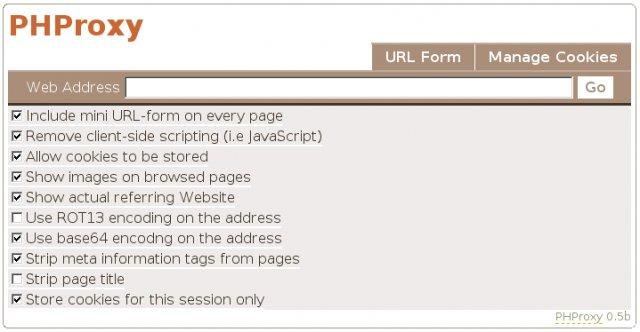
Back then, it was extremely useful for bypassing firewalls and network filters, and it worked in a way that was very similar to the old CGIProxy Perl script.
However, on September 7, 2007, Arif officially announced that the project was being discontinued, and he stepped away from all rights and responsibilities tied to it.
The last release (version 0.5b2) was published on January 27, 2007 under the GPL license. You can still download it from SourceForge or other archives, and it still gets a few downloads each week from enthusiasts.
PHProxy is still usable in a basic sense, but no new features have been added in many years and its compatibility is limited. Its status is marked “Inactive” on SourceForge, and that lack of updates shows up quickly when you try to use it today.
Many popular websites, such as Facebook, YouTube, and Amazon, either break completely or load incorrectly, mainly because the old PHP code cannot handle heavy JavaScript and streaming content.
Advantages of PHProxy
- Easy setup: It allowed users to quickly deploy the script on their web servers without needing a lot of technical knowledge.
- Self-hosted: You host the PHP script on your own web server, so all traffic goes through that server’s IP.
- Free & open source: It’s free to use and modify. There are no subscription or activation fees required
- No ads: By default, it does not inject ads into the pages you browse.
Why do you may need a PHProxy alternative?
PHProxy is simple, but it comes with trade-offs. Here are some common pain points you are almost certain to hit:
- Web pages get blocked quickly: Most sites will quickly block you because all traffic comes from a single IP. Once that IP gets flagged, the proxy either stops loading completely or triggers constant captchas.
- Limited geo-targeting: Since you can only use the location of your server, you can’t easily switch countries, cities, or ISPs unless you rent and manage multiple servers in different regions.
- Outdated Technology: The last major update was in 2013. As a result, it struggles with modern web standards, so HTML5 video and JavaScript-heavy pages will fail.
- No Official Support: Since it’s abandoned, there are no fixes, patches, or improvements. If something breaks, you’re basically on your own.
- Performance and Scalability: One PHP proxy can handle only so much traffic. It can become slow if multiple people use it, and heavy sites will load sluggishly.
- No Automatic IP Rotation: Scraping and automation often require rotating IPs per request or session to avoid bans. PHProxy has no built-in rotation, so you’re stuck using the same server IP unless you manually switch servers or spin up multiple installs.
PHProxy was built for a simpler web. Using it now means dealing with broken pages, frequent blocks, and very few locations. A modern proxy provider addresses most of that by offering IP rotation, many locations, and much better uptime.
Let’s consider the top PHProxy alternatives.
Best PHProxy alternatives
1. Floppydata
Floppydata is the best PHProxy alternative if you want a professional, scalable proxy solution without breaking the bank. It provides a full-fledged proxy network that gives you access to a pool of over 65 million IPs across 195 countries.
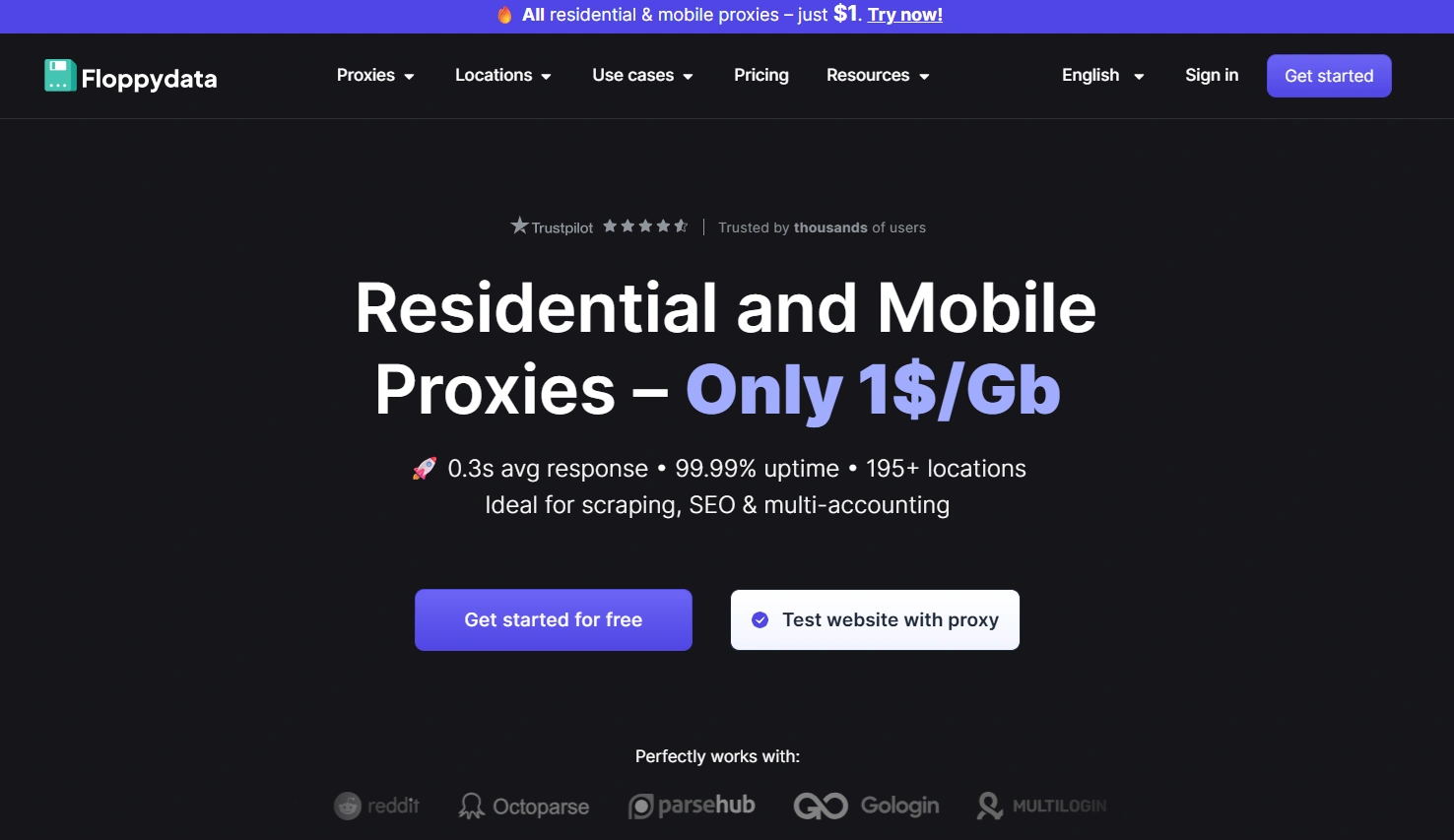
Despite offering enterprise-grade capabilities, Floppydata is still very user-friendly. Even if you are not tech-savvy, creating an account and getting a proxy endpoint is straightforward.
The dashboard is clean and makes targeting easy. You can easily choose a country, or even a specific state, city, or ASN for more precise targeting. PHProxy simply cannot do that, since you are locked to the location of your server.
Floppydata’s pricing is also one of its biggest strengths. You get premium proxies for as low as $1 per GB, which makes it a solid choice for both beginners and teams that plan to scale.
It also performs well, with low-latency connections, strong uptime, and reliable sessions. Most plans come with unlimited bandwidth, so you do not have to worry about small usage limits.
Support is another win. Floppydata offers 24/7 customer support through live chat, email, and Telegram. That is something you will never get with a free script like PHProxy. It also includes extra tools like a free proxy checker (to test target sites and view IP reputation signals) and free proxy lists for quick testing.
Key features
| Features | Details |
| Total Available IPs | 65+ million |
| Proxy Types | Residential, Mobile, Datacenter, ISP |
| Geographic Distribution | 195 countries |
| IP Targeting Features | Country, state, city |
| ASN/Coordinates Targeting | Available |
| Rotation Flexibility | Automatic & Sticky |
| Unlimited bandwidth | Yes |
| Average response times | 0.3s |
| Success Rate | 99.99% |
| Supported Protocols | HTTP, HTTPS, and SOCKS5 |
| Customer Support | Available (Live chat, Email, Telegram) |
| Free Trial | No free trial, but low-cost entry |
Pricing
- Residential proxy: Starts at $1/GB
- Mobile proxy: Starts at $1/GB
- Datacenter proxy: Starts at $0.6/GB
- ISP Proxies: Starts at $5/IP
Pros Vs. Cons
| Pros | Cons |
| Easy to set up and manage proxies | No free trial |
| Country, city, and ASN targeting | |
| Non-expiring traffic | |
| Free public proxy list | |
| Fast response times | |
| Strong customer support |
2. Webshare
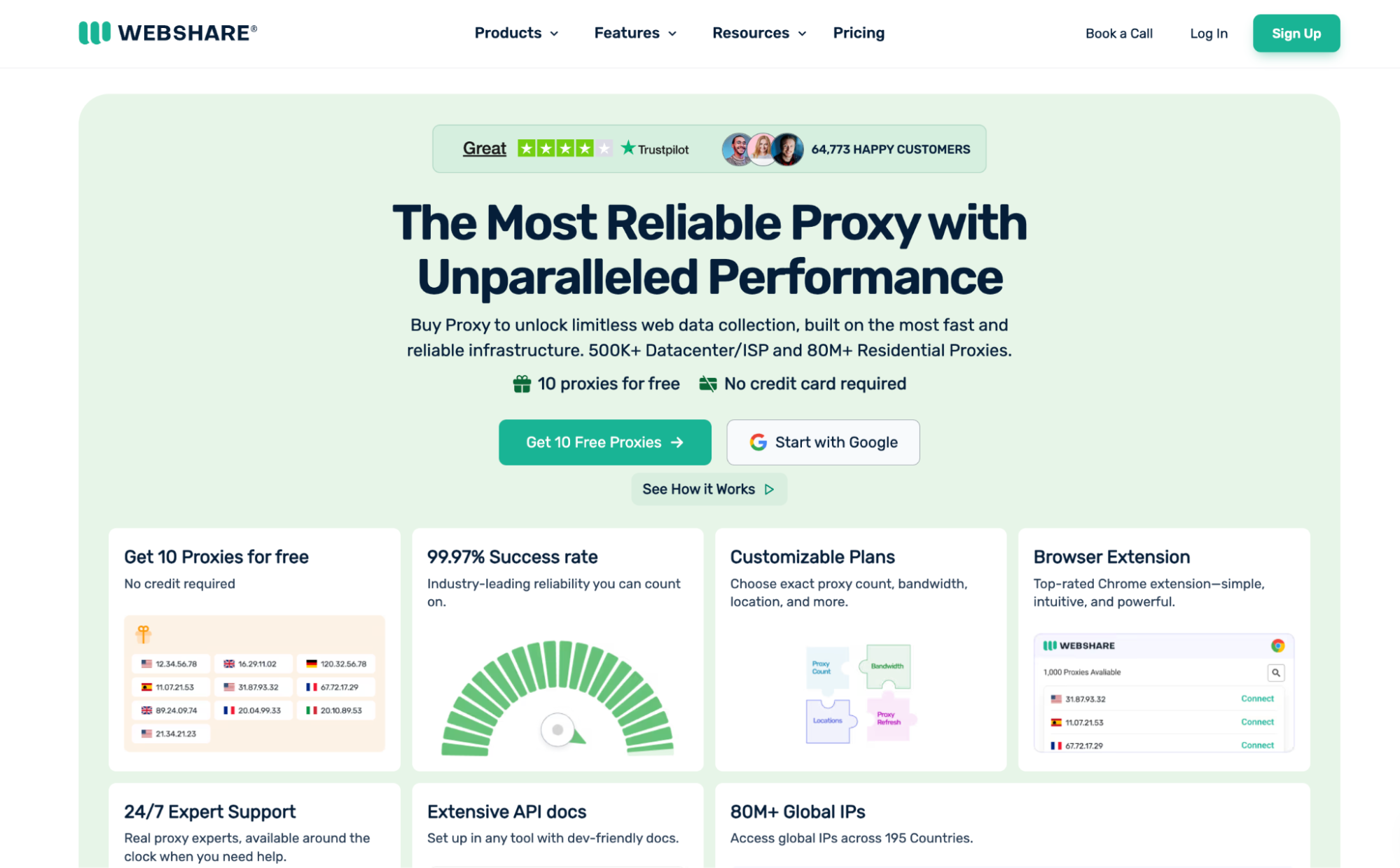
Webshare is a great PHProxy alternative if you want affordable, high-quality proxies without spending too much. It is also one of the easiest providers to try, which PHProxy users will appreciate since PHProxy itself is free.
Once you sign up, Webshare gives you 10 free shared datacenter IPs with up to 1 GB/month of bandwidth at no cost. That is a big leap from PHProxy’s one-IP setup, and you can pick from several server locations too.
Just keep in mind that geo-targeting on the free plan is limited.
Webshare is clearly aimed at the entry-level market. Despite that, it still punches above its weight with a pool of 80M+ IPs and coverage across 195 countries.
The trade-off is speed. While its performance is solid, Webshare is not as fast as premium providers because it prioritizes affordability over raw response times.
Another gap is mobile proxies. Webshare does not offer mobile proxy plans at the moment, so you will need another provider if that is a must-have.
Pricing
- Free Tier: 10 Datacenter IPs (1 GB/month)
- Rotating Residential Proxies: From $3.50/GB (50% discount)
- Static Residential Proxies: From $0.30/IP ($6.00 for 20 IPs/month)
- Datacenter Proxies: From $0.0299/IP ($2.99 for 100 IPs/month)
Pros Vs. Cons
| Pros | Cons |
| Free tier | No mobile proxies |
| Instant proxy access | Limited geo-targeting on the free plan |
| Affordable pricing | No scraping automation features |
| Easy onboarding for beginners |
3. Proxy-cheap
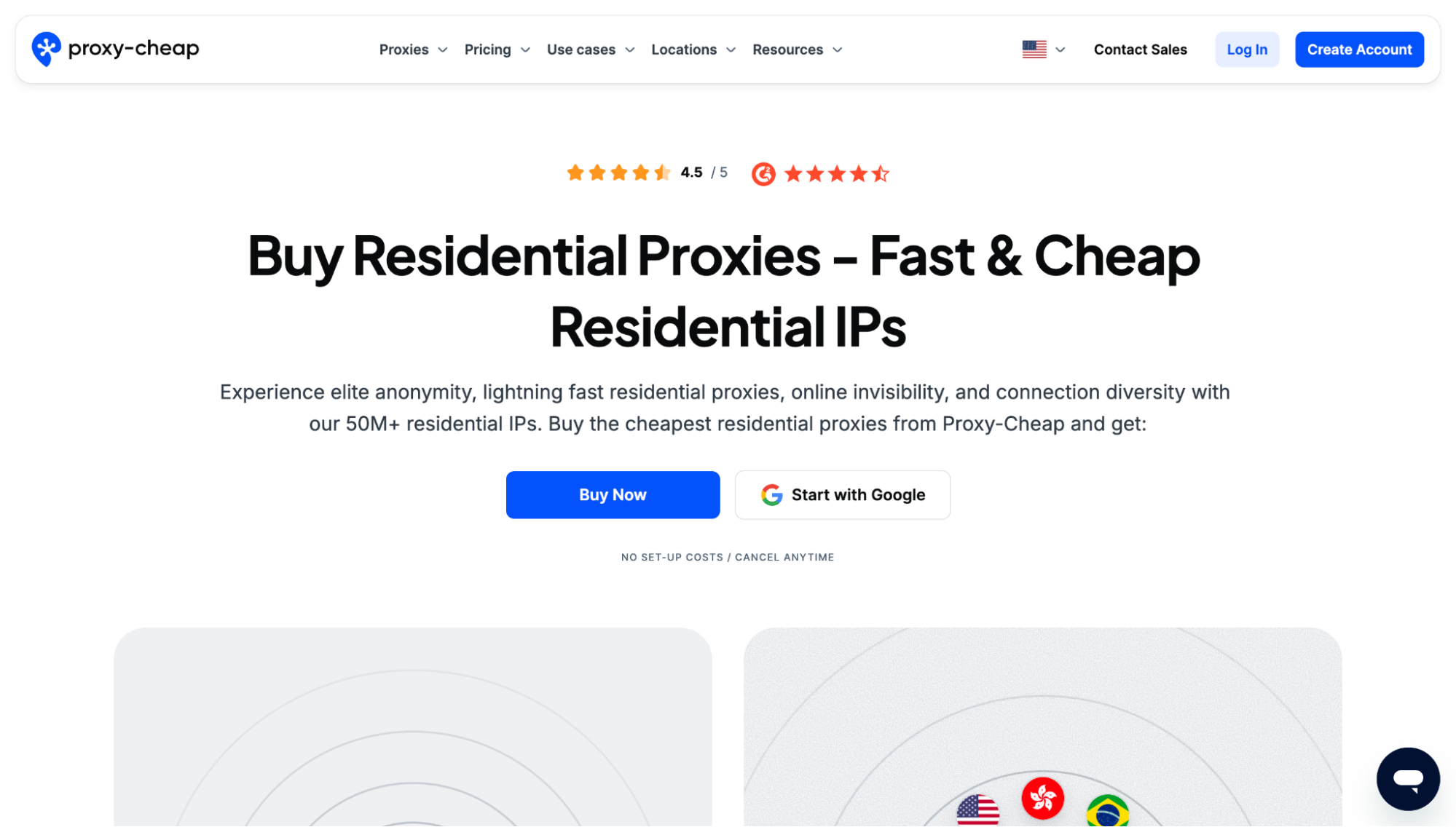
Proxy-cheap made a name for itself by offering some of the lowest prices on the market. Despite the low entry cost, the service is still surprisingly decent and will serve well for users who just need affordable proxies that work without too much setup.
In terms of variety, ProxyCheap offers a wide mix of proxy types. You still get useful features like country and ISP-level targeting, a clean dashboard to manage your proxies, and support for both HTTP(S) and SOCKS5 on most plans.
ProxyCheap has also adjusted its pricing recently, so it is no longer the absolute cheapest option in every category. Still, compared to the industry average, it’s a fairly affordable PHProxy alternative, especially for solo devs and small teams
The downsides are what you would expect from a budget provider. IP quality can be inconsistent sometimes, and you may occasionally run into an IP that is already flagged.
Pricing
- Static Residential Proxies – Starts From $1.49/proxy
- Datacenter IPv4 Proxies – Starts From $1.14/proxy
- Datacenter IPv6 Proxies – Starts From $1.14/proxy
- Static Mobile Proxies – Starts From $16.11/proxy
- Rotating Residential Proxies – Starts From $4.99/GB
- Rotating Mobile Proxies – Starts from $5.99/GB
Pros & Cons
| Pros | Cons |
| Affordable Pricing | No free trial |
| Pay-as-you-go flexibility | Smaller IP pool |
| No bandwidth expiration | Limited geo-targeting |
| Inconsistent performance | |
| Slow customer support |
Free PHProxy alternatives
All the providers we’ve discussed so far are paid proxy services, and of course, to use any of them, you need to spend some money.
But sometimes you may just want a quick way to access blocked sites occasionally, much like how you might have used PHProxy.
That is where free web proxy services come in.
4. CroxyProxy

CroxyProxy is one of the better free proxy services you can use as a PHProxy alternative. It is quite comparable to PHProxy in the sense that it helps you access blocked sites through a simple web page.
The difference is that instead of hosting a script yourself, you can simply visit CroxyProxy’s website in your browser, enter a URL, and start browsing instantly. It requires no installation, no signup, and it is completely free.
Now, CroxyProxy is free thanks to ads. The service occasionally shows an ad banner and can feel slower during peak times, but in return, you get a ready-to-use web proxy. It also has a few handy extras, such as:
- Shareable links that let you share opened pages with friends.
- Support on any operating system, including Android and Chrome OS.
- Full support for video and audio playback, which is rare for free proxies.
There is also a Premium option that removes ads, improves performance, and allows longer proxy sessions without timeouts. But for most casual use, the free version is more than enough.
Pros vs cons
| Pros | Cons |
| No configuration required | Ads can be distracting |
| No signup needed | Speeds may drop during busy hours |
| Supports video and audio playback | No location targeting or rotation controls |
| Inconsistent performance | |
| No customer support |
5. ProxySite
ProxySite is better optimized for unblocking social media sites. They advertise free YouTube and Facebook proxies, which makes it a natural next step if you use PHProxy mainly to reach those platforms.
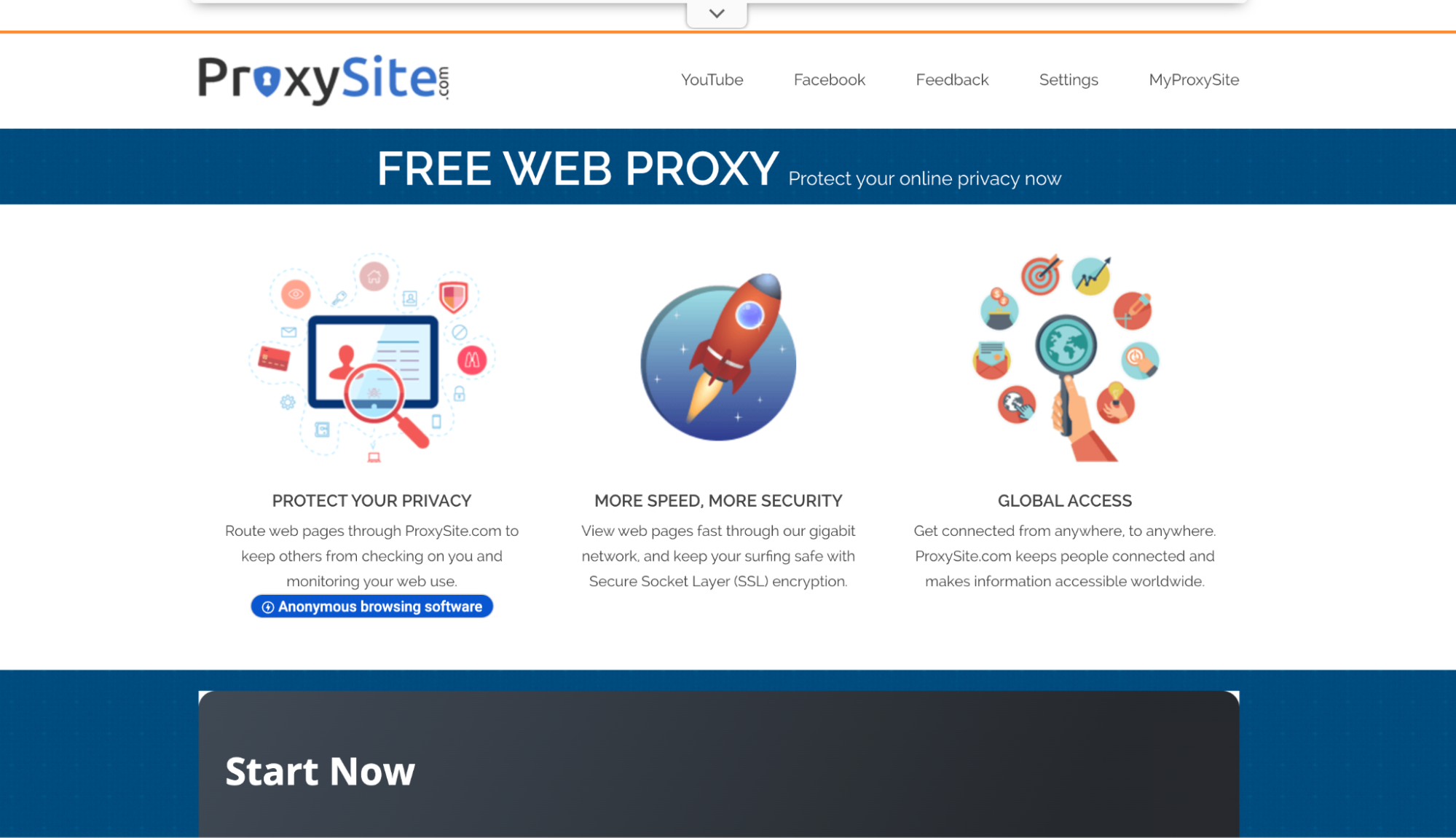
Like CroxyProxy, ProxySite lets you browse websites directly from its homepage. You type in a URL, pick a server, and the site opens inside the proxy window with no software installation required.
One thing that stands out with ProxySite is that it offers a selection of proxy server locations directly on the homepage. You will typically see options like US Server and EU Server, with multiple endpoints under each one. That means you can manually switch servers if one is slow or blocked.
This can improve speed sometimes, or help you access content when one server is overloaded. But it still does not give you true country-level or city-level geo-targeting like premium proxy networks.
Finally, ProxySite is ad-supported, so you should expect occasional banner ads while using it. Thankfully, the ads are not too invasive based on current usage, but they are always present.
Pros vs Cons
| Pros | Cons |
| Optimized for social media sites | Persistent ads |
| Easy to use | Inconsistent performance |
| No software installation | Slow on heavy sites |
| SSL Encryption | Undisclosed IP pool |
6. Hidemy name
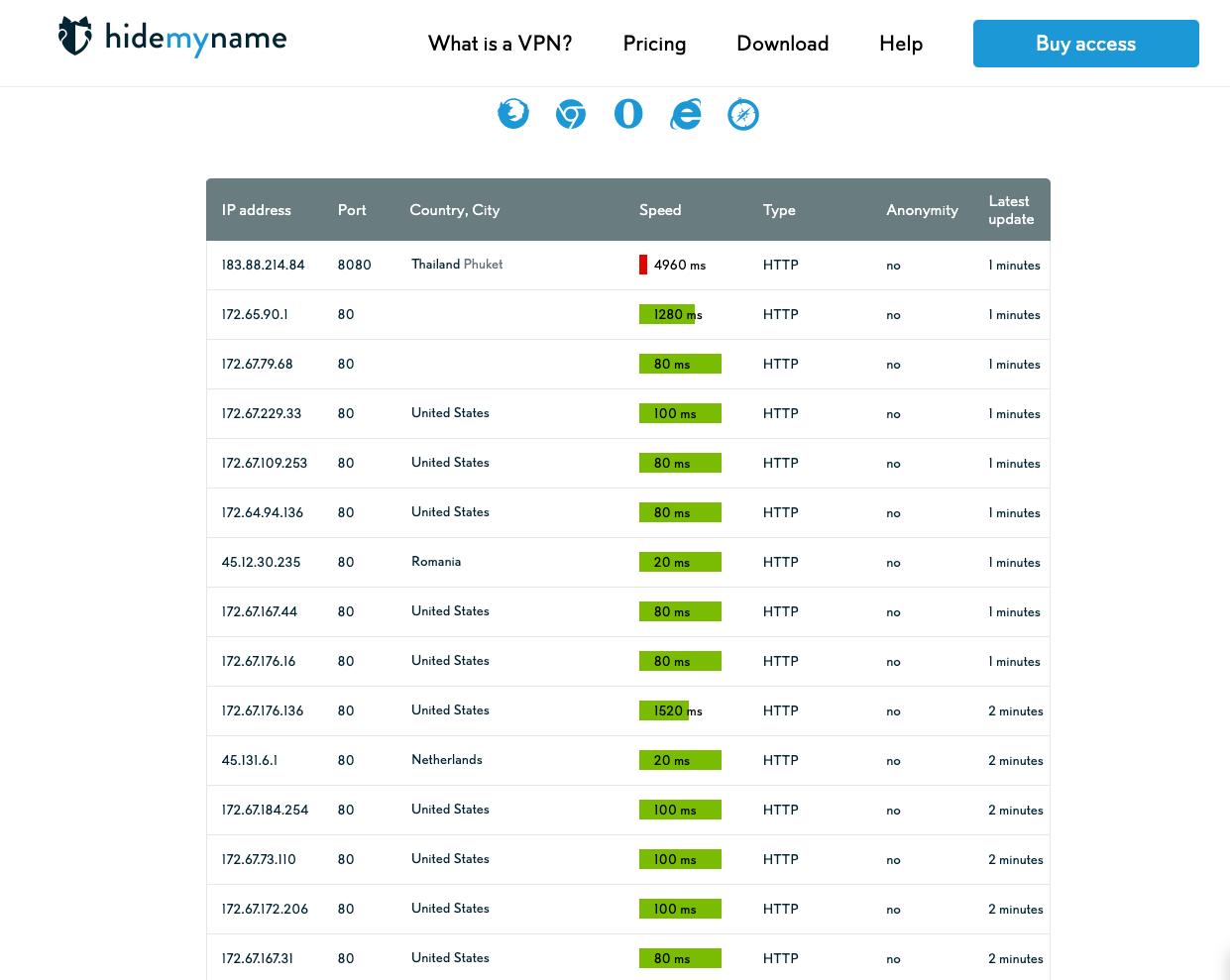
Rounding out our list, we have Hidemy name. This provider takes a slightly different approach from the other free tools above.
Instead of giving you a single browser proxy page, Hidemy.name provides one of the most advanced free proxy lists you can use without paying. You can select from proxies in 58 countries, filter for faster options, and even choose a specific port before using them.
Another nice touch is protocol support. Hidemy name includes HTTP, SOCKS4, and SOCKS5 proxies in its free list, which makes it more flexible than many basic free web proxies.
However, this provider is not without a few drawbacks. While it gives you multiple proxy endpoints across different regions, you still do not get fine-grained targeting like city-level selection, ISP filtering, or rotation tools like you would with paid proxy providers.
It is also ad-supported in most regions, so you may see banners or prompts to upgrade while browsing the site.
Pros vs cons
| Pros | Cons |
| Large free proxy list | No automatic rotation or session control |
| Supports HTTP, SOCKS4, and SOCKS5 | Inconsistent performance |
| Let’s you filter proxies by speed and latency | No precise city or ASN targeting |
| Multiple export formats | Ads and upgrade prompts can be distracting |
| Focus is mainly on the VPN product |
Should you use a free proxy service?
After exploring the free alternatives, a natural question comes up. Are free proxy services good enough, or should you pay for a premium option? It mostly depends on what you are trying to do.
Free proxies are great for light or occasional use, like one-time access to a blocked site, quick anonymous browsing, or testing a page from a different region. But if you rely on proxies for scraping, automation, account management, or anything business-related, free tools will not hold up.
You just need to be aware of the trade-offs.
What you sacrifice with free proxies
- Speed and reliability: Free services are often slow, especially during peak hours. Pages may load poorly, and videos may buffer. Downtime is also more common.
- Privacy and security: You are trusting a third party with your traffic. Some free proxies log activity, inject ads, or offer weak encryption.
- Limited functionality: Most free proxies only work inside a browser. You cannot easily use them in scripts or apps.
- No automation or scaling: Free proxies are not built for scraping, bots, or heavy traffic. You will get blocked quickly, and you have no rotation control.
- Weak geo-targeting: You usually get only a few server options, and rarely any city-level targeting.
- No real support: If it stops working, you are mostly stuck waiting or switching to another tool.
Final thoughts
PHProxy had its moment in the spotlight many years ago as a nifty proxy solution. It was simple, free, and gave you a quick way to reach blocked sites from your own server. But today, the internet has moved on, and PHProxy simply cannot keep up with stronger anti-bot systems and the need for speed and stability.
Thankfully, you now have a curated list of the best PHProxy alternatives, covering both premium services and free options, so you can choose based on your budget and your use case.
If you want the safest all-round upgrade, Floppydata remains the best starting point. It gives you scale, rotation, reliable uptime, and strong targeting at a price that is still beginner-friendly.
Get started with Floppydata for as low as $1 today.
FAQ
What are PHProxy alternatives?
PHProxy alternatives are other proxy services that offer wider IP pools, better stability, global coverage, and advanced proxy types like residential, mobile, ISP, or datacenter proxies.
Which proxy providers compete with PHProxy?
Leading competitors include Floppydata, Decodo (formerly Smartproxy), NetNut, Bright Data, IPRoyal, Oxylabs, SOAX, Webshare, and others offering strong proxy performance and reliability.
What should I consider when picking a PHProxy alternative?
Look at proxy types (residential/mobile/datacenter), pool size, geo coverage, success rates, rotation options, pricing, and customer support to match your specific needs.