LinkedIn is a social media platform where more than 1 billion professionals from all over the world interact. It has been around since 2003 and has become one of the major platforms for career development and searching for jobs. It is therefore expected to be a goldmine for data collection. LinkedIn data scraping refers to the collection of data from the platform. It is done with the help of LinkedIn scraping tools. The platform is an important source of information for B2B businesses, recruiters, and other professionals. Do you want the best tool to collect data from LinkedIn? This guide will cover the benefits of LinkedIn scraping as well as top scrapers you can use in 2026.
Benefits of LinkedIn Scraping
Here are some of the common use cases of extracting data from LinkedIn
Networking
A crucial use case of LinkedIn scraping is networking. Having access to information regarding top performing companies, top performing CEOs in each industry, and key decision makers will enable you to connect with the most relevant people for networking and partnerships.
Market Research
One of the most common applications of scraping data is market research. It provides insight into the current market situation. Collecting LinkedIn data in real-time allows businesses to improve their digital strategies, which gives them a competitive advantage.
Building Email Lists
Cold emailing is a strategic way to reach more prospects. LinkedIn is a great source of collating cold email lists for various campaign purposes. You can set the filter based on industry, company size, and others to get your preferred contacts. Additionally, you can take it a step further by personalizing the cold emails to increase their impact.
Comparison Table
| LinkedIn Scrapers | Type | Purpose | Starting Price/month | Free trial |
| Floppydata’s Web Unblocker | Browser-based | Automate LinkedIn scraping | $49 | 5 free scrapes |
| Gologin | Browser-based | Anonymous LinkedIn scraping | $9 | 7 days free trial |
| Phantombuster | Cloud-based | LinkedIn automation platform | $56 | 14 days free trial |
| Snov io | Browser-extension | LinkedIn automation platform | $39 | 50 credits, 100 email recipients |
| Captain Data | Cloud-based | LinkedIn automation platform | $99 | Not available |
5 Best LinkedIn Scrapers
There are several methods of extracting data from the platform. LinkedIn scraper API is provided by the platform but the amount of data you can extract with it is limited. Other tools that can effectively collect data from LinkedIn are available. Some of these tools require extensive knowledge of programming languages, while others do not.
Here, we will discover some of the best LinkedIn scrapers for collecting data.
Floppydata’s Web Unblocker API
The first tool that checks all the boxes for a top-notch LinkedIn scraper is Floppydata. Although they are renowned for their high-quality proxies, they offer a Web Unblocker API for LinkedIn.
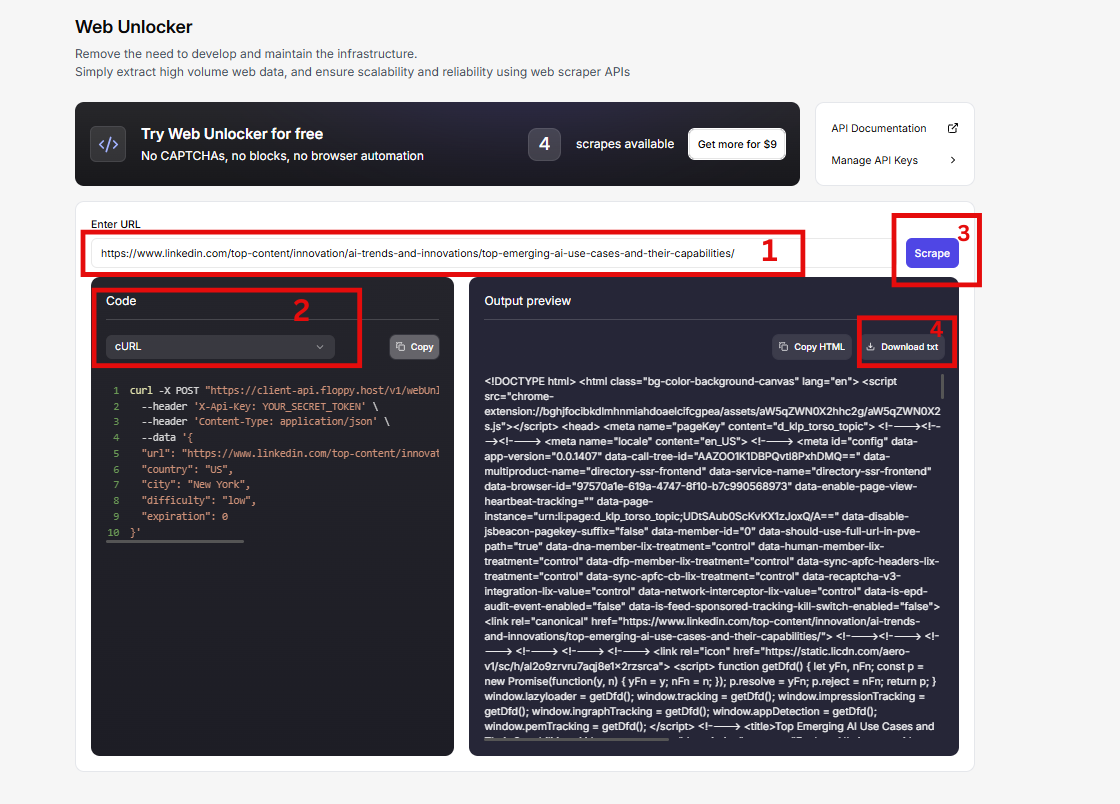
This tool stands out because it was designed to effectively bypass CAPTCHAs and geo-restrictions for unlimited access to data. In addition, it is a no-code scraper, which makes it ideal for beginners. Businesses that want to scale their data extraction operations will benefit from this tool as it requires only a few steps. Furthermore, Floppydata’s Web unblocker scraper comes with built-in automatic IP rotation feature for optimized anonymity. Another feature of this tool I love is the automatic retry logic, which eliminates the need to manually retry requests. Whether you are scraping a simple page or JavaScript-heavy pages, the Floppydata Web unblocker has got you covered. With a high success rate of 99.9%, you can get access to this service at the most competitive prices.
Pros
- Easy to use
- Highly affordable
- Focus on safety and scalability
Cons
- Limited flexibility
Features
- Automated CAPTCHA solving
- Advanced browser fingerprinting
- JavaScript rendering
- Smart IP rotation
- Built-in retry mechanism
- Persistent session handling
- Cookie management
- Simulates human browsing behavior
- Structured output
Ease of Use
This tool can be used by anyone who wants to extract data from LinkedIn. You don’t need to understand the technical jargon to use it. The first step is to enter the URL you want to scrape, choose your preferred coding language (this is absolutely optional), click on scrape, and download your data on your computer.
Safety and Scalability
Safety and scalability is where Floppydata Web Unblocker stands out. It effectively bypasses CAPTCHA and comes with a built-in proxy manager that rotates IPs to prevent account suspension and blocks.
Pricing

The service offers 5 (five) free scrapes from any platform without asking for your credit card details. Floppydata Web unblocker scraper paid plans are inexpensive and become cheaper as you scale your activities. More so, you only need to pay for successful extraction. The pricing options are:
- Growth Plan – $0.98/1k results
- Professional Plan – $0.75/1k results
- Business Plan – $0.60/1k results
- Premium Plan – $0.45/1k results
- Custom Plan – Contact customer support
Customer Support
Floppydata offers 24/7 customer support. The team is highly responsive and they always provide actionable insights that help customers solve challenges. One thing that is certain is that customer support is handled by people who understand how the tool works.
Best For
Floppydata is best for people who need to scrape LinkedIn at scale without risking account bans. It is a great fit for individuals, small businesses and enterprises. This tool is great for market research, data pipelines, and lead generation where scalability and safety are priority.
Gologin
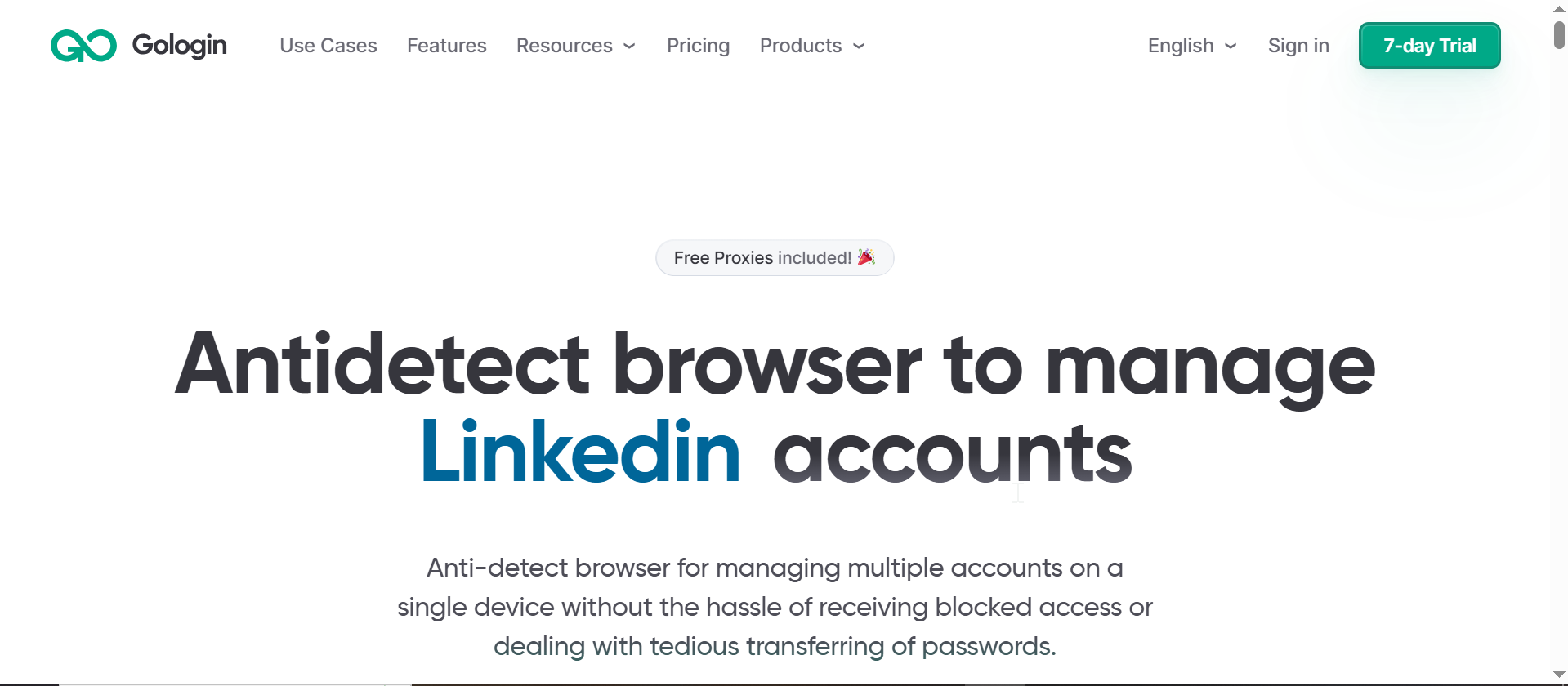
Gologin may not be considered a traditional scraper, but it can be used to scrape LinkedIn pages. Since LinkedIn has strict anti-scraping measures, the system does not only check your IP address. It can identify the device fingerprint, which means it can detect that all the requests are coming from the same browser, and finally, your account will be banned.
However, with Gologin, you will be able to create different browser profiles, each with its own environment. Therefore, you can manage multiple LinkedIn accounts from one device. This will not be identified by LinkedIn, which will be helpful in avoiding the ban. Using Gologin to scrape LinkedIn can be done in a very simple way. Just create your account and set up different browser profiles with different proxies. Floppydata is a good source to obtain proxies to use in scraping.
One of the limitations of this tool is its steep learning curve.
Pros
- Excellent fingerprinting customization
- Seamless management of multiple accounts
- Bypasses LinkedIn daily limits
- Great team features
- Cloud storage
Cons
- Customer support may be slow
- Not optimized with features for LinkedIn automation
Features
- Browser fingerprint protection
- IP, DNS, and WebRTC protection
- Cookies management
- Session handling
- Cache protection
- Device fingerprint protection
- Automation tools
- Proxy manager
Ease of Use
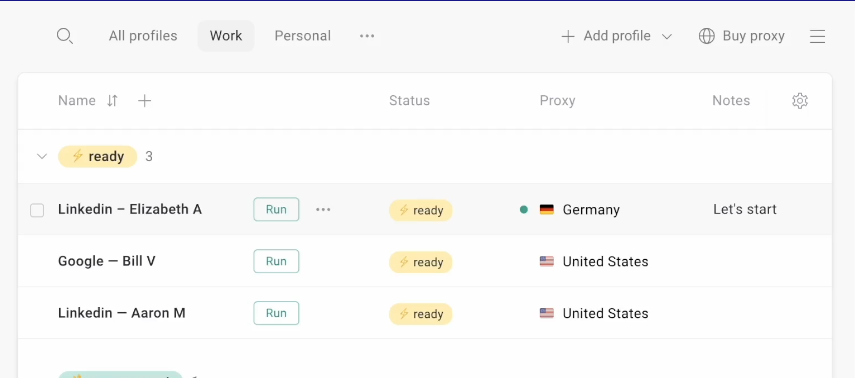
Gologin is highly praised for its ease of use. It is a beginner-friendly anti-detect solution with a clean interface. The dashboard is not clustered and you can navigate it with little or no assistance. Once you set up your profile, click on “run” to launch it.
Integrations
Gologin supports integration with GetSales for safer LinkedIn automation. This feature ensures you can access your LinkedIn account directly from Gologin, manage team access and run automation with Getsales.
Pricing
Gologin offers a 7-day trial for new users with free built-in proxies. Pricing is quite affordable as it is feature-packed.

Pricing model comes in four tiers:
- Professional – $9 per month for 10 unique profiles, and up to 100 profiles for $79. No team features in this plan.
- Business – Begins at $119 per month for 300 profiles and up to 500 profiles for $179 with team features.
- Enterprise – From $299 monthly for access to 1000 unique browser profiles
- Custom – From $499 for 2000 profiles. You can even get up to a million profiles as necessary if your organization’s budget can cover it.
Customer Support
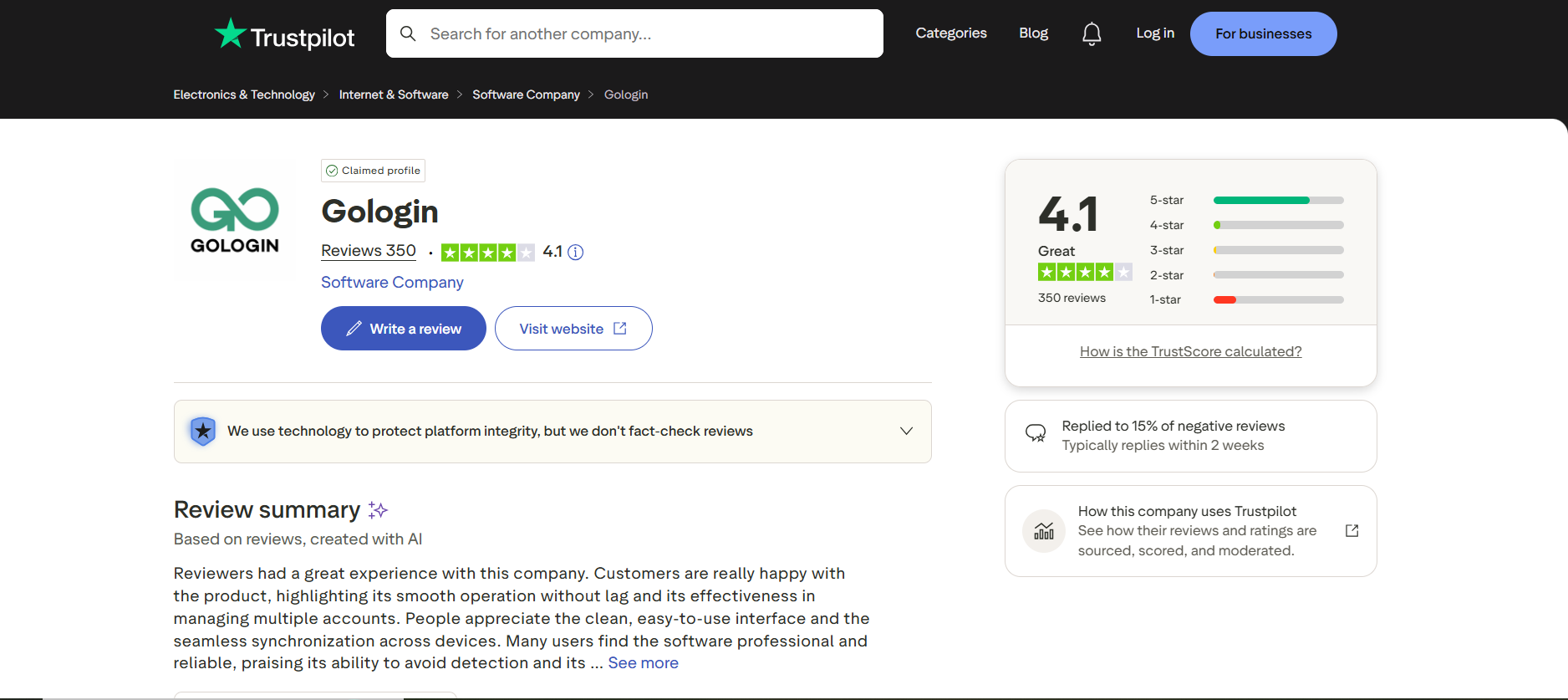
Reviews from various websites indicate that Gologin has good customer service. Response is swift and they show clear expertise on how to handle challenges, scale activities, and resolve integration issues with Gologin.
Best For
Gologin is an all-round solution for managing multiple LinkedIn accounts securely. Its integration with GetSales gives it an edge as an anti-detect solution that offers IP management and other features for effective LinkedIn scraping.
PhantomBuster
PhantomBuster is a Cloud-based automation platform that performs well in scraping LinkedIn data. It comes with over 100 built-in automation tools usually called phantoms that simplifies LinkedIn data scraping.
PhantomBuster offers flexibility and support for CRM integration with different platforms like HubSpot, Zapier, and others. More so, it can function as an effective tool for scraping LinkedIn data. PhantomBuster is a very advanced lead generation tool that helps the user create complex workflows by allowing them to create end-to-end generation sequences.
In addition to the availability of ready-to-use automation for ease of scraping, the cloud functionality minimizes the chances of it being detected. The PhantomBuster tool can be very expensive considering it has many features. As a result, it may not be the best tool for individuals. Additionally, it has a steep learning curve.
Pros
- Strong automation framework
- Supports multiple Linkedin account
- Good native CRM
Cons
- Very expensive
- Speed is unpredictable
Features
- Automations for lead generation and outreaches
- Over 60 LinkedIn data points
- Team management tools
- Built-in workflow that supports multiple automations
- Built-in scheduling tools
- Native integration with third party tools
Ease of use
PhantomBuster scores a 10 in terms of ease of use. Documentation and video guides are quite comprehensive. Users get access to video tutorials on the dashboard, which makes it easy to navigate each automation.
This tool allows users to efficiently organize LinkedIn leads into lists. In addition, there is an option to directly import profiles from your CRM, which is very convenient.
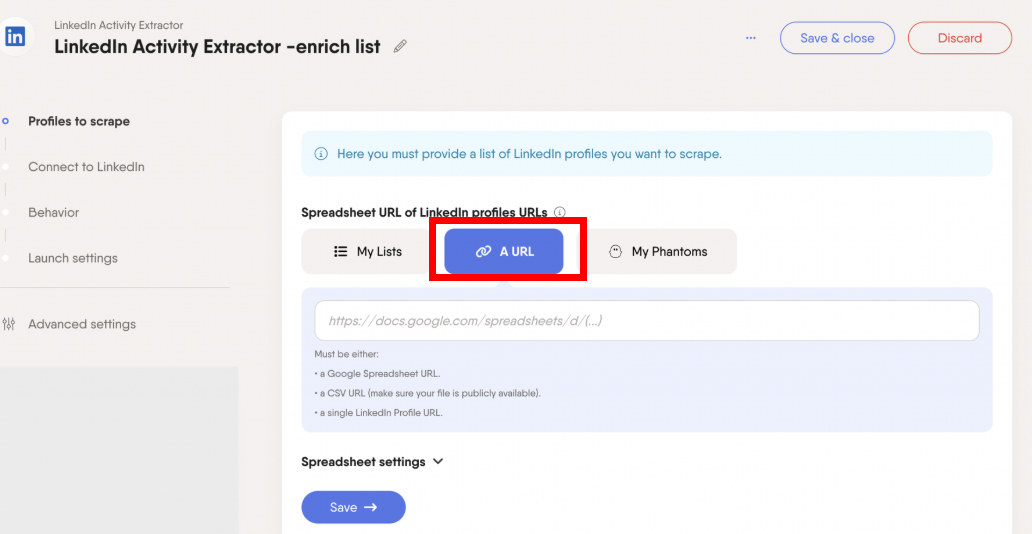
However, I noticed that the platform does not support pasting LinkedIn profile URLs in bulk.
Scalability and Speed
Although PhantomBuster supports synchronization of multiple LinkedIn accounts, it operates with the platform’s rate limits. It does not allow users to customize scraping rate limits, which is safe for small tasks. However, it becomes risky for long term high-volume LinkedIn scraping.
Phantombuster did not deliver consistent speed when put to test. In some cases, it scraped about 10 profiles within a minute. At other times, it could only deliver 1 profile within the minute. More so, we see a further decline in speed of execution when email enrichment feature is enabled.
Integrations
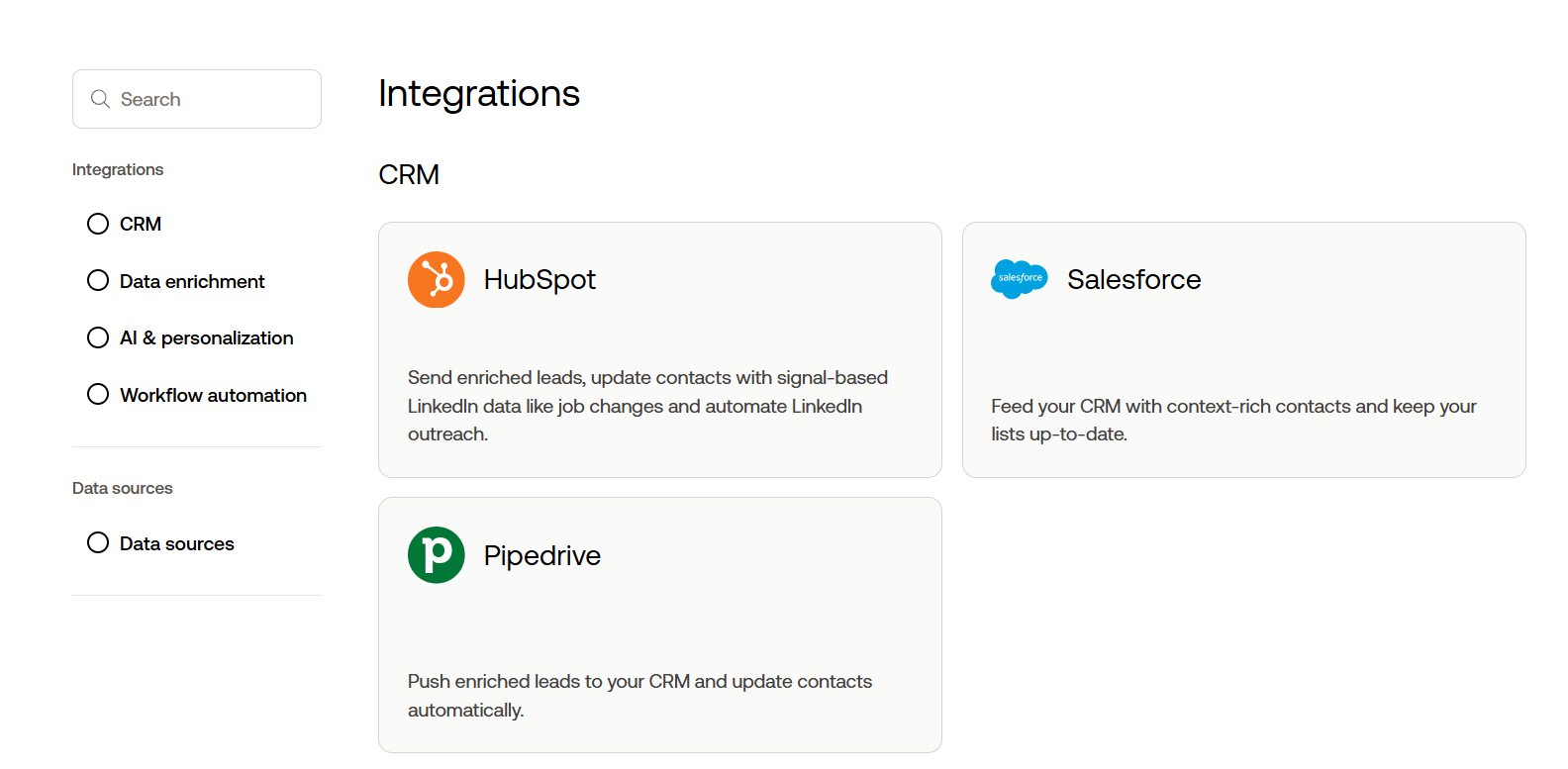
PhantomBuster stands out in terms of integrations. Data can be exported directly to CSV. In addition, it supports connection with CRMs like HubSpot as well data enrichment tools and workflow automation.
PhantomBuster has an API but the documentation is limited, hence a steep learning curve that may be unsuitable for beginners.
Pricing
The pricing for PhantomBuster is where things may get confusing. Instead of charging per scrape like Floppydata, it charges per minute. So, you are paying for the time it takes the scraper to collect data rather than the actual data.
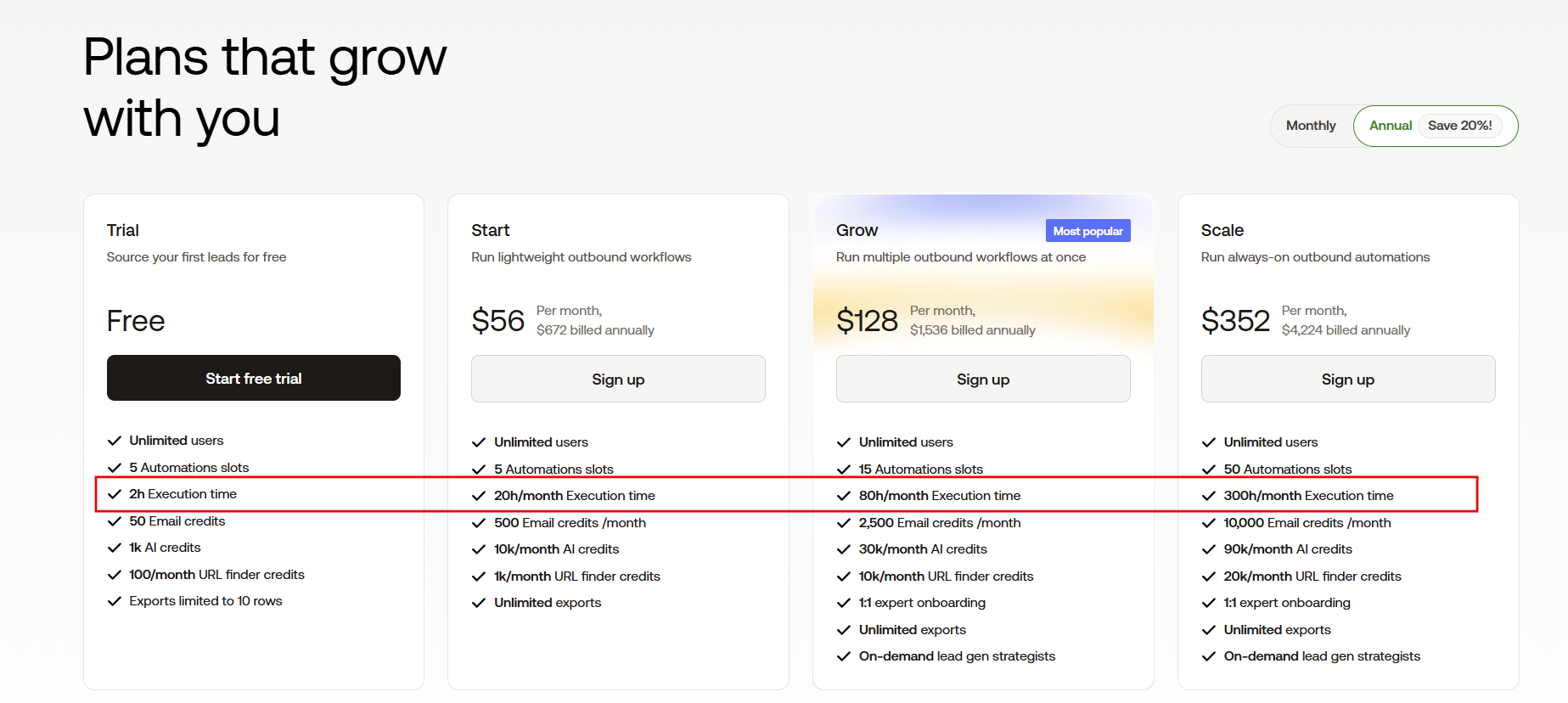
PhantomBuster offers a free plan that comes with:
- 5 Automation slots
- 2 hours Execution time
- 50 Email credits
Using the free plan, speed of execution greatly varies. This can quickly become very expensive especially for those who want to extract large volumes of data. Therefore, it becomes hard to accurately predict the cost of scraping.
The paid plans include:
- Starter Plan – From $69/month with 500 email credits and 20 hours
- Grow Plan – From $159/month with 2500 email credits and 80 hours
- Scale Plan – From $439/month with 10,000 email credits and 300 hours
Customer Support
On the website, there is a chatbot that serves as initial contact of customer support. It provides answers to frequently asked questions. It can as well connect you to a human agent if you need technical expertise.
Alternatively, you can send a direct email to the support team. Response time is usually not the fastest, but someone will get back to you.
Best For
PhantomBuster is a good deal if you want a tool that goes beyond scraping and offers things like automation, enrichment, outreach, and lead collection in one place.
Big businesses and enterprises with a robust budget will definitely find this tool handy for lead generation.
Snov io
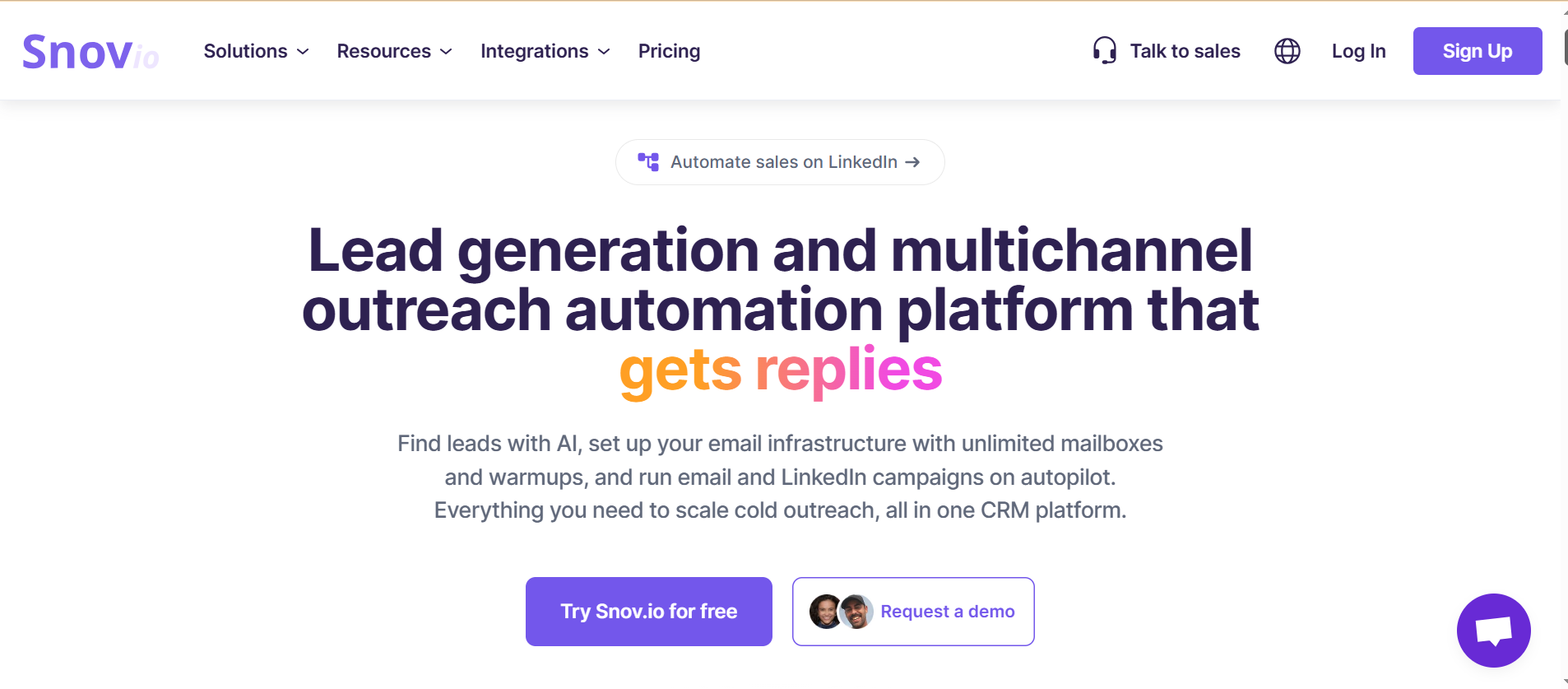
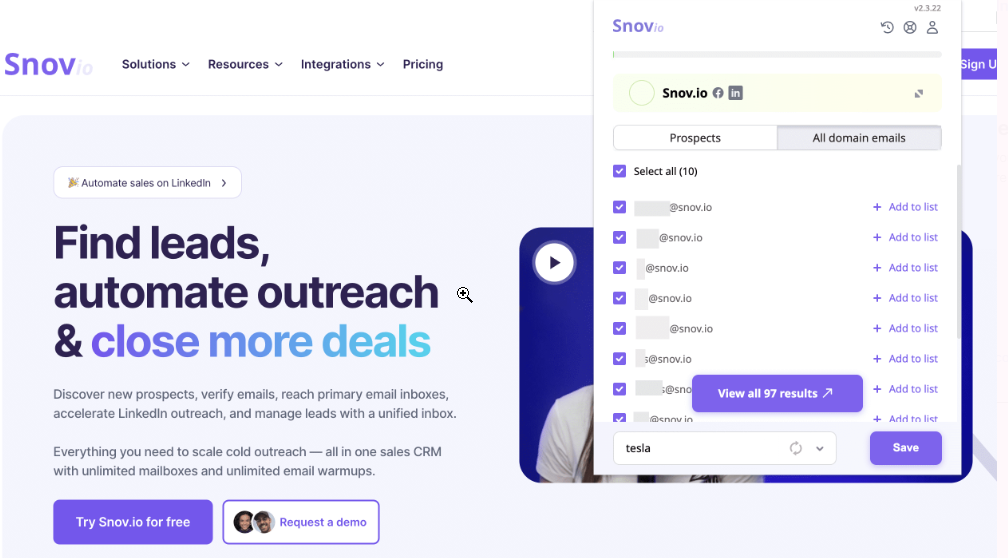
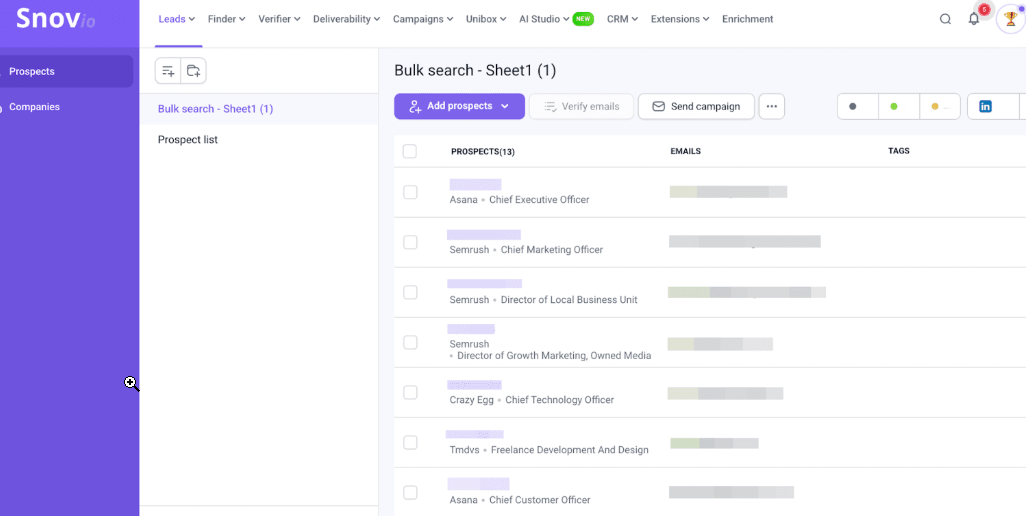
Snov is a powerful all-in-one sales engagement platform. While it is mostly known as a tool for LinkedIn automation, it has features for data scraping. This browser-based tool comes with an Email Finder that can extract email addresses from a LinkedIn search result page
Snov allows users to quickly extract data on verified contacts such as job title, location, company name, and more. Also, this tool comes with a built-in email verifier feature that checks the authenticity of emails generated. Bear in mind that this feature is not free.
Pros
- User-friendly interface
- Email verification
- Effective lead generation
Cons
- Steep learning curve
- No defined refund policy
Features
- Email Finder – uses AI to find and collect pre-verified leads.
- Email Verifier – that cleans your list before sending.
- Outreach-ready infrastructure – scale cold outreach campaigns.
- Multichannel campaigns.
- Deliverability toolkit – monitors and protects email health.
- Sales CRM – automatically tracks leads and syncs with your system.
Ease of Use
Snov has a clean interface which makes it easy to navigate. Tasks like email verification and lead generation are straightforward. However, it may take some time to get a hang of all the features.
Integration
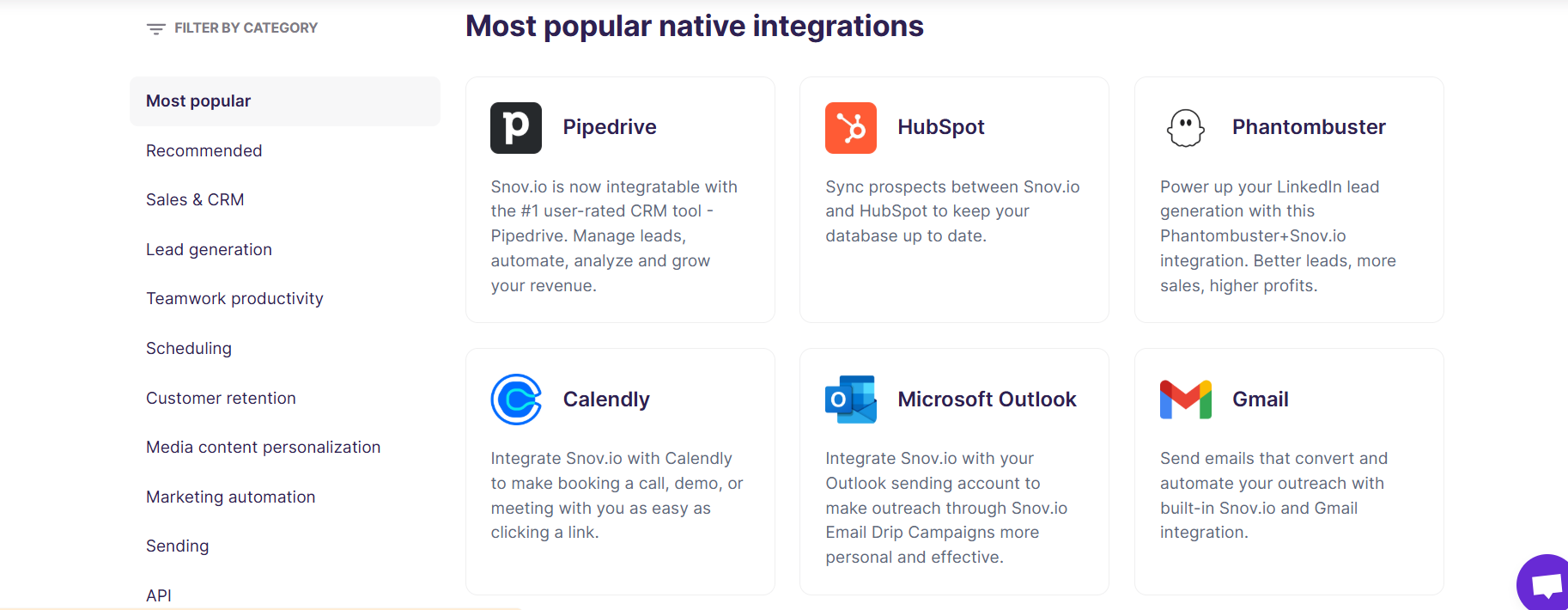
Snov is compatible with your favorite tools which makes it easy to integrate into an already functional system. It comes with over 5,000 apps that allow you to automate your sales. Most popular integrations are Pipedrive, HubSpot, Zapier, and Calendly.
Pricing
Snov offers a trial period with credits that renew every 30 days. This free trial comes with 50 credits, 100 recipients, and 1 email warm-up. However, it lacks advanced features like integrations and teamwork.
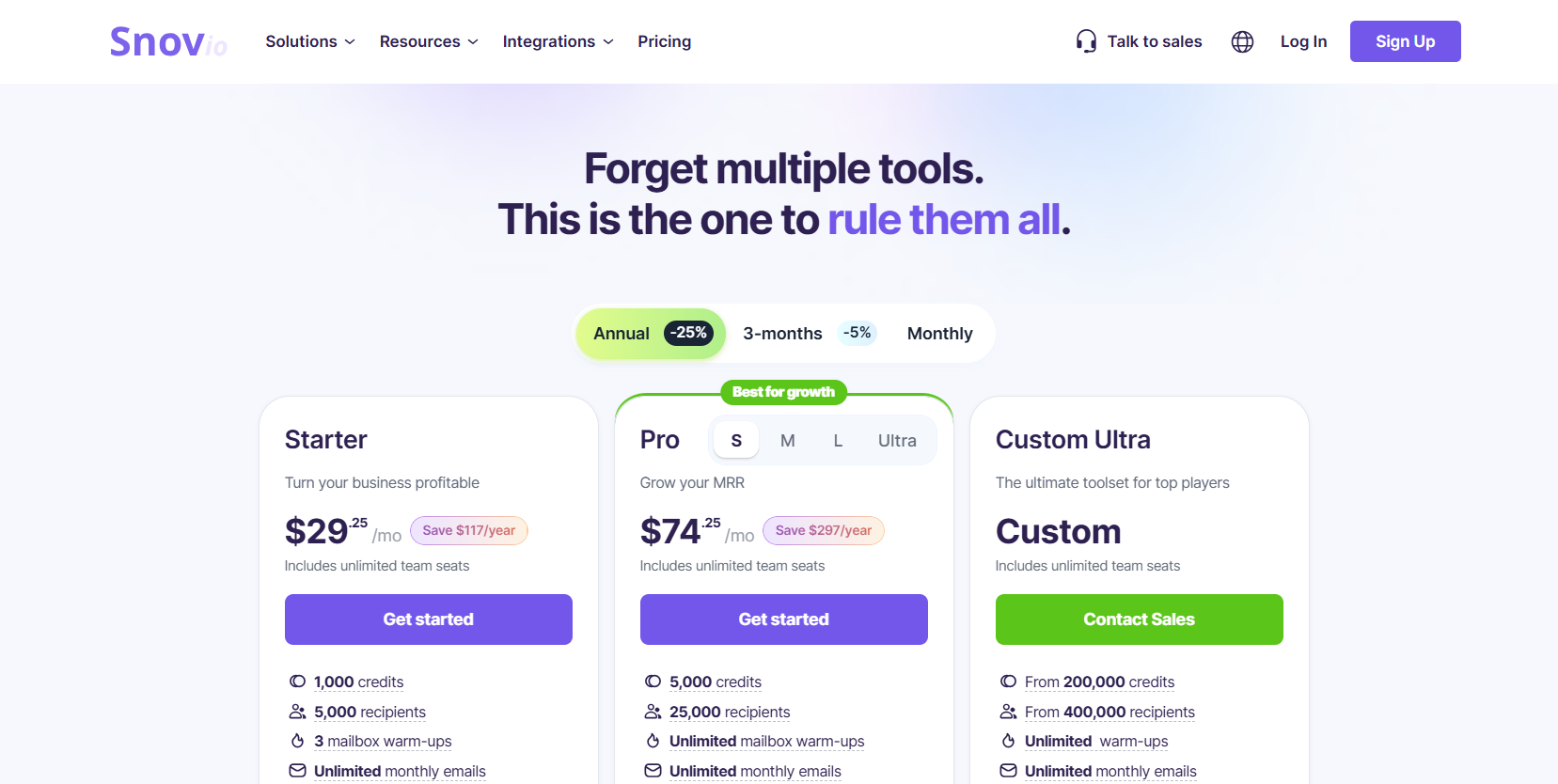
Snov offers three pricing tiers with 5% and 25% discounts on the 3 months and yearly subscription respectively.
- Starter Plan – Billed at $39 per month with 1000 credits
- Pro Plan – Billed at $99 per month with 5000 credits
- Custom Plan – Contact an agent to customize your plan based on your company’s needs.
Customer support
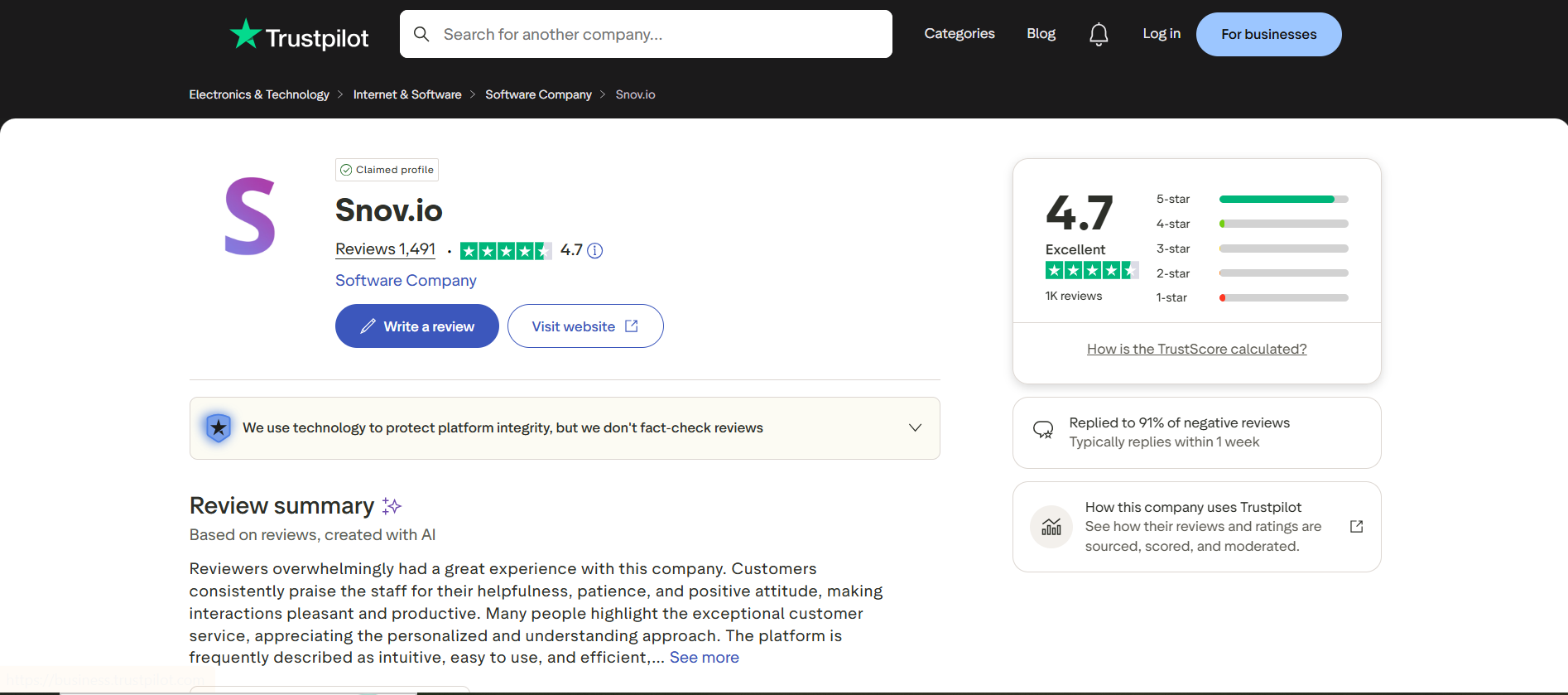
Many of the customers had good reviews on the support service. They respond quickly and offer good technical support.
Best For
Snov is considered best for startups and small teams looking for an affordable, consolidated tool for cold outreach and lead prospecting.
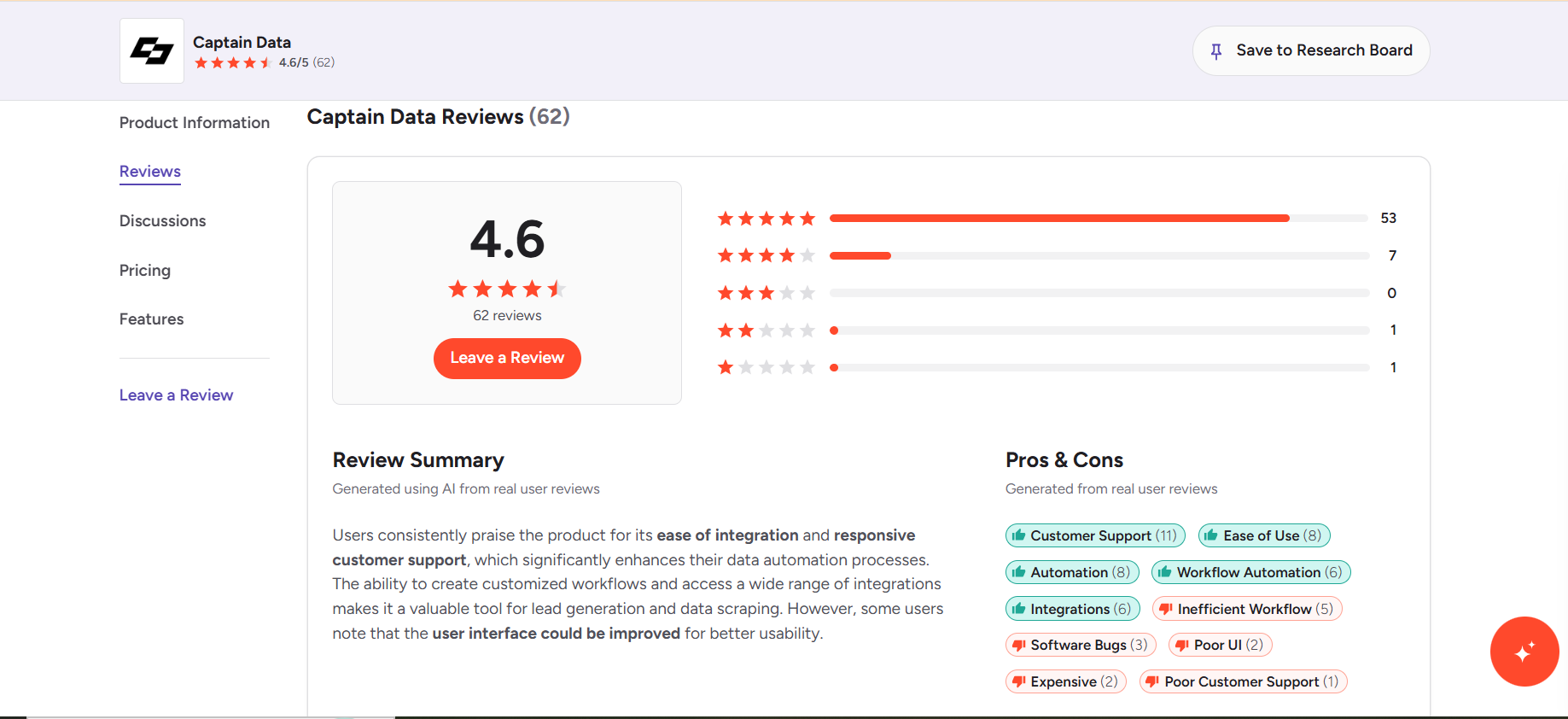
Captain Data
Captain Data is a no-code cloud-based LinkedIn scraping solution. This tool has advanced filtering options that improve the quality of data extracted. With its ability to collect data in real time, companies can always have access to fresh data.
One of its interesting features is the automatic account rotation which is necessary to bypass LinkedIn rate limits. More so, this tool can be integrated with Google Sheets for seamless workflow optimization. Captain Data comes with built-in error handling techniques for efficient LinkedIn data scraping. Although this platform offers customizable data extraction workflow, some are fixed. In addition, customer support is slow.
Pros
- Customizable data extraction workflow
- Advanced automated features for LinkedIn scraping
- Built-in error handling technology
Cons
- Some workflows cannot be customized
- Expensive
Features
- Over 40 LinkedIn-specific activities
- Advanced filtering options
- Smart account rotation to bypass LinkedIn limits
- LinkedIn scraping in real-time
- Integration with Google Sheets
Ease of Use
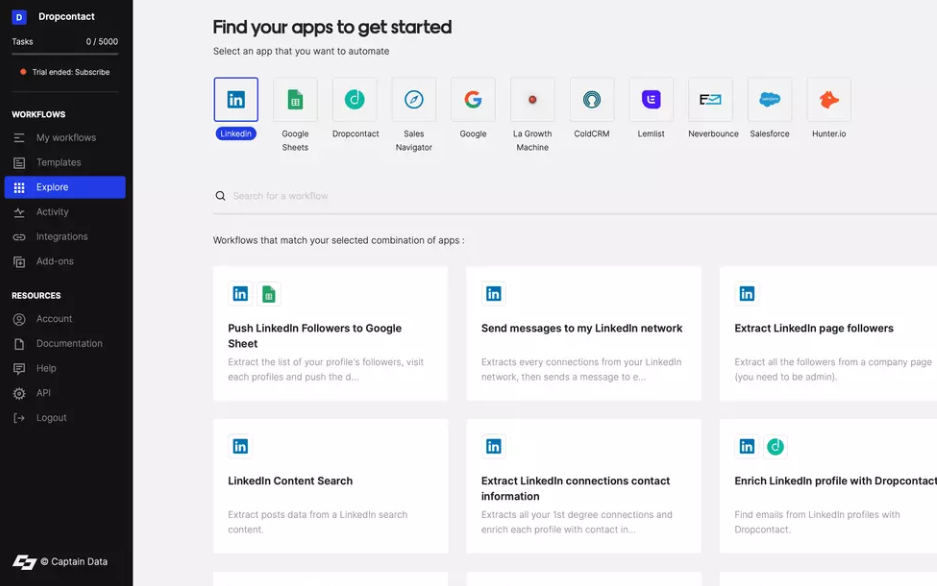
This tool was designed for non-technical users with over 400 templates that allows users to set up automation with ease. They also offer extensive documentation to help with workflows and integration. However, it may get tricky for advanced customization tasks. Overall, it is an easy interface to navigate.
Integration
Captain Data supports integration with so many apps for automated activities. The most popular ones are HubSpot, Oracle, and MySQL.
Pricing
The price begins at $32.98 for 1000 credits, but you get a 50% discount off the yearly tariff. However, you can book a demo that comes with 100 free credits to test the platform.

Customer Support
Most users report that customer support is responsive, polite, and possesses adequate technical expertise. This helps to improve overall customer experience.
Best For
Captain Data is a great choice for growth-focused marketing teams and organizations. It streamlines workflows for smooth lead generation.
How to Scrape LinkedIn with Floppydata Web Unblocker
Scraping LinkedIn using Floppydata’s Web Unblocker is simple. It is the perfect tool for those with little or no technical knowledge. LinkedIn data can be collected in just a few steps on a user-friendly dashboard.
In addition, support is always available to answer questions and provide clarifications where necessary. Below is a step-by-step guide on how to scrape LinkedIn data with Floppydata Web Unblocker:
Let’s get into it!
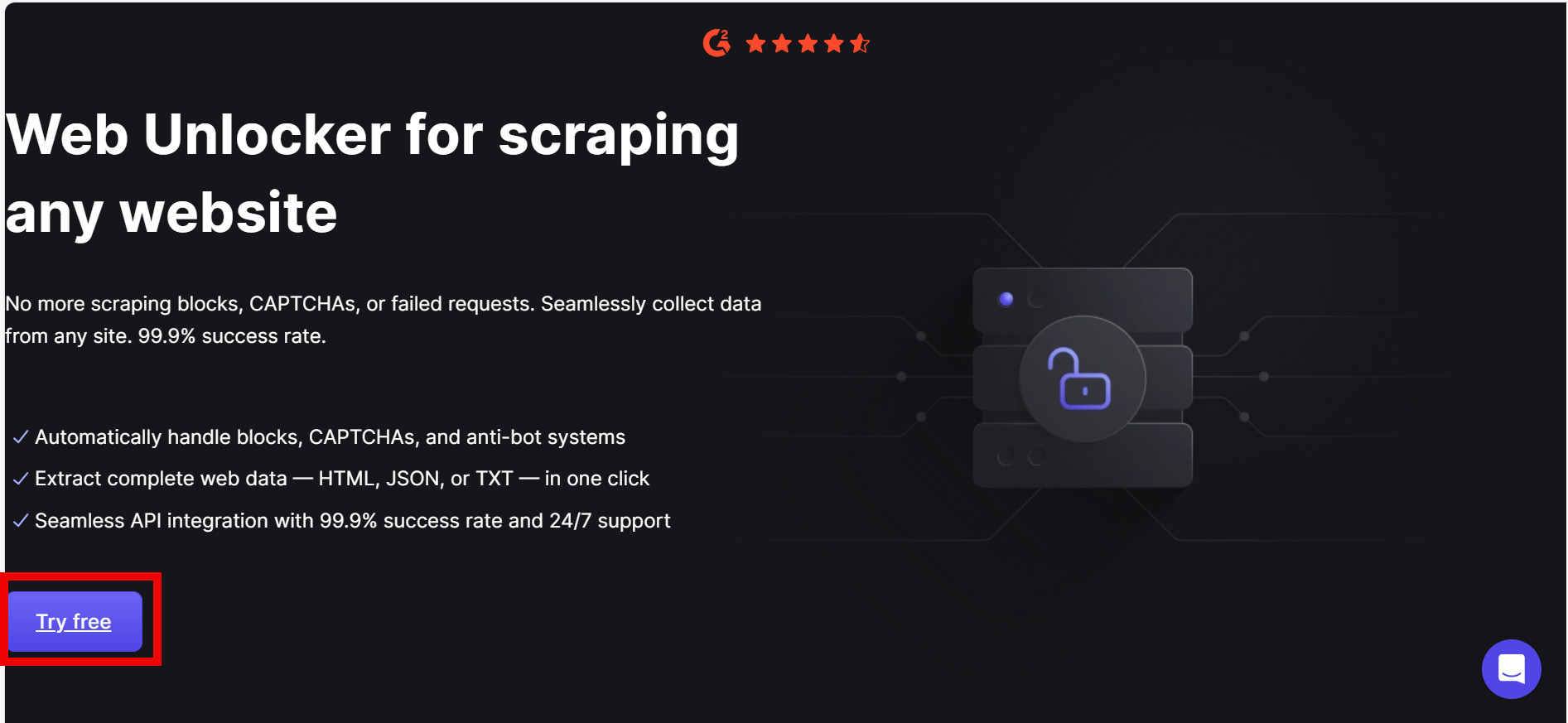
Step 1: Visit the Web Unblocker page and sign in to get started
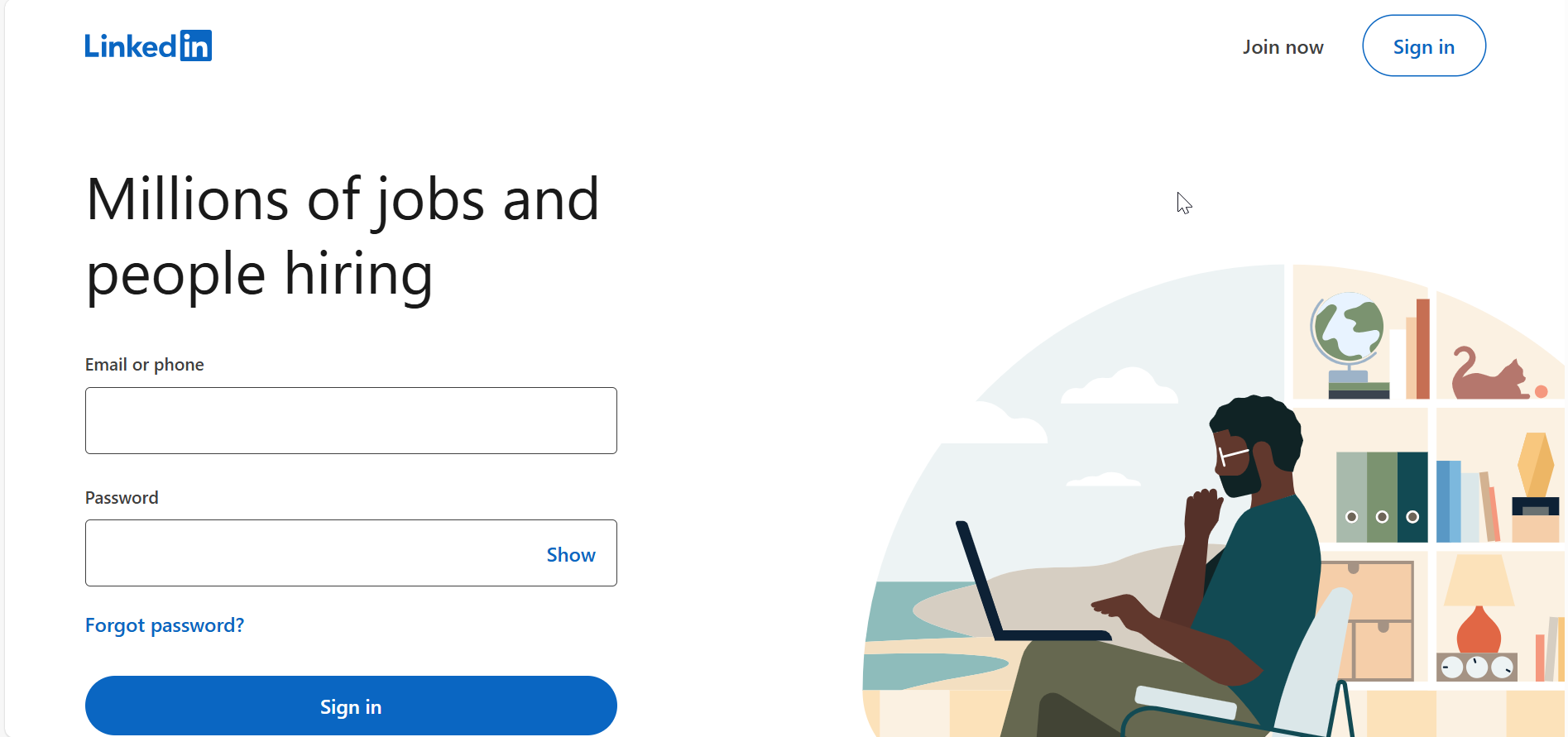
Step 2: Log in to your LinkedIn account. Open a search results page with specific filters that align to your use case.
Step 3: Go to the Floppydata’s Web Unblocker dashboard and paste the URL
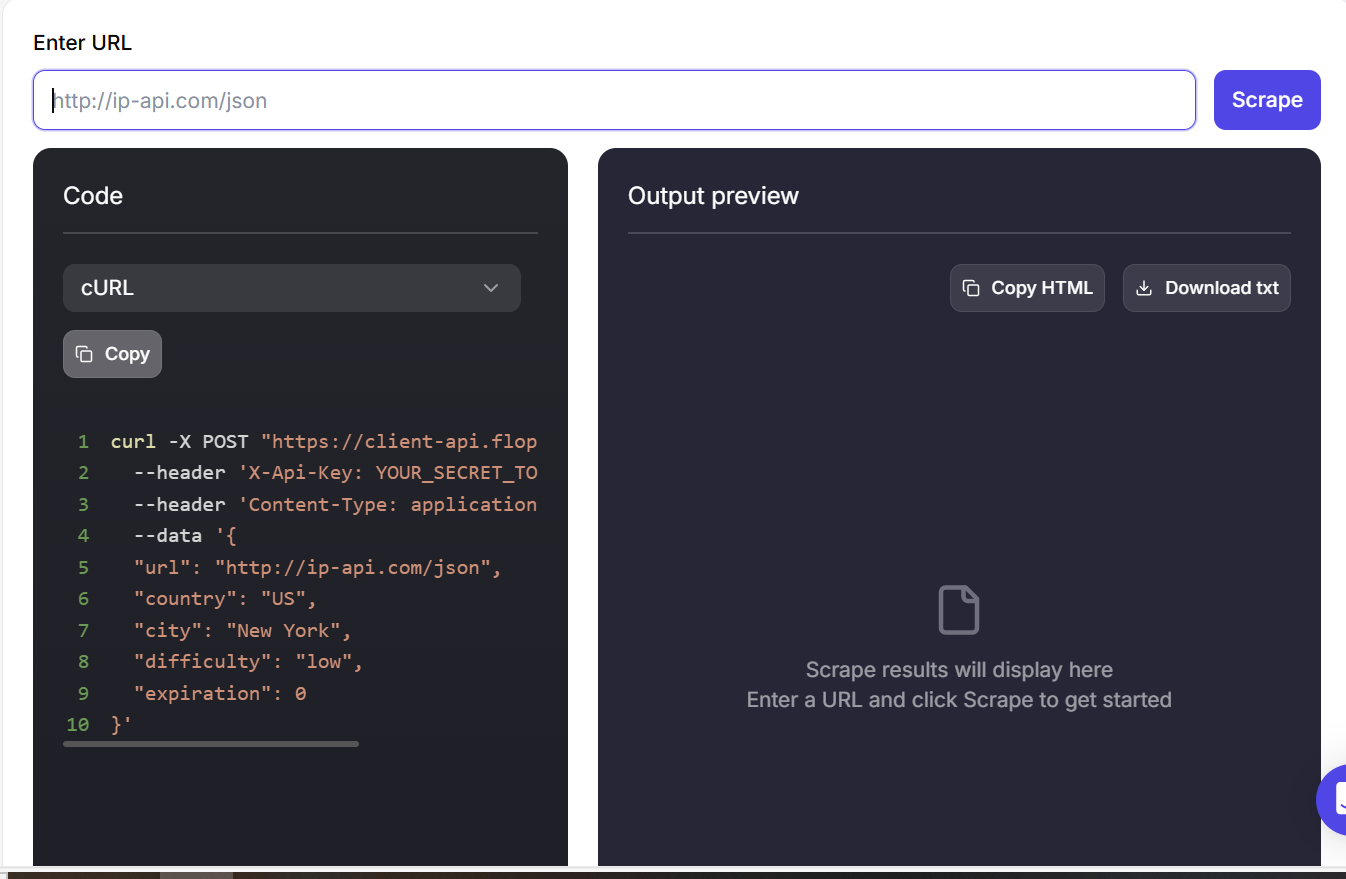
Step 4: Your results are ready within a few minutes.
Conclusion
Data has become the gold currency in this digital age. Consequently, people and businesses rely on data to make informed decisions. Extracting LinkedIn data provides a reliable source of data that can be applied in various industries.
Although there are several tools for collecting data on LinkedIn, Floppydata Web Unblocker remains an excellent choice. It stands out in terms of pricing, performance, accessibility, and ease of use.
Do you want to scale your LinkedIn scraping activities? Give Floppydata a try today!
FAQ
What is a LinkedIn scraper?
It’s a tool that extracts data from LinkedIn profiles, companies, and jobs automatically for lead generation and research. Floppydata enables the most reliable scraping with high success rates and minimal blocks.
What makes the best LinkedIn scraper?
Top tools use APIs, proxy rotation, and anti-bot bypass to ensure speed and accuracy. Floppydata stands out with superior performance and stability.