When you visit a website, it often happens that most of the interesting information does not appear immediately, but a little later. This is because many sites now use a clever way to upload content – using JavaScript. Simply put, it’s as if the site first shows you an empty box, and then fills it with all sorts of interesting things in front of your eyes.
If you try to pull information from such a site in the usual way, for example, using a special parser program, you will see only this empty box – that is, the basic structure of the site, but without the most important thing – the content.
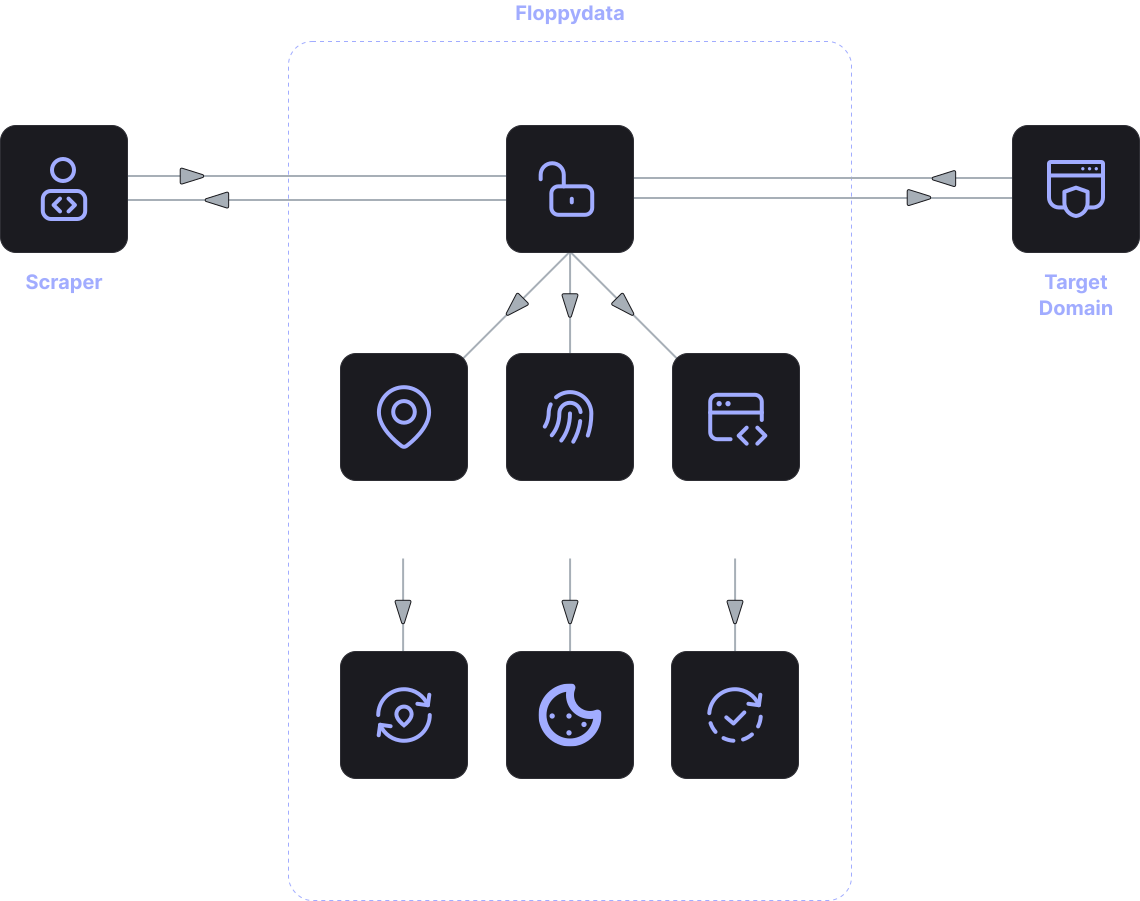
This is where the JS Rendering API comes to the rescue. This is exactly the tool that can see websites the way a regular user sees them in a browser. He visits the page, waits until all the scripts are executed and all the content is loaded, and only then photographs the finished page and gives it to you in the form of HTML code.
It turns out that the JS Rendering API is such an intermediary between the site and your data collection program. It takes over all the work of animating the page so that you can access all its contents, even if they are loaded dynamically. This allows you to scrap javascript websites that are not amenable to conventional methods.
Such solutions are very important for dynamic website scraping when it is necessary to collect data from sites where content is constantly changing and loaded via AJAX, API requests or other clever technologies.
How does it work?
This is how the render javascript API works.:
- First, you send a request to the rendering system and ask it to show you this weather page.
- The rendering system opens this page inside a special browser.
- This browser executes all the JavaScript scripts that are on the page.
- Then it loads dynamic content, that is, it waits for the most accurate weather forecast to appear.
- And finally, it returns you the ready-made HTML code of the page, which already contains all the necessary information.
This way, you get exactly the version of the page that the average user sees, with all the uploaded data. This approach allows you to extract data even from sites where the content appears only after the page is loaded. This is why browser automation API and automated browsing API are often used together with data collection systems.
Why is this necessary when collecting data?
Many modern websites use special constructors such as React, Vue or Angular. On such sites, most of the information appears only after JavaScript has worked.
If you try to scrap javascript websites in the usual way, you may encounter that the HTML code simply won’t have the necessary data. That is, you will get only the skeleton of the page, and the meat , the content, will remain behind the scenes.
Using the JS rendering API solves this problem. The service first fully animates the page and only then transmits the data to your collection system.
This is especially important for:
- Marketplaces and online stores: to collect information about products, prices, reviews, etc.
- Dynamic catalog services: to track changes in product range and prices.
- Endless scrolling platforms: To collect all the items in the list, not just those that are visible on the screen.
- Sites with dynamic filtering: to collect data based on the selected filters.
In such cases, dynamic website scraping is almost impossible without rendering.
What are the advantages?
The main advantage is the ability to work with modern websites in their language. The system understands JavaScript, loads resources, and displays the page properly.
Another important advantage is flexibility. The same tool can work with different types of sites, regardless of what technologies they use.
In addition, rendering simplifies the data collection process. When the page is already fully ready, analyzing it becomes much easier and more reliable.
It is also important that the Javascript Rendering API allows you to scale the process. You don’t need to run a bunch of local browsers to collect data from a large number of sites. Everything can be done on the service side, and all you have to do is get the finished result.
This reduces the load on your computers and makes the data collection process more stable.
Who is it suitable for?
Tools for the javascript API render are used in a wide variety of areas where automated access to site data is required.
Developers use such solutions for browser automation API and automation of interaction with web pages.
Analytics companies use dynamic website scraping to collect data on products, prices, and content.
Marketing teams analyze information from competitors’ websites and investigate changes in online catalogs.
The JS rendering API is also in demand in projects that require massive collection of information from sites that actively use JavaScript.
In general, if you need to collect data from modern websites, then it will be difficult to do without using such tools.