Using the internet to complete various activities includes an array of tasks, such as opening web pages, running activities on websites, evaluating user interfaces, or collecting information. Often, the browser is opened via a graphical user interface (GUI), as the user will see this. However, this isn’t always necessary for automation.
This is where a headless browser comes in.
Headless browsers operate without a visual interface(GUI). They do not accompany a visual window, increasing speed and decreasing resources necessary for operation.
Using the Headless Browser API, headless browsers can be controlled programmatically. This is achieved programmatically by APIs telling the browser to visit a page, do a task, or retrieve information. This strategy is highly relied on for web application testing, data collection, and automation.
How does the Headless Browser work?
When the headless browser API is utilized, headless browsers initiate a state where no interface is present. They do everything a standard browser would do.
He can:
- retrieve webpages
- run JavaScript
- execute scripts on the webpage
- submit forms
- scrape
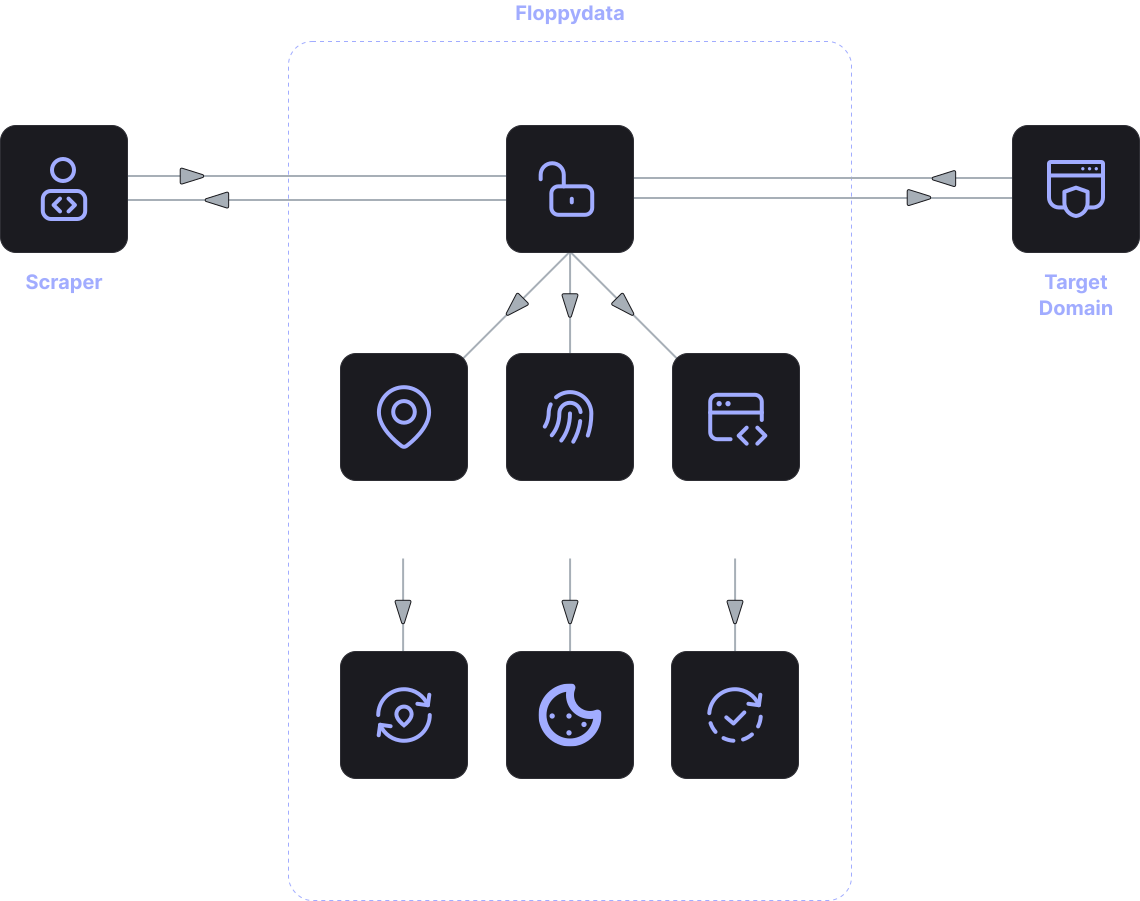
The system makes a request via the API, the browser then loads a webpage and executes the listed above actions. The browser then sends the app the result whether that be HTML pages, information, or a screenshot.
This method creates the ability to do a lot more web automation to what has classically been manual tasks.
Where the headless browser API is used
Numerous data collection and web-related projects utilize headless browsing in automation. One common use is automated testing, where Devs implement testing interfaces and pages of websites in various configurations to evaluate performance.
Another field of use for the headless browser API is data collection or web scraping. Traditionally JavaScript triggered data loading HTML parsers were unable to access data. The headless browser does perform rendering of the page and thus, data is accessible.
Web automation tasks are a further use. This includes automated web page checking, data submission via web forms, or scenario-based operations.
Site monitoring systems and analytical services utilize headless browsers to consistently load and evaluate content of various web pages.
Advantages of using headless browser
The headless browser API is advantageous for multiple reasons.
- Operational speed is increased
Resource use is less and speed is increased since no graphical user interface will be displayed.
- Web actions can be automated
Headless browsers can execute user functionalities like opening web pages, performing clicks, and completing form entries.
With the ability to load dynamic content and execute Javascript, headless browsers outperform standard HTML parsers.
When using the API, several headless browsers can be executed simultaneously.
- Excellent Compatibility with Development Tools
Test automation and headless browsers work seamlessly.
Who is suitable for the headless browser API
The solutions based on the headless browser API offer a lot of benefits to a variety of teams and companies.
- Developers use them for automated testing of web apps.
- Data teams use headless browsers to scrape data from websites.
- Analytical services use them to watch over web pages and revise what they have on offer.
- Automation engineers also use headless browsers to trigger scripts that work with websites.
- The headless browser will also be a good choice if a project demands automated tasks to be performed on a web page.
When should you use the headless browser API?
The Headless browser API becomes especially useful in projects where you need to work with web pages automatically. Regular parsers or HTTP requests are not always suitable, especially if the site actively uses JavaScript.
A headless browser allows you to fully load a page in the same way as a regular user does. It can execute scripts, display dynamic content, and interact with interface elements.
Such solutions are often used when needed.:
- extract data from dynamic sites
- automate actions on web pages
- test interfaces and user scenarios
- collect data for analytics or monitoring
In these tasks, the headless browser API helps simplify working with web pages and make processes fully automated.
Pricing for headless browser APIs
When selecting a headless browser service, teams evaluate both functionalities and headless browser API pricing. Pricing structures vary by provider. Some price based on the number of browser sessions or page loads, while others price based on time or other computing resources. Small projects often require simple pricing, while large automation projects require more scalable options.