About 2.5 million new users join Telegram every day. This security and privacy-focused chat app has now become a backbone for major business communications, customer support, marketing campaigns, and community building. However, to reduce the increasing number of scams happening on Telegram, the company has implemented strict systems to detect multi-account and spam activity and flag those accounts. This has directly affected agencies, marketers, or businesses needing multiple Telegram accounts for valid reasons.
In this guide, I will share all the methods you can use to run multiple Telegram accounts on one device. I tried several methods and have listed their pros and cons in this guide.
Why Run Multiple Telegram Accounts?
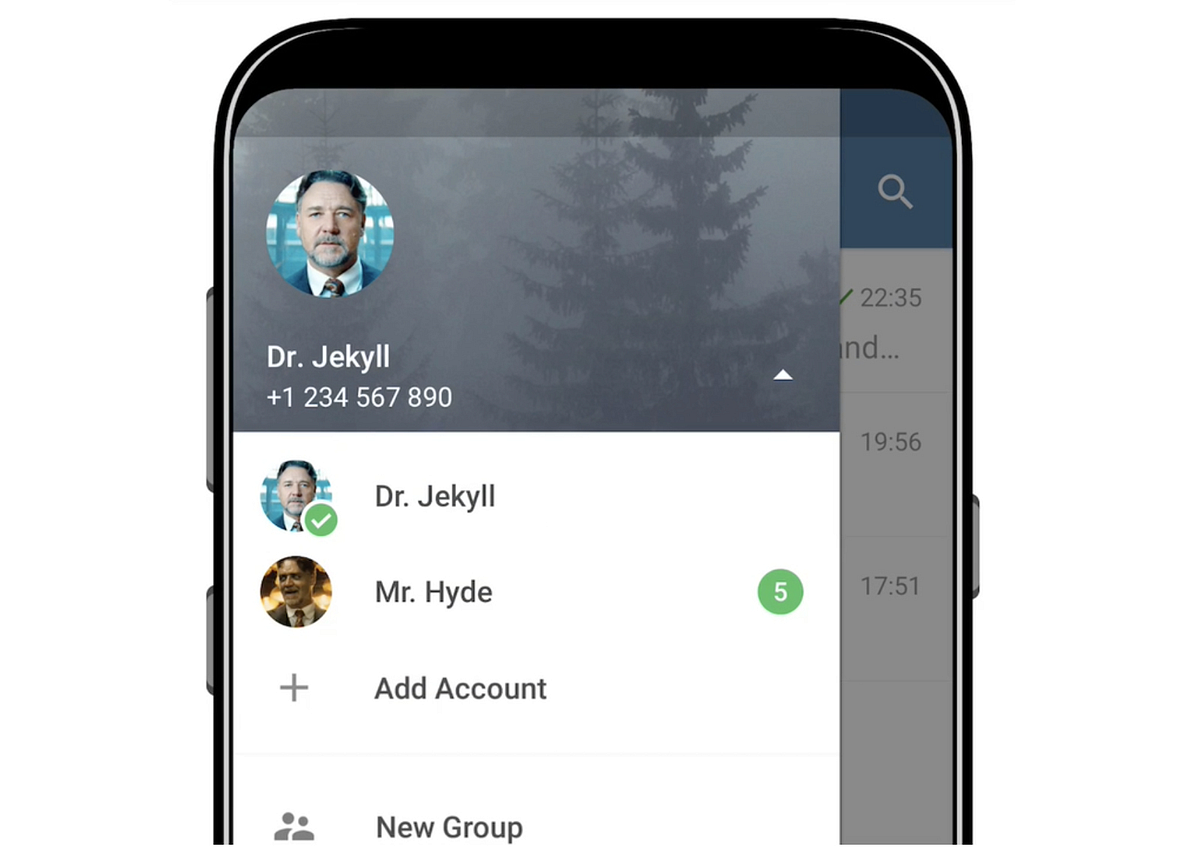
Running multiple Telegram accounts on one device is not always for spam reasons; there are genuine use cases where businesses, agencies, or freelancers need to do so. Here are some common scenarios:
Separation of Personal and Business Telegram:
Since I use Telegram to connect with some of my friends globally, I don’t like using the same account for both work and personal life. Hence, creating that isolation is important for me so I don’t accidentally end up sharing a meme with a client.
Agencies Handling Multiple Projects:
Agencies handle many Telegram accounts for several companies, and their employees need to access multiple accounts from their devices. Now, with the platform’s restrictions, that’s risky and can get their clients’ Telegram accounts banned. Agencies can’t buy a new device for each client or hire more people.
Regional Marketing Campaigns:
Businesses with global reach create region-specific Telegram channels to serve those users. Hence, they need multiple Telegram accounts. Sometimes, these accounts are managed by the same team or the same devices.
Customer Service Teams:
The most common use case for multiple Telegram accounts management is customer support. Companies/Agencies that offer customer support through Telegram need several Telegram accounts on each device.
How Many Telegram Accounts Can You Use on One Device?
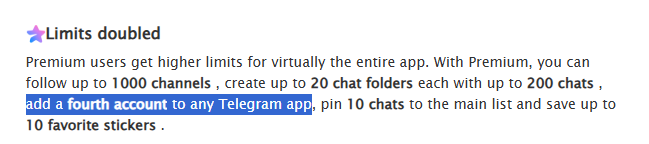
Officially, Telegram allows free users to add up to 3 accounts on Android, IOS, and Desktop. Premium users can add up to 4 accounts. This is a decent limit if you have light multi-account usage. However, each account must have its own unique phone number and other settings.
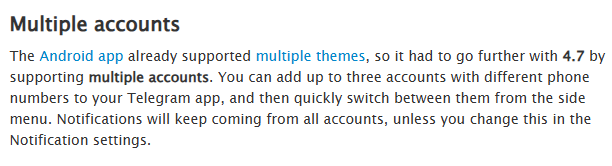
However, the problem is that three or four accounts won’t suffice for large businesses or agencies managing multiple projects. Moreover, you can’t add more than three accounts on mobile/desktop apps. People switch to the web version to manage more than four accounts, but as we discussed before, that can be risky in terms of account bans.
Is the official way viable for businesses or agencies? Not really. Even if you can manage up to three or four accounts, you will need to switch between them again and again, and if your use case is lightning-fast response and resolution to customer support queries, switching accounts is customer experience suicide. Notifications from all accounts get overwhelming as well, along with a risk of mistakes like accidentally sending messages from the wrong account, etc.
How to Run Unlimited Telegram Accounts
I tried a few methods other than the official one and found a very good alternative for my agency’s use case. I have listed all of them here with what worked and why I wouldn’t recommend them.
Method 1: Separate Devices for Telegram Accounts
This is the safest and most secure method. Telegram tracks device IP address and fingerprint, so using multiple devices is the safest way. The problem? It’s unrealistic. Agencies don’t want to buy a separate device for each project’s accounts. Sometimes, one project can have more than one account as well, and one employee is managing 8-10 different accounts and can’t be assigned 10 unique devices.
Method 2: Multiple Virtual Machines on the Same Device
The obvious fix to the previous problem is using virtual machines. We tried this method, and it works great. You have virtual devices within your desktop and can log into different accounts on different virtual machines. Each VM acts like a unique device, but advanced detection systems can detect patterns and figure out quickly that the traffic is coming from a virtual machine and not from an actual device. Moreover, the IP address would still be the same for all VMs unless you add proxies to each VM.
Even if all this is sorted, using a VM is also impractical unless you have an extremely high-end desktop that can run multiple virtual machines at once without lagging. VMs require huge space and memory and can slow down everything when they’re running.
Method 3: Using Proxies in a Web Browser (Recommended)
Proxies solve our biggest issue: Matching IP addresses. Proxies help us route our traffic through secure servers that mask our original IP and replace it with their own. Reliable proxies can help you mask your IP so that each browser session appears as coming from a unique IP address. If you have ten accounts, you can open them simultaneously in ten browser profiles and assign each profile a unique proxy so that all those traffic sessions are isolated.
You can also use proxies with virtual machines if you want to use that method. Proxies will help you mask your IP so that it becomes extremely hard for detection systems to track you. You won’t need to switch accounts every time, and can open multiple accounts at once and use them simultaneously through your browser.
You can go even one step further with this. Since you will be assigning a proxy to each browser profile, advanced detection systems can still occasionally detect and restrict your sessions by detecting the same device fingerprint in all these profiles. To avoid this, you can pair Floppydata’s proxies with an antidetect browser like Gologin.
Guide: How to Buy & Set Up Floppydata Proxies in Your Browser
I’ve onboarded multiple team members to Floppydata, and the setup is straightforward. Below is the exact process I follow, from signing up to managing proxies inside my browser.
Step 1: Create Your Floppydata Account
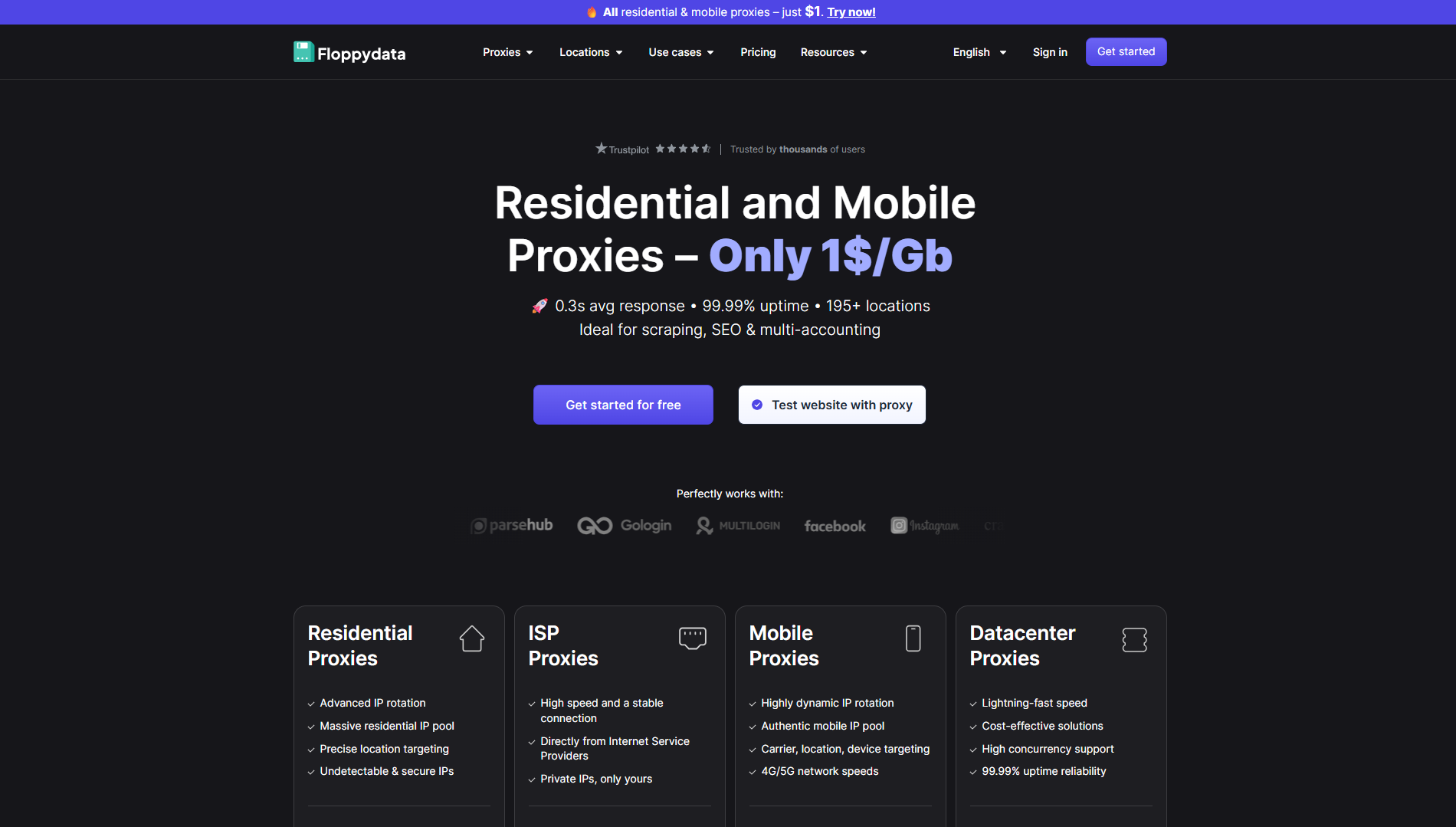
Start by signing up on the Floppydata website. The signup process is simple and only takes a minute. After verifying your email, you’ll land directly inside the Floppydata dashboard, which is where all proxy management happens.
Step 2: Choose and Buy a Proxy Plan
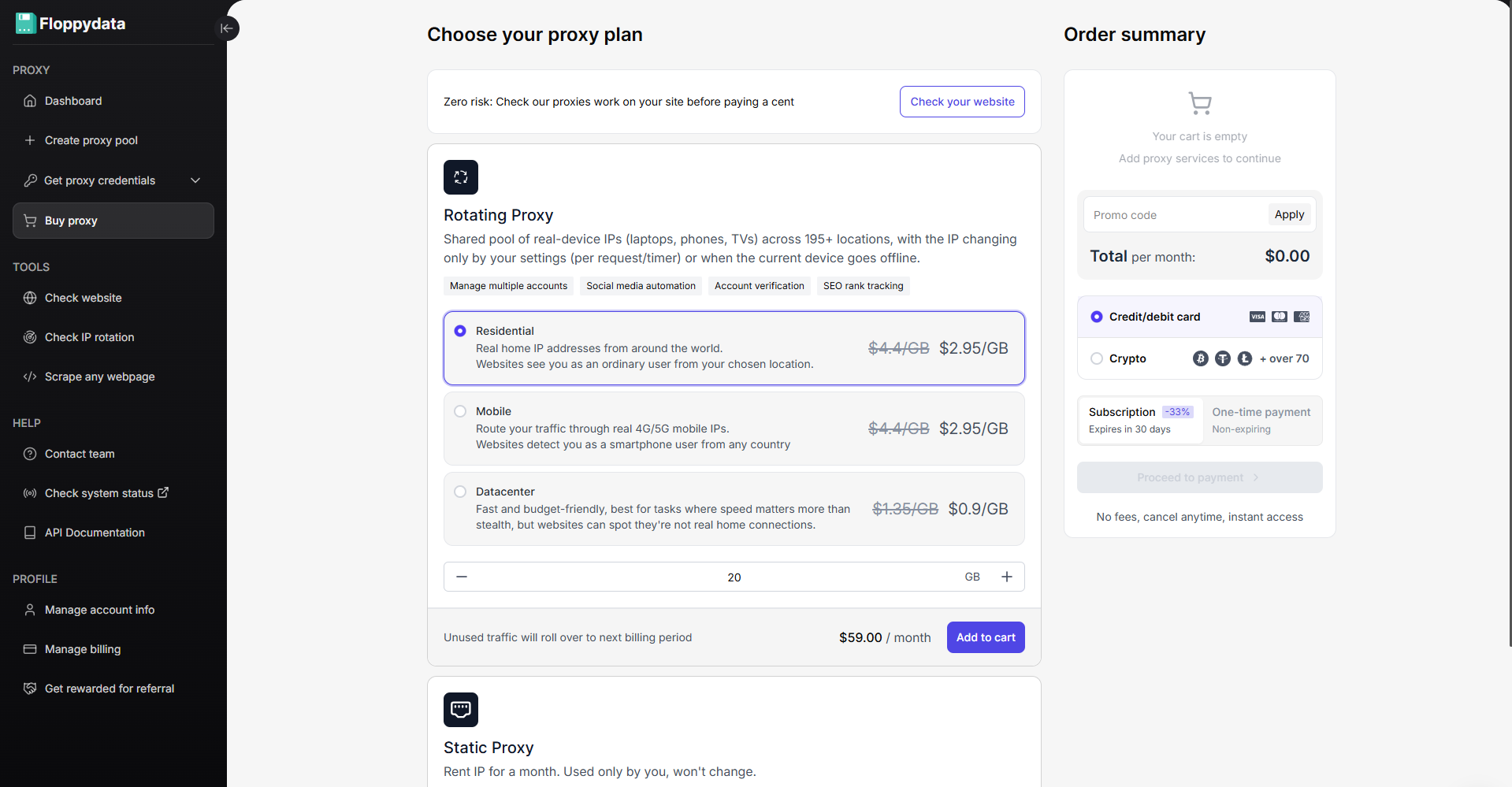
Once you’re done experimenting with the $1 free trial from Floppydata, you can then buy the most affordable and secure proxies directly from your dashboard.
Go to the Buy proxy section. Here, you’ll see different proxy types:
- Datacenter proxies
- Residential proxies
- Mobile proxies
For social media and messengers like Telegram or WhatsApp, I usually go with residential proxies because they look like real user connections and have a lower risk of being banned. Once selected, complete the payment, and your balance will be added instantly.
Step 3: Create a Proxy Pool in the Dashboard
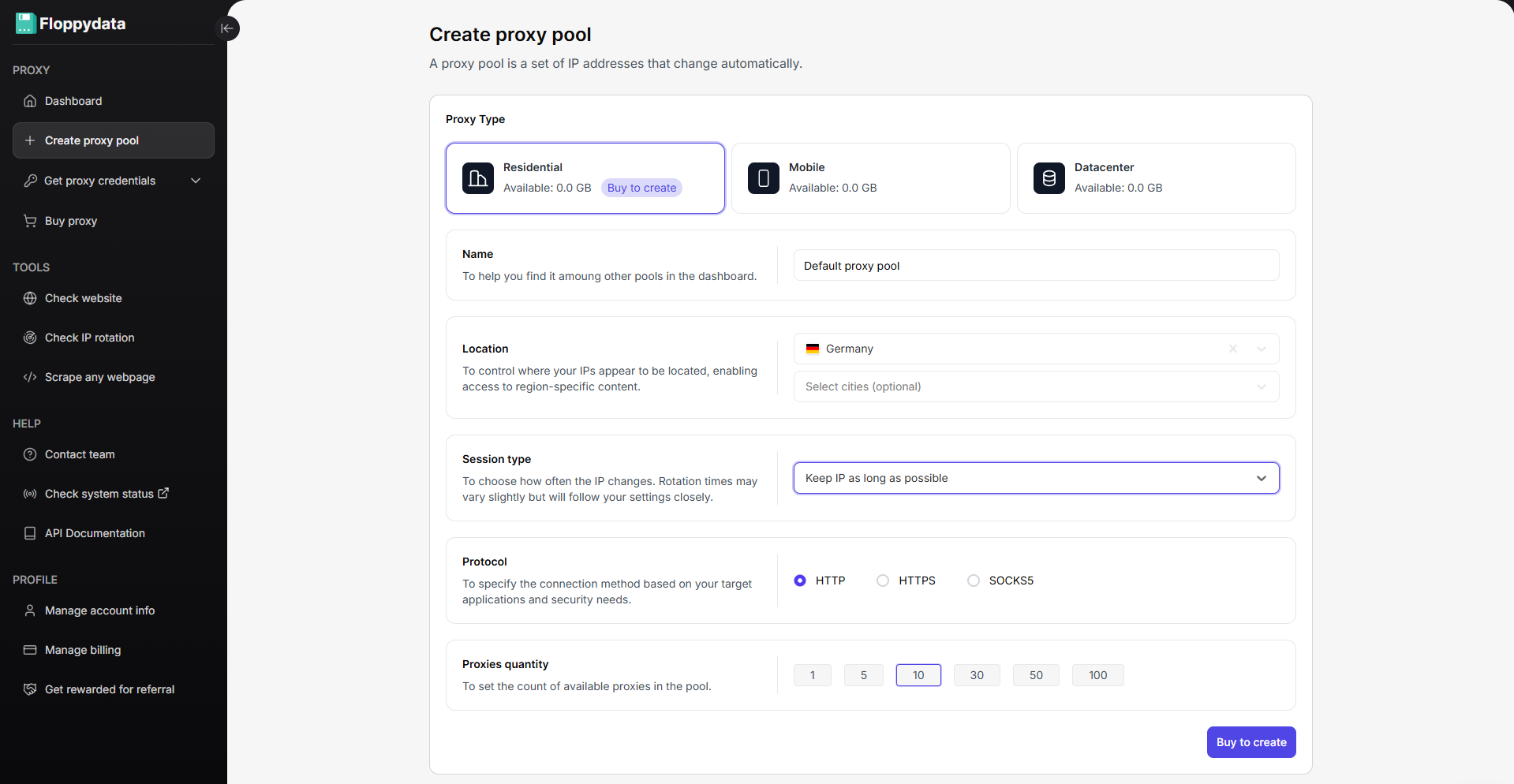
Now, create a proxy pool. Choose any country and city, select the proxy type, quantity, and name. Once you create a proxy pool, Floppydata will assign you unique proxies. This pool is reusable and can be edited anytime.
Step 4: Get Your Proxy Credentials
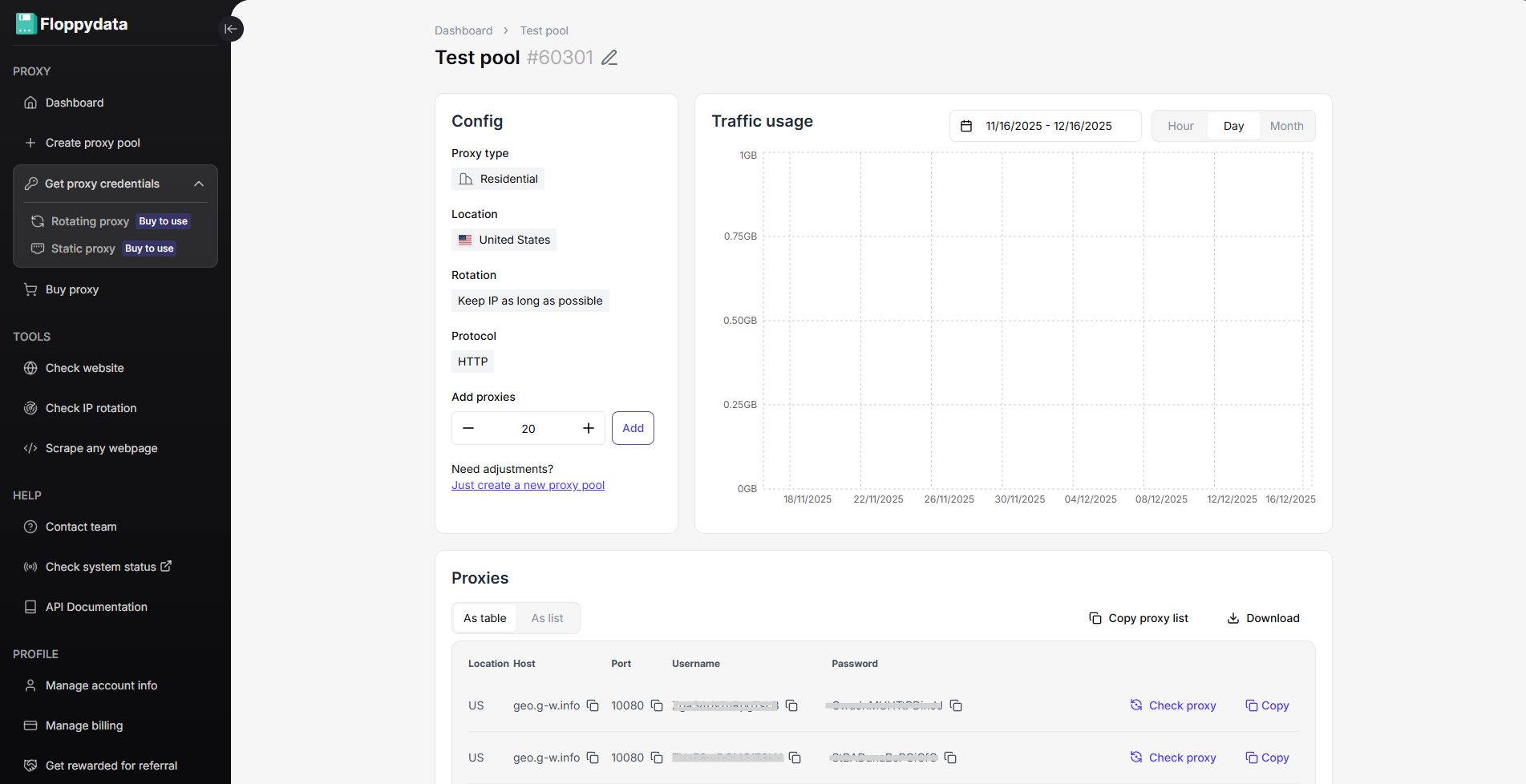
Inside your proxy pool, you’ll see:
- Proxy host
- Port
- Username
- Password
Floppydata also allows:
- Bulk proxy generation
- Bulk download of proxy lists
- Copying proxies in browser-ready formats
If you’re managing many accounts, bulk download saves a lot of time.
Now, go ahead and set up these proxies in your web browser. If you are giving a thought to antidetect browsers we discussed earlier, see this tutorial on how to configure Floppydata proxy in Gologin.
Conclusion
Marketers, agencies, and businesses need to start using trusted proxies across their entire workflows to browse more securely and isolate activity for each project. The official Telegram app supports only 3-4 accounts, but by using Floppydata proxies, I was able to move from constantly switching accounts to running unlimited accounts smoothly. This approach makes large-scale Telegram management realistic, safe, and scalable.
Explore Floppydata’s pricing.
FAQ
Why use proxies for multiple Telegram accounts?
Proxies assign unique IPs per account, preventing Telegram from linking accounts to one device or IP, which reduces bans and account flags.
What proxy types work best for Telegram?
Use residential or mobile proxies for best safety; ISP proxies are stable but less anonymous. Avoid shared or datacenter proxies if you want minimal block risk.
How do I set up multiple Telegram accounts securely?
Get proxies, configure each Telegram account with its own IP/profile (anti-detect browser or app proxy), enable MFA, rotate numbers, and monitor sessions to avoid detection.